Both NFC business cards and QR code cards promise to modernise the way professionals share contact information. Both are contactless. Both eliminate the need to manually type details into a phone. But the experience they deliver — and the impression they leave — is dramatically different.
This comparison tells you exactly how NFC and QR code cards differ, where each one works best, and which technology is worth putting on a premium card.
How NFC business cards work
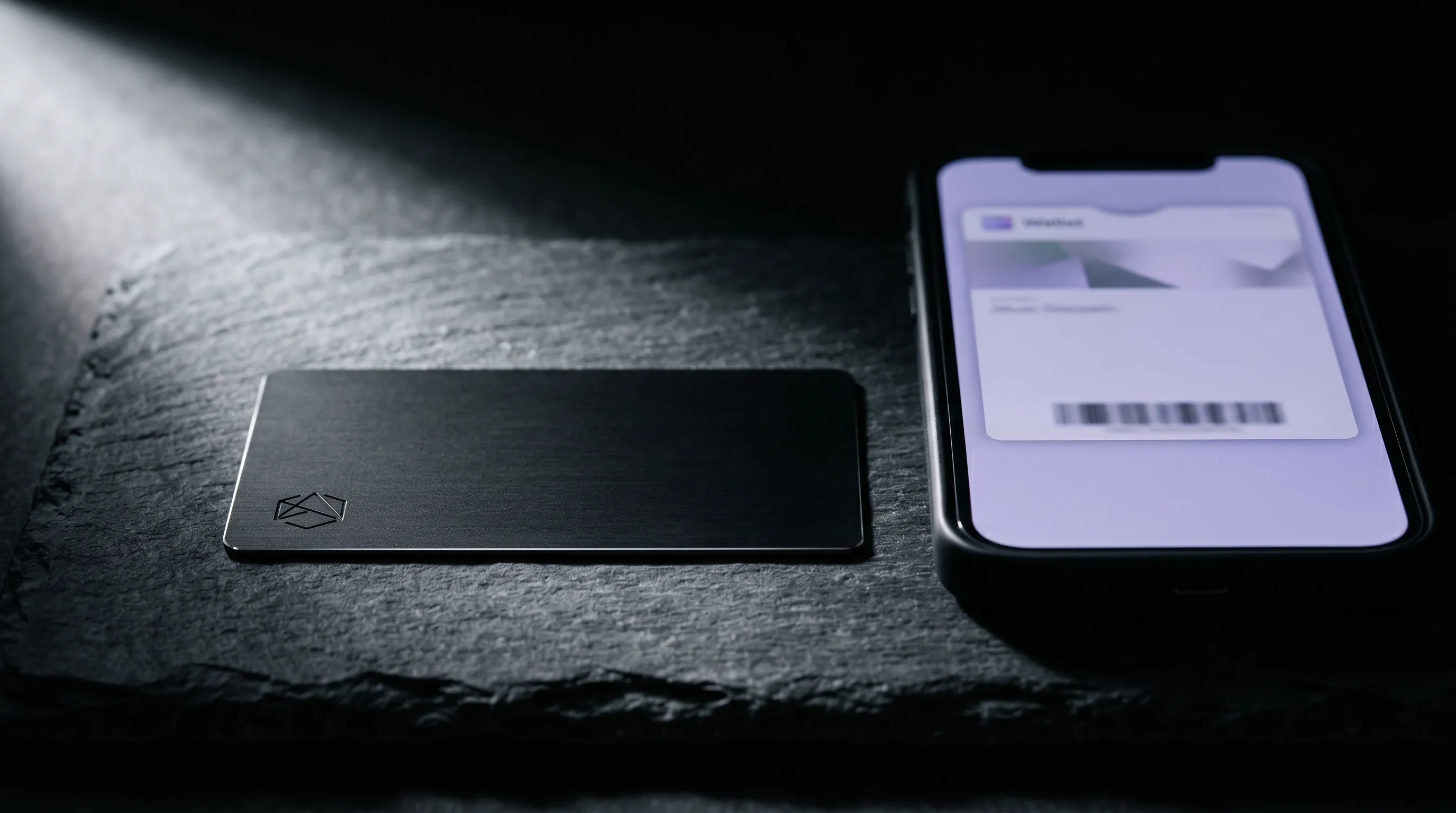
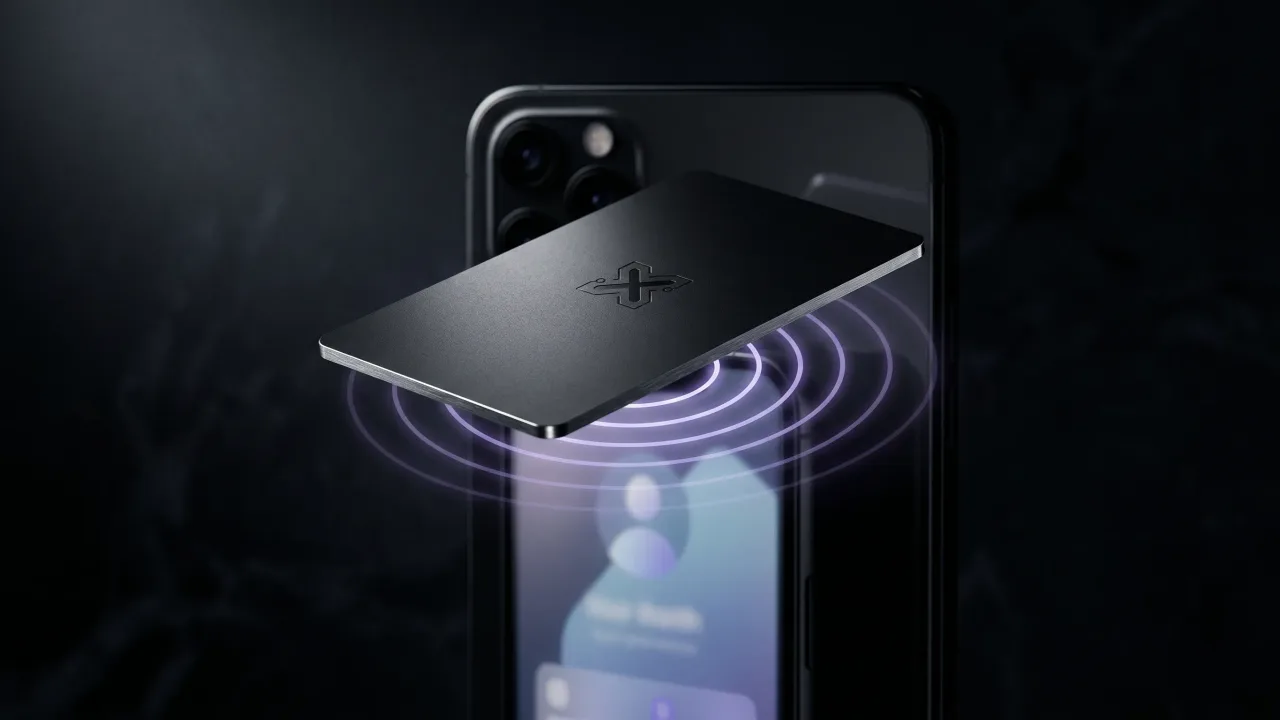
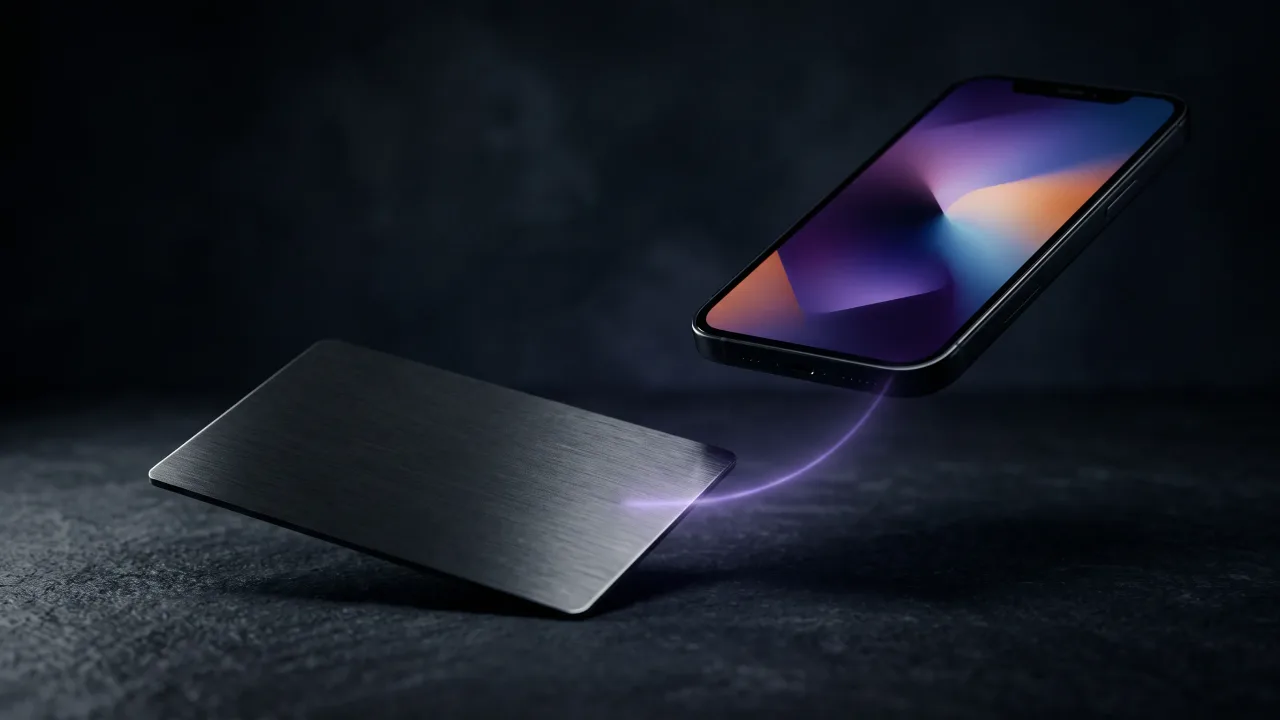
NFC (Near Field Communication) is a short-range wireless technology built into virtually every smartphone sold since 2016. When an NFC-enabled card is brought within a few centimetres of a phone, the phone automatically detects the signal and opens the embedded link. No camera, no app, no QR scanning required.
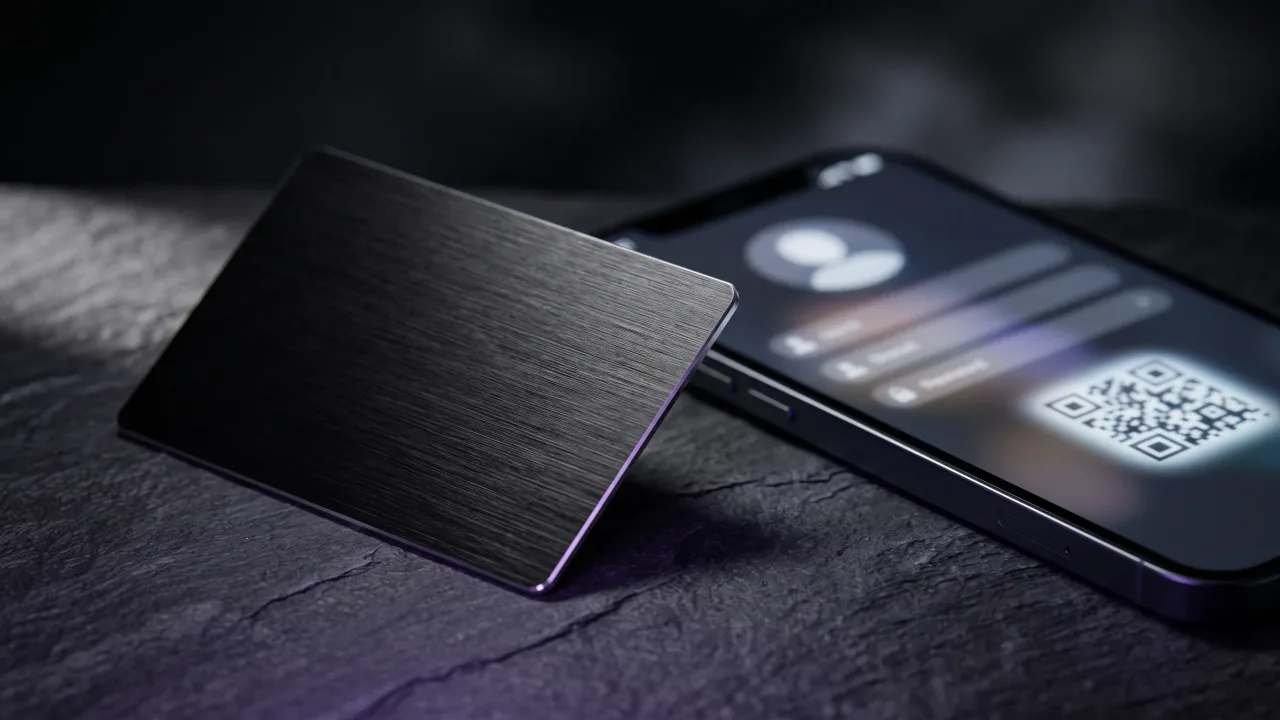
The experience is immediate: tap the card against the phone, and the digital profile opens in the browser within a second. On iPhone, this works natively through iOS background NFC scanning. On Android, the same is true through the phone's native NFC settings.
How QR code business cards work
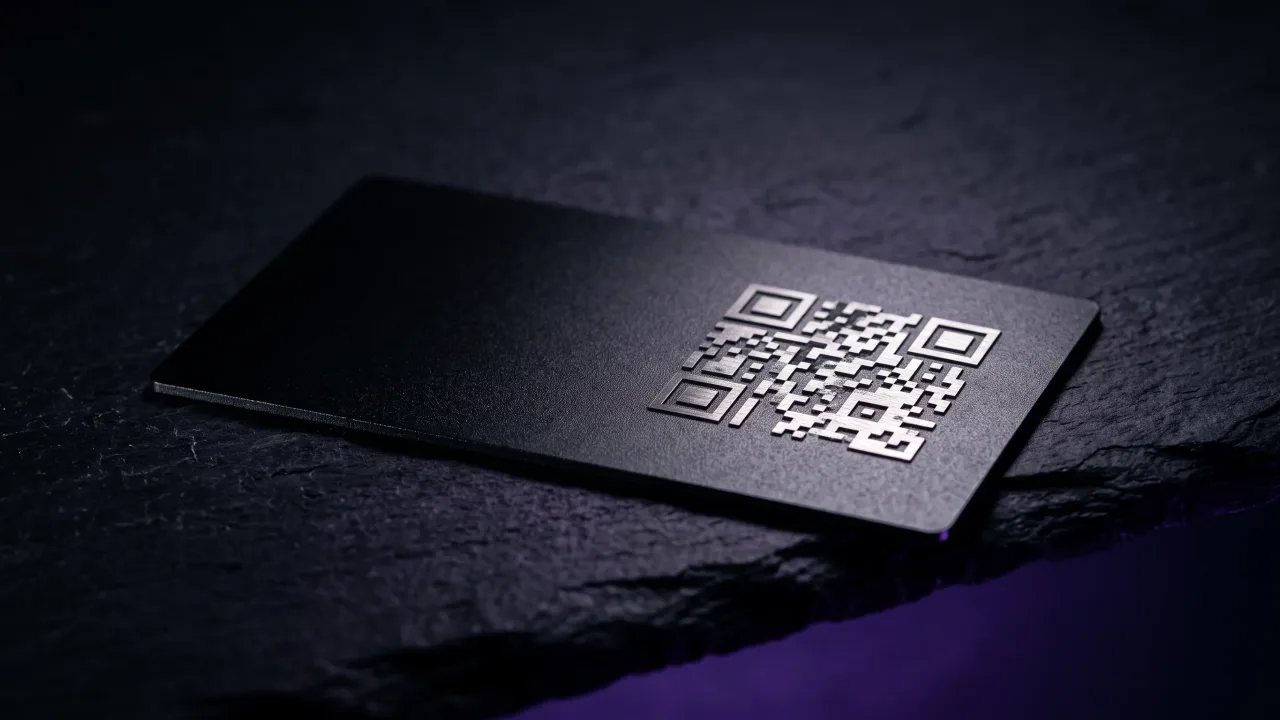
QR (Quick Response) codes are printed matrix barcodes that encode a URL or contact data. To use one, the recipient opens their camera app, points it at the code, holds it steady until the camera focuses, and taps the notification that appears.
QR codes have been around since 1994 and saw a major resurgence during the pandemic for contactless menus and check-ins. They work on any camera-equipped device and require no hardware beyond the printed code itself.
Side-by-side comparison
| Factor | NFC Card | QR Code Card |
|---|---|---|
| Activation method | Tap — no camera needed | Scan — camera + focus required |
| Speed of sharing | Under 1 second | 5–15 seconds |
| Works on all phones | iPhone 7+ and all modern Android | Any smartphone with a camera |
| Requires internet | Yes (to load profile) | Yes (for URL-based QR) |
| Feels premium | Yes — physical gesture | Standard — similar to a menu |
| Hackable / tampered | Very difficult | QR codes can be stickered over |
| Printing cost | Requires NFC chip (higher cost) | Just ink — very cheap |
| Profile updateable | Yes (if linked to dynamic profile) | Yes (if dynamic QR link used) |
| Works in poor light | Yes — no camera needed | May struggle in dark venues |
NFC cards — pros and cons
Pros
- Frictionless — tap and done, no scanning or focusing required
- Works in any lighting condition including dark venues
- Feels premium and intentional — a physical gesture of sharing
- Harder to tamper with or replicate than a printed QR code
- No app download required on either device
- Instantly memorable — most people have never been tapped a card before
Cons
- Higher card production cost (NFC chip embedded in card)
- Some older phones (pre-2016) lack NFC hardware
- NFC can be blocked by certain phone cases or metal wallets
- Requires physical proximity — doesn't work at a distance
QR code cards — pros and cons
Pros
- Works on any camera-equipped device including very old phones
- Extremely low production cost — just printed ink
- Can be added to any existing card design without hardware
- Can also be shared digitally (screenshots, emails, presentations)
- Familiar to most people after widespread pandemic adoption
Cons
- Scanning is slower and more awkward than tapping
- Requires good lighting and a steady hand to scan reliably
- Feels functional rather than premium — associated with menus and receipts
- QR code stickers can be placed over yours (a known attack vector)
- Small or damaged QR codes can fail to scan entirely
- Camera focus delay breaks the conversational flow
The experience gap
The practical difference between NFC and QR code sharing comes down to how natural the experience feels in a real social context. Consider the moment of exchange: you've just had a great conversation and both people want to stay connected. With NFC, you hold out your card, they tap it with their phone, and the profile opens. Done.
With QR, they open their camera, aim it at your card, wait for the code to focus, tap the notification — and by the time it loads, the conversational momentum has shifted. This might seem minor in isolation, but in a professional networking context, friction is exactly what you're trying to eliminate.
There's also an association problem. QR codes are now strongly linked to restaurant menus and COVID check-ins. Handing someone a card with a QR code communicates utility. Handing someone a solid metal card that activates on tap communicates that you think about these details — which is itself a professional signal.
When QR code cards make sense
QR codes remain useful in specific contexts: when sharing your profile digitally (a QR code in your email signature, on your website, or in a presentation slide), when distributing cards at scale where NFC production cost is prohibitive, or when the recipient base may include people with older devices.
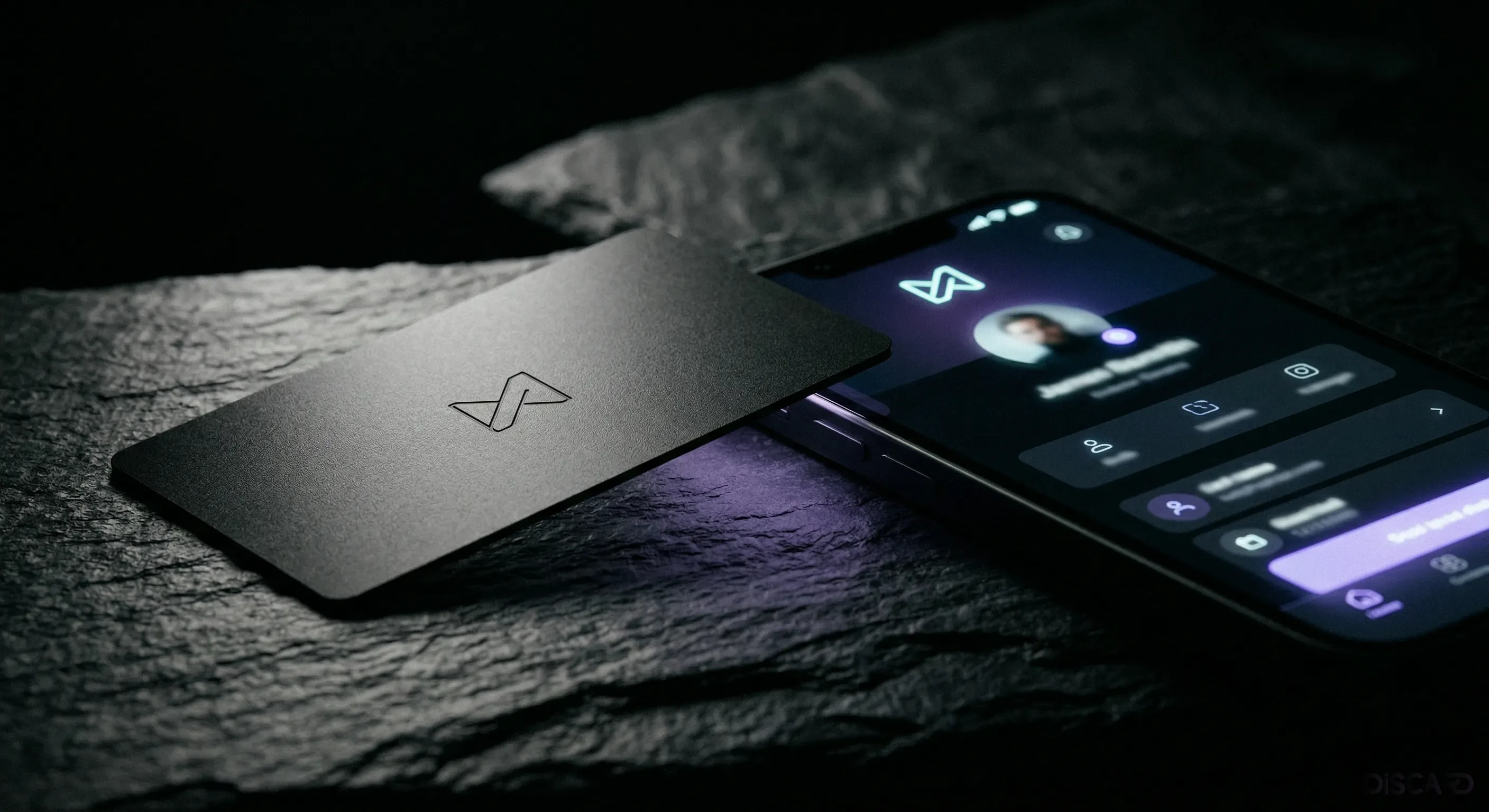
Discard metal NFC cards include a QR code on the reverse for exactly these situations — a fallback that opens the same digital profile. You get the NFC experience as your primary interaction, and the QR code handles edge cases.
The verdict
NFC wins on experience, speed, and impression. QR wins on compatibility breadth and printing cost. For a professional card you carry and hand to people in person, NFC is the clear choice — the interaction is faster, smoother, and more memorable. QR codes work best as a secondary fallback, not as the primary sharing mechanism on a premium card.
Discard NFC cards include both NFC and a QR fallback — the best of both technologies on one card.
See the CardsFrequently Asked Questions
Can an NFC business card be scanned like a QR code if someone doesn't have NFC?
Yes. Discard NFC cards include a QR code printed on the reverse that opens the same digital profile. This covers any device without NFC support.
Is NFC secure? Can someone read my card without permission?
NFC has a maximum range of about 4cm — physical proximity is required. While technically possible for an NFC reader to scan a card in a wallet, the data on a business card NFC chip is public by design (it's a URL). There is no sensitive data stored on the chip itself.
Can I use the same NFC card for different profiles?
The chip is programmed once at manufacture, but the URL it points to is your digital profile — which you can edit any time. You can change everything on your profile without changing the chip.
Do NFC business cards work with iPhone?
Yes. All iPhones from iPhone 7 (2016) onwards support NFC without any app. iOS 14 and later automatically scan NFC tags in the background, so just tapping is enough.