An Apple Wallet pass and an NFC business card both end up on the same iPhone, and the difference between them is roughly the difference between a screenshot and a sculpture. One lives behind a double-click on the side button. The other lives in a jacket pocket, gets handed across a table, and signals something physical before anyone has opened it.
For most professionals weighing an NFC business card vs an Apple Wallet pass, the question is not which technology is more clever. It is which one survives the next twenty seconds of a first meeting. A wallet pass survives if the prospect already has your number. An engraved metal NFC card survives if they do not.
The short answer: which one wins at a first meeting?
The short answer is that an NFC business card wins when the moment is physical, and an Apple Wallet pass wins when the moment is already digital. A first meeting at a conference, a coffee, or a client pitch is a physical moment, and the metal card is the object that travels through it. A second touchpoint, where the prospect has already saved your contact and wants quick access on the lock screen, is the wallet pass's home turf.
This is not a debate about which technology carries more features. Both can hold a name, a phone number, a website, a calendar link, and a vCard download. The real fork is whether the introduction happens before or after the recipient knows your name. Before, the NFC card does the work. After, the wallet pass does.
What an Apple Wallet pass actually is
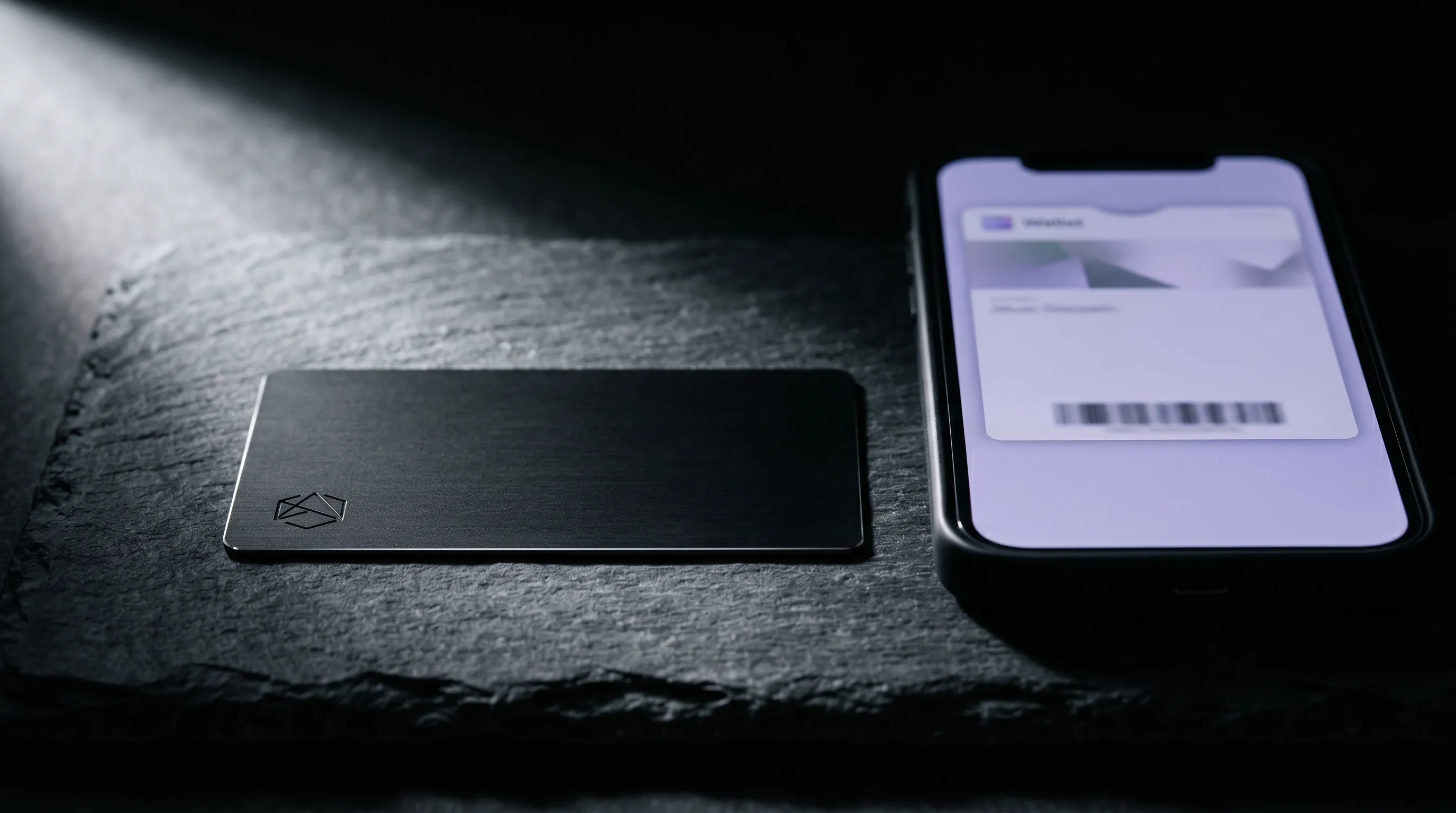
An Apple Wallet pass is a .pkpass file: a signed bundle of JSON, images, and metadata that lives in the Wallet app on every iPhone. Originally built for boarding passes and event tickets, the format now handles loyalty cards, memberships, and digital business cards. A single pass can hold a name, a phone number, a website, a barcode, and a contact link, then refresh remotely whenever the issuer pushes an update.
There is nothing to install on the recipient's side. Wallet ships with iOS, the pass downloads from a link or AirDrop, and the contact information is one double-click away from the lock screen. The full format is documented in Apple's Wallet Passes developer guide, and most modern digital-card platforms can output one in a few seconds.
What the pass does not carry is anything physical at the moment of handover. There is no object in the room and no signal beyond the screen that delivered it. A wallet pass is a contact, stored well. The introduction has already happened by the time it lands.
How an NFC business card lands in the same moment
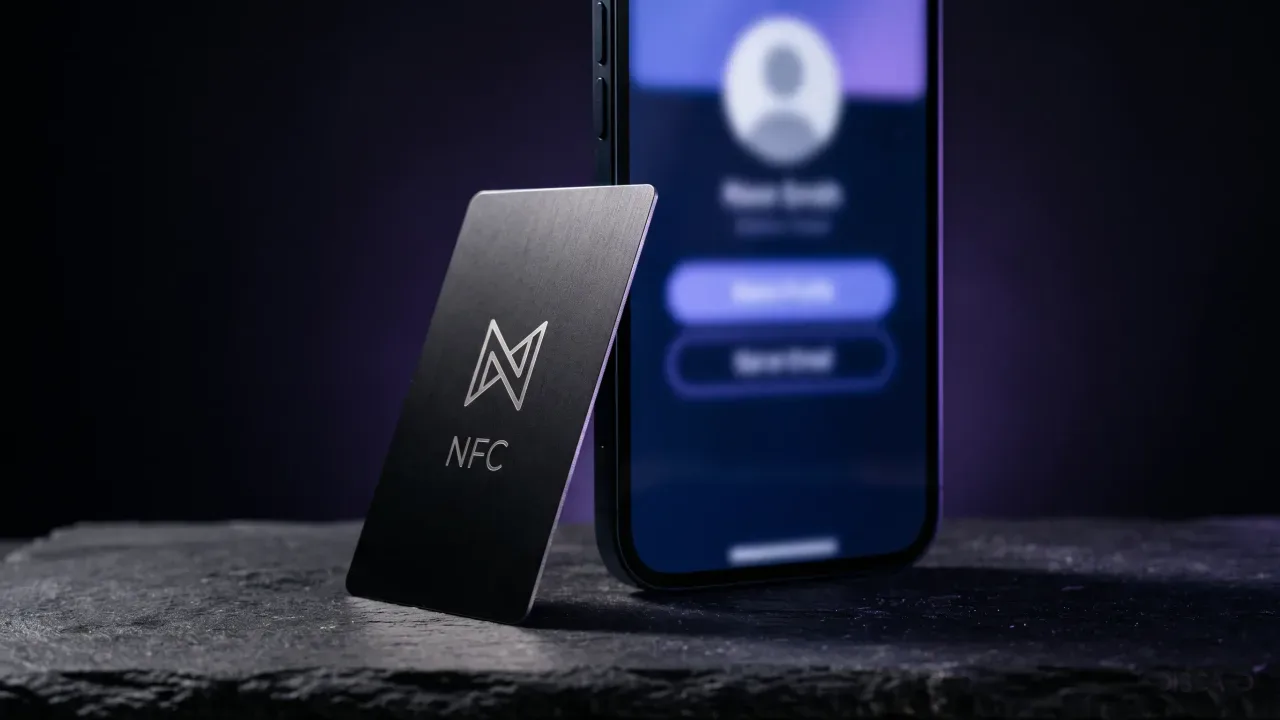
An NFC business card carries the same contact data, with one structural difference: it lives in metal or plastic, gets handed to a person, and triggers the transfer when the recipient touches it to the back of their phone. The NFC chip embedded in the card opens a URL in the recipient's browser, and the URL points to whatever profile the owner controls — contact details, a calendar, a portfolio, or a wallet-pass download link.
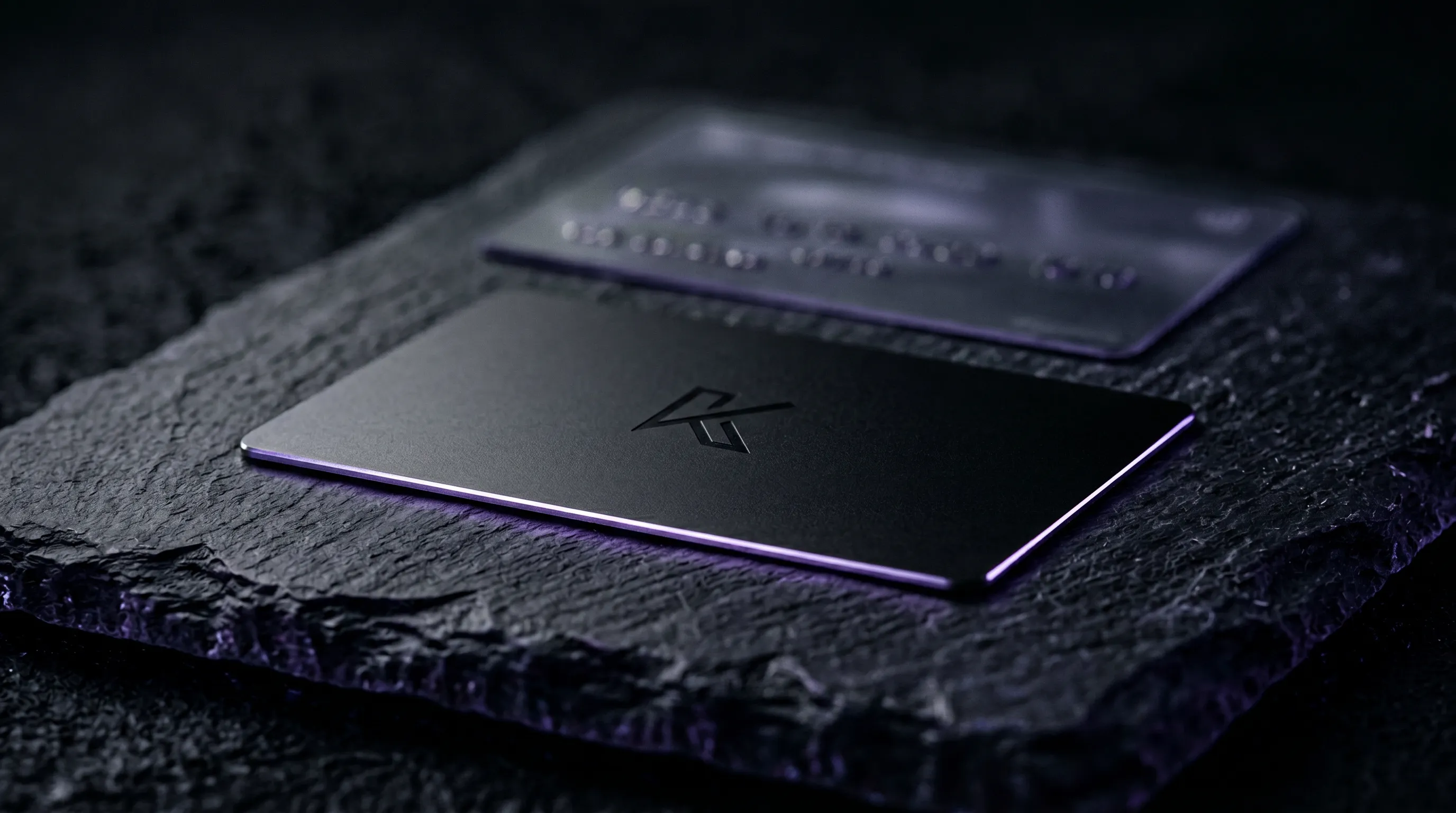
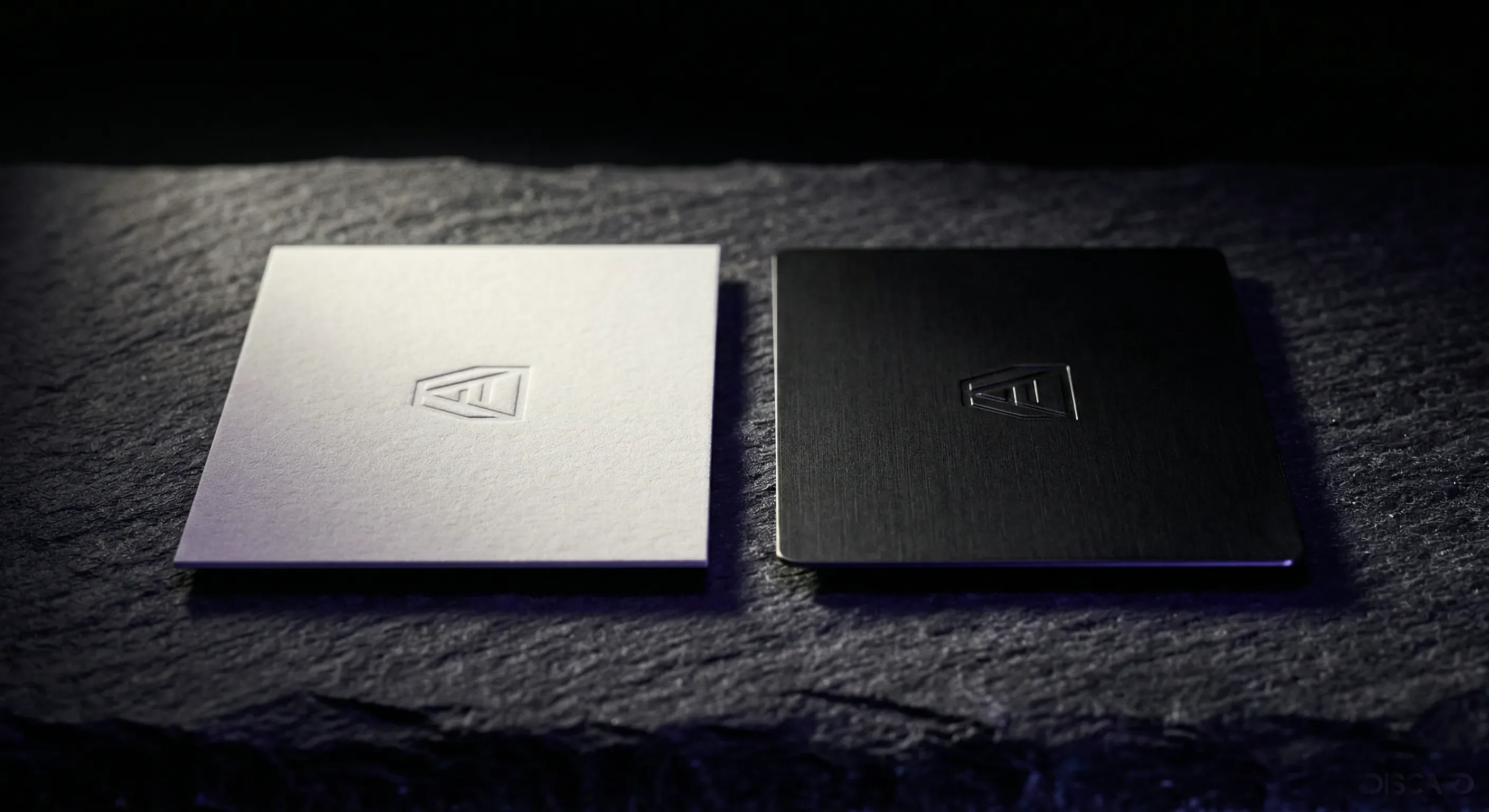
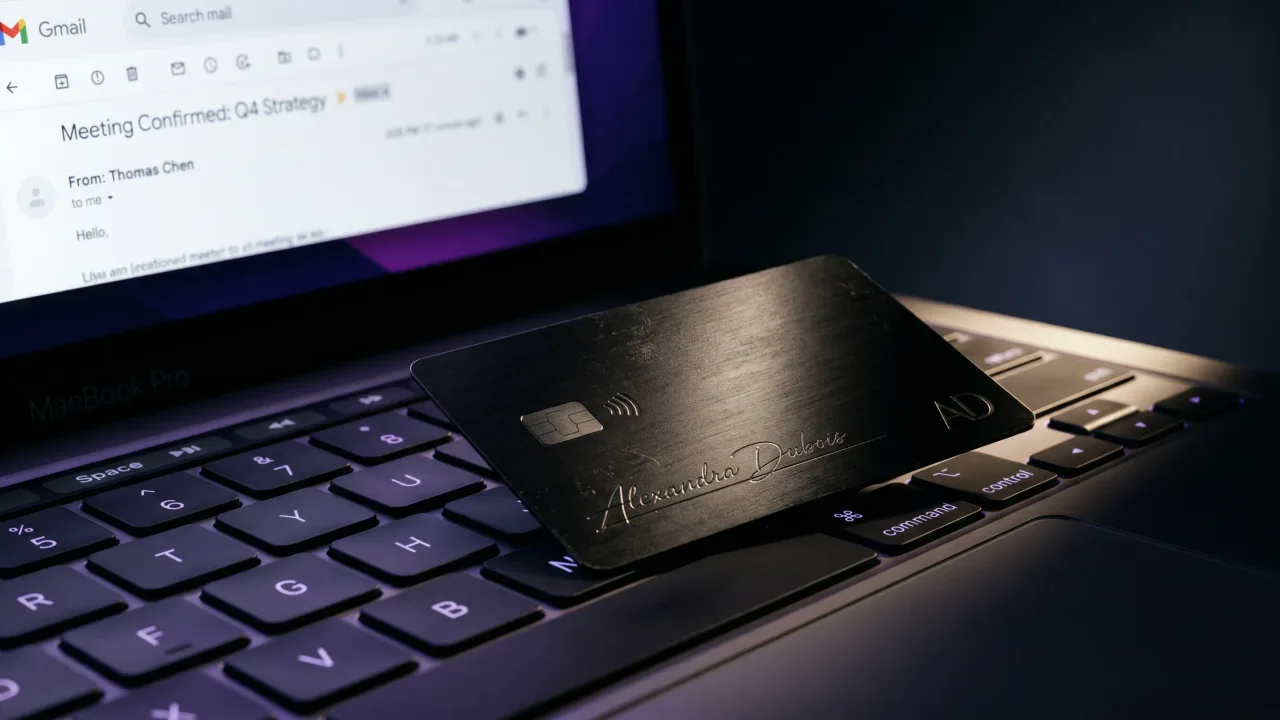
The card is the part the wallet pass cannot replicate. A Discard engraved metal card weighs something, sits on a desk, and stays in a jacket pocket for years. It is the object the prospect picks up two weeks after the meeting, when they need to remember who they were going to follow up with. The wallet pass disappears into a list of plane tickets and coffee loyalty cards on the lock screen; the metal card stays on the desk.
For the introduction, the card is the surface. The profile behind the tap is where the wallet-pass logic lives, and if the owner wants the contact to also save into Apple Wallet after the tap, the profile can offer a one-click download. This is the hybrid setup most serious networking stacks land on, and a longer walkthrough sits in the digital profile tips post.
Apple Wallet pass vs NFC business card at a glance
The trade-offs split cleanly across a handful of factors. Setup, durability, signal value, recipient device support, and update behaviour all move in different directions depending on which format the contact lives in.
| Factor | Apple Wallet pass | NFC business card |
|---|---|---|
| Cost to issue | Free to a few €/year per pass | €40 once for metal; €19.90/year profile |
| Recipient device | iPhone only (Google Wallet on Android) | iPhone XS or newer, most NFC-enabled Androids |
| Physical signal | None — lives on a screen | Engraved metal, hand-to-hand |
| Distribution moment | Needs a link, QR, or AirDrop first | One tap, in person, no setup |
| Information updates | Live sync on next pull from issuer | Live sync from profile dashboard |
| Lock-screen access | One double-click on the side button | Open the saved contact in Contacts |
| Lifespan | As long as the issuer keeps it alive | Lifetime metal card; profile renews yearly |
| Best for | Repeat-touch contacts who know you | First-meeting introductions |
Security and privacy, the part nobody reads carefully
Apple Wallet passes are signed, encrypted at rest, and tied to the issuing developer. The pass cannot read other passes or pull data from the phone, and the recipient can delete it from Wallet in one swipe. The risk surface is whatever data the issuer puts in the pass and whatever update URL they keep alive after the recipient saves it.
An NFC business card is, at the chip level, a writable URL. The card itself does not store contact data, executable code, or personal information — it points to a web URL, and the recipient's browser opens that URL the way it would open any other link. The data lives on the profile server, and access controls live there too. A lost card is a lost URL pointer; it is not a leaked database.
For both formats, the privacy question is the same one that applies to any link in a meeting: what is on the other side of it, and who controls it. A reputable issuer for either format publishes a clear privacy policy and respects the recipient's right to delete the saved record. If the privacy posture matters to a particular industry like legal, medical, or finance, the right answer is to check both the chip and the profile against that industry's data-handling rules before ordering at scale.
The hybrid setup that uses both
The strongest networking stack uses both formats, in the order they were built for. The metal card lands in the first meeting and survives the next two weeks on the prospect's desk. The wallet pass arrives a few days later, when the prospect has already followed up and wants the contact pinned to the lock screen for the next conversation.
In practice, the profile behind the NFC tap offers a Save to Apple Wallet button next to the contact card. The prospect taps the card at the meeting, opens the profile in their browser, hits the save button when it is convenient, and the .pkpass file lands in Wallet. Two formats, one tap, no extra app.
The same flow works for Android via Google Wallet, which uses a different pass format but accepts the same idea: a save-to-wallet button on a profile page. The card stays the introduction object. The pass stays the recall object. The argument for the metal card as the introduction surface holds either way, and the longer version is in the post on paper vs metal cards.
The verdict
For a first meeting, the NFC business card wins because it is the only one of the two that exists as a physical object in the room. For everything after the first meeting, the Apple Wallet pass is the cleaner format because it sits one double-click from the lock screen. The right answer is not to pick one. It is to issue a metal NFC card that drops a wallet pass into the recipient's phone whenever they want one. Discard ships engraved metal NFC cards from €40 with a digital profile that supports Apple Wallet and Google Wallet save flows at €19.90 per year. One card, two surfaces, every conversation after the first.
Build a metal NFC card and a profile that drops itself into Apple Wallet whenever the recipient wants the contact pinned to the lock screen.
Open the ConfiguratorFrequently asked questions
Can an NFC business card add itself to Apple Wallet automatically?
Not the chip alone. An NFC tag opens a URL, not a Wallet pass. The Discard profile that loads after the tap offers a Save to Apple Wallet button that generates a .pkpass file and adds the contact to Wallet on confirmation. The recipient stays in control of the save; nothing lands in their device without a deliberate tap.
Do you need an iPhone to use an NFC business card?
No. NFC works on every iPhone from the XS onwards and on most Android phones with NFC hardware, which covers the majority of modern devices. The profile loaded by the tap renders in any modern browser, so a recipient on Android sees the same contact details as one on iOS. The save-to-wallet step is the only part that splits between Apple Wallet and Google Wallet.
Are Apple Wallet passes better for sharing contact details than NFC cards?
Better for the second meeting, not the first. A wallet pass sits one double-click from the lock screen and is the fastest way to surface a contact a recipient has already saved. An NFC card is the format for the first introduction, when the recipient does not yet have the contact and the physical object carries weight that no pass on a screen can match.
What happens to a wallet pass if my contact details change?
The pass refreshes automatically on the next sync, because the .pkpass file points at an update URL controlled by the issuer. Change a phone number on the server side, and the pass on every iPhone that saved it gets the new number without any action from the recipient. The same logic applies to a profile behind an NFC tap — both formats handle live updates, through different mechanisms.
Is a metal NFC card with a Wallet pass option more expensive than a standalone wallet-pass card?
Yes in year one, no over three years. A pass-only digital card is usually free or a few euros a year per pass. A Discard metal card is €40 once with a €19.90 yearly profile that supports both Apple and Google Wallet saves. The metal card costs more upfront and substantially less in years two and three than a stack of reprinted paper cards plus a separate wallet-pass subscription.
Can a wallet pass replace a paper business card entirely?
Only for repeat contacts. The pass is excellent for people who already know your name and need fast access to your contact, calendar, or website. It is a poor substitute for the moment of first handover, where the prospect has nothing to remember you by until you give them something physical. The strongest setup keeps the metal NFC card for introductions and uses Wallet for everything after.