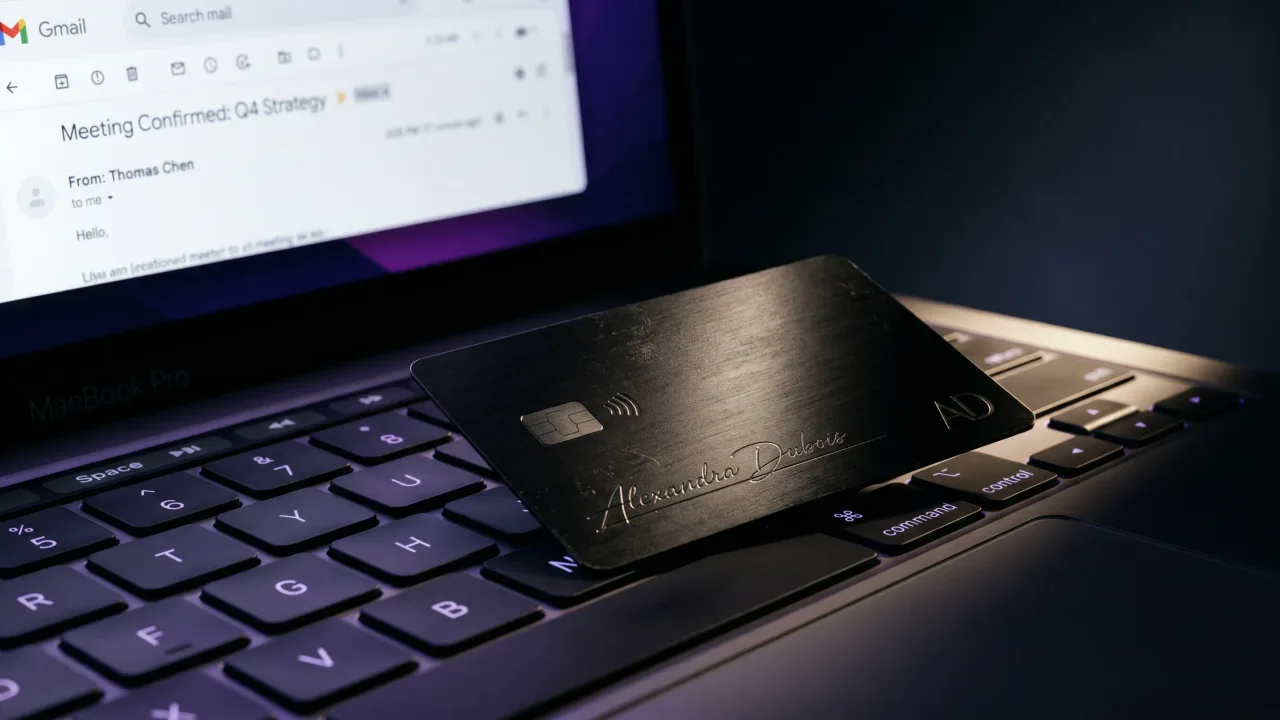
You send maybe forty emails a day. Most end with your name, your title, and a logo nobody clicks. A digital business card for your email signature fixes the part everyone ignores: the moment the reader wants to save you, call you, or see your work, and has nowhere to tap.
A digital business card in an email signature is a link, button, or QR code that opens your full profile in one tap: your contact details, your links, and a save-contact button. It turns a dead sign-off into something the reader can act on. Below is how to add one in Gmail, Outlook and Apple Mail, which format to use, and how to keep it out of the spam folder.
What a digital business card in an email signature actually is
It is a web page, not an attachment. Your signature carries a short link or a small image that points to it, and the page holds everything a paper card would, plus the parts paper cannot: live links, a map, a booking calendar, a one-tap save-contact button.
Because the card lives online, you edit it once and every email you have ever sent points to the current version. Change jobs, change numbers, change your headshot, and last year's emails quietly update themselves. A printed card in someone's drawer never will.
Why your email signature is the channel you are wasting
Count how many first impressions run through your outbox. Every quote, every reply, every cold intro ends with a signature the reader skims past. That sign-off is the one piece of branded space you control on every message, and most people fill it with a phone number in grey ten-point text.
A digital business card turns that space into a soft introduction. The reader who wants to know who you are clicks once and sees your profile instead of googling your name. The reader who wants to keep you gets a save-contact button instead of retyping your details into their phone. Nobody has to hunt, and nobody mistypes your number.
The signature is also the only card you hand to people you never meet. A paper card needs a handshake. A link in your sign-off reaches the client three time zones away who only ever sees your name in their inbox.
Picture a freelancer who sends fifteen proposals a week. With a plain signature, each one ends and the thread goes cold. With a card link, every proposal carries a one-tap way to book a call, and the warm leads book themselves.
You also get to see what works. A good profile shows you which links people actually tap, so the button that earns clicks from your inbox is the same one you lead with everywhere else.
How to add a digital business card to your email signature
The mechanics are the same everywhere. You copy your card's link, then drop it into your email client's signature settings as a clickable line of text, a button image, or a QR code. Five minutes, once.
- Open your digital card and copy its share link. A free digital profile gives you one in seconds.
- In Gmail, open Settings, See all settings, General, and scroll to Signature. Type a line like View my digital card, select it, click the link icon, and paste your URL. Google's own Gmail signature guide walks the menu if you get lost.
- In Outlook, open Settings, Mail, Compose and reply, and edit your signature the same way: highlight the text, add the hyperlink, paste the URL. Microsoft's support page covers the web and desktop versions.
- In Apple Mail, open Mail, Settings, Signatures, paste your link, select it, and use Edit, Add Link.
- Send yourself a test email and open it on your phone before you trust it. Tap the link, check the page loads, check the save-contact button works.
That is the whole job. If you want the card to stand out more than a line of text does, use a small button image or a QR code, which we get to next.
If a whole team needs the same signature, set the link once and hand everyone the same profile template, so the branding stays consistent and nobody ships a dead link. You manage that from the same place you design the cards.
Link, QR code, or image: which format to use
There are three ways to put the card in a signature, and the right one depends on where your emails get read.
| Text link | Button image | QR code | |
|---|---|---|---|
| Best for | Every email, every client | A signature that gets noticed | Emails that get printed or shown on a screen |
| Works on mobile | Always | Usually | Needs a second device |
| Survives image blocking | Yes | No | No |
| Effort to set up | Lowest | Medium | Medium |
A plain text link is the safe default. It works in every client, on every device, and it survives the image blocking that many corporate inboxes apply. A button image looks sharper but vanishes the moment the reader's email blocks images. A QR code earns its place when your email gets printed or shown on a shared screen, where someone scans it with a second phone. If you want the deeper trade-off, our piece on NFC versus QR code business cards covers it.
Most people overthink this. Start with a text link that reads like View my digital card or Save my contact, and add a QR code only if your audience prints things.
One rule for the QR code: keep it big enough to scan and give it space around it. A tiny code crammed against your address fails the one job it has, and a reader will not pinch-zoom into your signature to make it work.
Why a live link beats a vCard attachment
The old way to send contact details by email was a vCard, the .vcf file that drops into a message. It still works, but it is the weaker option for a reason people forget.
A vCard is a snapshot. It captures your details at the moment you saved the file and never changes again. Send it in January, change your number in March, and the recipient still has the old one. A live link points to a page you control, so it stays current on its own. It also carries what a vCard cannot: your portfolio, your latest links, a calendar to book you.
Attachments also trip spam filters and get stripped by some corporate mail servers. A clean text link rarely does either.
Keeping your signature out of the spam folder
A signature that lands you in spam is worse than no signature. A few habits keep yours clean.
- Prefer a text link over a heavy image. Image-only signatures read like marketing to a spam filter.
- Host the card on a real domain, not a random link shortener. Shorteners are a spam signal and hide where the link goes.
- Use descriptive link text, not a naked URL. View my digital card reads as human; a raw string of characters reads as spam.
- Keep the whole signature light. Your name, one link, a QR code if you need it. A wall of social icons and banners is what gets flagged.
Many companies block images in incoming mail by default. When that happens, your text link is the part that still shows, which is the whole argument for leading with the link instead of a picture.
Your email signature and your NFC card are the same profile
Here is where it gets efficient. The link in your signature and the chip in a physical card can point to the exact same page. One profile, two doors into it.
Your email signature covers the people you never meet, the ones who only see your name in an inbox. A metal NFC card covers the people in front of you, the ones you would never ask to scan a QR code off your screen mid-handshake. Both open the same profile on a tap. You design the card in the configurator, and because the chip and the signature both point to a page you edit, a new role or number never means a reprint or a signature rewrite.
If you only ever do one of the two, do the signature, because it costs nothing and runs on every email you send. Together they cover both halves of how people actually meet you. The guide to making the profile itself worth keeping is in our post on building a profile that gets saved.
The verdict: set it once, let every email do the work
An email signature is the cheapest, highest-volume channel you already own, and almost nobody uses it properly. A digital business card fixes that in five minutes: one link, set once, working on every message you send from now on. Lead with a plain text link so it survives image blocking, add a QR code only if your emails get printed, and skip the vCard attachment. Then point the same profile at a physical NFC card, and you have covered both the people in your inbox and the people in the room. The only version that gets ignored is the one you never set up.
Build your digital profile free, add the link to your signature today, then design a metal NFC card that opens the same page on a tap.
Design your cardFrequently asked questions
How do I add a digital business card to my email signature?
Copy your card's share link, open your email client's signature settings, and paste it as a hyperlink on a line like View my digital card. The steps are the same in Gmail, Outlook and Apple Mail. Send yourself a test email and open it on your phone to confirm the link works.
Should I use a link or a QR code in my email signature?
Use a text link as your default, since it works on every device and survives inboxes that block images. Add a QR code only if your emails get printed or shown on a shared screen, where someone can scan it with a second phone.
Does my digital business card update automatically in my signature?
Yes. The signature holds a link to a page you control, so when you change your number, title or links, every email you have ever sent points to the updated version. The old emails update themselves.
Will a digital business card link hurt my email deliverability?
A plain text link on a real domain rarely causes problems. Heavy image-only signatures and link shorteners are what trip spam filters. Lead with a text link and host the card on a proper domain to stay clean.
Is a digital business card better than attaching a vCard?
Yes, for most people. A vCard is a static file that never updates and can be stripped by corporate mail servers. A live link stays current and carries more, like your portfolio and a save-contact button.
Do recipients need an app to open my digital business card?
No. The card is a web page, so it opens in any browser straight from the link or QR code. There is nothing to install on either side.
Is it free to add a digital business card to my email signature?
Yes. Most digital card builders, including the Discard digital profile, are free to create and share, and adding the link to your signature costs nothing. You only pay if you want a physical NFC card or team features.