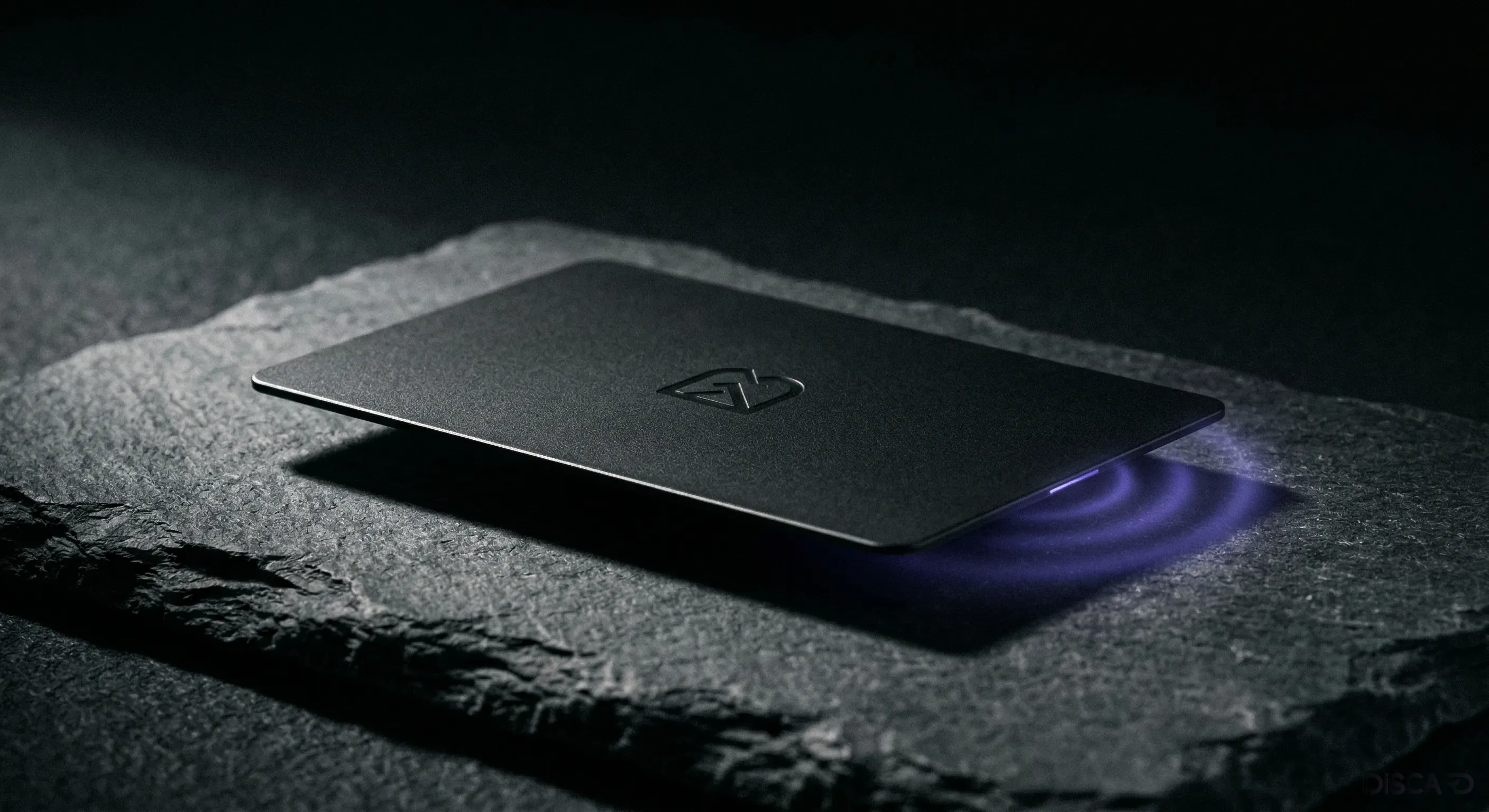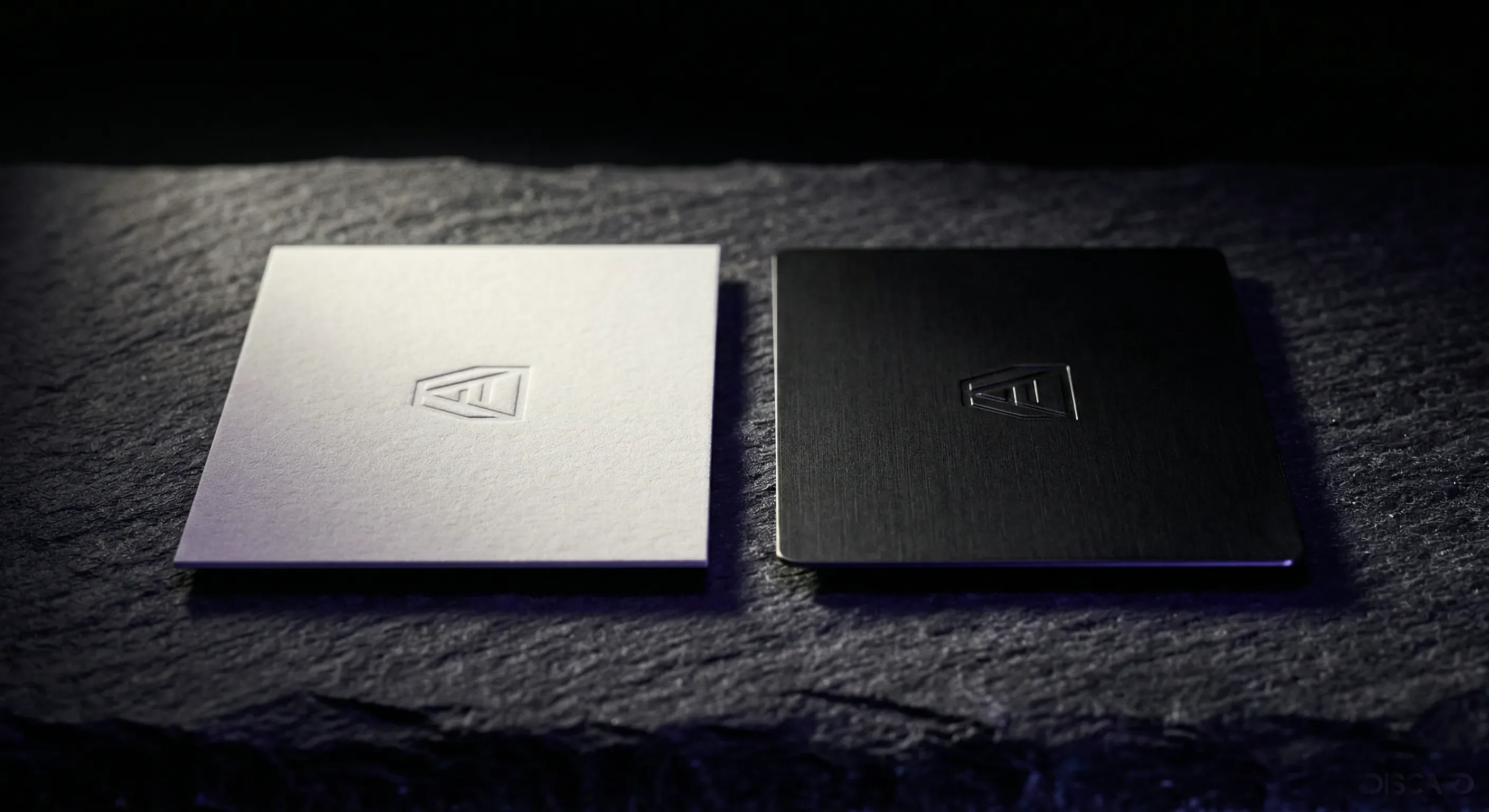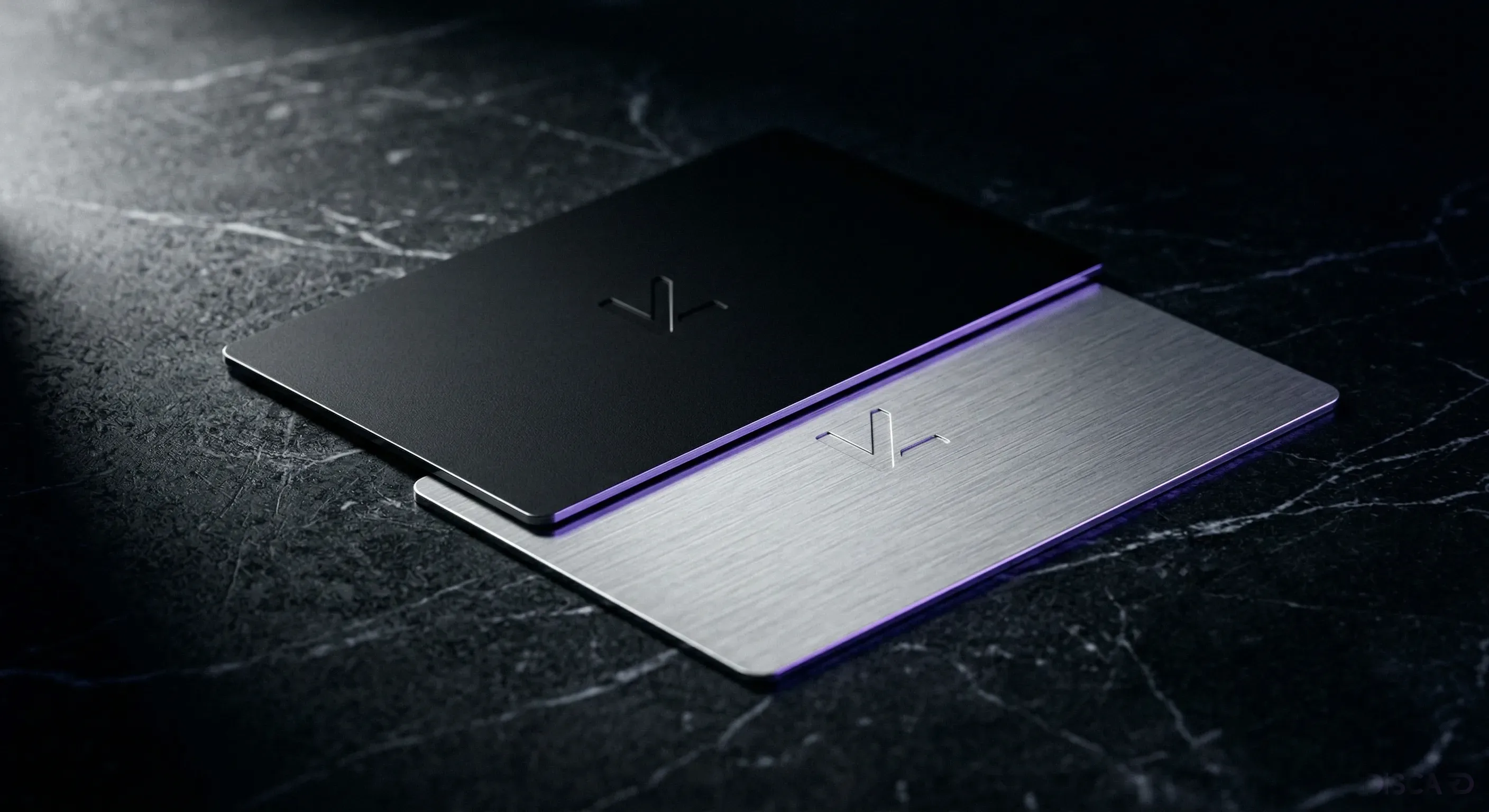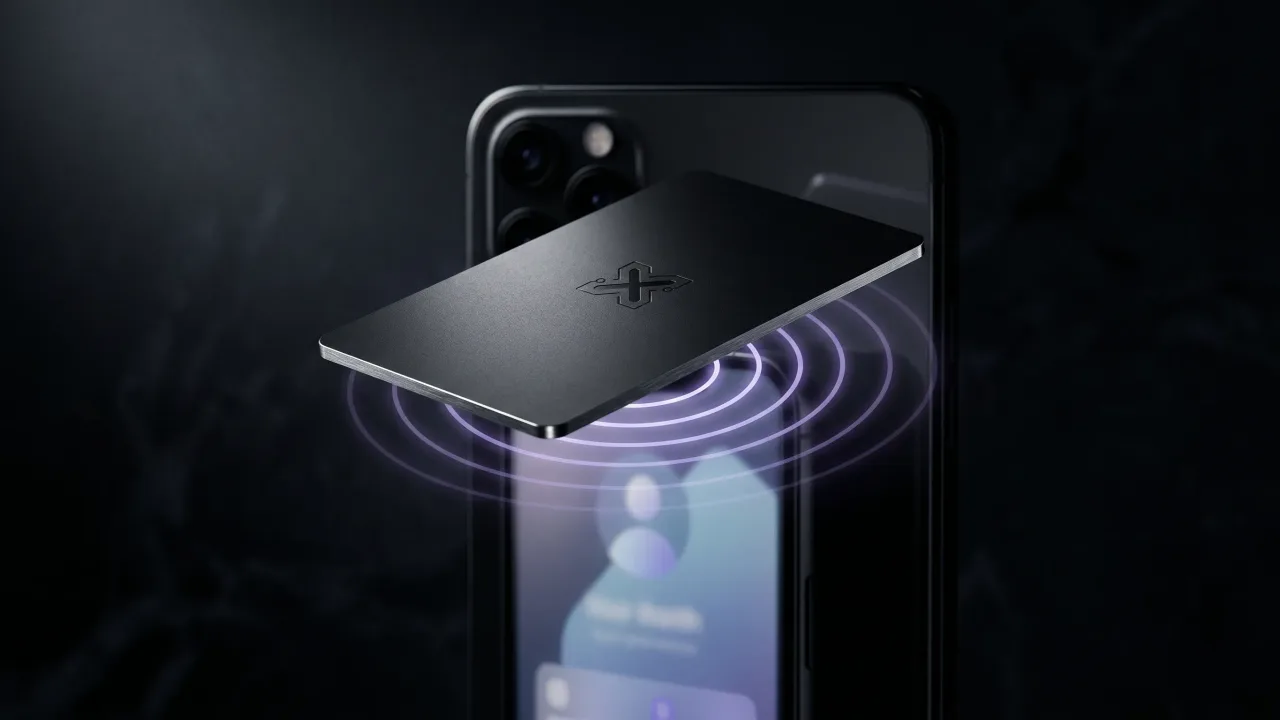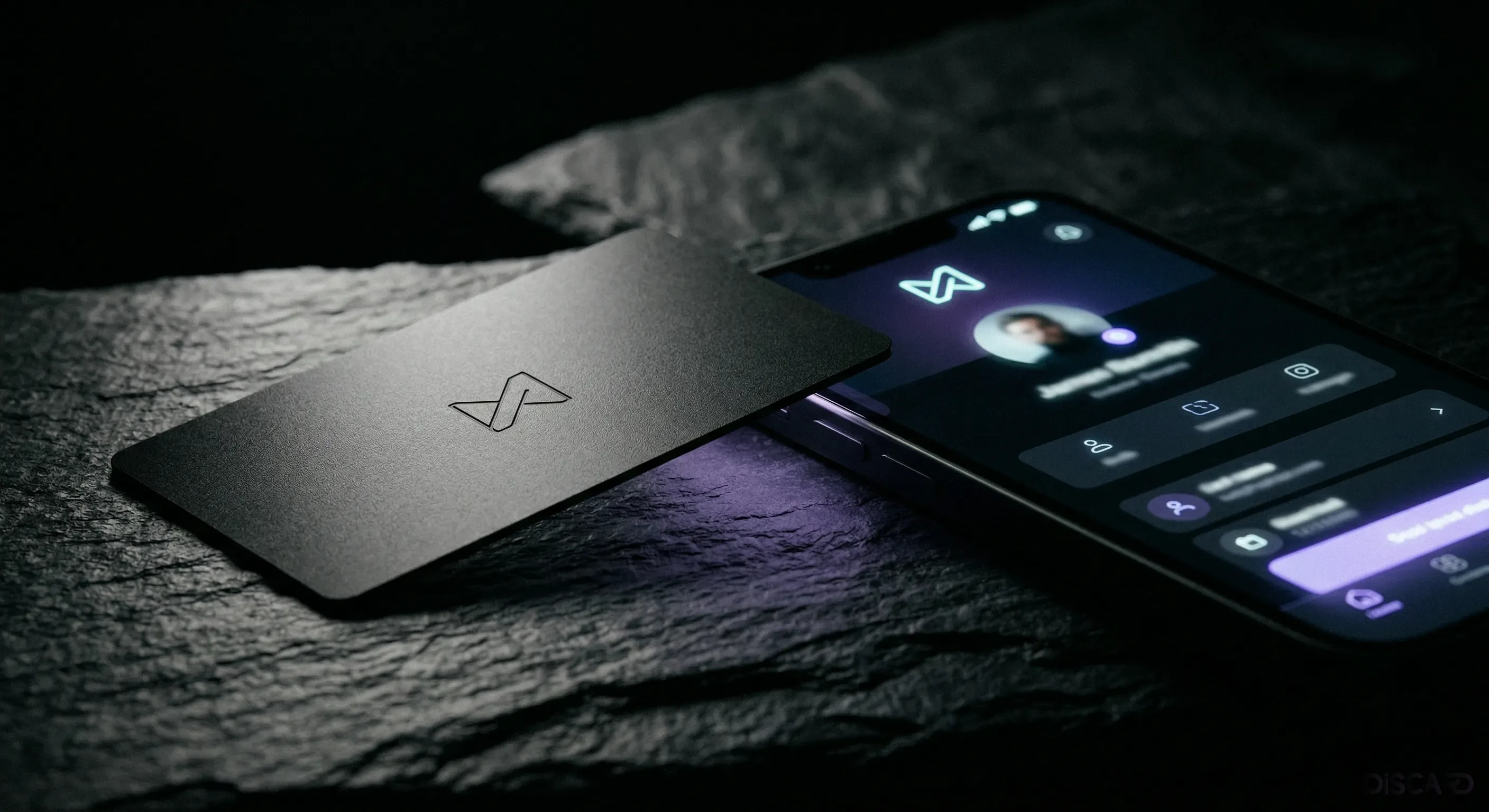
Most people assume creating an NFC business card involves programming. It doesn't. You make a few decisions in the Discard configurator, enter your details, check out, and a finished card ships within days.
Here's what each step actually involves.
Step 1: Choose your material
Your first decision is what the card is made of. Options are black stainless steel, gold stainless steel, silver stainless steel, brushed tungsten, and black wood composite. Black steel is the most popular by a decent margin — matte, heavy, premium without announcing itself. Gold suits finance or luxury professionals where that association carries weight. Wood composite is for creatives who want something that doesn't look like every other metal card in the room.
Each material has a live preview so you can compare before committing.
Step 2: Select your card layout
Layout controls where your name and other engraved details land on the card face: centered, left-aligned, logo-forward, or minimal (name only). You see it rendered in your chosen material before moving on.
If your job title runs long, give it room. The configurator shows exactly how the text fits rather than asking you to imagine it.
Step 3: Enter your engraving details
Name, title, company, and optionally a tagline or website — laser-engraved into the metal or wood. This is the only part you can't change later, so spell-check before moving on.
The engraving and your digital profile are completely separate. The physical card surface shows a few things; the profile (which opens when someone taps) holds everything else. Name and title on the card is usually all you need.
Step 4: Add a logo (optional)
Upload a logo here and it gets engraved directly into the card surface — not printed on top, cut into the material. SVG or transparent-background PNG gives the cleanest result. The configurator shows a preview before you commit.
Very fine detail in a logo tends to close up at card scale. If your logo is intricate, a simplified version engraves more cleanly.
Step 5: Select your digital profile template
The digital profile is the page that opens when someone taps your card. The template sets the color scheme, layout, and typography. Choices run from dark minimal to warm editorial to clean professional.
You can change the template any time from your dashboard, so pick whichever feels right and move on.
Step 6: Fill in your digital profile
Full contact details go here: name, title, company, phone, email, website, LinkedIn, Instagram, Twitter/X, YouTube, plus any custom links. Photo and bio are optional.
None of this affects the physical card. New phone number, new job, new anything — just update it in the dashboard. The chip points to whatever the current version of the profile says.
Step 7: Review and check out
You get a full front-and-back preview at production resolution before submitting. This is the moment to catch typos. Once the card goes to production, the engraving is done. The digital profile can be edited any time after.
Cards ship within 3–5 business days in Bulgaria. An activation link goes out by email when the card ships, so your profile is already live before it arrives.
Step 8: Activate your card
Tap the card with your phone when it arrives. Check that the NFC connects and the profile loads. If anything needs adjusting, log in and change it.
After that, you're done. Every tap anywhere opens your current profile, and the only ongoing cost is the €19.90/year that keeps the page live.
The verdict
Creating a personalized NFC business card with Discard takes under fifteen minutes from first decision to confirmed order. The process is designed to be clear at every step, with live previews that show exactly what you're ordering. The result is a card that's uniquely yours — engraved with your details, linked to a profile that's always current.
Start the Discard configurator and build your personalized NFC card now.
Open the ConfiguratorFrequently Asked Questions
How long does it take to receive my card after ordering?
Cards ship within 3–5 business days in Bulgaria. Express options are available at checkout. Your digital profile is activated immediately — the NFC card is the physical delivery of a profile that's already live.
Can I change my engraving after the card is made?
No. The laser engraving on the physical card is permanent. However, your digital profile (the page that opens when someone taps the card) is editable any time with no restrictions. This covers the vast majority of professional changes.
What file format should I use for my logo upload?
SVG or high-resolution PNG with transparent background. Vector files produce the cleanest engraving result at card scale. JPG files with white backgrounds are not suitable — the white area will appear in the engraving.
Can I order multiple cards with different designs for team members?
Yes. Discard supports team orders through its Teams & Bulk Orders flow. Each team member gets their own card design and individual digital profile. Contact us for team pricing details.
What happens to my digital profile if I stop paying?
The digital profile runs on a €19.90/year subscription. While the subscription is active, the page stays live and editable. The metal card itself is yours and does not expire — if you renew later, the profile will load again on tap without needing to order a new card.