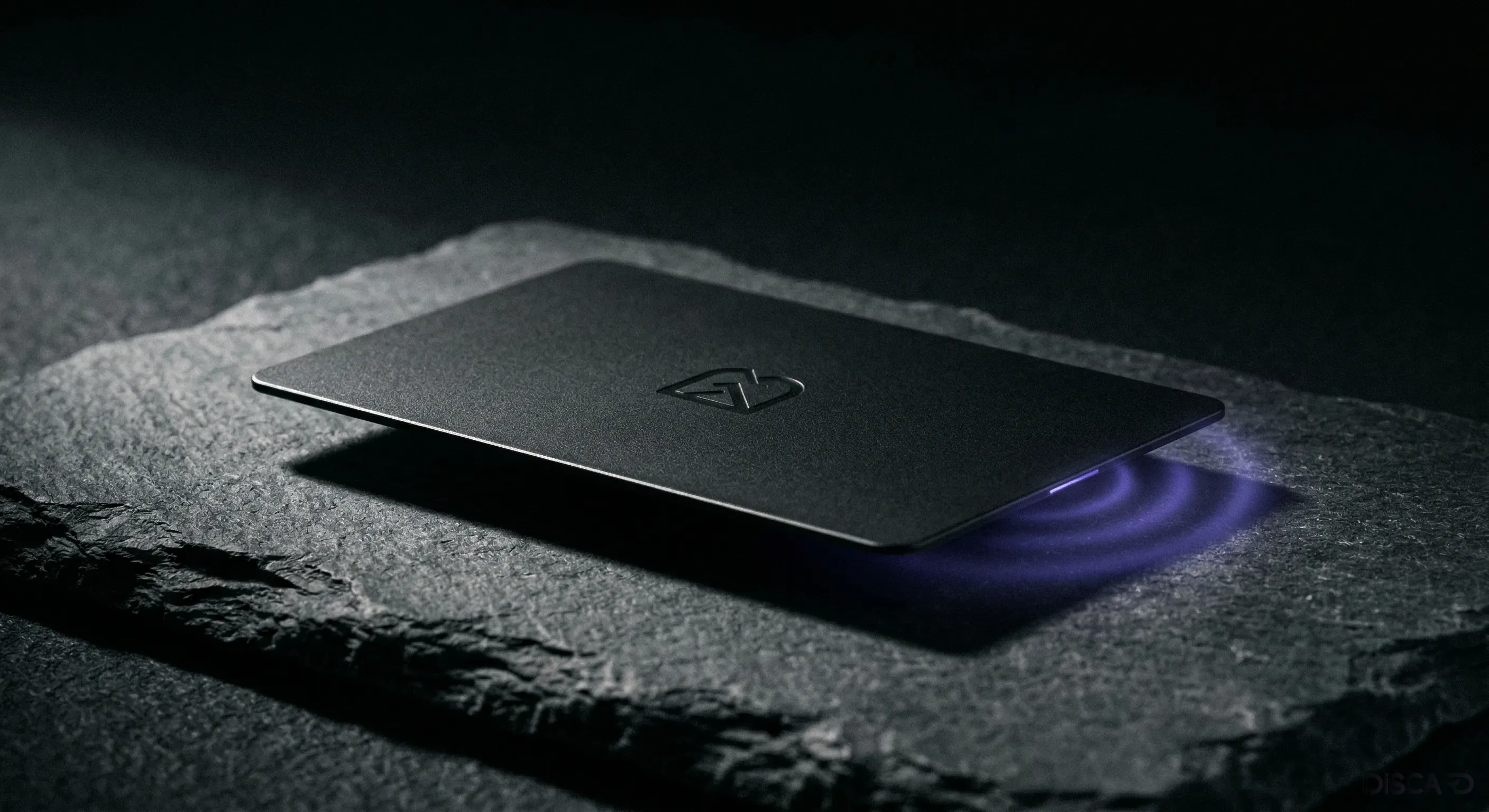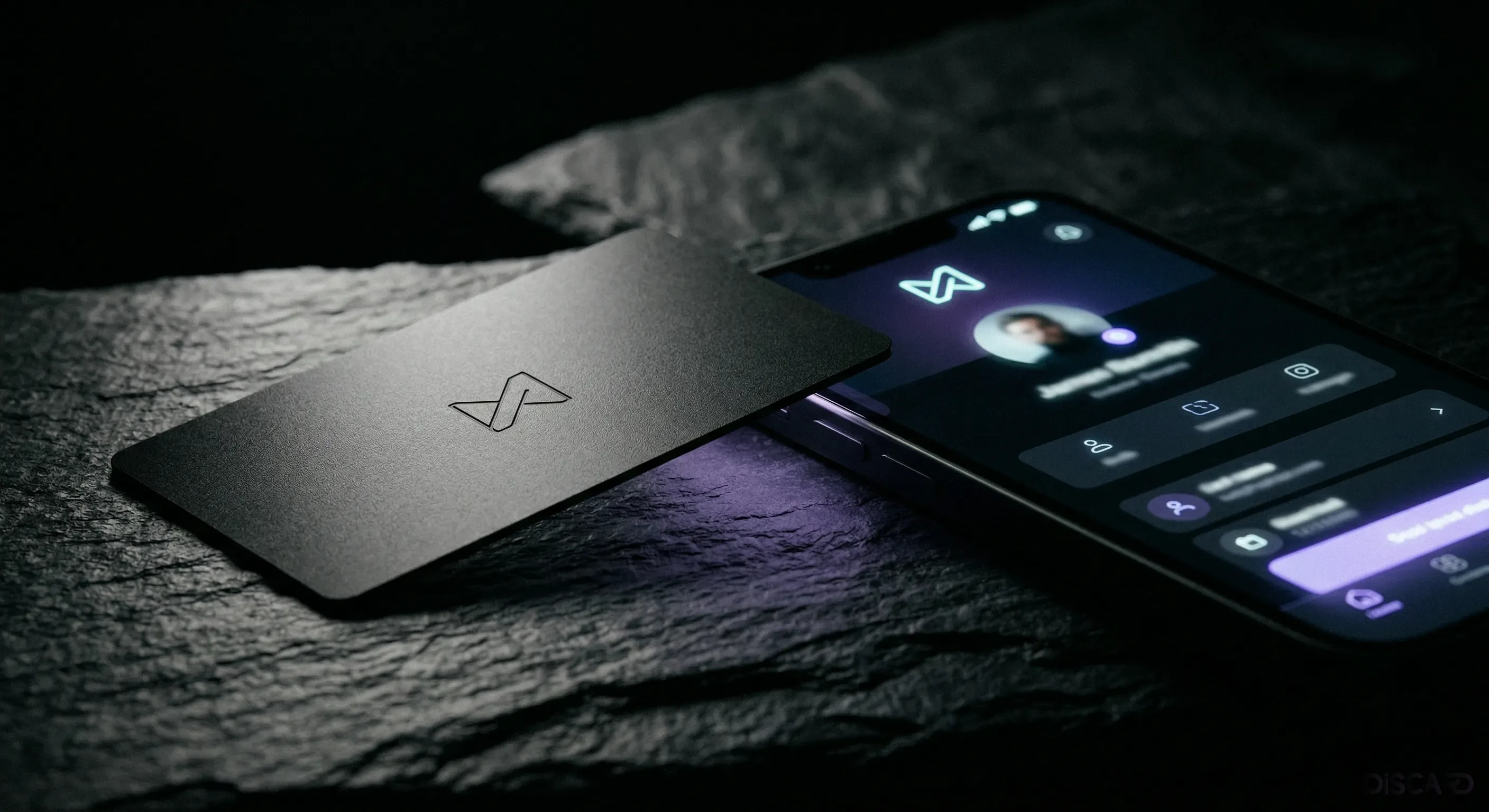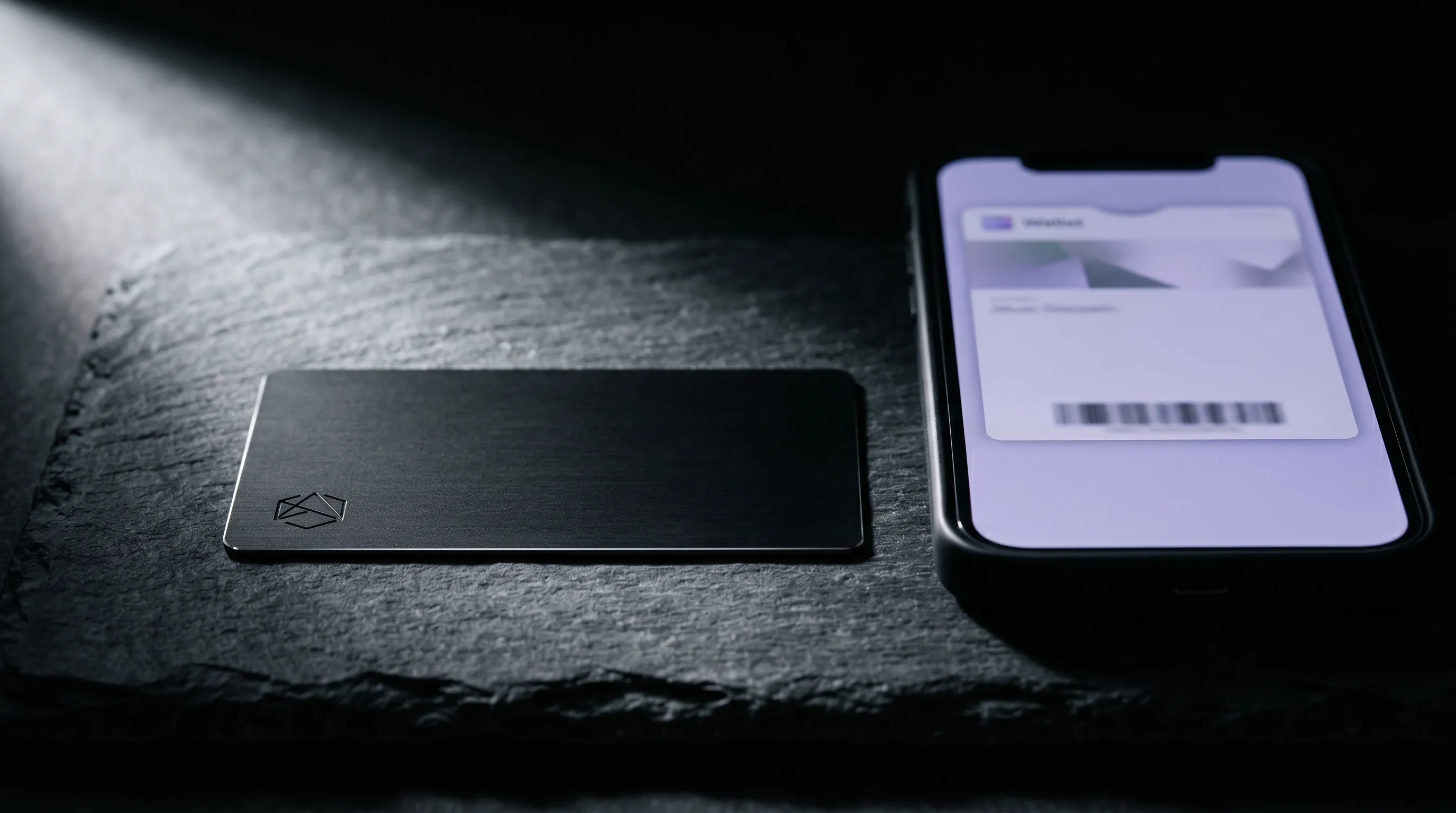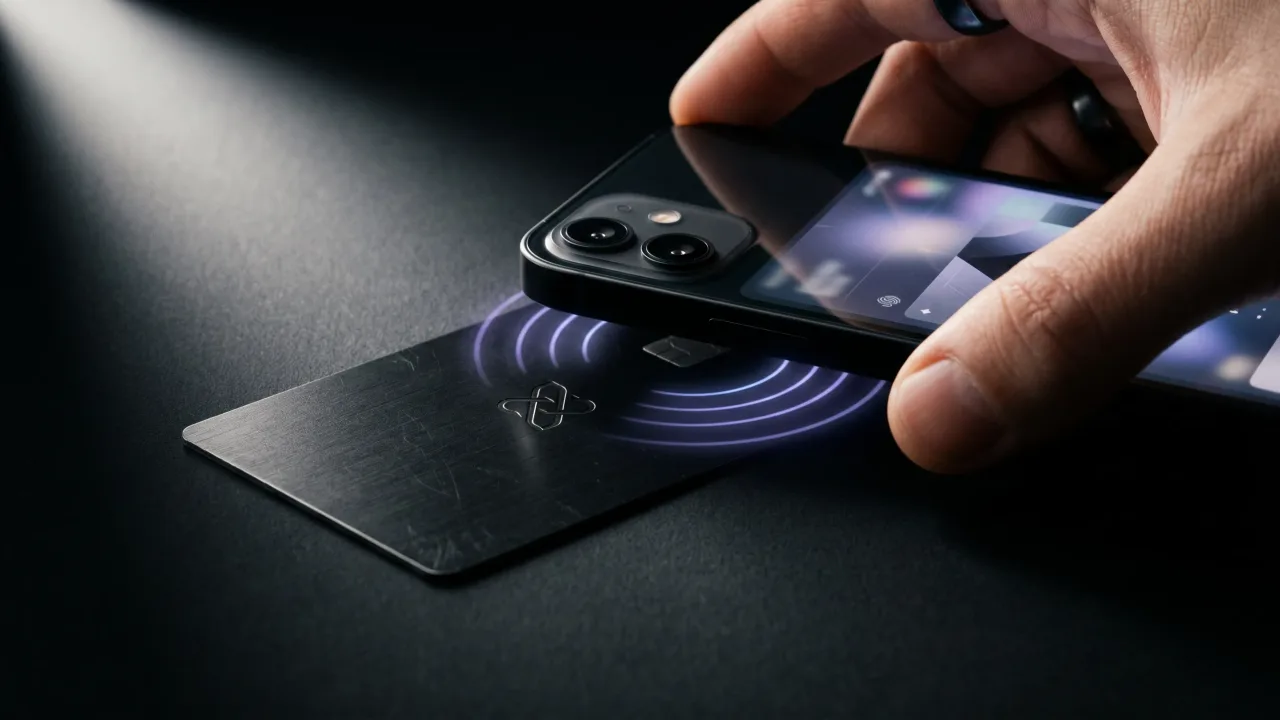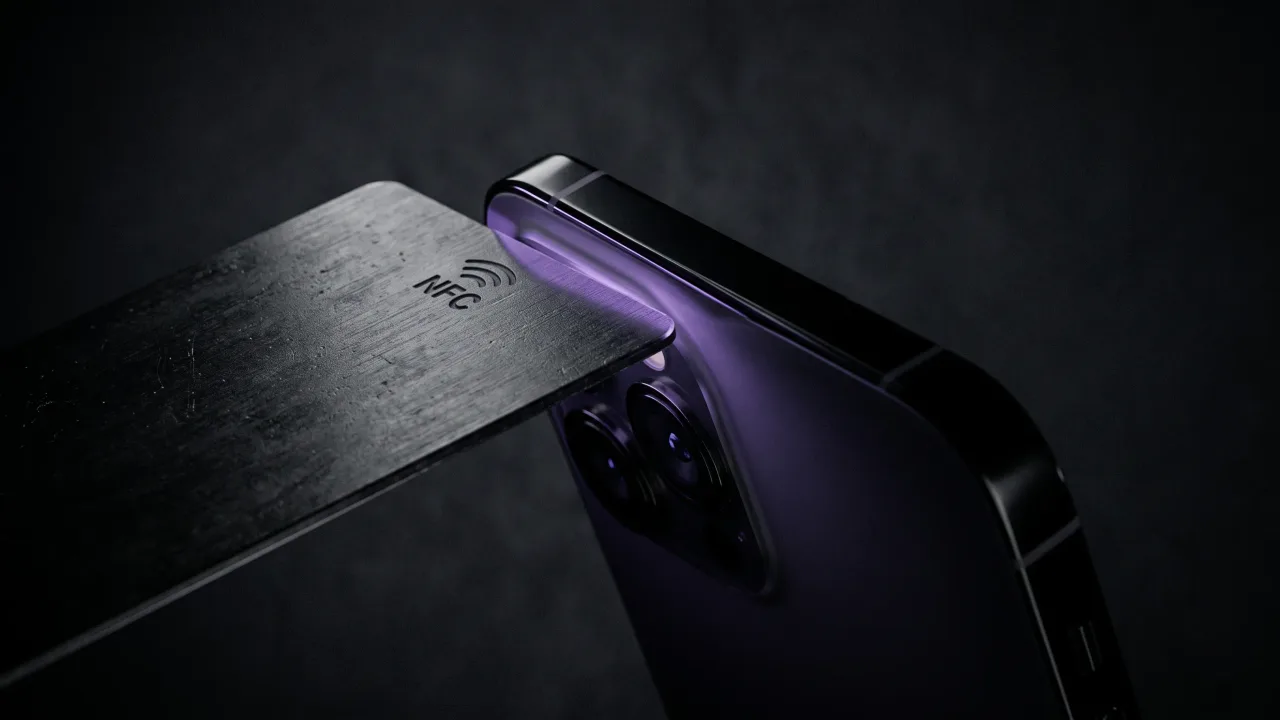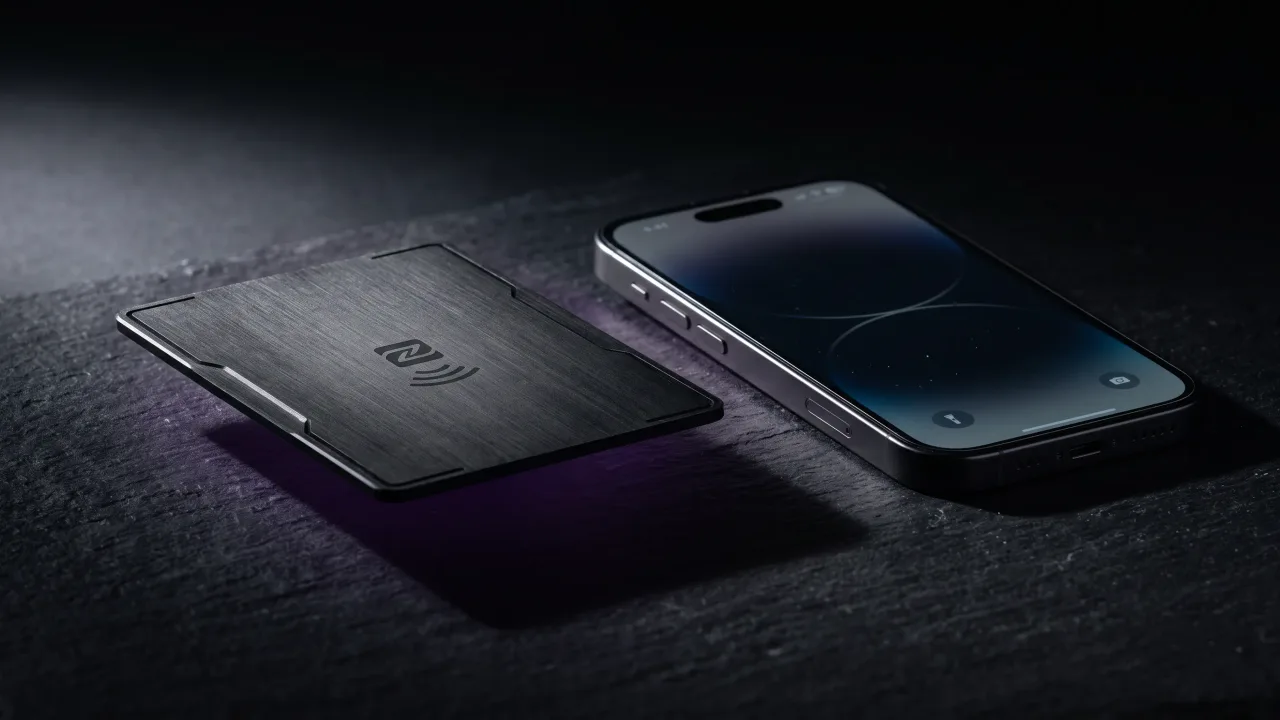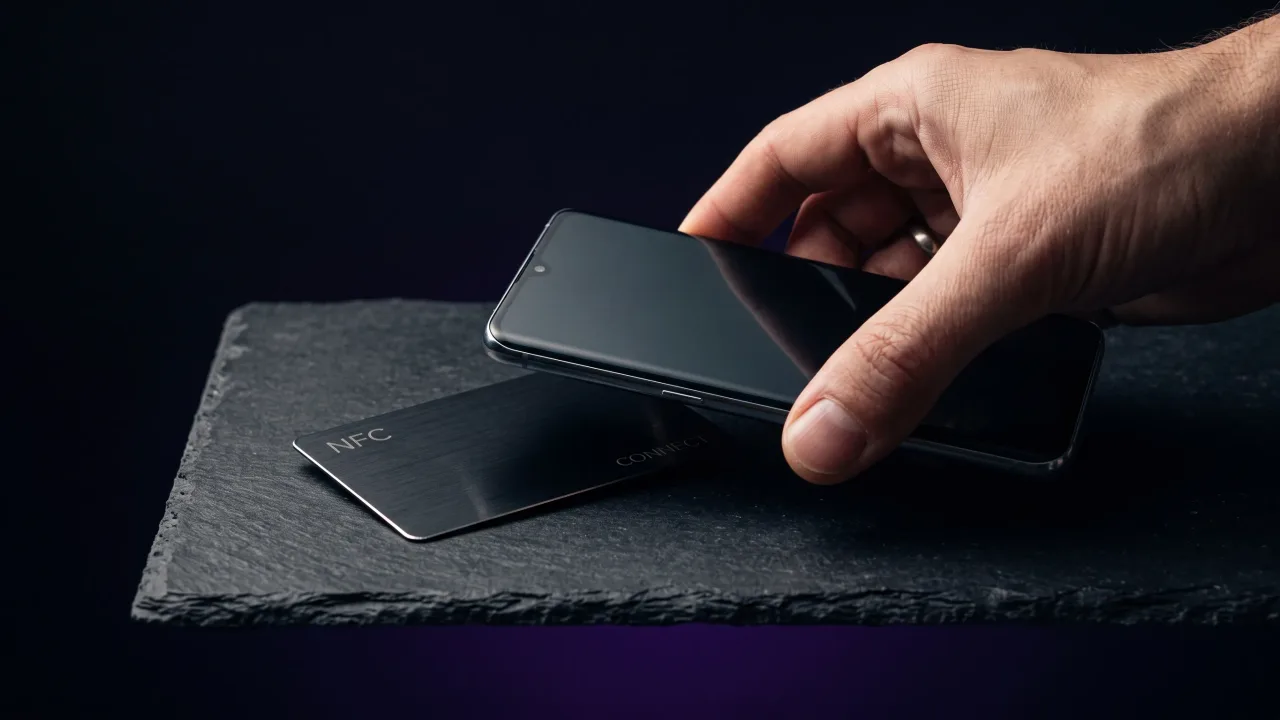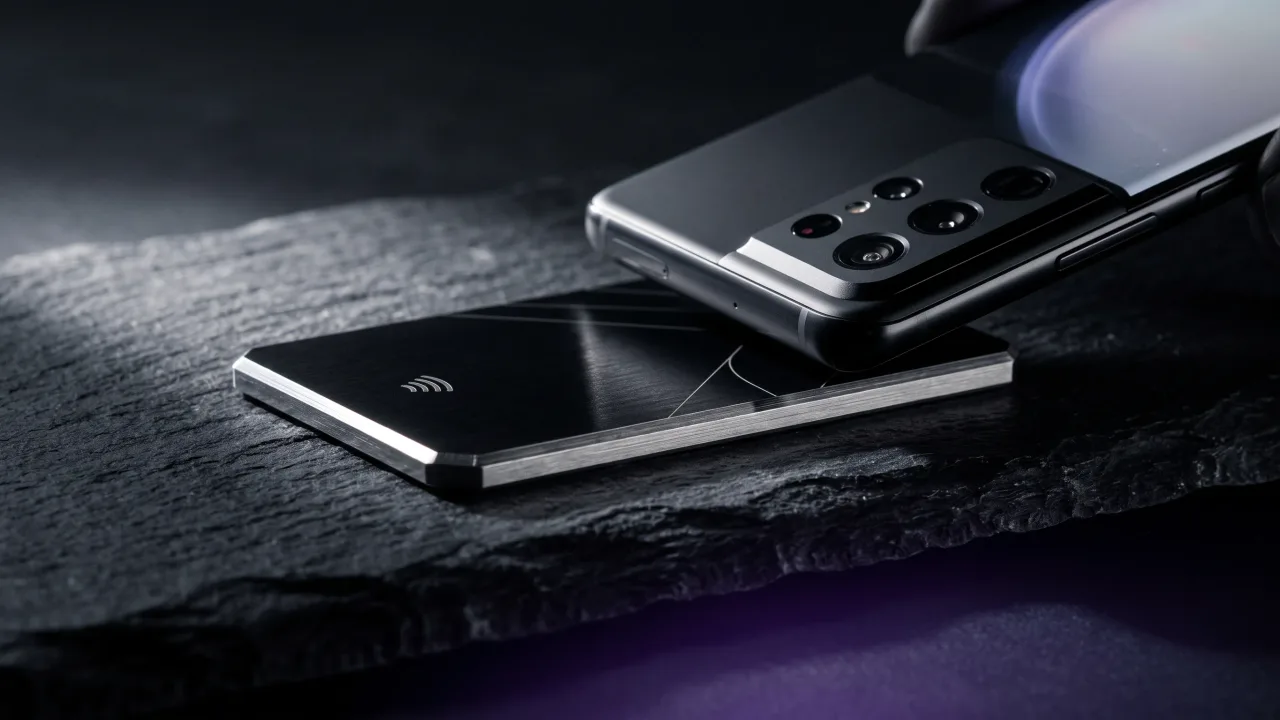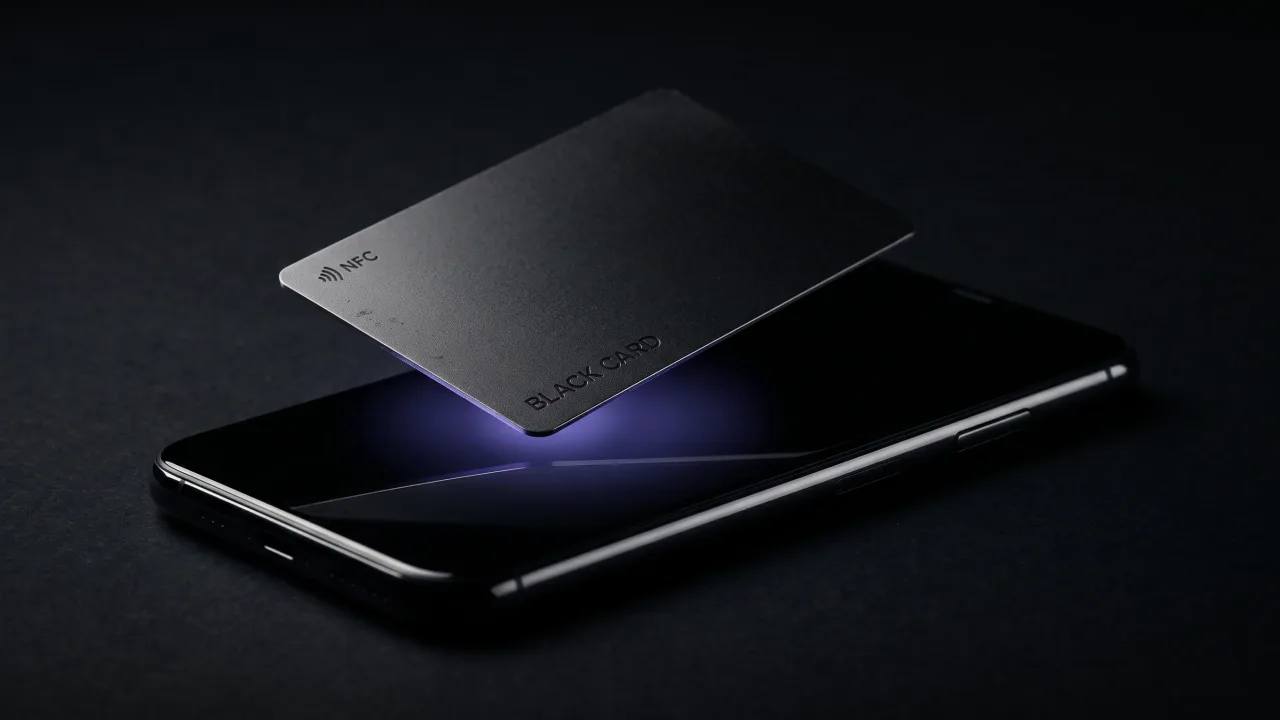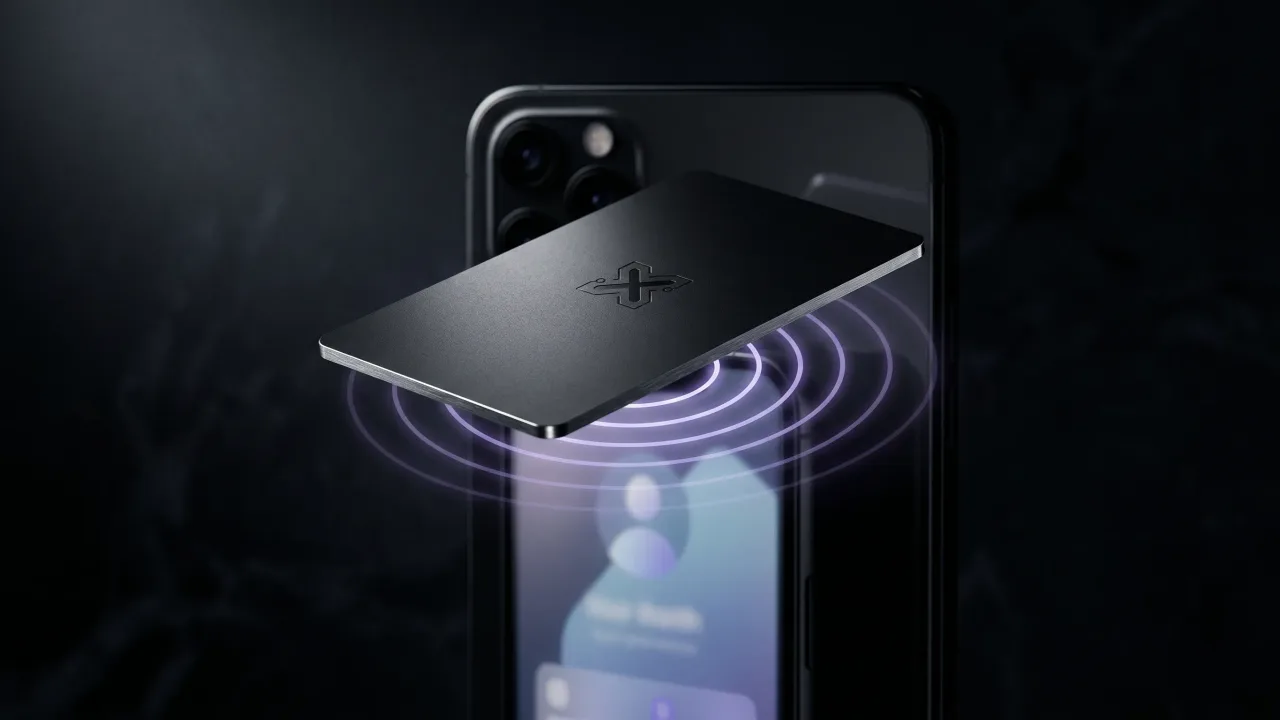
An NFC business card works by hiding a tiny chip inside the card that holds a single web link. When someone taps the card on the back of their phone, the phone reads that link and opens your digital profile in about a second. No app to download, no battery to charge, no typing. The chip never needs power of its own, because the phone supplies it wirelessly during the tap.
That is the whole trick, and it is less futuristic than it sounds. The same technology runs the tap-to-pay on your bank card and the badge you hold against a reader to get into an office. An NFC business card just points it at your contact details instead of your money.
How does an NFC business card actually work?
Inside the card sits a passive NFC tag: a chip the size of a grain of rice, wired to a thin antenna coil that runs around the edge of the card. The tag has no battery. When you bring it within a few centimetres of a phone, the phone's NFC reader puts out a short radio field, and that field induces just enough current in the coil to wake the chip. The chip answers by sending back the one thing it stores, a small piece of text formatted as a web link. You can read the technical detail on Near-field communication, but the short version is that the phone powers the card and the card replies with a URL.
That URL is the important part. The chip does not store your photo, your portfolio, or your phone number. It stores a pointer to a page hosted online, which means the card is light and the data lives somewhere you can edit. Tap it and the phone opens your digital profile, the same way it would open any other link you tapped.
What is NFC, and how is it different from a QR code?
NFC stands for Near Field Communication, a short-range wireless standard that only works when two devices nearly touch, within roughly four centimetres. The short range is the point. It means the card cannot be read from across a room by accident, and it makes the tap feel deliberate. The standard is maintained by the NFC Forum, the same body that defines how tap-to-pay and transit cards talk to readers.
A QR code does a similar job by a completely different route. It is a printed pattern your camera reads optically, so it needs light, focus, and a steady hand to aim. NFC is read by radio, so the recipient only has to bring the card close. Both can open the same profile page, which is why a good card often carries both. We compare the two in detail in NFC vs QR code business cards. NFC is also a close cousin of RFID, the technology in warehouse tags and door fobs, but tuned for short range and two-way exchange.
Do you need an app to use an NFC business card?
The person you hand the card to needs nothing at all. NFC reading is built into the phone's operating system, so they tap and the profile opens in their normal browser. iPhone XS and newer read a tapped card automatically in the background, with the phone unlocked and no app open. iPhone 7, 8 and X read it too. On Android, almost any phone made in the last several years reads NFC the moment the card touches the back.
You do not need an app either. With a card that points to a hosted page, you build and edit your profile in a web browser, then the card simply carries the link to it. That is the difference between a card built around an app and one built around a web link: the link works on every phone without anyone installing anything.
What happens when someone taps your card
The moment the card touches the back of their phone, a small banner slides up with your name on it. They tap the banner and your profile opens: your name, your title, your photo, and the links you chose, with a save-contact button at the top. One more tap and you are in their phone book, with the correct spelling and the right number, no retyping.
Compare that to a paper card, which asks the other person to do all the work later: find the card, type your details, hope the email address is legible. Most of them never do, which is the quiet reason paper cards disappear. The tap removes the gap between meeting you and saving you. We go deeper on that in the benefits of NFC business cards.
How do you set up and update an NFC business card?
Setting one up is mostly about the profile, not the chip. With Discard, the chip is written with your unique profile address when the card is produced, so there is nothing for you to program. You design the card and build the profile it opens, step by step, in the configurator. If you want the full walkthrough, see how to create a personalized NFC business card.
Because the chip only holds a link, you can change everything behind it without touching the card. New job, new number, a fresh portfolio piece, a different booking page: edit the profile and every card already in someone's wallet now points to the new version. The card you printed last year stays current, which is something a paper card can never do.
Are NFC business cards safe to use?
They are safe for both sides of the tap. The chip holds a public web link, the same kind of address you would happily print on a paper card. It cannot run code on the phone or install anything, and it has no way to drain the battery. Because the range is only a few centimetres, no one can read your card from a distance or pull anything off it while it sits in your pocket.
It also cannot be skimmed the way people worry about with payment cards, because there is no payment data on it to take. The only thing the chip serves is a link to a page you control, and your private details live in that profile, behind whatever you choose to show. The chip is a signpost, not a vault.
NFC card vs QR code vs paper card
Each format shares your details a different way, and the gaps show up fast once you line them up. The table below compares an NFC card against a QR sticker and a traditional paper card.
| Feature | NFC business card | QR code card | Paper card |
|---|---|---|---|
| How it shares | Tap on a phone | Scan with the camera | Hand over, retype later |
| App needed to read | No | No, the camera app | Not applicable |
| Update details after it is made | Yes, anytime | Only if the code points to a hosted page | No, reprint |
| Carries your full profile | Yes, through a link | Yes, through a link | No, fixed printed text |
| Typical range | About 4 cm | Needs line of sight and focus | Not applicable |
| Lifespan | Years, especially in metal | Fades if printed cheaply | Often binned within a week |
A QR code closes much of the gap with paper, but it still asks the other person to open the camera and aim. The tap asks for nothing. That small difference in friction is the whole reason NFC keeps winning the first ten seconds of a meeting.
The verdict on how NFC cards work
The mechanism is simple enough to trust: a powerless chip, a short radio pulse from the phone, and a link that opens a profile you can edit forever. That last part is what makes an NFC business card worth carrying. The card is no longer a printed snapshot that goes stale the day your number changes; it is a permanent pointer to a profile that keeps up with you. For anyone who hands out a card more than a few times a year, that is the difference between a thing people throw away and a thing that still works in three years. The technology is the easy part. The reason to use it is that the card finally outlives the ink.
See how the tap works on a card built in metal, with a profile you control and update for life.
Design your cardFrequently asked questions
How do NFC business cards work without a battery?
The chip is passive, meaning it has no power source of its own. When you tap the card, the phone's NFC reader emits a small radio field that induces enough current in the card's antenna to wake the chip for an instant. The chip uses that borrowed power to send back its stored link, then goes dormant again.
Do NFC business cards work with all phones?
They work with nearly every modern phone. iPhone XS and newer read a tapped card automatically, and iPhone 7, 8 and X read it as well. Almost all Android phones made in the last several years have NFC built in. The recipient does not need any app, just a phone with NFC, which is now the default.
Do you need an app to use an NFC business card?
No. The person tapping your card opens your profile in their normal browser, with nothing to install. You also build and edit your own profile in a web browser rather than an app, as long as the card points to a hosted page instead of relying on app-only software.
How far away does an NFC business card work?
About four centimetres. NFC is deliberately short-range, so the card has to nearly touch the phone for the tap to register. That short distance is a safety feature, because nobody can read your card from across a room.
Can you change the information on an NFC business card?
Yes, when the card points to a hosted profile. The chip only stores a web link, so you edit the profile behind that link and the card instantly reflects the change. Your job title, phone number, and links can all change while the physical card stays the same.
Are NFC business cards secure?
Yes. The chip holds a public web link and no private or payment data, so there is nothing to skim or steal from it. It cannot run code on a phone or drain its battery, and the few-centimetre range means it cannot be read without a deliberate tap.
What is the difference between an NFC card and a QR code?
An NFC card is read by radio when you tap it, while a QR code is a printed pattern read optically by a camera. Both can open the same profile page, but the tap needs no aiming, focus, or light. Many cards carry both so any phone can connect.
Do NFC business cards work without internet?
The tap itself works offline, because reading the chip is a local radio exchange between the card and the phone. Opening the profile that the link points to does need a connection, since that page is hosted online. In practice the recipient's phone loads it the same way it loads any website.