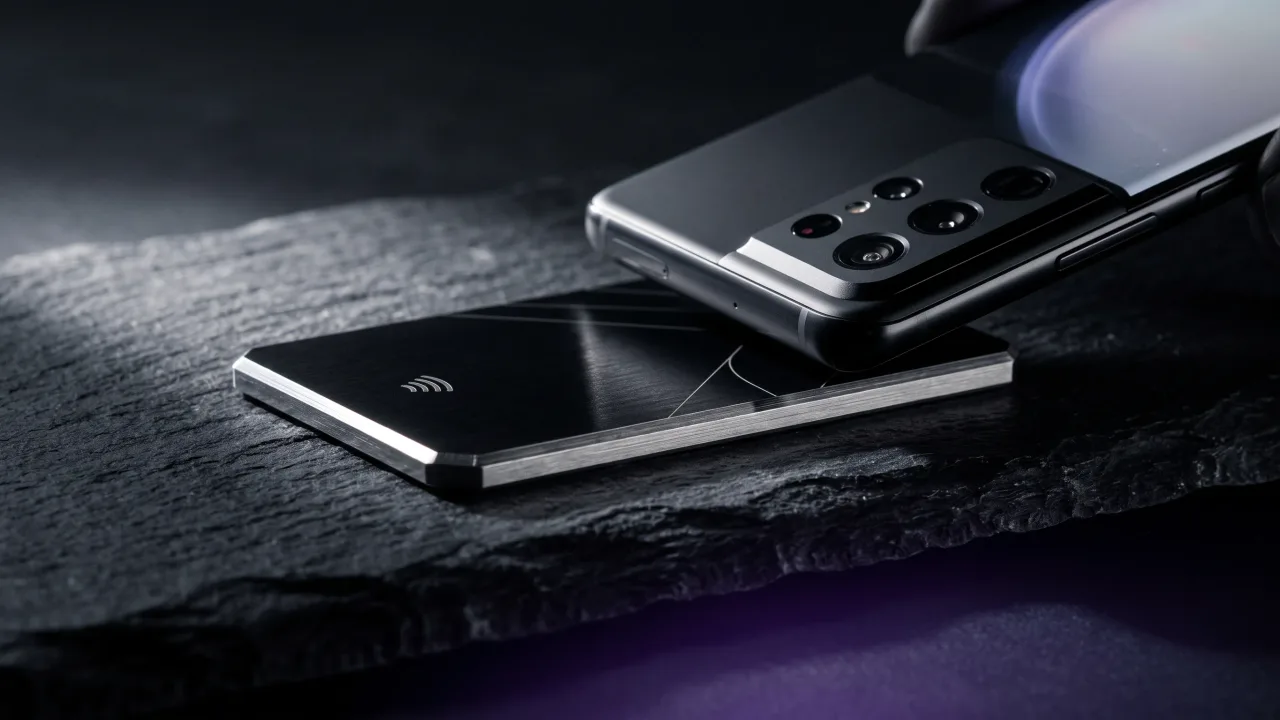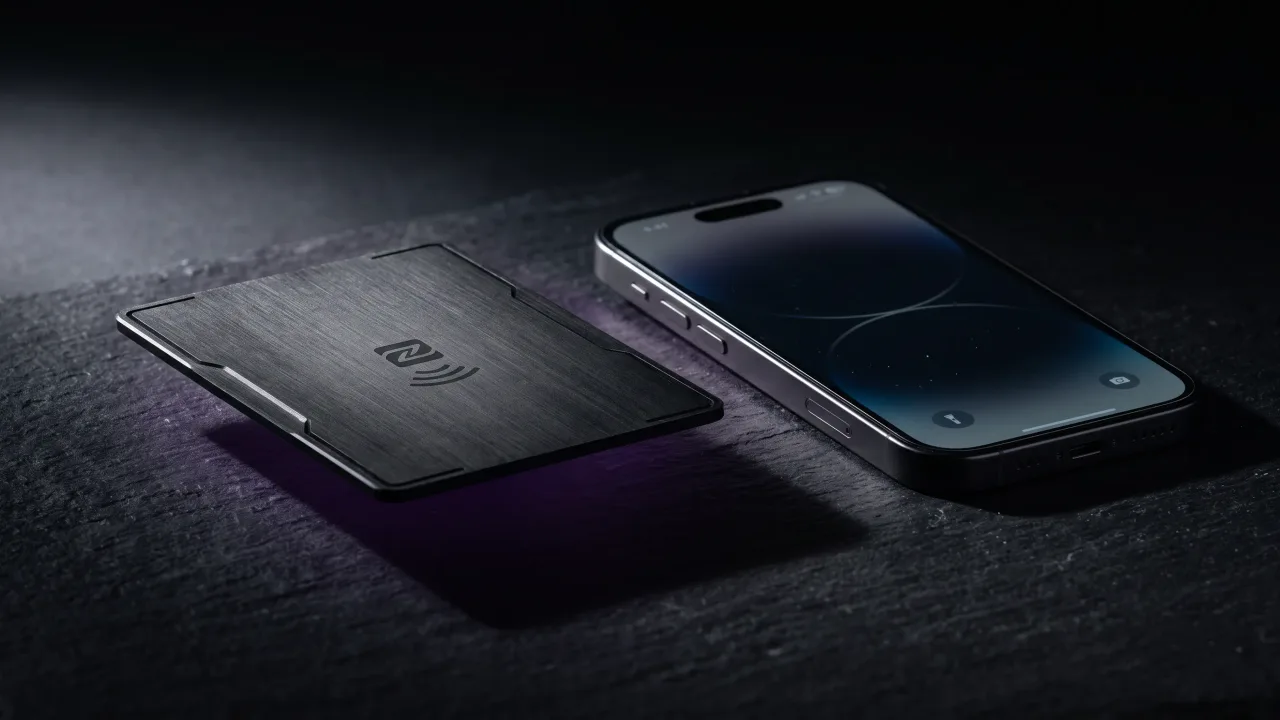
An NFC business card not working is annoying, but here is the reassuring part: the card is almost certainly fine. The chip inside has no battery, no moving parts, and nothing to wear out. When a tap does nothing, the fault sits in the phone or in how the card met it, roughly nine times out of ten.
So most fixes take seconds, not a trip back to the supplier. A toggle in settings, a different spot on the phone, a case removed. The checks below go in the order that clears the problem fastest, ending with the rare case where the card itself is at fault.
The card is almost never the problem
An NFC chip is passive. It has no power source and does nothing until a phone comes close enough to energise it, drawing the tiny current it needs over a few centimetres of near-field communication. There is no battery to go flat and no firmware to fall out of date.
The phone is the busy half of the exchange. It has an NFC setting that can be off, an operating system that can be out of date, an antenna in a specific spot, and often a case in the way. When you line up the two devices, the phone is where the variables live. Start there and you fix the problem far faster than by staring at the card.
First, check that NFC is switched on
On Android, NFC is a toggle, and it is off often enough that this is the single most common cause of a dead tap. Pull down the Quick Settings panel and look for an NFC tile, or open Settings and search for NFC under Connected devices. Turn it on and tap again.
On iPhone the rules are different. From the iPhone XR and iPhone Xs onward, background tag reading is always on and there is nothing to switch. If you are holding an older iPhone, that is likely your answer, since those models can run Apple Pay but never gained the background reader that opens a card's link. Our guide to NFC cards on iPhone covers the model cut-off in detail.
Tap the right spot on the phone
The NFC antenna sits in one place, and it is not always where you would guess. On an iPhone it runs along the very top edge, so hold the top of the phone to the card rather than the middle of the back. Apple's own notes on using NFC tags point to that same top-edge sweet spot.
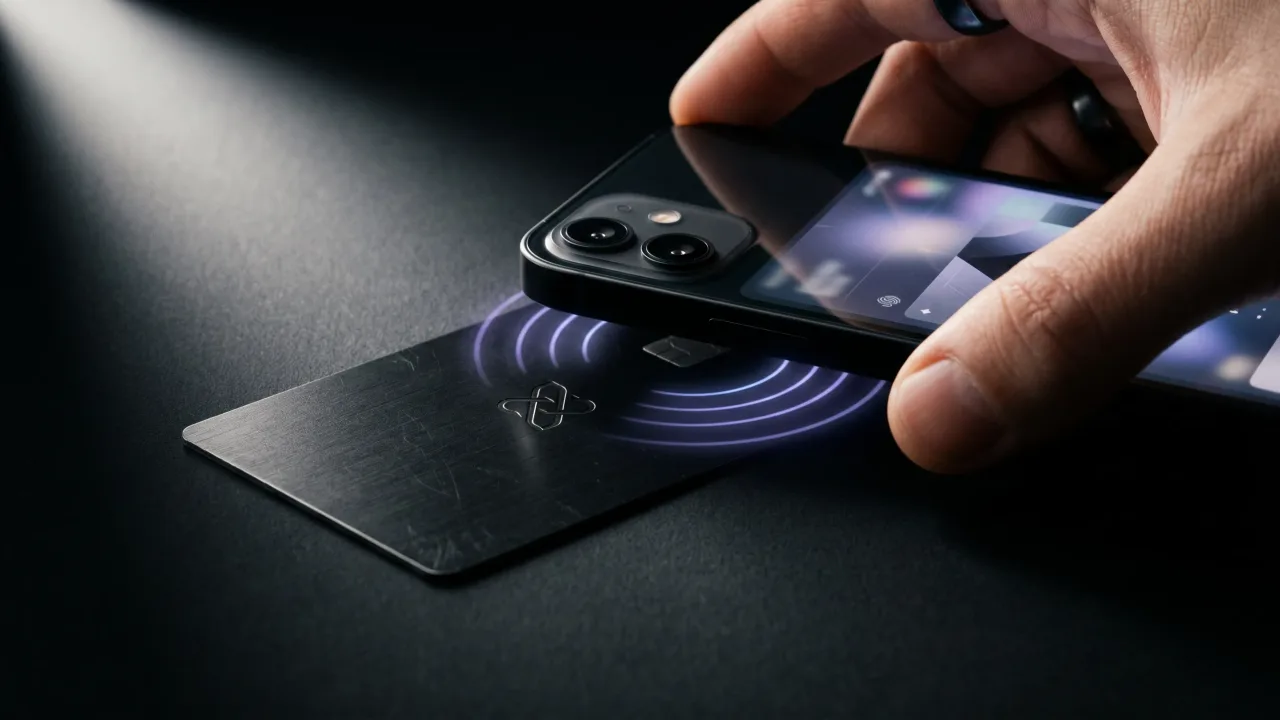
Most Android phones put the antenna in the upper third of the back, near the cameras. Rest the card flat against that area and hold it there for a second or two. A quick swipe past the phone rarely gives the chip enough time to answer, so treat it as a short press, not a wave.
Take the phone out of its case
A case can quietly kill the signal. Thin plastic is usually harmless, but a thick rugged case, anything with a metal plate for a magnetic mount, or a wallet case packed with cards and coins all weaken the field between chip and antenna.
The test is quick. Slip the phone out of its case, tap the bare back against the card, and see if it reads. If it does, the case was the culprit, and you can decide whether to live with a firmer press or switch to a thinner cover.
Restart the phone or update its software
NFC is handled by software, and software occasionally hangs. If the setting is on and the position is right but taps still do nothing, restart the phone. A reboot clears the background service that reads tags and fixes a surprising share of sudden failures on a phone that worked fine yesterday.
A pending system update is worth clearing too. Both Apple and Android have shipped point releases that broke and then restored NFC reading, so a phone stuck on an old build can misbehave for reasons that have nothing to do with your card. Update it, restart once more, and try again.
Test the card with a second phone
This is the check that ends the guessing. Borrow a second phone you know has working NFC and tap the same card. If the second phone opens the link, the card is healthy and the first phone is the problem, which sends you back to the settings and positioning checks above.
If no phone reads the card, the odds finally shift toward the card itself. That is uncommon, but it happens, and the next section explains what usually went wrong.
When it really is the card
A card that fails on every phone usually falls into one of three cases. The chip was never programmed, so a tap reads a blank tag and nothing opens. The chip is physically cracked, most often from a card being bent hard in a back pocket. Or the tap works perfectly and lands on a dead page, because the profile the card pointed to has been deleted.
That last one matters more than it looks. The hardware is doing its job; the page behind it is gone. The repair is to rebuild the digital profile and point the card at the live link, not to bin the card. A blank or cracked chip, by contrast, needs a physical replacement, which is worth raising with whoever made the card. If you programmed a blank tag yourself, our walkthrough on programming an NFC card covers where the write can silently fail.
A symptom-by-symptom guide
If you would rather jump straight to your exact case, match the behaviour you are seeing to the most likely cause and the fastest fix.
| What you see | Most likely cause | Fix |
|---|---|---|
| Nothing on any phone | Blank or cracked chip | Test on a second phone; if still dead, ask for a replacement |
| Works on Android, not iPhone | Older iPhone, or the tap landed low | Use an iPhone XR or newer and tap the top edge |
| Tap opens a dead page | The linked profile was deleted | Rebuild the profile and repoint the card |
| Reads only sometimes | Case or wallet interference | Take the phone out of its case and retry |
| Never worked out of the box | NFC switched off on Android | Turn NFC on in Quick Settings |
The two-minute checklist
Run these in order. Most dead taps are solved before you reach the bottom.
- Confirm NFC is on. Android hides it in Quick Settings or under Settings, Connected devices. Recent iPhones keep it on with no toggle.
- Hold, don't swipe. Rest the card against the phone for a second or two instead of brushing past it.
- Find the antenna. Move the card around the back and top of the phone until it reads, then remember that spot.
- Remove the case. Thick, metal-plated, and wallet cases are the usual signal blockers, so try the bare phone.
- Test on a second phone. A clean read there proves the card is fine and points back at the first phone.
A dead tap feels like a broken card, and it almost never is. Run the checks in order and the real cause shows itself fast: an NFC toggle left off, a case in the way, a tap that landed on the wrong half of the phone, or an older iPhone that was never going to read it. The card, sitting there with no battery and nothing to wear out, is the last suspect, not the first. The one failure worth taking seriously is a card that reads on every phone but opens a dead page, because that is a profile problem in hardware's clothing. Keep the link alive and the card outlives the phone you tapped it with. Buy one that arrives programmed and tested, and most of this list never applies to you.
A card that arrives programmed, locked and tested leaves nothing to troubleshoot. Design yours and hand it over knowing the first tap will work.
Design your cardWhy is my NFC business card not working on my iPhone?
Most often the iPhone is older than the iPhone XR, or the tap landed too low. From the XR onward, NFC reading runs in the background with no setting to switch on, and the antenna sits along the top edge. Hold that edge to the card for a second. If a newer iPhone still does nothing, test the card on another phone.
Do NFC business cards need to be charged?
No. The chip has no battery and no power of its own. It draws the small amount of energy it needs from the phone's NFC field during the tap, which is why a card can sit in a drawer for years and still work.
Can an NFC business card stop working over time?
The chip itself rarely fails, since there is nothing inside to wear out. What can break is the link it points to. If the profile behind the card is deleted, the tap still fires but opens a dead page, so the fix is restoring the profile, not replacing the card.
Why does my NFC card work on some phones but not others?
Usually because NFC is switched off on the phone that fails, or that phone is too old to read tags. Android phones need the NFC toggle on, and a few budget models leave the hardware out entirely. A quick test on a phone you know has NFC settles it.
Does a phone case block an NFC business card?
It can. Thin plastic cases are usually fine, but thick cases, cases with a metal mounting plate, and wallet cases stuffed with cards or coins all weaken the field. If a tap is unreliable, slip the phone out of the case and try the bare back.
How do I know if the card or the phone is broken?
Tap the card on a second phone. If the second phone reads it, the card is fine and the first phone is the problem, usually a setting or an old model. If no phone reads it, the chip is likely blank or damaged and worth replacing.