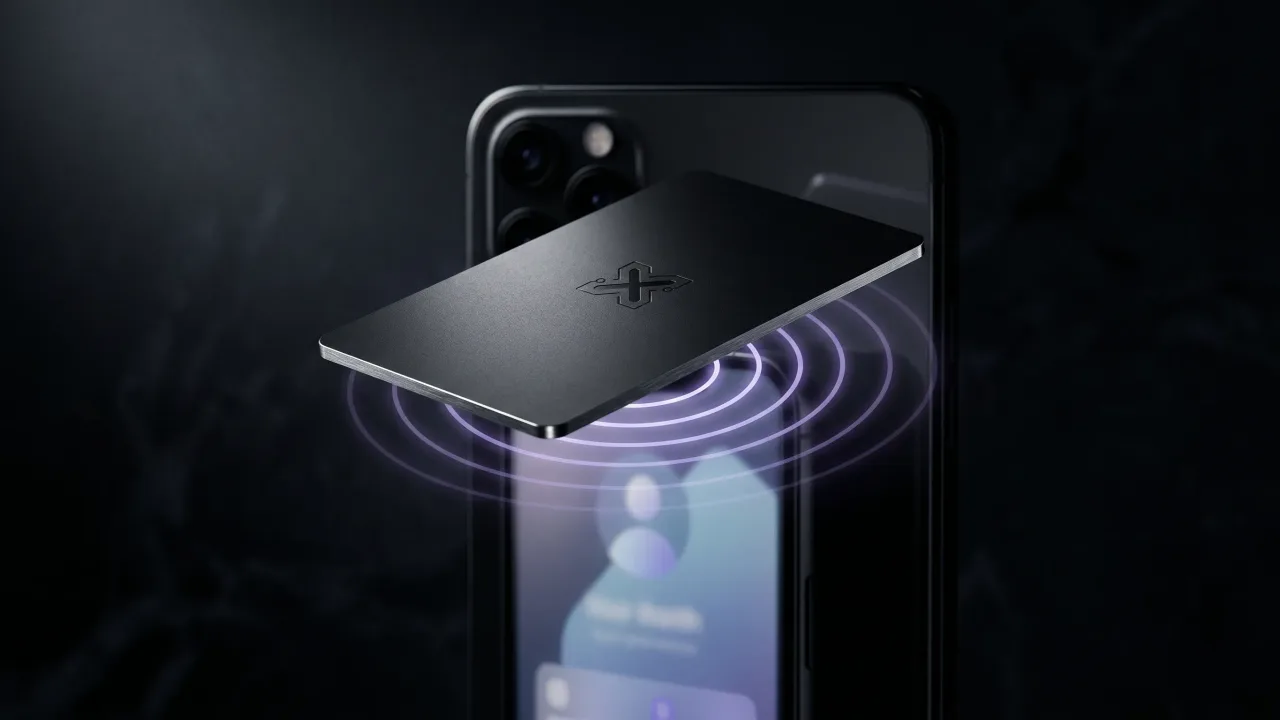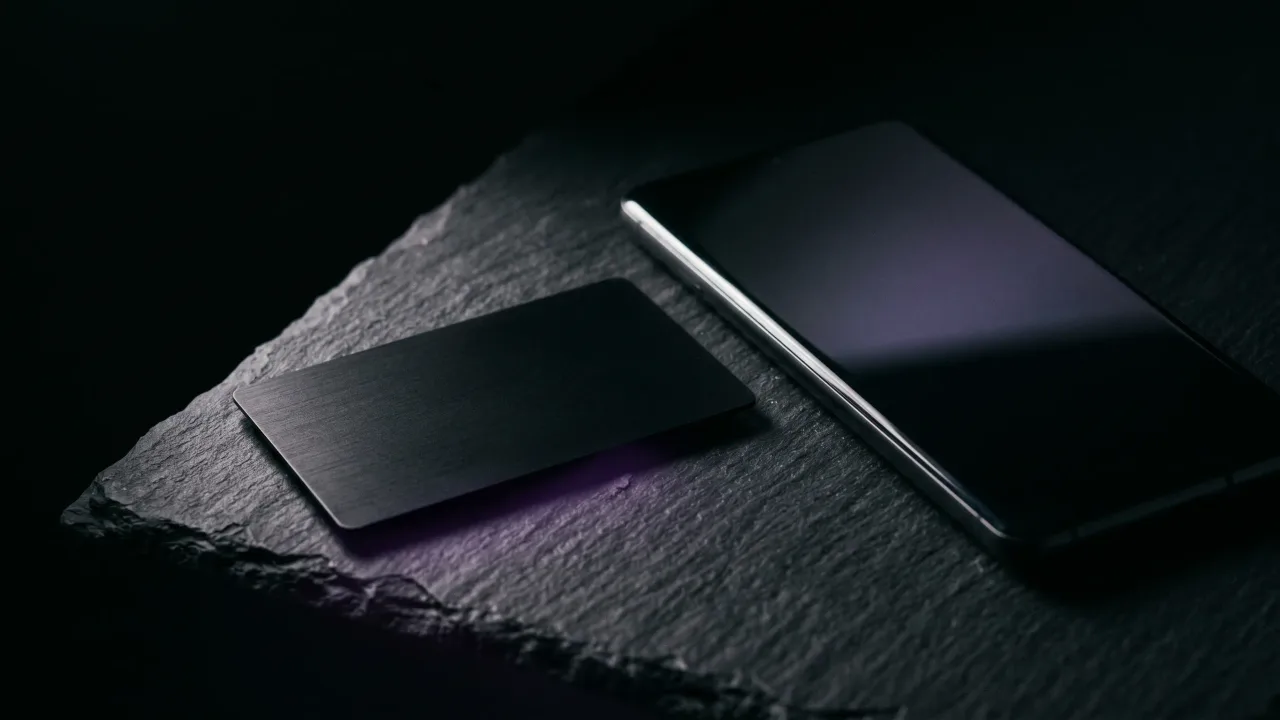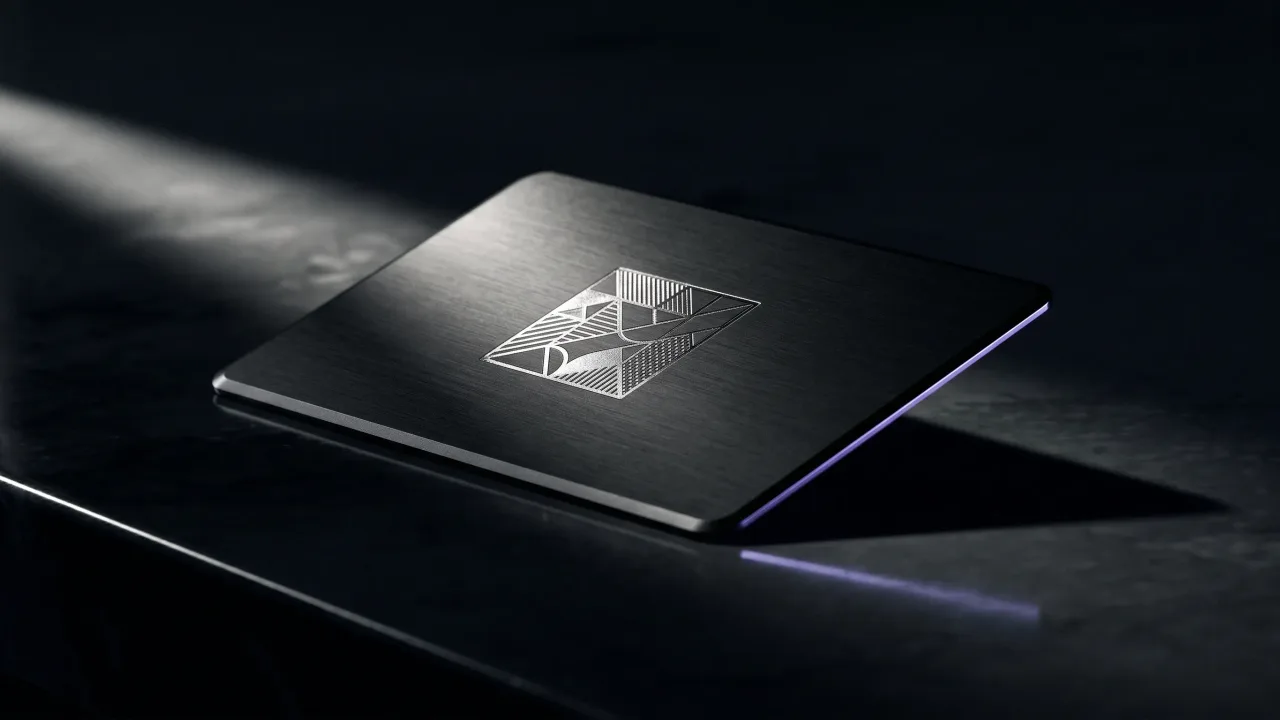
Hand someone a paper card and you are quietly betting they will type your details in later. Most never do; the card ends up in a drawer or a bin. An NFC business card removes the bet. They tap their phone to it, your profile opens, and your contact saves in seconds.
So what are NFC business cards? They are ordinary-looking cards with a small chip inside that opens your digital profile the moment a phone touches them. The person on the other side installs nothing and types nothing. This guide explains what the chip actually does, what you can put on one, and whether the upgrade is worth it.
What is an NFC business card?
An NFC business card is a physical card with a tiny chip and a thin antenna built into it. The letters stand for near-field communication, the same short-range wireless standard behind contactless payment and travel cards. There is no battery inside; the chip stays dormant until a phone wakes it.
The chip itself holds almost nothing: one short web link that points to your digital profile. Your name, number, and photo are not stored on the card. They live on the page that the link opens, which is why you can change them later without reprinting anything. The underlying standard, near-field communication, has been published and in wide use since 2004.
People sometimes mix up two terms. A digital business card is the profile itself, the page that opens. An NFC business card is the physical object that opens it on a tap. You can have the profile without the card, but the card is what turns a handshake into a saved contact.
How does an NFC business card work?
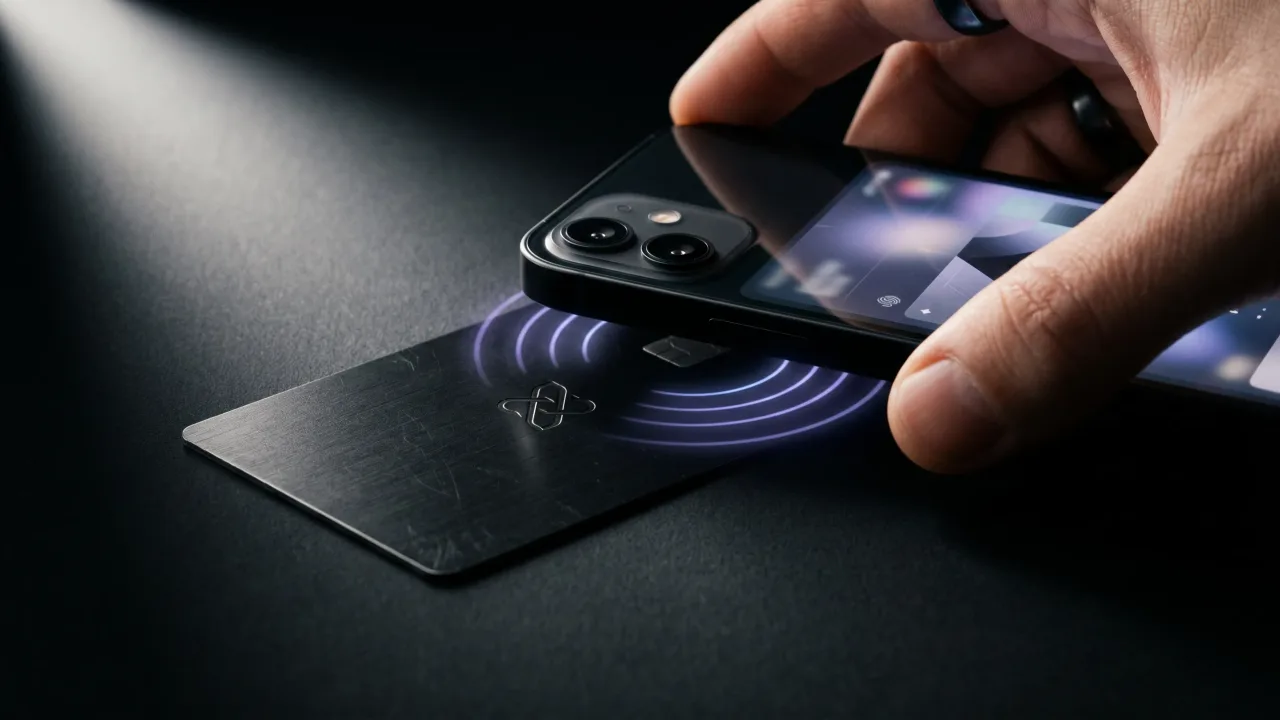
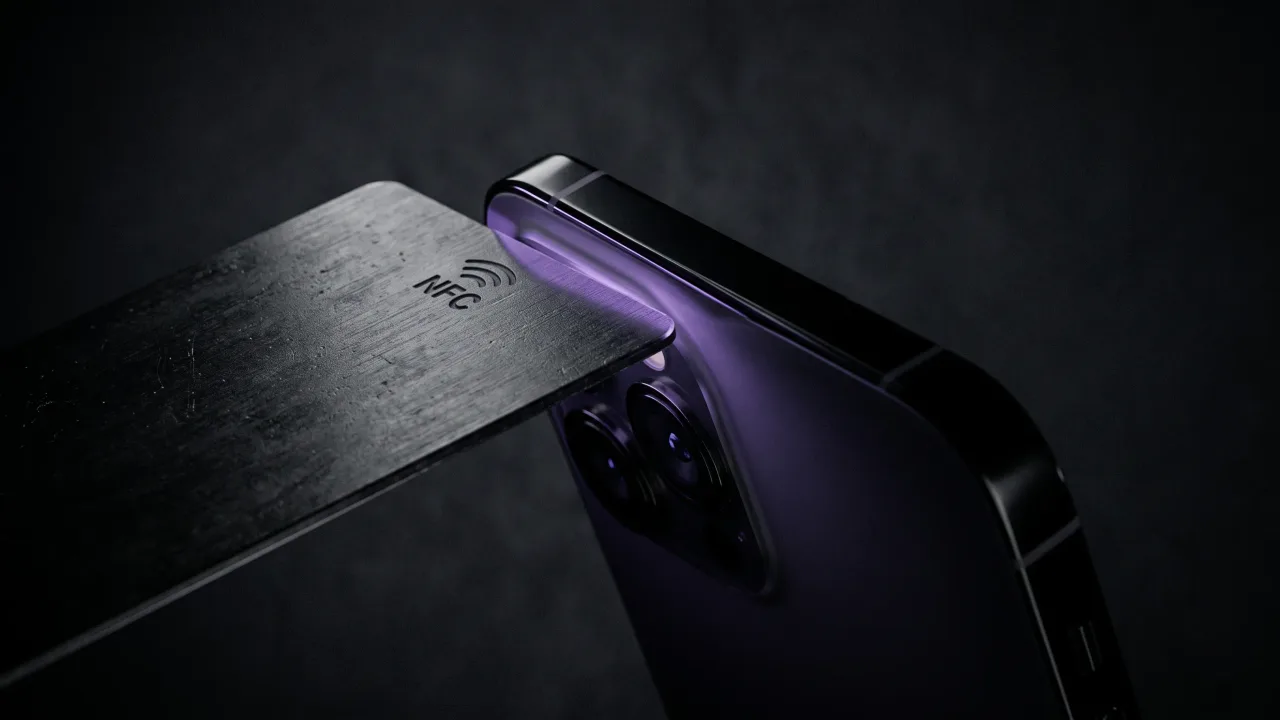
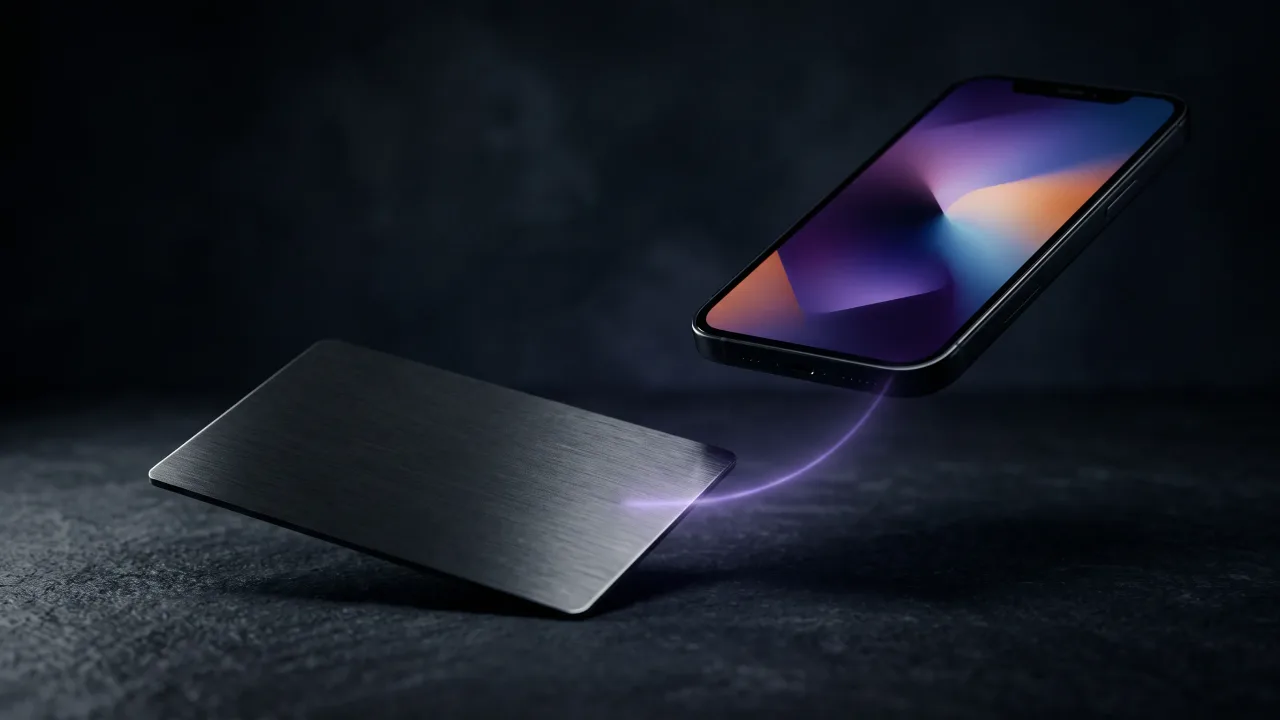
Bring a phone within a few centimetres of the card and its NFC reader sends out a small radio field at 13.56 MHz. That field powers the passive chip for an instant, and the chip answers with its stored link. The whole exchange takes under a second.
The phone treats that link like any other web address. It shows a banner, you open it, and the profile loads in the browser. The person tapping needs no app and creates no account. An iPhone reads the card from the top edge, most Android phones from the back.
Once your profile is open, a single save-contact button drops your details straight into the phone's address book as a vCard. That is the step paper cards always lost: the handoff that actually ends with your number saved.
Nothing pairs and nothing downloads first. The chip is passive, so it never needs charging, and the thousandth tap works exactly like the first. If you have ever tapped a card to pay or scanned a transit pass, you have used the same family of technology; an NFC business card just points it at a profile instead of a payment terminal.
What can you put on an NFC business card?
Because your details sit on the profile rather than the chip, there is no real limit. A profile can carry your name and role, a phone number and email, links to social accounts, a portfolio, a booking calendar, even a payment handle.
You build and arrange all of it in the configurator, then edit it whenever something changes. Switch jobs, change your number, add a new project, and the same card keeps working. The card is the key; the profile is the room it opens.
Most people start simple and grow into it. A first profile might be a name, a number, and one link. Six months later it is a portfolio, a calendar, and a save-contact button. Nothing about the card itself changes while the profile fills out.
How do you set up an NFC business card?
Setting one up is mostly building the profile, not fiddling with the chip. You design the card and the profile together in the configurator: pick a material and layout, then fill in the fields you want the profile to show.
When the card arrives the chip is already written and locked to your profile link, so there is nothing to program yourself. From then on, any change happens on the profile, and the card never needs touching again.
Do NFC business cards work with every phone?
Almost. Every iPhone since the iPhone 7 reads NFC tags, and on iOS 11 and later it happens in the background with no setup, so people just tap and go. Android phones have shipped with NFC for well over a decade.
The rare exception is an old or budget handset with no NFC at all. That is why a good card also carries a printed QR code: the phone scans it with the camera and lands on the same profile. Between the tap and the scan, you are covered on essentially any current phone. There is more on the mechanics in how NFC business cards work.
NFC business card vs paper and QR code
The quickest way to see the difference is side by side. All three can share your details; what separates them is what happens after the exchange.
| What happens | NFC business card | QR code card | Paper card |
|---|---|---|---|
| How details transfer | Tap, profile opens | Scan with the camera | Read and type by hand |
| Saved to the phone | One save-contact tap | One save-contact tap | Manual entry, often skipped |
| Update after printing | Yes, edit the profile | Yes, if it points to your page | No, reprint required |
| Works without an app | Yes | Yes | Yes |
| What it signals | Considered, premium | Practical | Ordinary |
A QR code does most of what an NFC chip does and costs less, with one catch: someone has to frame and scan a square instead of simply touching the card. We weigh that trade in full in NFC vs QR code business cards.
What are NFC business cards made of?
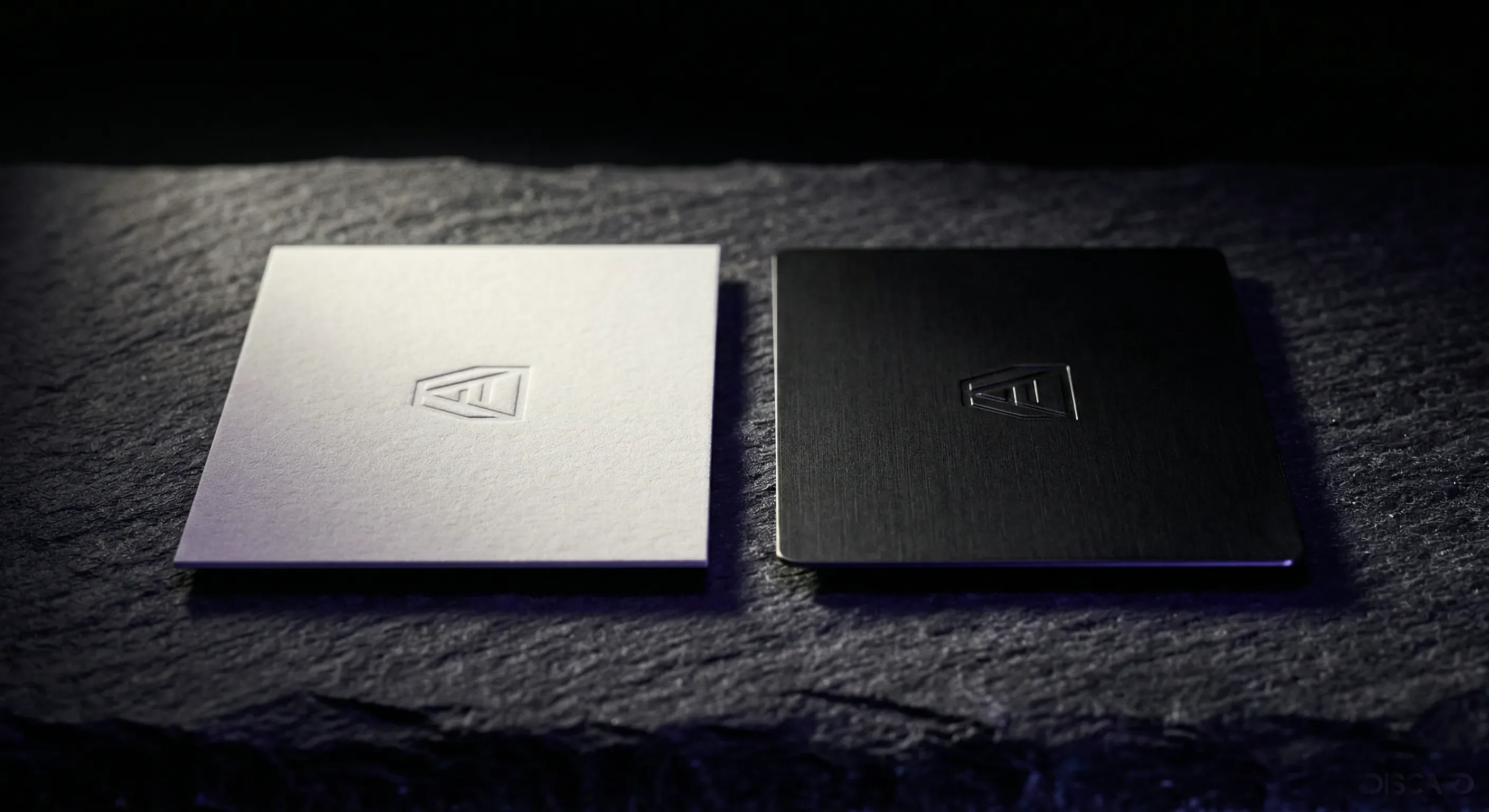
The chip is the same; the card around it is not. Plastic is the cheapest and most common, wood is a niche middle option, and metal sits at the top. The material is the first thing the other person feels, so it carries more of the first impression than people expect.
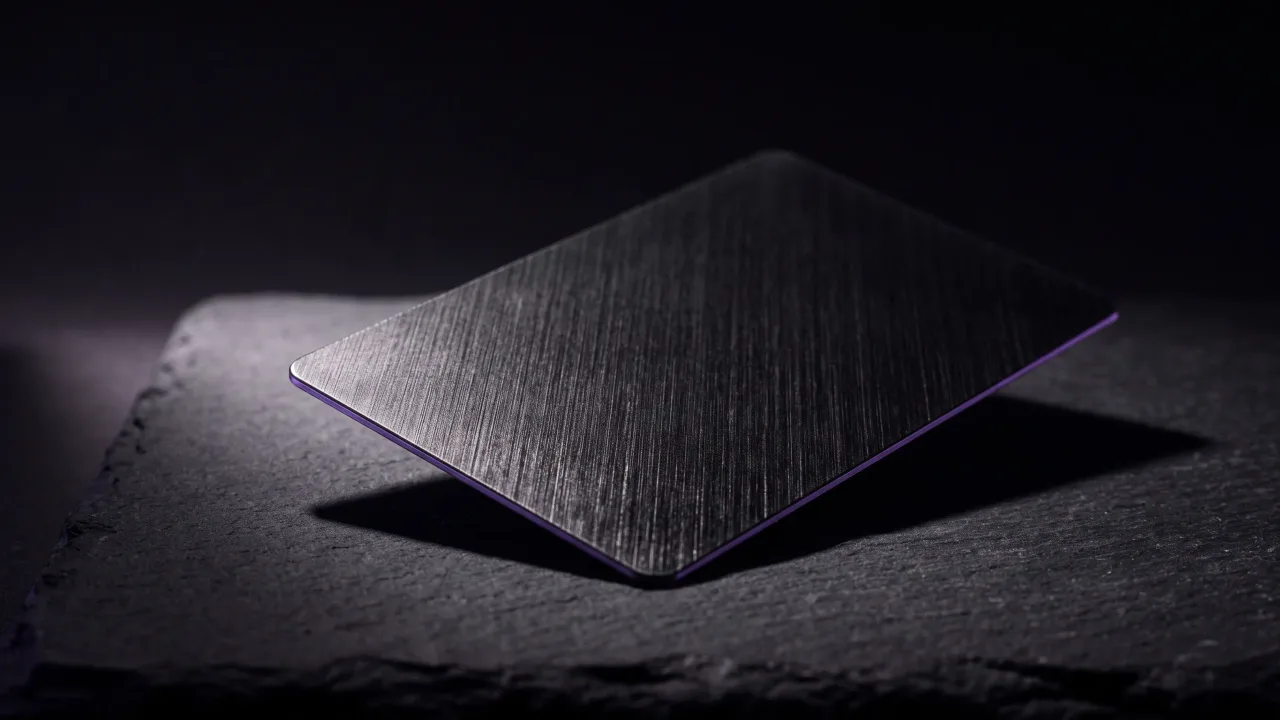
Metal cards are usually engraved rather than printed, so the name does not wear off and the card has real weight in the hand. Discard makes metal cards this way, and you can see the finishes in the configurator. The full case for the upgrade is in paper vs metal NFC business cards.
Durability is the part you feel later. A paper card creases in a wallet within a week. A metal one is still flat and legible years on, which matters when your card might sit in someone's drawer until the day they finally need you.
Are NFC business cards worth it?
Run the numbers over three years. A professional who reprints paper cards two or three times a year spends a steady trickle on stock that mostly gets thrown away. One NFC card replaces all of it and never goes out of date, because you edit the profile instead of the card.
A decent box of printed cards often runs €30 to €60, and the details on it are frozen the day they print. Reprint twice a year for three years and the spend adds up, while every card already handed out is now slightly wrong. The NFC card stays current the whole time, because the change happens on the profile, not the print run.
Then there is the part that does not show up on an invoice: a single contact that actually saved your number and followed up. At Discard the digital profile is a flat €19.90 a year with every feature included, so the running cost stays predictable. More of the everyday upside is in the benefits of NFC business cards.
The verdict: what are NFC business cards, really?
Strip away the novelty and an NFC business card is a small, durable key to a page you control. The chip carries one public link; everything that matters, your details and how you present them, lives on a profile you can edit forever. That single shift, from a card you reprint to a profile you update, is the whole point. It works on almost any current phone, asks nothing of the person tapping, and on a metal card it does the job while looking like you meant it. If you network at all and you are tired of cards that get binned, the upgrade pays for itself the first time someone actually saves your number.
Design a metal NFC card and the digital profile behind it, then change either one whenever your details do.
Design your cardFrequently asked questions
What is an NFC business card in simple terms?
It is a physical card with a small chip that opens your digital profile when someone taps it with their phone. The chip holds only a web link; your actual details live on the profile, where you can edit them at any time.
Do you need an app to use an NFC business card?
No. The person tapping needs no app, since the link just opens in their phone's browser. You only sign in to your own account to build and edit the profile behind the card.
Do NFC business cards work with iPhone?
Yes. Every iPhone from the iPhone 7 onward reads NFC tags, and on recent iOS versions it works in the background with no setup. The reader sits at the top edge of the phone, so a tap there opens your profile.
What happens if someone's phone cannot read NFC?
They scan the printed QR code instead and land on the same profile. Between the tap and the scan, an NFC card works on essentially any current smartphone.
Can you change the information on an NFC business card?
Yes, as often as you like. Because the details sit on the profile rather than the chip, you edit them online and the same card keeps pointing to the updated page. You never reprint to fix a number or add a link.
What can an NFC business card store?
The chip stores a single link, and the profile it opens can hold your name, role, phone, email, social links, a portfolio, a booking calendar, and a save-contact button. You decide what to show and what to leave off.
How much do NFC business cards cost?
The card is a one-time purchase that varies by material, with metal sitting at the premium end. At Discard the digital profile is a flat €19.90 a year with all features included, and you can see card pricing as you build one in the configurator.