Most guides on how to program an NFC business card skip the one fact that saves you the trouble: a well-made card arrives already programmed and locked. You tap it, it works, and you never open an app. Knowing how the writing actually happens is still worth a few minutes, whether you plan to encode a blank tag yourself or just want to understand what you bought.
Programming an NFC business card means writing one piece of data to the chip inside it, almost always a web link to your digital profile. The chip holds a tiny amount of memory, a phone reads it over a few centimetres of near-field communication, and a free app does the writing. The first time takes about five minutes. The harder questions are which chip to buy, what to write, and whether to lock it afterward.
How to program an NFC business card in five steps
The core process is the same on any phone with NFC and a writing app. You are putting a single link onto the chip, then checking that a tap opens it.
- Get a writable NFC tag or card, ideally one built on an NTAG215 or NTAG216 chip for the storage and broad compatibility.
- Build your digital profile first and copy its web address, since the link is what the chip will carry.
- Install a writing app such as NFC Tools, free on Android and iOS.
- Choose write, add a URL record, and paste your profile link.
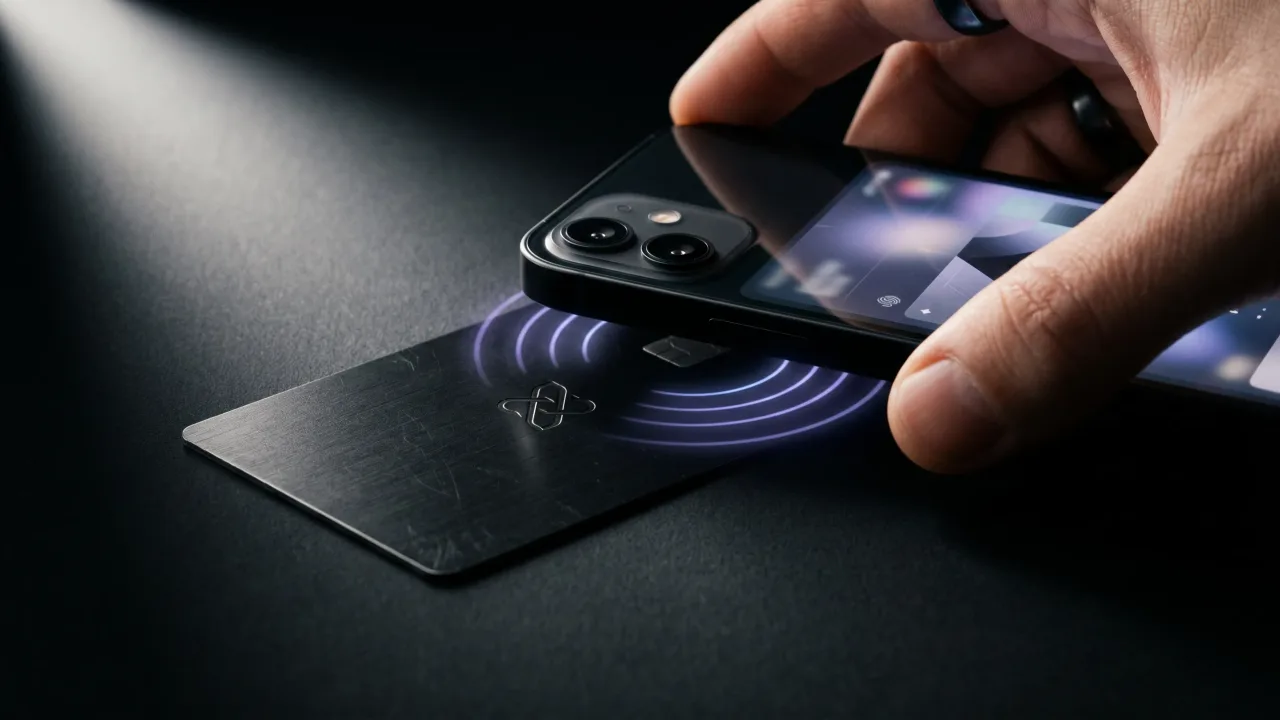
- Hold the card to the phone until the app confirms, then tap it with a second phone to test.
That is the whole job. The chip now answers every tap with your link, and nothing lives on the card except those few characters. For the detail on what happens during the tap itself, how NFC business cards work covers it.
What you need before you start
Three things, and the chip is the one people get wrong. A cheap tag with 48 bytes of memory can choke on a long link, so the chip type matters more than the price.
- An NFC tag or card with a writable chip. NTAG215 at 504 bytes and NTAG216 at 888 bytes are the safe choices and the ones most cards use.
- A phone with NFC: any Android from the last several years, or an iPhone XS or newer.
- A writing app. NFC Tools is the common pick, and NXP's own TagWriter works too.
You also need the thing the card points to, which is a digital profile with your name, title, links and a save-contact button. The chip is just the doorway. The page behind it is what the other person actually sees and saves.
How to program an NFC card on Android
Android has read and written NFC tags for years, so the process is direct. Open NFC Tools, go to the Write tab, and choose Add a record.
- Pick URL/URI as the record type and paste your profile link.
- Tap Write, then hold the tag flat against the back of the phone, near the middle where the antenna sits.
- Wait for the Write complete message, usually a second or two.
Android places its NFC antenna on the back, often centred, sometimes nearer the camera. If the write fails, slide the tag around the back until the phone catches it. The data format behind all of this is maintained by the NFC Forum, which is why one app writes tags that every brand of phone can read.
How to program an NFC card on iPhone
Newer iPhones can write tags too, not only read them. From the iPhone 7 onward the hardware supports it, and apps like NFC Tools for iOS expose the write function.
- Open the app, choose Write, and add a URL record with your link.
- Tap the write button, then hold the top edge of the iPhone to the tag, since the antenna sits at the top, not the back.
- Hold steady until iOS shows the tag was written.
The position trips people up, because reading and writing both happen at the very top of the iPhone, above the cameras. If the write stalls, move the tag a little higher toward the top edge and try once more.
Should you lock an NFC tag after programming it?
Locking flips a one-way switch on the chip so the data can never be changed again. It is optional for a tag on your desk and close to essential for one you hand out.
An unlocked tag stays rewritable, which sounds convenient until you remember that anyone with a phone and an app can overwrite it in a second. For a card you give to strangers at an event, lock it. Most apps offer a lock or make-read-only option right after writing. The trade is permanence: a locked chip keeps your link forever, but you can never repoint it, so get the link right before you lock. This is also why a serious maker locks the chip in production rather than shipping it open.
What should the card point to, a vCard or a link?
You can write two kinds of data to an NFC business card. A vCard writes your contact details straight onto the chip. A URL writes a single web link instead. That choice decides how much you can ever change.
| vCard on the chip | Link to a profile | |
|---|---|---|
| Updating details | Rewrite the chip every time | Edit the page, card stays the same |
| What the recipient sees | A raw contact card | A full profile with links and branding |
| If you change jobs | Reprogram or bin the card | Change one field online |
| Storage | Tight, long details may not fit | One short link, always fits |
A raw vCard freezes your details onto a chip you cannot easily reach again. A link keeps the card dumb and the page smart, so a new number or title is one edit in the browser. The vCard format is fine for a fixed tag on your desk. For a card that represents you for years, write a link.
Why a pre-programmed card beats programming your own
Doing it yourself works, and for a single blank tag it is a fine afternoon project. The reasons to skip it are about what happens after the first write.
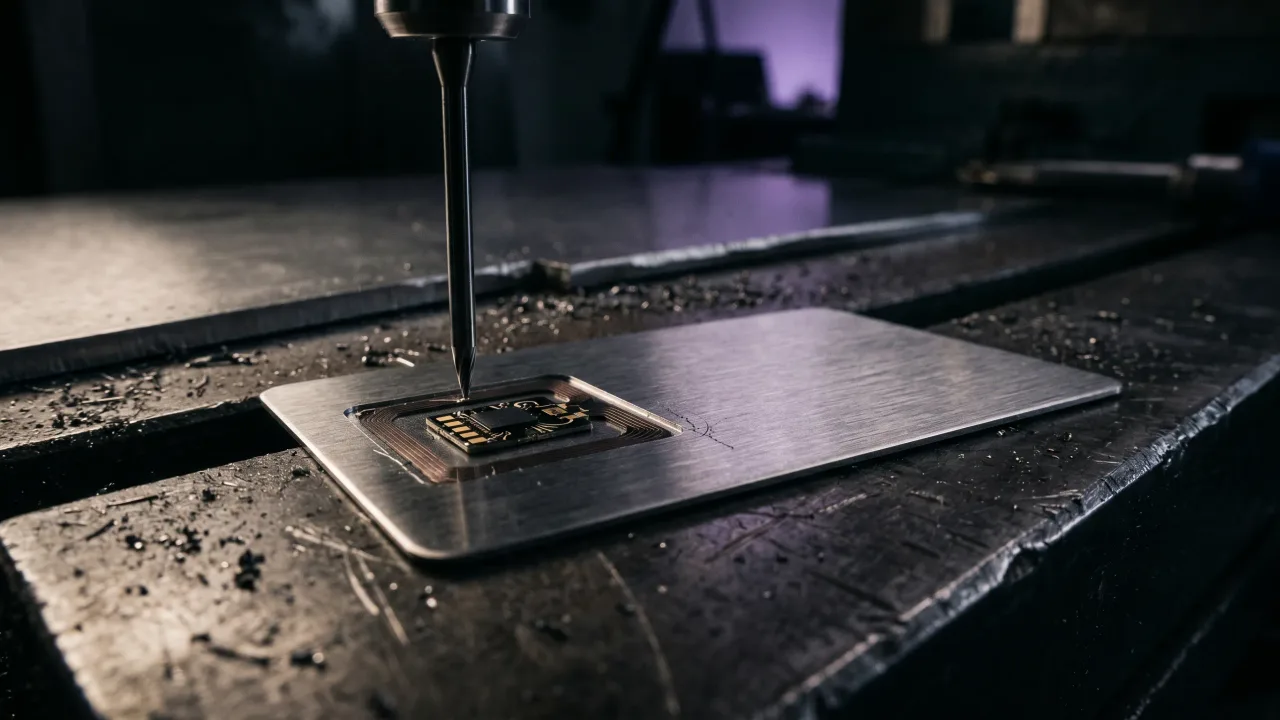
A card like Discard arrives written and locked, pointing to a profile you build in the configurator and control from any browser. There is no app to install, no chip type to research, no link to fumble, and no risk of someone overwriting your tag. You update your details on the page, and every card you have ever handed out updates with it. The metal itself is engraved and finished the same way, which is the part we cover in how metal NFC business cards are made. The programming, the thing this whole article is about, simply happens before the card reaches you.
The verdict: program it yourself, or skip the step
Programming an NFC business card is genuinely easy. Buy an NTAG215 tag, write your profile link with a free app, test it, lock it, and you have a working card in five minutes. If you only need one tag and enjoy the tinkering, that path is open and costs almost nothing. The case against doing it yourself is upkeep, not difficulty. A self-written card ties you to a chip you have to manage, a link you have to get right, and a lock you cannot undo. A card that arrives pre-programmed and points to an editable profile removes all of that, and it adds the one thing a blank tag glued to metal never will, a card worth keeping in the hand. Program your own if it is a hobby. If it is your name on the table, buy one that came done.
Skip the app and the chip research. Design a metal NFC card that arrives programmed, locked and pointing to a profile you edit anytime.
Design your cardFrequently asked questions
Do you need an app to program an NFC business card?
You need one to write the tag yourself, such as NFC Tools, free on Android and iPhone. You do not need any app to read a finished card. A card like Discard arrives already written, so there is no app and no programming step on your side.
What NFC chip is best for a business card?
NTAG215 and NTAG216 are the standard choices. The 215 holds 504 bytes and the 216 holds 888, both comfortably more than a web link needs, and both are read by every modern phone. Avoid very low-memory tags, since a long link can fail to fit.
Can you reprogram an NFC business card?
Only if the tag was left unlocked. An unlocked chip can be rewritten any number of times with a writing app. A locked chip is permanent by design, which is what you want for a card you hand to strangers, so its link can never be changed by someone else.
Can you program an NFC card with an iPhone?
Yes, from the iPhone 7 onward, using an app like NFC Tools for iOS. Hold the top edge of the phone to the tag when writing, since that is where the antenna sits. Older iPhones can read tags but may not write them.
Should I write a vCard or a link to my NFC card?
A link is the better choice for almost everyone. Writing your contact details as a vCard freezes them onto the chip, so any change means reprogramming. A link points to a profile you edit online, so the card itself never needs touching again.
How long does it take to program an NFC business card?
About five minutes the first time, most of which is creating the digital profile. The actual write takes a second or two. Locking the tag afterward adds one more tap.