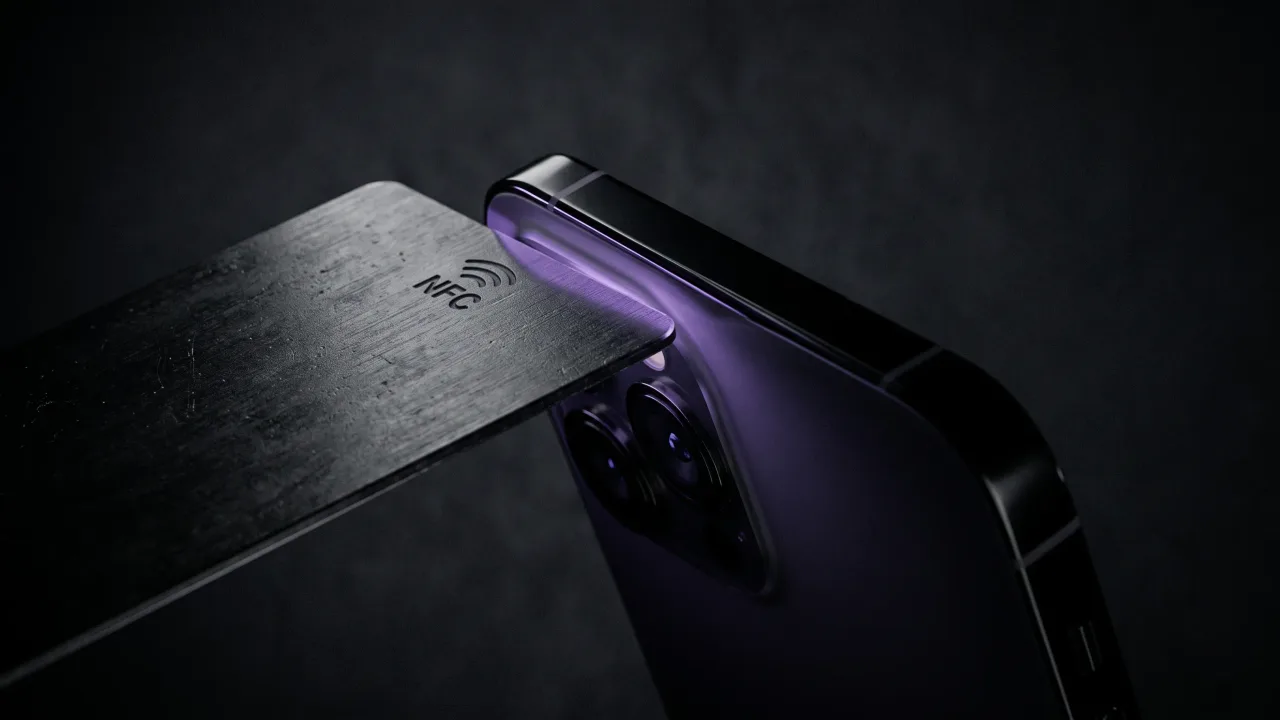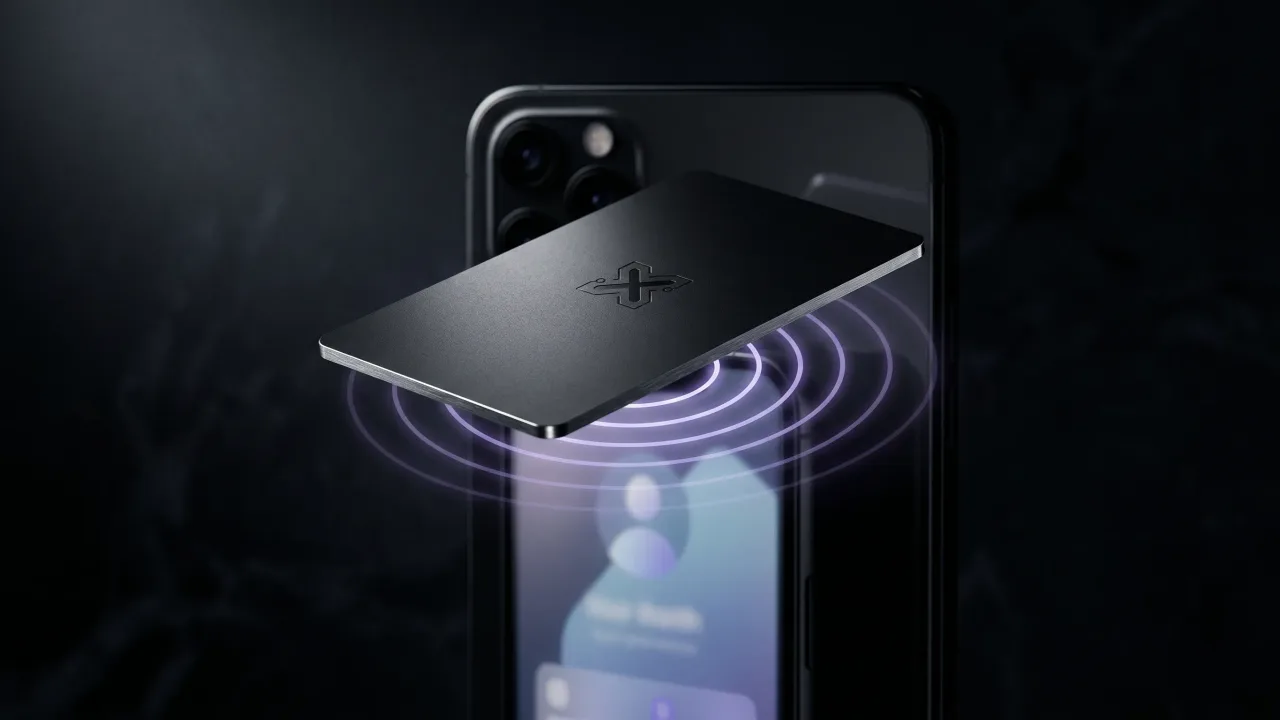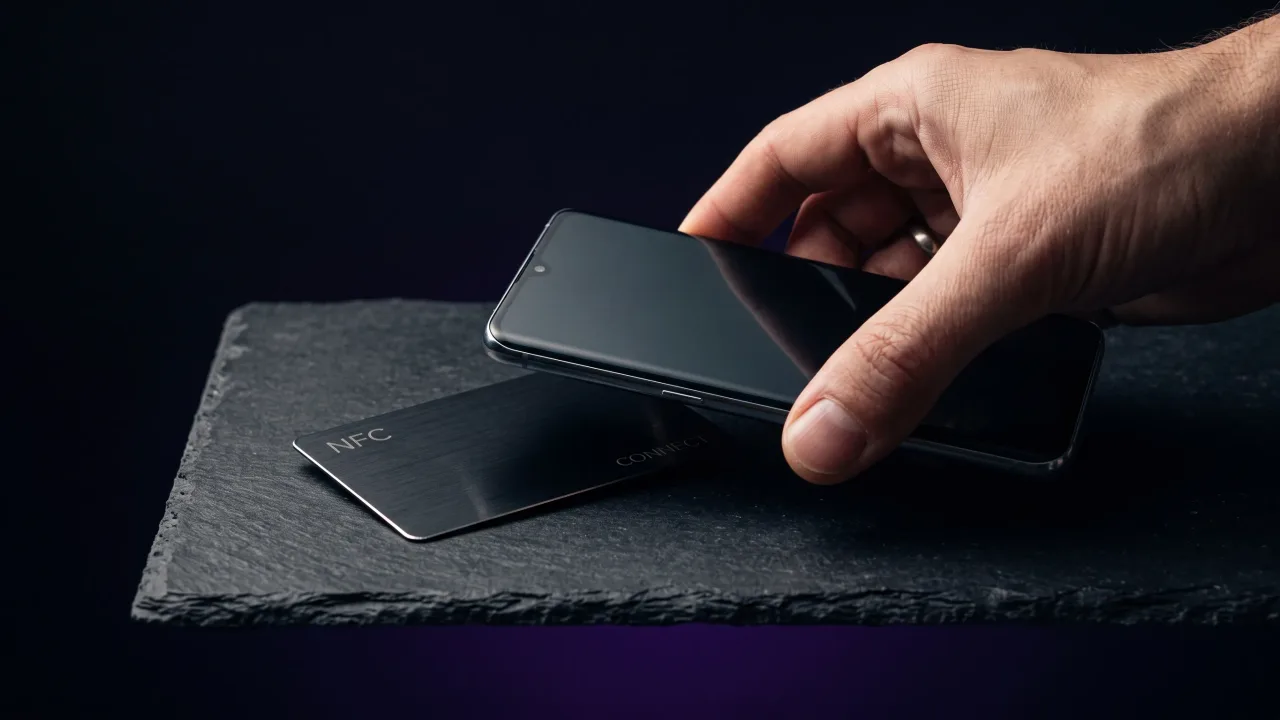
Activating an NFC business card sounds like it should come with a manual. For most cards it comes down to one tap and a short form you fill out once. The word activate covers two different jobs, and knowing which one your card needs saves you the ten minutes people waste digging through phone settings that were never the problem.
How to activate an NFC business card depends entirely on where the card came from. A card bought from a service usually arrives blank and gets linked to your online profile through a quick setup. A card you programmed yourself already carries its link, so activation just means locking it. Either way, the chip does nothing until it points somewhere, and pointing it somewhere is the whole task.
What activating an NFC business card actually means
Two things get called activation, and they are not the same. The first is linking a finished card to your digital profile, usually by scanning a code printed on the card a single time. The second is writing a link onto a blank chip yourself, then locking it so nobody can change it later. Most people buying a ready-made card only ever do the first.
Underneath both is one idea. An NFC chip is a tiny sliver of memory that a phone reads over a few centimetres of near-field communication. It holds one short piece of data, almost always a web address written in the tag format set by the NFC Forum. Activation is the moment that address gets set and the card starts answering every tap with your page. If you want the full picture of what happens during a tap, how NFC business cards work covers it.
What you need before you start
Activation is quick, but it goes faster when the pieces are ready. For a ready-made card you need three things.
- The card itself, with either a QR code or an activation link printed on the back or included in the box.
- A phone with NFC and a camera: any recent Android, or an iPhone 7 or newer.
- The digital profile the card will point to, which you can build once and edit forever.
The profile is the part that matters most. The chip is only a doorway. The digital profile behind it, with your name, title, links and a save-contact button, is what the other person actually sees and keeps. Set that up first and activation becomes a formality.
How to activate an NFC business card in four steps
The setup below fits almost every ready-made card, whatever brand sold it. You are connecting one physical card to one online page, and confirming a tap opens it.
- Create or sign in to your profile account, then fill in your name, photo and the links you want to share.
- Find the activation code on the card or its packaging, and scan it with your phone camera or the brand app to claim the card to your profile.
- Confirm the link, so a tap of the card now opens your page rather than a blank setup screen.
- Test it by holding the card to a second phone and watching your profile load.
That final test is the step people skip and regret. Thirty seconds with a colleague's phone tells you the card is live before you hand it to anyone who matters. Once it works, sharing it is just a tap, which using an NFC business card walks through in more detail.
How to activate an NFC card on iPhone
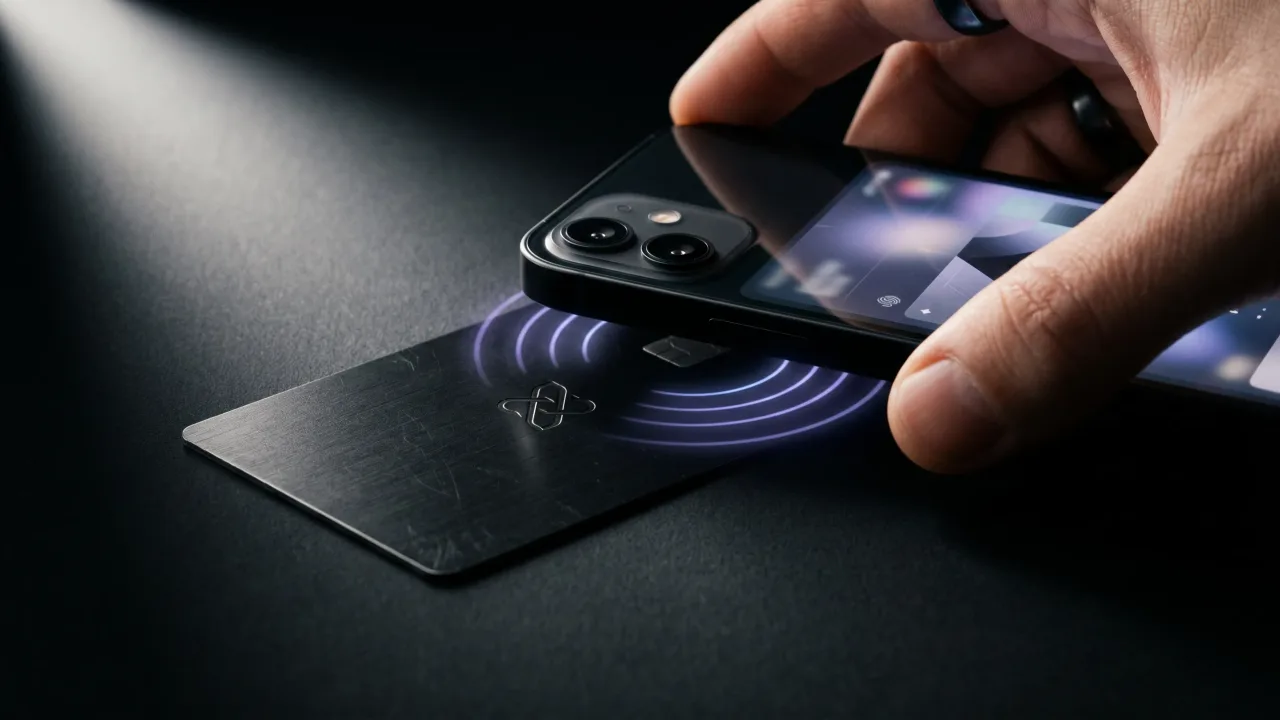
iPhones read NFC tags in the background from the iPhone XS onward, so there is nothing to switch on. Unlock the phone, hold the card near the top edge where the antenna sits, and a notification banner appears with the link. Tap the banner to open it.
- Unlock the phone and wake the screen, since a locked iPhone will not read a tag.
- Hold the top edge of the phone flat against the card for a second.
- Tap the banner that slides down to open your profile.
For activation on iPhone, the camera does the work. Point it at the QR code on the card, tap the link that pops up, and follow the setup to claim the card to your account. You do not install anything to read a finished card, and most services never make you install anything to activate one either. Older iPhones before the XS can still read a tag through the Wallet or a reader app, though the background banner is the version most people rely on.
How to activate an NFC card on Android
Android has read and written NFC for years, but the radio can be switched off. Open Settings, search for NFC, and make sure it is turned on. Most phones from 2017 onward have it, tucked under connection settings.
- Pull down the quick settings and check the NFC tile is on, or search NFC in Settings.
- Hold the card flat against the upper-middle of the phone's back, where the antenna usually sits.
- Wait a moment and the link opens on its own, no button to press.
With NFC on, activation runs the same as anywhere. Scan the card's QR code with your camera, open the setup link, and connect the card to your profile. Then tap the card against the back of the phone, near the middle, to confirm it loads your page. If nothing happens on the tap, NFC is usually still off, so that is the first thing to check.
Do you need an app to activate an NFC business card?
Usually not. Most ready-made cards activate through a normal web page you reach by scanning the printed code, so your browser handles the whole thing. Some brands offer an app for extras like analytics or multiple profiles, but the core activation rarely requires it.
The exception is a card you are programming from scratch. Writing a link to a blank chip needs a writing app such as NFC Tools, free on both platforms, plus a lock step so the link can never be altered. That is a different job from activating a finished card, and programming an NFC business card covers it end to end.
When a tap does nothing: quick activation fixes
A card that will not activate almost always has a simple cause. Run through these before you assume the card is faulty.
- NFC is off. On Android, turn it on in settings. On iPhone, make sure the phone is unlocked and the screen is on.
- Wrong spot on the phone. iPhones read from the top edge, most Androids from the upper-middle of the back. Move the card around slowly.
- A thick case or a metal pop-socket sitting between card and phone. Take the case off and try again.
- The activation code was never claimed, so the card still points to a blank setup page. Scan the code and finish the setup.
- Two NFC cards stacked together, which confuses the reader. Separate them and tap one at a time.
If none of that helps, the chip may genuinely be damaged, which is rare on a well-made card and common on cheap ones. Our full guide to an NFC business card that is not working goes deeper on hardware faults.
Activating cards for a whole team
Handing forty cards to forty colleagues and asking each of them to scan a code is where activation stops being quick. For a team it makes more sense to set the profiles up centrally, so every card arrives tied to the right person and nobody has to think about it.
The pattern is the same as one card, run once per employee. An admin creates each profile with the person's name, title and links, and the matching card is claimed to it before it ever reaches a desk. New hire, new card, same five-minute setup done by one person instead of everyone. Our team ordering handles the provisioning so a manager is not chasing activation links across a whole office.
The shortcut: a card that arrives activated
The fastest activation is the one you never do. A card can arrive already written and locked, pointing at a profile that is ready for your details. You claim the profile, add your name and links, and the physical card needs no setup at all. There is no code to scan and no chip to write, only a page to fill in.
That is how a Discard card ships. The chip is programmed and sealed before it reaches you, so the only setup is filling out the page it opens. You design the card, we handle the chip, and activation stops being a step you have to think about. The tap works out of the box, and your profile stays editable for as long as you own the card.
Activating an NFC business card is easier than the word suggests. A ready-made card takes one scan of its code and a profile you fill out once, and it works on any modern iPhone or Android without an app. The only cards that ask for real setup are blank ones you program and lock yourself, which is a hobby worth doing if you enjoy it and a chore if you do not. When a tap fails, the cause is almost always NFC switched off or a case in the way, not a broken card. And if you would rather skip the whole question, a card that arrives programmed and locked leaves you nothing to activate but the page behind it. Set up the profile once, and the metal does the rest for years.
Skip the activation steps entirely. Design a metal NFC card that arrives programmed and locked, pointing to a profile you edit anytime.
Design your cardHow do you activate an NFC business card?
For a ready-made card, scan the QR code or activation link printed on it, sign in to your profile, and claim the card to that profile. That links the chip to your page, so a tap opens it. The whole process usually takes under a minute and needs no app.
Do you need an app to activate an NFC business card?
Most of the time, no. Ready-made cards activate through a web page you reach by scanning the printed code, so your browser does the work. An app is only required when you are writing a link to a blank chip yourself and then locking it.
How do I activate an NFC card on my iPhone?
Point the camera at the QR code on the card and tap the link that appears, then follow the setup to claim the card. iPhones from the XS onward also read a finished card in the background, so once activated you just hold it near the top edge and tap the banner. The 7 through X can read one too, using a reader app.
Why is my NFC business card not activating?
The usual cause is NFC being switched off on Android, or the phone being locked on iPhone. A thick case, a metal grip, or tapping the wrong part of the phone can also block the read. Check those first, since a genuinely faulty chip is rare on a quality card.
Can you reactivate or change an NFC business card?
You can change everything the card points to whenever you like, because the details live on your online profile, not the chip. The chip itself only holds a fixed link. If that link was locked during programming, it cannot be rewritten, which is what keeps the card secure.
Does an NFC business card need Wi-Fi or data to activate?
The tap that reads the chip works offline, but opening your profile and finishing setup needs an internet connection on the phone. Any Wi-Fi or mobile data is enough. After activation, whoever taps your card just needs their own connection to load the page.
How long does it take to activate an NFC business card?
Under a minute for a ready-made card once your profile exists. Scanning the code and claiming the card is the fast part. Building the profile it points to takes a few minutes more the first time, and never again after that.