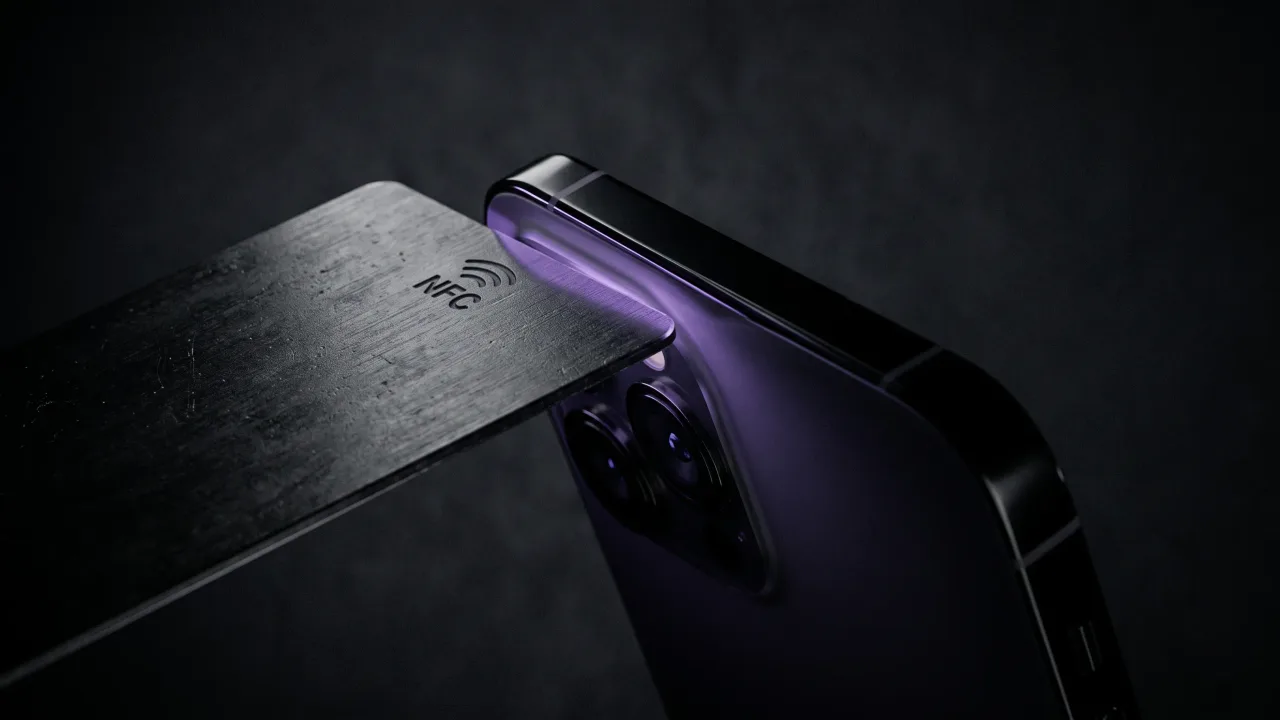
The tap takes two seconds. The awkward pause before it lasts about five, because the person holding the phone has no idea which part of it to use. That pause is the only genuinely hard thing about an NFC business card, and it disappears the moment you know where the antenna sits.
Here is how to use an NFC business card, on either kind of phone: hold the card flat against the correct spot, wait for the banner to slide down, and let the other person tap it. Your profile opens in their browser. Nothing installs and nothing pairs, because the near-field communication reader is already running on their phone.
How to use an NFC business card in one tap
The card is the passive half of the exchange. It has no battery and no memory of you, so every tap is the phone waking the chip and reading one short web link off it.
- Hold the card yourself and offer it to their screen, or hand it over and let them do it.
- Place the card flat against the back or top of their phone, depending on the brand.
- Hold for a second until a notification banner appears at the top of the screen.
- Let them tap the banner. Your profile loads in their browser.
- They press save to contacts, and your details are in their phone.
The whole exchange runs on about four centimetres of range, so contact is not required but proximity is. A phone case is usually fine. A thick wallet case with metal card slots is not, and it is usually the reason a tap fails.
How to use an NFC business card on an iPhone
iPhones read NFC cards with nothing turned on and nothing installed. The scanner runs in the background whenever the screen is awake and unlocked, which means an iPhone that is face-down or locked will ignore the card entirely.
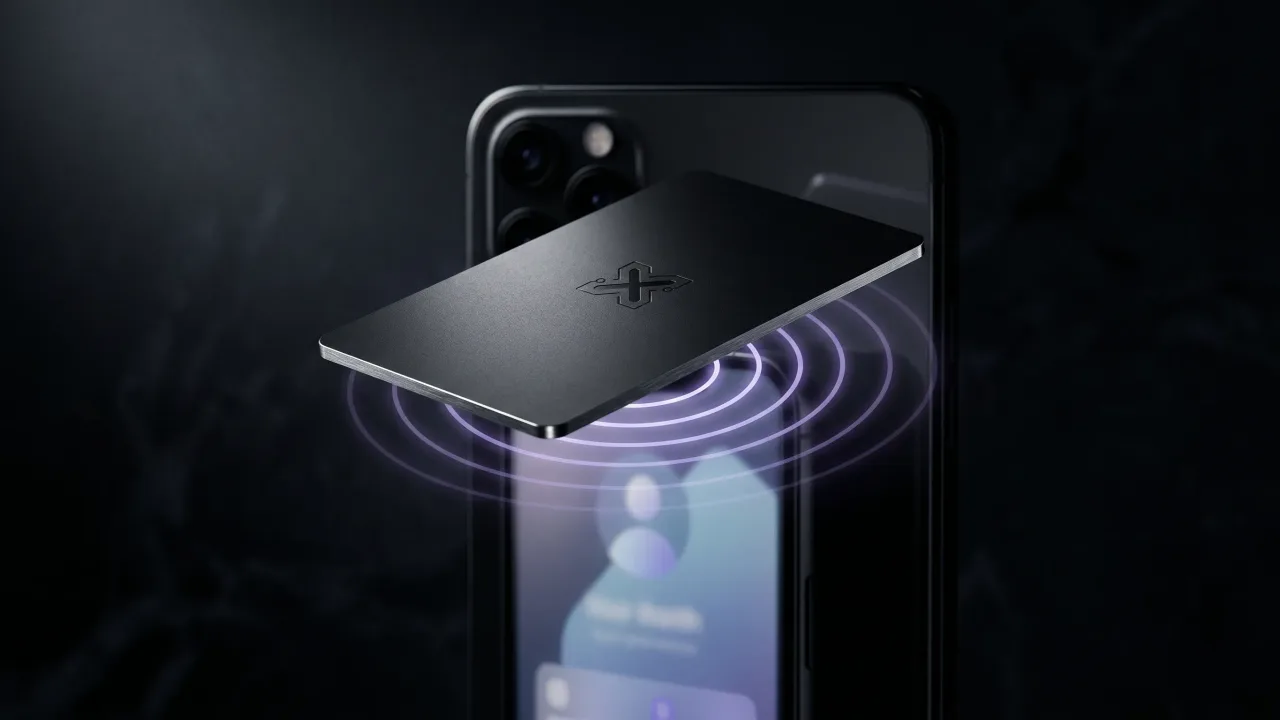
The antenna sits at the very top edge of the phone, above the cameras. Hold the card there, not against the middle of the back, which is where almost everyone tries first. Wake the screen, touch the top edge of the phone with the card, and a banner drops down within a second.
Every iPhone from the XS onward does this automatically. Older models from the 7 to the X can still read cards, but they need the NFC reader tile from Control Centre opened first. If you meet one of those, the QR code on the back of the card is faster than explaining Control Centre. We went through the model-by-model detail in whether NFC business cards work with iPhone.
How to use an NFC business card on Android
Android puts the antenna on the back, usually near the middle, sometimes higher up by the camera cluster. Lay the card flat against the centre of the back panel and slide it up an inch if the first position does nothing.
Most Android phones ship with NFC already on, since it is the same radio that handles contactless payment. When a phone stays silent, the toggle is the thing to check: Settings, then Connected devices, then Connection preferences, then NFC. Google documents the path in its guide to turning on near field communication, and the wording shifts slightly between Samsung, Pixel and Xiaomi.
Some budget Android handsets have no NFC hardware at all. There is no fix for that, which is why a good card also carries a printed QR code.
What the other person actually sees
A banner, then a page. The banner shows your domain, which is worth knowing because a recognisable address reassures people far more than a shortened link they have never seen.
The page is your digital profile: name, role, photo, phone, email, social links, and a button that writes a contact card straight into their phone. They are three taps from having you saved.
The page stays editable after the card leaves your hand. Change jobs, change numbers, add a new portfolio link, and every card you have ever handed out points at the new version. The metal never goes stale.
Do NFC business cards need an app?
No, and this is the question that decides whether the technology is useful in a real conversation. Reading a tag is built into the operating system on both platforms, the same way reading a QR code is built into the camera.
Asking a stranger to install something before they can receive your details defeats the purpose of a card that is supposed to be faster than paper. If a card requires an app on the receiving end, it is not a business card, it is a signup funnel. The standard behind the tag format comes from the NFC Forum, which is why one chip reads correctly on every brand of phone without help.
You do not need an app on your side either, at least with a card that arrives programmed. Blank tags are a different story, covered in how to program an NFC business card.
What to do when the tap does nothing
Almost every failure comes down to one of five things, and four of them are fixed by moving the card.
- The screen is locked or off. Wake it and try again.
- The card is on the wrong spot. Top edge for iPhone, middle of the back for Android.
- A thick or metal-lined case is in the way. Take the phone out of it.
- NFC is switched off on an Android phone. Check Settings.
- The phone has no NFC chip. Use the QR code instead.
Metal cards raise one more question at every event: does the metal block the signal? A cheap card with a chip glued to a solid steel plate will struggle. A properly built one has the antenna engineered around the material, which is the difference between a card that reads on the first try and one that needs three attempts while someone watches. We explained the manufacturing side in how metal NFC business cards are made.
When to use the card, and when to hand it over
Tapping works best when both people are standing and holding phones already, which describes most of a conference floor. Reach for the tap at events, at trade show stands, and any time the other person already has their phone in hand.
Sometimes the better move is to leave the card behind. A metal card on a restaurant table, in a proposal folder, or clipped to a delivered product keeps working after you walk away, and the person can tap it whenever they get around to it. That is a use case paper never had, because nobody keeps paper.
One card also covers a whole table. Pass it around, let three people tap it, take it back. The chip does not run out, which quietly changes how many cards you carry from fifty to one.
The verdict: the technique is trivial, the habit is not
Learning how to use an NFC business card takes one demonstration. Top of the phone for iPhone, back of the phone for Android, wait for the banner. There is nothing else to master, and anyone claiming otherwise is selling a complication. The real adjustment is behavioural. You have to stop reaching for a stack in your pocket and start treating one object as the whole supply, which feels wrong for about a week and then feels obviously correct. What goes wrong is rarely the chip. It is handing someone a card and letting them fumble at the wrong part of their phone while the moment cools. Tap it against their screen yourself, hand them the card afterwards, and the exchange stays under five seconds.
Build a card that arrives programmed and a profile you can edit forever. Choose your metal, layout and finish in the configurator.
Design your cardFrequently asked questions
Do NFC business cards work on all phones?
They work on every iPhone from the XS onward and on almost every Android phone made in the last several years. Older iPhones need the NFC reader opened from Control Centre first. Budget Android models occasionally ship without an NFC chip, which is why a printed QR code on the card matters.
Do you need an app to read an NFC business card?
No. Reading NFC tags is part of both iOS and Android, so a link opens in the browser with nothing installed. Any card that requires the recipient to download an app has misunderstood what a business card is for.
Where exactly do you tap an NFC card on a phone?
The very top edge on an iPhone, above the cameras. The middle of the back panel on most Android phones. If nothing happens after a second, slide the card an inch in either direction, since antenna placement varies by model.
Does an NFC business card need internet or a battery?
The card needs neither. The chip is passive and draws its tiny amount of power from the phone's own field. The phone needs a connection to load the profile page, though the contact file saves in seconds on any signal.
Can someone save my details without typing them?
Yes, that is the point. The profile page has a save-to-contacts button that writes a full contact card into their phone, including photo, phone number, email and links. Nobody types anything and nobody misspells your surname.
What happens if their phone does not support NFC?
They scan the QR code printed on the card with the camera app, which lands on the same profile. The exchange takes a couple of seconds longer and produces an identical result. This is also the fallback when someone's phone is locked and they would rather not unlock it.
Is it safe to tap an unfamiliar NFC card?
Tapping only reads a web address, and the phone shows that address before opening anything. Nothing installs and nothing runs automatically. We covered the range limits and what a chip can and cannot carry in our piece on <a href="/blog/are-nfc-business-cards-safe">whether NFC business cards are safe</a>.