Yes. Almost every iPhone in use today can read an NFC business card, and most of them do it with no app and no setup. The doubt usually traces back to a half-remembered rule about Apple locking its NFC chip to Apple Pay. That was true once, and it quietly stopped being true in 2018.
So do NFC business cards work with iPhone? For any model from the last several years, yes, and the tap takes about a second. The card carries a single web link, the iPhone reads links natively, and the two were practically built to meet. The detail worth knowing is which iPhones tap automatically and which need one extra step.
Do NFC business cards work with iPhone?
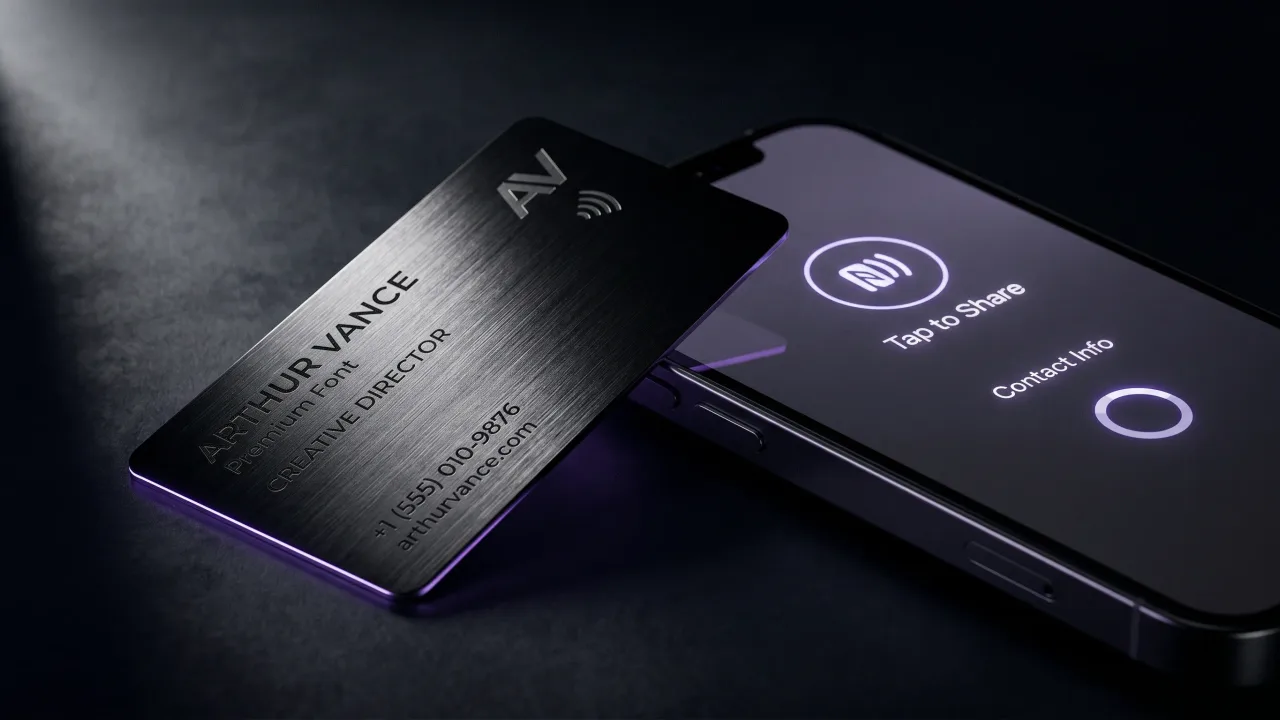
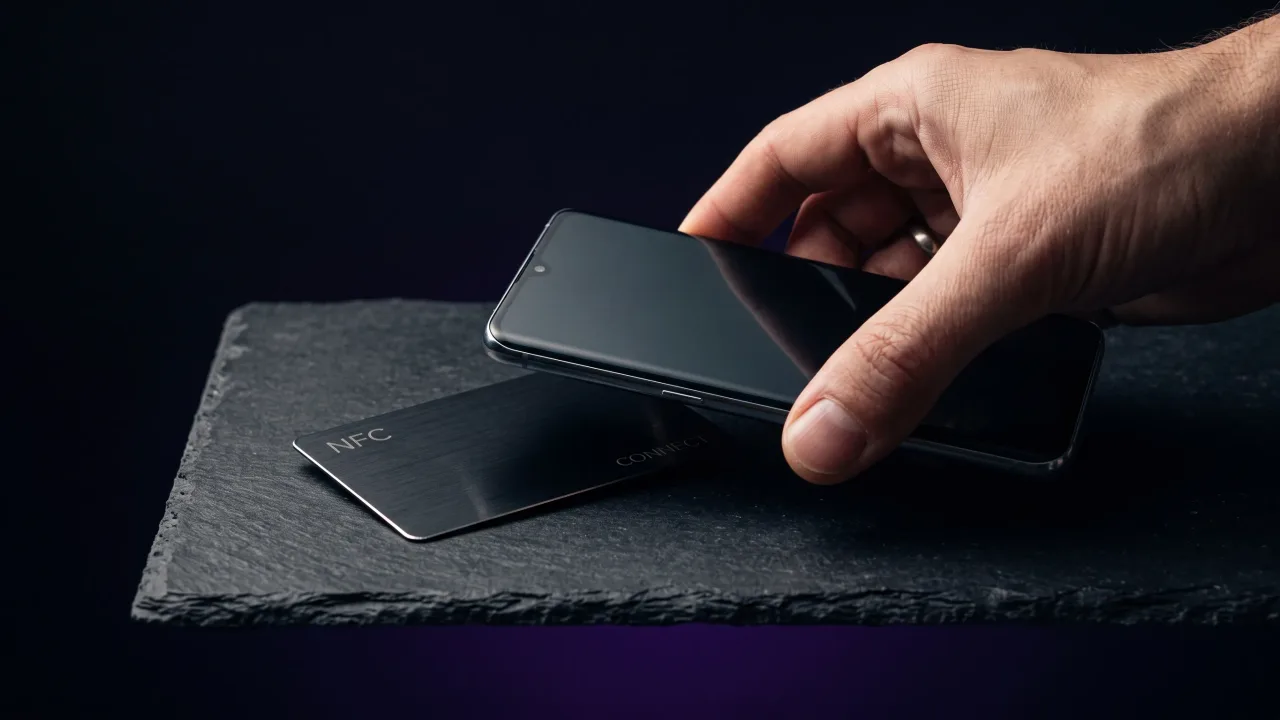
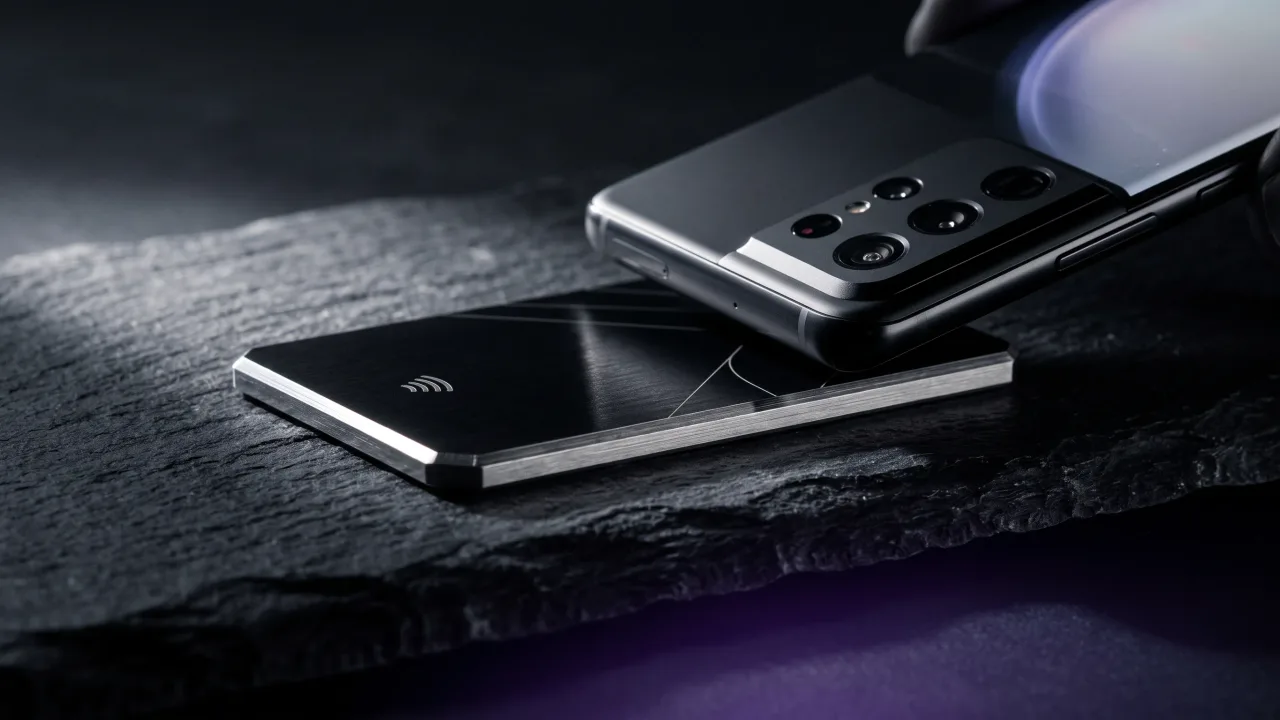
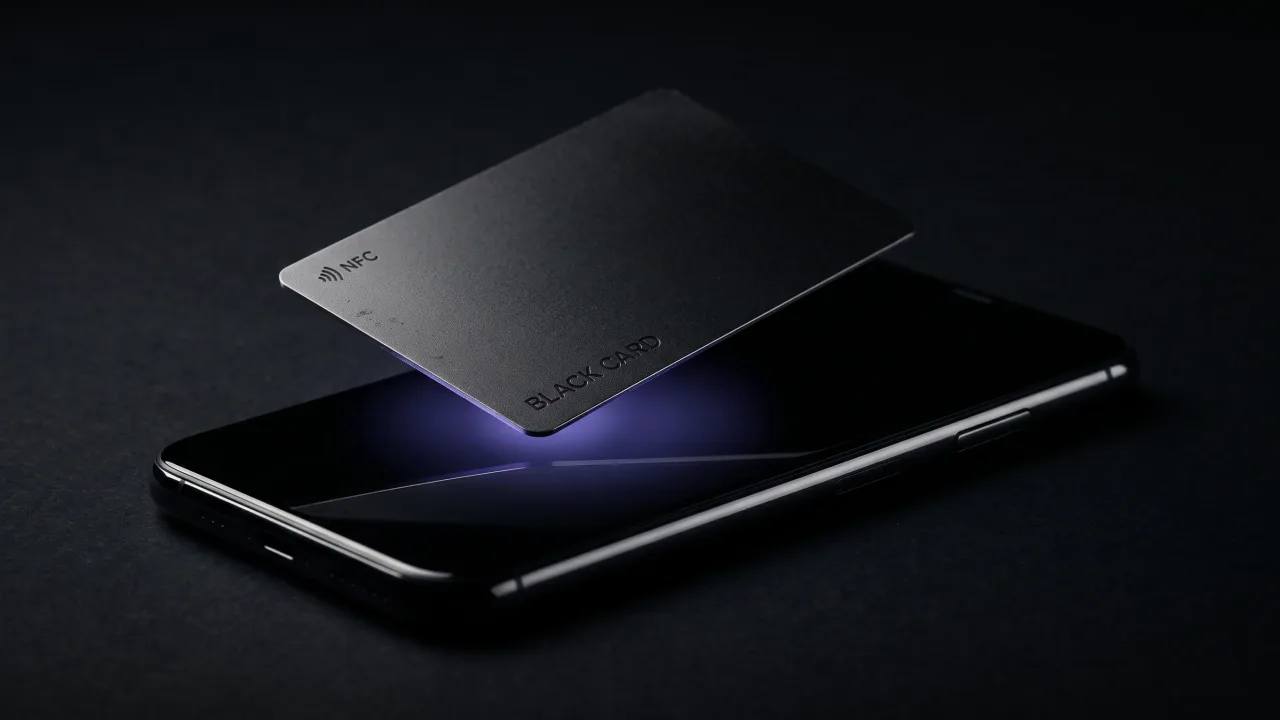
They do, on every iPhone Apple still supports and several older than that. An NFC business card holds one web address that points to your digital profile, and reading a web address is something an iPhone has done since the day it shipped. When the card touches the top of the phone, a banner slides up with your name on it, and one tap opens the profile.
Apple used to wall the iPhone's NFC chip off for payments only, which is why older guides still warn that iPhones cannot read NFC tags. That restriction lifted in stages between 2017 and 2018. Today the reading is built into iOS itself, so the person you hand the card to installs nothing. The technology underneath is plain near-field communication, the same short-range radio that runs tap-to-pay.
Which iPhones can read an NFC business card?
Compatibility splits into three groups, and the line that matters is the iPhone XS from 2018. From that model on, the phone reads a tapped card on its own with nothing open. Older models still read cards, they just want one extra tap to start. NFC is a single standard maintained by the NFC Forum, which is why one card works the same across phone brands.
| iPhone model | Reads an NFC card? | How it reads |
|---|---|---|
| iPhone XS, XR, 11, 12, 13, 14, 15, 16 and newer | Yes, automatically | Tap the card, a banner appears, no app |
| iPhone 7, 8, X | Yes | Use the NFC reader in Control Center, or any tag app |
| iPhone 6, 6s, SE (1st gen) | Not for cards | Scan the QR code on the card instead |
In practice that means anyone with an iPhone bought since late 2018 taps and goes, no thought required. The 7, 8 and X are still common enough that the Control Center route is worth knowing, and it is a one-time setup. Only the iPhone 6 generation and the first SE miss out on tag reading completely, which is what the printed QR code is there for.
How to tap an NFC business card on an iPhone
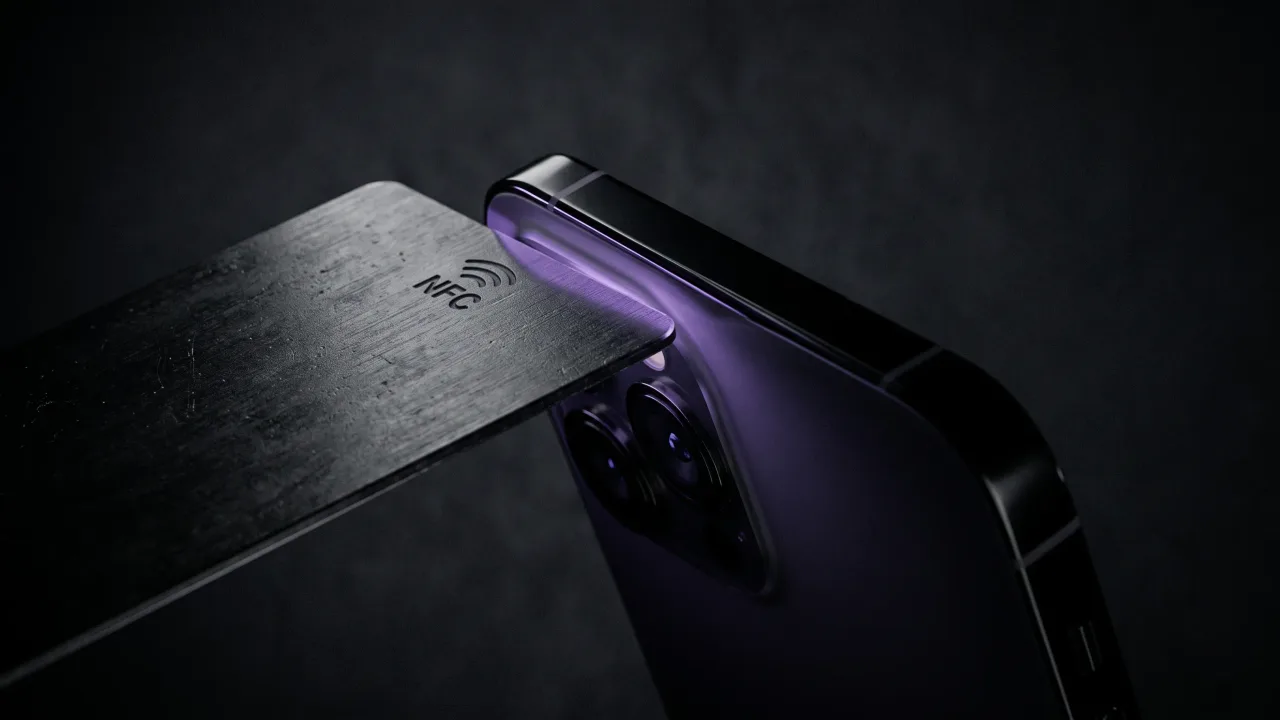
The mechanics are simple, and the one thing people get wrong is where to hold the card. The iPhone's NFC antenna sits at the very top of the phone, not the middle or the back, so the card needs to meet the top edge.
- Wake the screen. The phone does not need to be unlocked, just on.
- Hold the top of the iPhone against the card, the area just above the rear cameras.
- Wait for the banner with the person's name to slide up from the bottom.
- Tap the banner, and the profile opens in Safari.
- Tap save contact, and the details land in the phone book.
The whole thing takes about as long as reading this sentence. If the banner does not appear, slide the card up toward the top edge of the phone and try again, since the antenna's reach is only a few centimetres. There is more on what happens in that moment in how NFC business cards work.
Do you need an app to use an NFC card on iPhone?
No, and that is the part that surprises people. On an iPhone XS or newer, NFC reading runs in the background as a system feature, so the person tapping your card opens your profile in Safari with nothing installed. You do not need an app to build your profile either. You design it in the configurator in a browser, and the card simply carries the link to it.
The app confusion comes from a different kind of card. Some networking products lock your profile inside their own app, which nudges the other person to download something before they can save you. A card built around a plain web link skips all of that. We made that the whole point of the Discard profile: it opens for anyone, on any phone, app or no app.
Why won't my iPhone read an NFC business card?
When a tap fails, it is almost always one of a few small things, not a broken card. Run through these before assuming the chip is dead.
- Hold the top edge of the iPhone to the card, not the centre of the back where there is no antenna.
- Check the model, because an iPhone 6, 6s or first-generation SE cannot read tags and needs the QR code instead.
- Take off a thick wallet case or metal plate, since either can block the signal.
- Wake the screen first, as the phone reads the card with the screen on even while it stays locked.
- Make sure airplane mode is off, because it can switch the NFC radio off along with everything else.
If none of that helps and the card still will not read on a newer iPhone, the chip itself may be faulty, which is rare in a well-made card and covered by any honest maker. A good card is also written and locked once in production, so there is no programming step on your side that could have gone wrong.
What about older iPhones? The QR code fallback
The iPhone 6 and 6s generation, and the first SE from 2016, carry an NFC chip wired only to Apple Pay, so they cannot read a business-card tag. They are a shrinking share of phones in use, but they still turn up, and a card that only works on new iPhones fails at the worst possible moment.
This is why a serious NFC card carries a QR code as well. The same link sits behind both, so the recipient taps if their phone can and scans if it cannot, and either way they land on your profile. The two formats cover each other, which is the logic we lay out in NFC vs QR code business cards.
NFC business card vs Apple Wallet on iPhone
iPhone users sometimes ask why not just use an Apple Wallet pass instead of a card. A Wallet pass is genuinely useful, but it lives on your own phone, which makes it good for showing your details and poor for handing them over. The other person still has to scan or type to keep anything.
An NFC business card flips that around. You give it to them, they tap, and your profile is on their phone in seconds, saved with the correct spelling and the right number. The two simply do different jobs, and we compare them properly in NFC business cards vs Apple Wallet passes. A metal card also does something a phone screen cannot, which is sit in someone's hand as an object worth keeping.
The verdict: NFC business cards and iPhone
For any iPhone made since 2018, the answer is a clean yes, and the tap is automatic with no app on either side. The 7, 8 and X read cards too, with one extra tap through Control Center, and only the iPhone 6 generation sits it out, which is exactly what the QR code on the card is there to catch. The old worry about Apple walling off its NFC chip belongs to a version of iOS that no longer ships. What that leaves is a card you can hand to almost anyone in the room, confident their iPhone will open your profile the moment the two touch. Buy a card that pairs the chip with a QR fallback and points to a profile you actually control, and the iPhone question answers itself.
Design a metal NFC card that taps on any modern iPhone and falls back to a QR code on the rest.
Design your cardFrequently asked questions
Do all iPhones support NFC business cards?
Nearly all of them do. Every iPhone from the XS onward reads a tapped card automatically, and the iPhone 7, 8 and X read one through the Control Center NFC reader or an app. Only the iPhone 6 generation and the first SE cannot read card tags, which is what the QR code on the card is for.
Do I need an app to read an NFC business card on my iPhone?
No. On an iPhone XS or newer, NFC reading is built into iOS, so you tap the card and your profile opens in Safari with nothing installed. Older models that support tag reading can use the NFC reader in Control Center instead of a separate app.
Where do I tap an NFC card on an iPhone?
Against the very top of the phone, the area just above the rear cameras, since that is where Apple places the NFC antenna. Hold the card there with the screen awake and wait for the banner to appear. If nothing happens, slide the card a little higher toward the top edge.
Why is my iPhone not reading the NFC business card?
Usually because of where the card is held or which model you have. Tap the top edge rather than the back, make sure the screen is on and airplane mode is off, and remove a thick or metal case if you use one. An iPhone 6 or 6s cannot read card tags at all, so use the QR code.
Can an iPhone write or program an NFC business card?
It can, with an NFC writing app, but with a card like Discard you never need to. The chip is written with your profile link and locked during production, so it arrives ready to tap with no setup on your side.
Do NFC business cards work on iPhone without unlocking it?
Yes. On an iPhone XS or newer, the card is read with the screen on while the phone stays locked, and the banner appears on the lock screen. Opening the profile from there works the same as tapping any link.
Will an NFC business card work on both iPhone and Android?
Yes. The card holds a standard web link that any NFC phone can read, so it works across iPhone and Android with no separate version for each. Almost every Android phone from the last several years reads NFC by default, just like a modern iPhone.