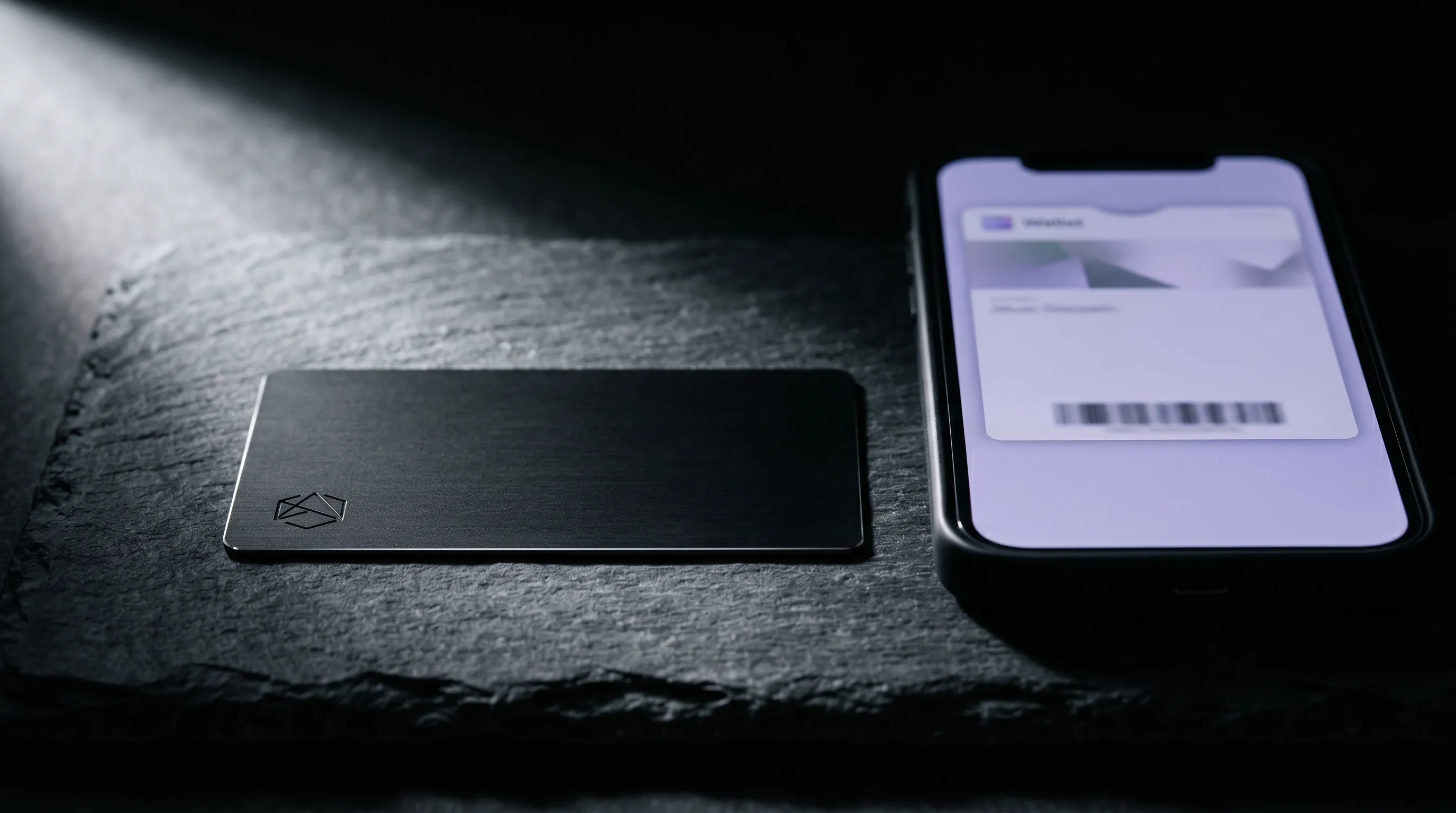
Apple Wallet holds your boarding pass, your bank cards, and last week's concert ticket. It does not hold a business card, at least not the way most people picture it. A digital business card for Apple Wallet is really a Wallet pass: a small file you add once that carries a QR code and a link to your actual profile.
That distinction shapes everything the card can and can't do. The pass sits beside your loyalty cards, opens with a double-click of the side button, and shows a code the other person scans. Setting one up takes about two minutes. Learning its limits takes one more paragraph, and it saves you from expecting the wrong thing.
Can you actually put a business card in Apple Wallet?
Not as a built-in card type. Apple Wallet ships with slots for payment cards, transit, tickets, boarding passes and keys, and none of them is a business card. What you add instead is a generic pass, built on Apple's PassKit system, that a digital business card service generates for you.
So every "Apple Wallet business card" you have seen is a pass file with a .pkpass extension. It stores a name, a title, a QR code and a web link, and it renders as a tidy card in the Wallet app. The service does the technical part. You tap a button and approve it.
How to add a digital business card to Apple Wallet
The flow is the same across every service that supports it. You build the profile first, because the pass is only a pointer to it.
- Create your digital profile with your name, title, links and a save-contact button, then keep its web address handy.
- Open the card's share or settings menu and choose Add to Apple Wallet.
- iOS shows a preview of the pass. Check the details and tap Add in the top corner.
- The card drops into Wallet. Double-click the side button to pull it up and confirm the QR code scans.
That is the whole setup. Nothing sensitive lives on the phone beyond a link and a code, and the pass works offline because both are stored locally. For the wider iPhone workflow beyond Wallet, how NFC cards work with iPhone covers the tap side.
This works on any iPhone running a current version of iOS, and the pass syncs to your other Apple devices through iCloud. Add it once and the same card shows up on your iPad, and on your Apple Watch if you wear one.
What a Wallet business card can and can't hold
A pass is small on purpose. Apple caps what it stores, so a Wallet business card carries the essentials and points to the rest.
- It holds your name, job title, company, a QR code, and one web link to your full profile.
- It shows a front face with your key details, and a back face with the extra fields some services add.
- It cannot hold a full contact file, a portfolio, a row of link buttons, or anything that changes on its own.
Size is the reason for the trimming. Apple limits how much a single pass can weigh, so services keep the file lean and rely on the link for everything heavier than a QR code.
The link is the workaround for all of it. Your digital profile holds the photo, the buttons, the booking link and the gallery. The Wallet pass just gets someone there in one scan.
How to share your card from Apple Wallet
Sharing is where Wallet earns its place. The card is two clicks away at any moment, even with a dead signal.
- Double-click the side button on a Face ID iPhone, or the Home button on a Touch ID model, to open Wallet.
- Select your card and let the other person scan the QR code with their camera.
- Their phone opens your profile in the browser, where one tap saves you to Contacts.
The pass also lands on your Apple Watch, so a glance at your wrist brings up the QR code without reaching for your phone. In a fast introduction, that beats unlocking and hunting for the card.
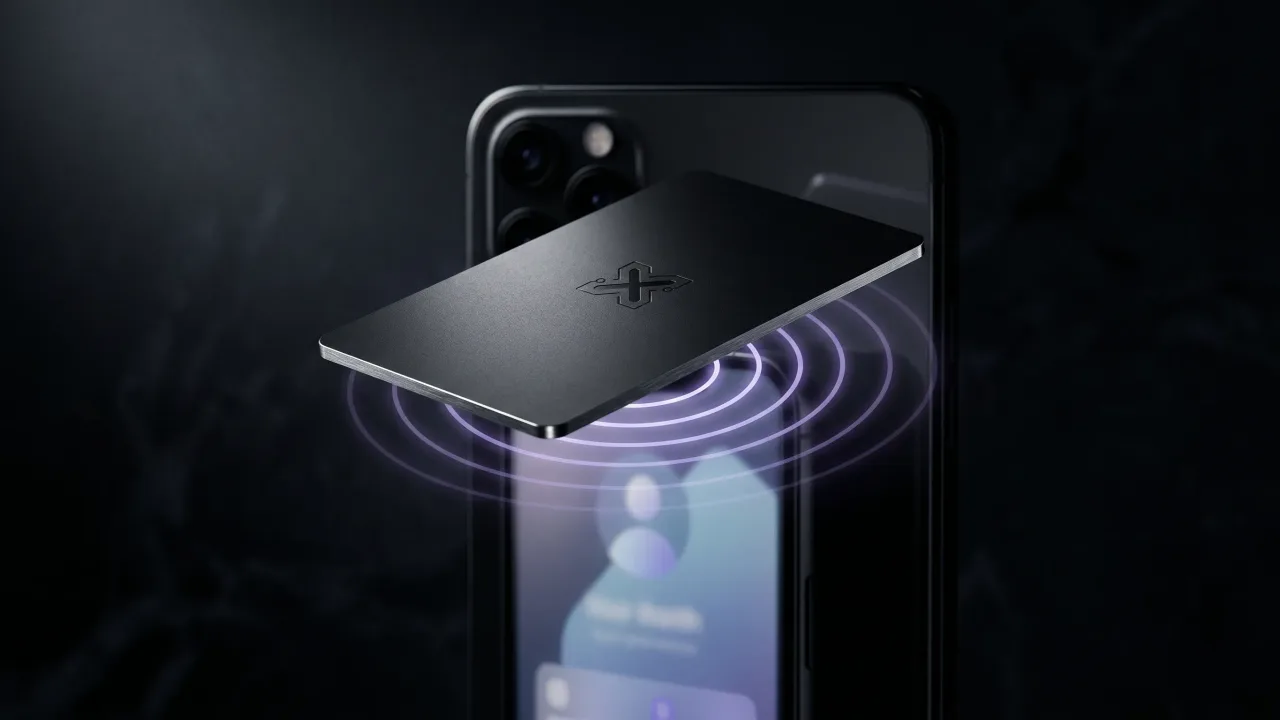
No app is needed on their end, which is the point. A camera and a browser are enough, and those ship on every phone. If you would rather not dig through Wallet at all, a physical tap solves it, which is where NFC comes in.
Apple Wallet pass vs a live digital profile
Here is the catch the setup guides skip. A Wallet pass is a snapshot. The link inside it can stay live, but the details printed on the pass face are fixed at the moment you make it.
Some services push updates to the pass through Apple's Wallet Passes system, so a new title or number refreshes on its own. Many do not, which sends you back to regenerate and re-add the card after a job change. The link behind the QR is the durable part. Treat the pass face as a label, not a source of truth.
Weigh that against the upkeep. A pass you regenerate by hand after every change is a small chore that piles up; a pass wired to a live profile is set once and forgotten.
This is the same reason a written vCard ages badly. A card that points to an editable page never needs re-issuing, and the person who scanned you last year still lands on your current details. Our comparison of NFC cards versus Apple Wallet passes goes deeper on the trade-off.
Where the Wallet-only card falls short
A Wallet pass solves storage and sharing on your own phone. It does nothing for the moment that decides whether you are remembered: the handoff.
You still unlock, double-click, find the card and angle the screen for a scan. In a loud room or across a wide table, that is three seconds of fumbling while the other person waits. And nothing is left behind. No object sits in their hand or on their desk, so the exchange lives or dies on whether they scanned in time.
A real card closes that gap. A metal card carries the same profile link on an NFC chip, so one tap opens your page on the spot, with nothing to install and no code to scan. See how NFC business cards work for the mechanics. The pass and the card are not rivals. The card is the front door and the pass is a spare key.
The metal card that carries your Apple Wallet link
The cleanest setup uses both. Keep the Wallet pass as your always-on backup, and hand people a card that does the tap for them.
A Discard card is engraved metal with an NFC chip inside, pointing at the same profile your Wallet pass links to. One tap on any modern phone opens your page, and they save your contact in a second. You edit that page anytime, so the metal never goes stale and neither does the pass beside it. For makers and one-person brands, the creative angle shows how the object itself does some of the talking.
A digital business card for Apple Wallet is worth setting up, as long as you know what it is. It is a pass, not a native card, and it works best as a two-click backup that always rides in your pocket. The setup is quick, the sharing is offline, and the QR code does its job in a scan. Where it stops is the handoff and the object. A Wallet pass cannot be placed in someone's hand, and its face freezes the day you make it. Pair it with a card that taps, points at the same editable profile, and leaves something behind worth keeping, and both halves are covered. Build the pass this afternoon. Then give it a body.
Put your Apple Wallet link on something people keep. Design a metal NFC card that taps to your live profile, with no app and no scan.
Design your cardCan you add a business card to Apple Wallet for free?
Yes. Several digital business card services generate a free Wallet pass, and Apple Wallet itself costs nothing. You create your profile, choose Add to Apple Wallet, and approve the pass. The free tier usually covers a single card with a QR code and a link.
Do people need an app to scan my Apple Wallet card?
No. They point their phone camera at the QR code on your Wallet pass and it opens your profile in the browser. From there, one tap saves you to Contacts. No app is required on either side for the scan.
Can I update my digital business card after adding it to Apple Wallet?
The link behind the card can stay live, but the details printed on the pass face are fixed when you create it. Some services push updates automatically through Apple's pass system; many require you to regenerate and re-add the pass. The safest design is a pass that points to a profile you edit online.
How do I open my business card in Apple Wallet quickly?
Double-click the side button on a Face ID iPhone, or the Home button on a Touch ID model. Wallet opens straight to your cards. Select the business card and the QR code fills the screen for scanning.
Is an Apple Wallet business card the same as an NFC card?
No. A Wallet pass lives on your screen and shares by QR code, while an NFC card is a physical object that shares by tap. They can point to the same profile. The card adds the one thing the pass cannot: something to hand over.
Does an Apple Wallet business card work on Android?
The Wallet pass itself is Apple-only, but the profile it links to opens on any phone. Android users have Google Wallet for the equivalent pass, and the QR code and link work the same across both. Your actual card page is platform-neutral.