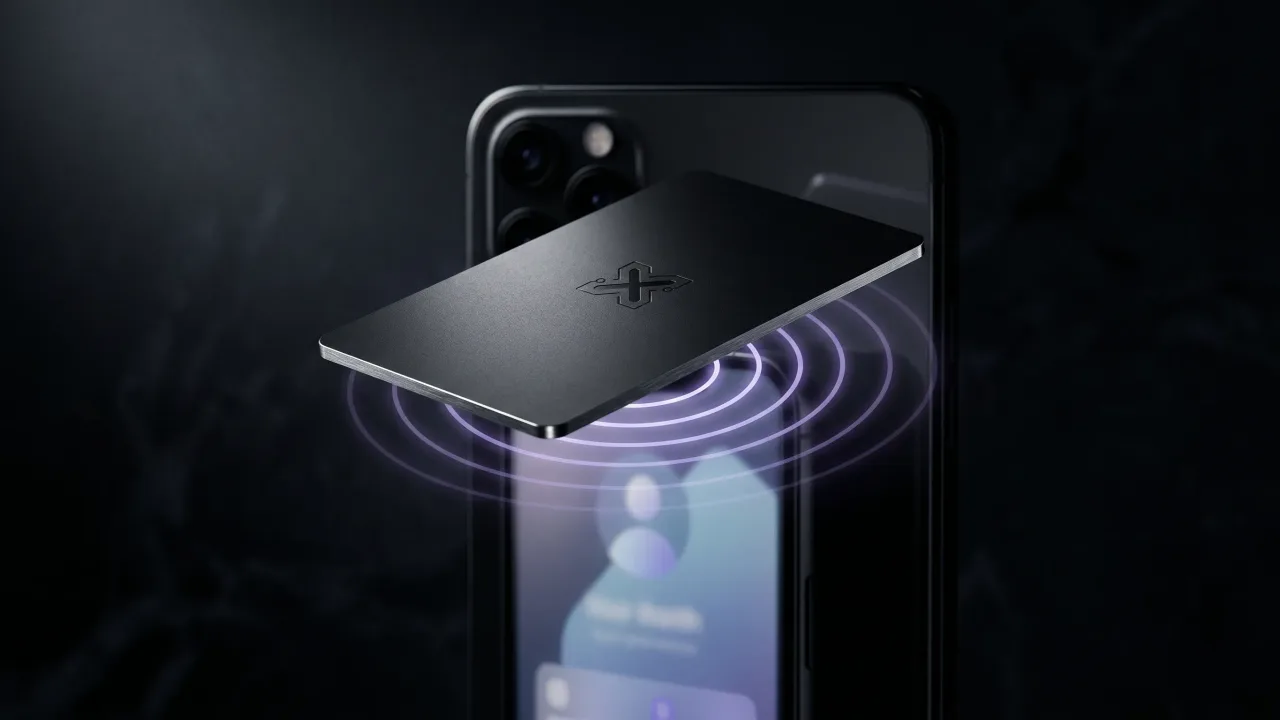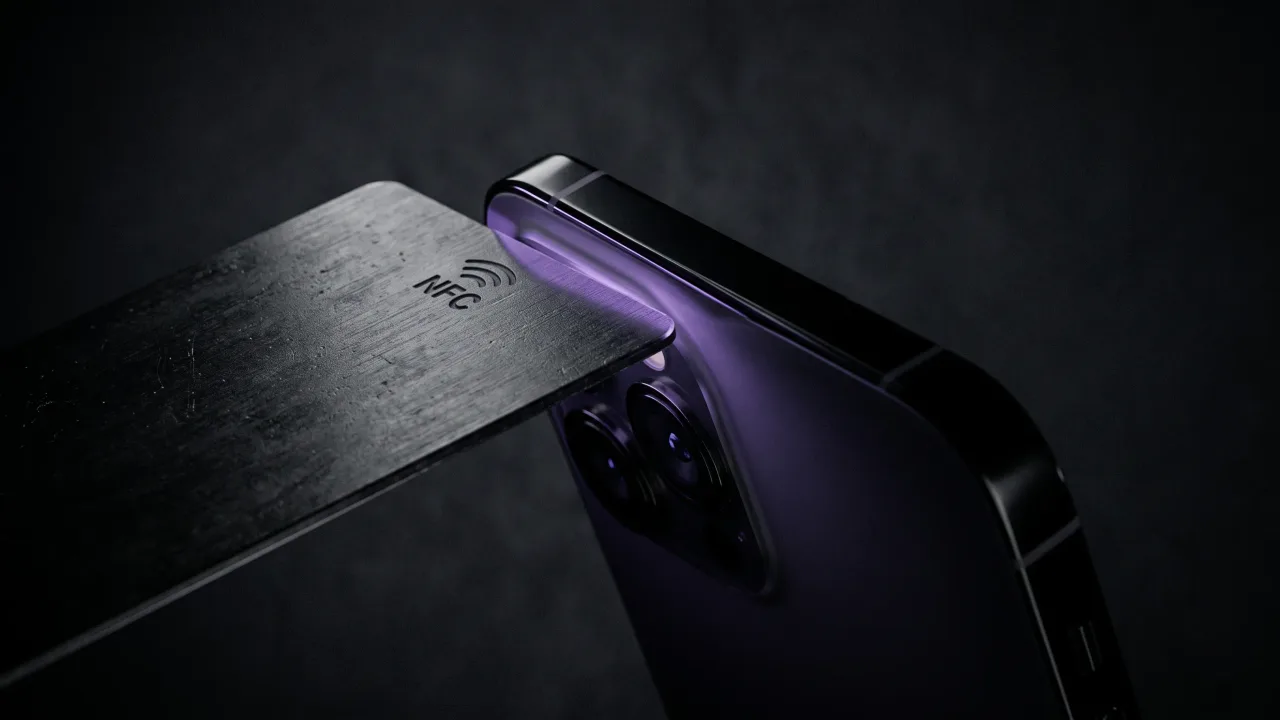
The most common reason people stall over an NFC business card is a fear of homework. Another app to download, another account to create, another thing to explain to whoever you just handed the card. Here is the part nobody says loudly enough: NFC business cards do not need an app, not for the person you tap, and in almost every case not for you either.
The confusion comes from mixing two questions. Does someone need an app to read your card? Never. Do you need an app to own and share one? Almost never, and only if you insist on programming a blank chip yourself. The tap opens a normal web page in whatever browser the phone already has, and that is the whole trick.
The short answer for both sides of a tap
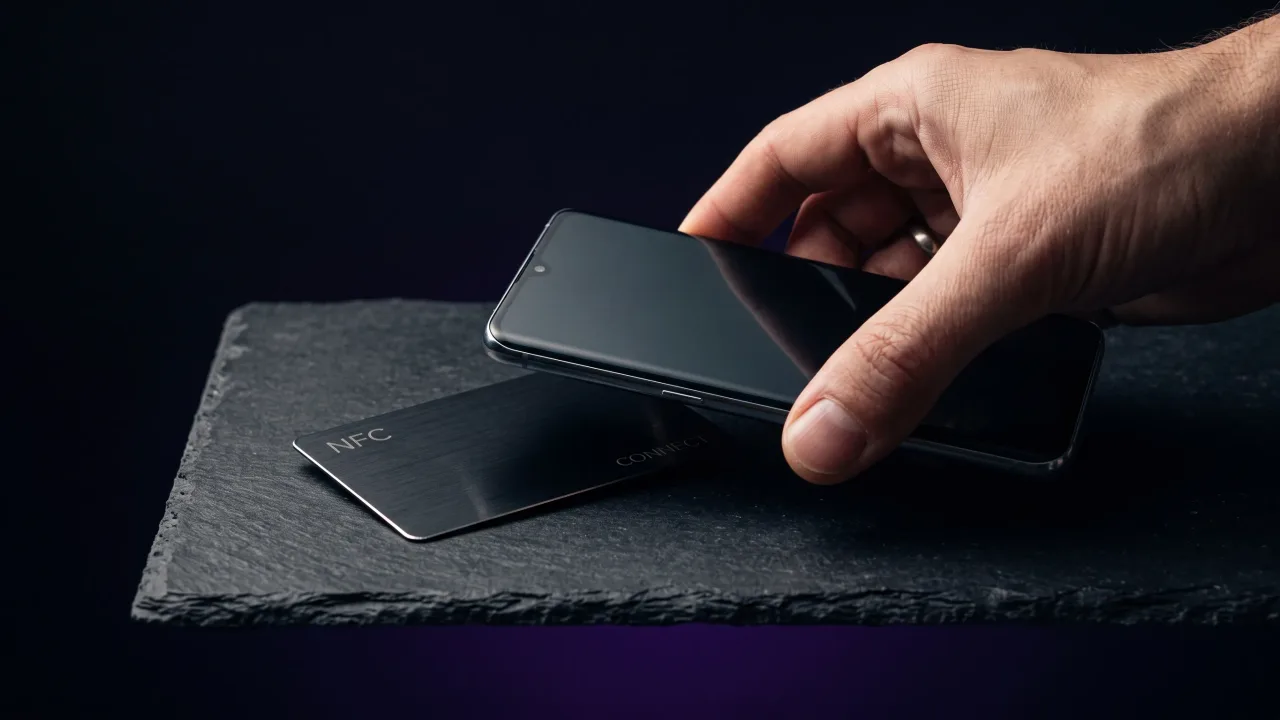
Every NFC exchange has two people. One holds the card, one holds the phone. Neither installs anything for the card to work. The chip stores a web link, the phone reads it over a few centimetres of near-field communication, and the browser opens the page. No download, no sign-up, nothing to figure out on the receiving end.
For the card owner the answer is nearly as short. A ready-made card gets set up through a web page, so you claim it in a browser and never open an app store. An app only enters the picture on the DIY route, where you write a link onto a blank chip yourself, and even that is optional if you buy a card that arrives already programmed.
Why whoever taps your card never needs an app
Reading an NFC tag is built into the phone, not into any app. Apple added background tag reading to the iPhone years ago, and Android has read tags natively for longer than that. The operating system sees the chip, spots the web link written in the tag format defined by the NFC Forum, and offers to open it. It works the same way tapping a payment terminal does, no install first.
Because the link is just a URL, the page it opens is a normal website. Your digital profile loads in Safari or Chrome with your name, photo, links and a save-contact button. The person who tapped you saves your details in seconds and walks away, and they never learned the name of a single app. For the full mechanics, how NFC business cards work breaks the tap down step by step.
Do you need an app to set up your own card?
Here the honest answer depends on what you bought. Two kinds of cards sit on the market, and they set up differently.
- A ready-made card from a service. It arrives blank or pre-linked and connects to your profile through a web page you reach by scanning a printed code. No app.
- A blank chip you program yourself. You buy an unwritten tag and write your link onto it, which does need a small writing app. This is the hobbyist route.
Most people never touch the second option. Order a finished card and setup is a web form: fill in your details, confirm the card points to them, done. If you enjoy tinkering, a blank chip and a free writing app such as NFC Tools will get you there, and activating an NFC business card covers both paths.
When an NFC business card app actually helps
Apps are not useless, they are optional. A few features are genuinely easier inside one, which is why some brands build an app at all.
- Analytics. Seeing how many taps your card got, and when, usually lives in a dashboard or app.
- Multiple profiles. Switching one card between a work identity and a side project is smoother in an app than in a browser.
- Writing blank chips. If you program your own tags, a writing app is the tool that does it.
None of these change the tap itself. Your card still opens in a stranger's browser with no download. The app, if you use one, is for you managing the card, not for anyone reading it.
The apps you might be told you need
Some vendors design the whole product around their app, and that is worth noticing before you buy. If a card only works through a proprietary app, both the setup and sometimes the editing are locked behind one company's software.
That is fine while the company exists and keeps the app updated. It becomes a problem the day the app breaks on a new phone OS, the subscription lapses, or the company folds and takes its servers with it. A card whose profile lives on an open web page keeps working regardless. Ask where the profile actually lives before you hand over money.
iPhone and Android both read cards without an app
The two platforms reach the same place by slightly different routes, and neither needs a download.
On iPhone, tag reading runs in the background from the iPhone XS onward. Unlock the phone, hold it near the card, and a banner slides down with the link. Older models from the 7 up read tags too, through the Control Center reader. Either way, no app. If you want the device detail, whether NFC cards work with iPhone goes deeper.
On Android, NFC has been native for over a decade. Check the radio is switched on in quick settings, hold the card to the upper-middle of the back, and the link opens on its own. The only thing that ever blocks it is NFC toggled off, not a missing app. A printed QR code covers the rare phone with NFC switched off, and a scan opens the same page with no download either.
The risk of an app-dependent card
A card that depends on an app is only as reliable as that app. Phone operating systems update twice a year, and an app that is not maintained can stop reading cards after a single update. When the software is the product, the metal in your pocket is a paperweight without it.
The safer shape is a card that points at a plain web address. The link never changes, the page is standard HTML, and it renders on any phone with a browser for as long as the page is hosted. No app store approval sits between your card and the person tapping it.
The no-app shortcut: a card that just works
The cleanest version of all this is a card that needs no app from anyone at any point. It ships programmed and locked, pointing at a profile you fill in through a web page. You edit the profile in a browser, the recipient reads it in a browser, and nobody installs a thing.
That is how a Discard card works. You design the card, we program and seal the chip before it ships, and the only setup is filling out the page it opens. The profile stays editable from any browser for as long as you own the card, and every tap lands in the other person's browser with nothing to download. The app question never comes up.
NFC business cards do not need an app, and the exceptions are small enough to name in a sentence. Nobody who taps your card downloads anything, on any modern iPhone or Android, because reading a tag is built into the phone. As the owner, you only meet an app if you choose to program a blank chip yourself or you want extras like tap analytics. The one setup worth avoiding is a card locked entirely behind a proprietary app, because the day that app stops being maintained is the day the card stops working. Buy a card whose profile lives on an open web page, set it up once in a browser, and the whole app question quietly disappears.
Want a card nobody has to download an app to use? Design a metal NFC card that ships programmed, pointing to a profile you edit from any browser.
Design your cardDo NFC business cards need an app to work?
No. The person tapping your card reads it through their phone's built-in NFC, and the link opens in their normal browser with no download. As the owner you set the card up through a web page too, so neither side needs an app in ordinary use.
Does the person receiving my card need to install anything?
Never. Modern iPhones and Android phones read NFC tags natively, so tapping your card opens your profile as a web page. They can save your contact details straight from that page without any app or account.
Do I need an app to set up my NFC business card?
Usually not. A ready-made card is claimed and edited through a web page in your browser. An app is only required if you buy a blank chip and write the link onto it yourself.
Why do some NFC cards ask you to download an app?
Some brands build the whole product around their own app, which handles setup, editing and analytics. It works, but it ties your card to that company's software, so the card can stop working if the app is abandoned. Cards that point to an open web page avoid that risk.
Can I read an NFC business card without an app on iPhone?
Yes. iPhones from the XS onward read tags in the background, so you hold the card near the top edge and tap the banner that appears. Models from the 7 up read them through the Control Center reader, still with no app.
Is a QR code better if I don't want an app?
Both avoid apps. A tap and a QR scan open the same web page, and neither needs a download. Good cards print a QR code alongside the chip as a fallback for the rare phone with NFC switched off.
What happens to an app-based NFC card if the company shuts down?
If the profile and the redirect live on that company's servers, the card can go dead when they do. A card that stores a direct link to an independent web page keeps working as long as the page is hosted. Ask where your profile lives before buying.