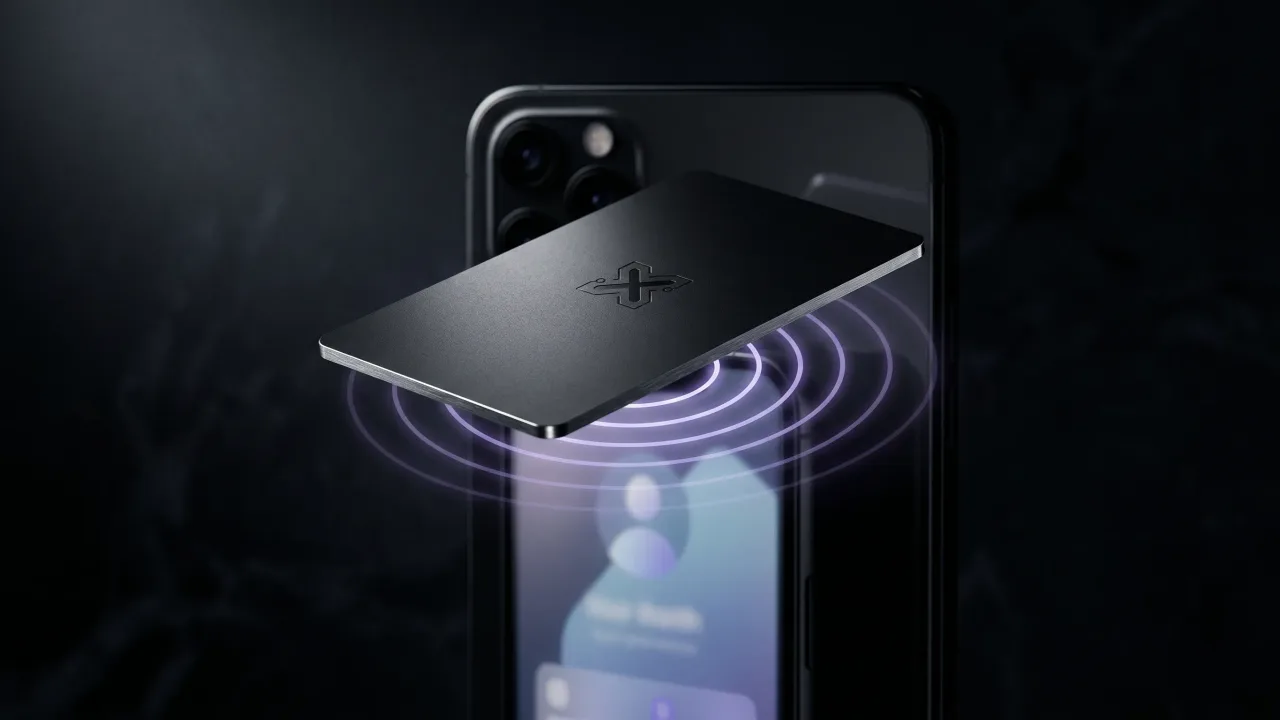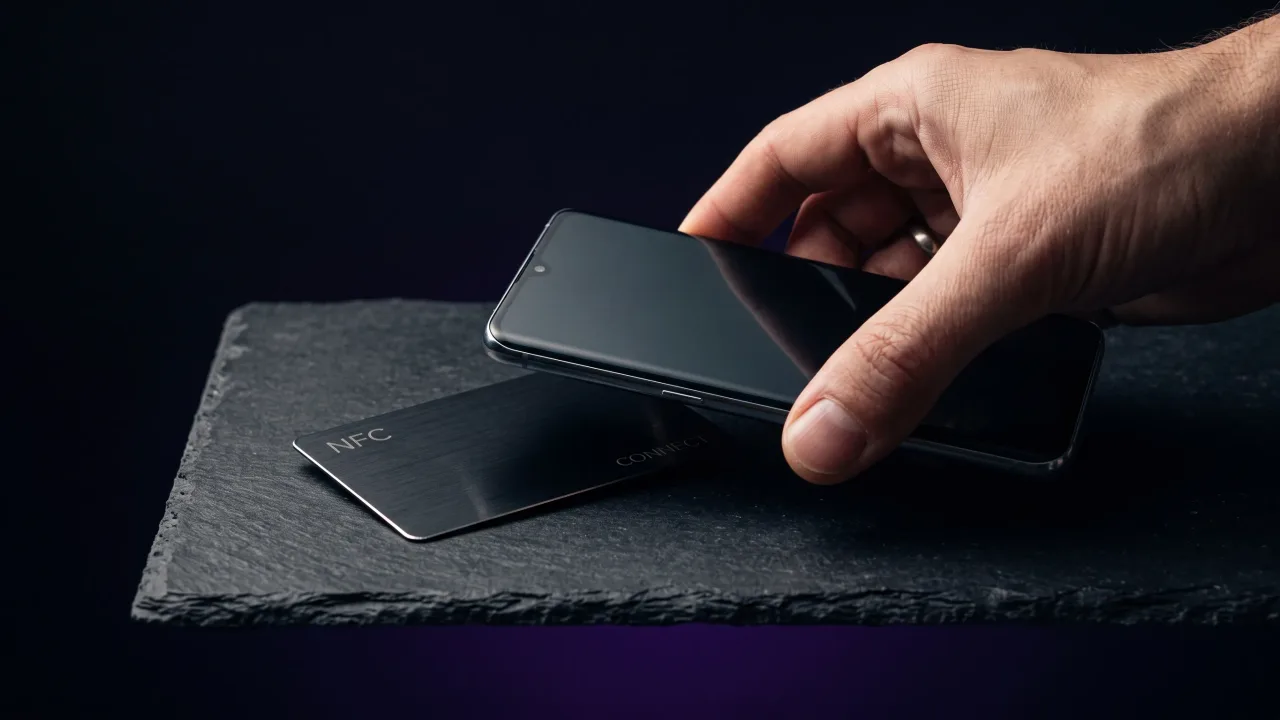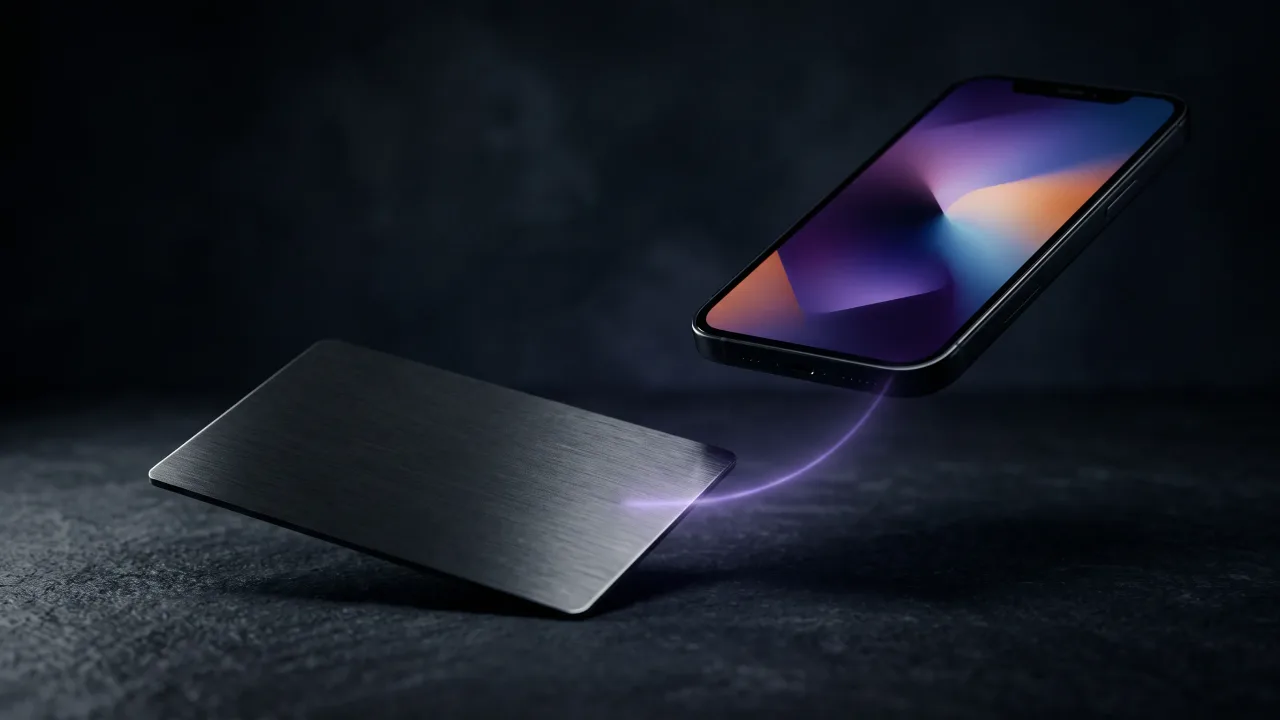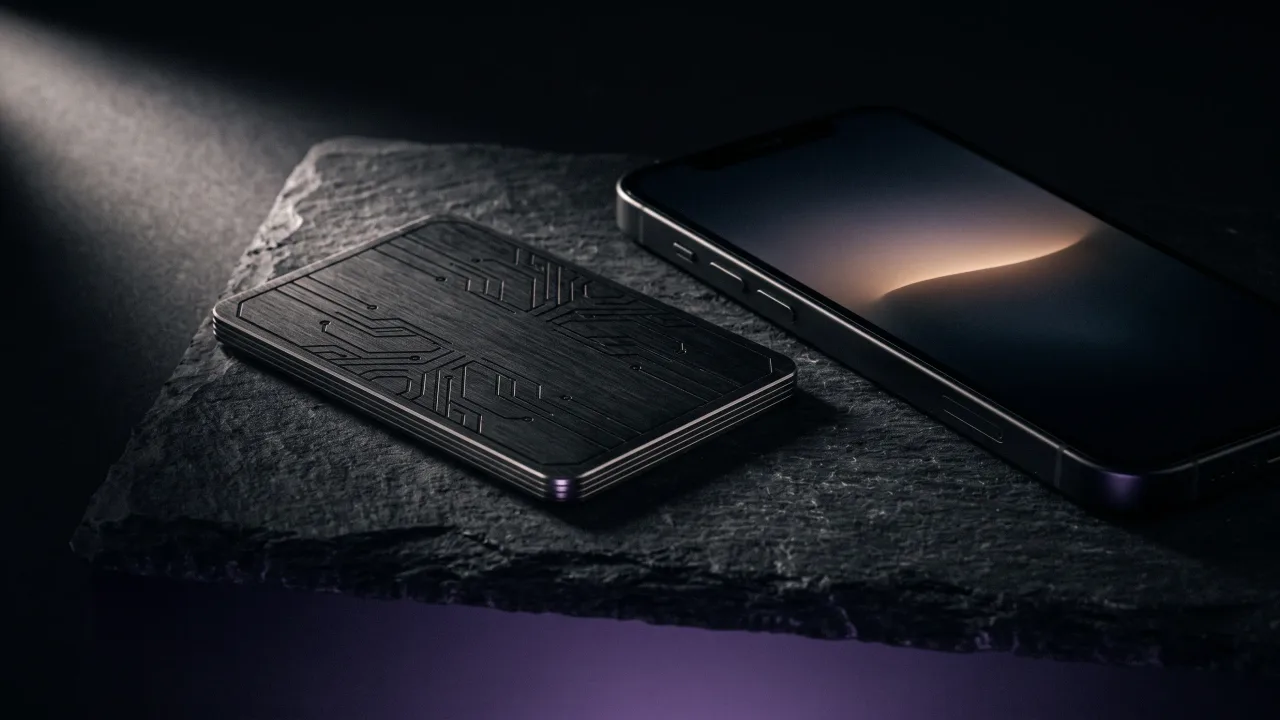
Yes. Hold one against the back of a phone and a page opens in about a second, with no app, no account and no pairing screen. That part was solved years ago. Whether digital business cards work on the person holding the phone is a different question, and it is the one worth asking.
They fail in specific, predictable places. Battery is not one of them, and neither is the recipient owning an old handset. The real failures are duller than that: a locked screen in a noisy hall, a profile carrying eleven links, and a provider that quietly stops paying for the domain your card points at.
What working actually means here
A digital business card is a web page with your contact details on it, plus a way to hand that page to somebody in one gesture. The gesture is a tap, a scan, or a link pasted into a message.
All three run on essentially every phone sold since 2018. The technology stopped being the interesting part a long time ago.
What decides the outcome is the four seconds after the page opens. If your name and number land in their Contacts app, the card worked. If they say nice and lock the screen, you handed over a very modern nothing.
How do digital business cards work?
Every digital business card is a URL underneath. The three delivery methods differ only in how that URL travels the last metre.
The plain link is the weakest and the most portable. You paste it into an email signature, a WhatsApp thread or a Zoom chat, and it reaches people you will never stand next to.
A QR code business card is the same URL drawn as a square. Any camera app since iOS 11 and Android 8 reads it without a separate scanner. It does ask the other person to unlock their phone, open the camera and aim, which is three more actions than it sounds like when you are both standing in a corridor.
An NFC card carries a chip holding that URL. The NFC Forum puts the typical working range at around two centimetres and notes that most tag implementations hand off to the basic reading functionality already in the handset, which shows a dialog confirming the address to open. Nothing installs on either side. The electronics are covered properly in how NFC business cards work.
| Delivery method | What the other person does | Works with no signal | Where it usually breaks |
|---|---|---|---|
| Plain link | Taps it in a chat or email | No | Buried in a thread nobody scrolls back to |
| QR code | Unlocks, opens camera, aims | Only if the code stores the contact data itself | Bad light, small print, cracked screen glass |
| NFC card | Holds the phone against the card | No | Thick case, NFC toggled off, iPhone older than the XR |
What the other person sees after the tap
The page opens in their normal browser. Name, role, photo, numbers, links, and one button that says save contact.
That button downloads a vCard file. Wikipedia describes vCard, also known as VCF, as the file format standard for electronic business cards, and it is the format phone address books have spoken since before smartphones existed. That is why the save works without either of you installing anything.
This is where most exchanges are lost. If nobody presses save, the whole thing was a browsing session with better lighting. Say it out loud: hit save, I will message you Thursday. It reads blunt written down and nobody has ever minded it in a room.
The page also stays editable after the card is manufactured. Change jobs and your digital profile updates on every card you have ever handed out.
Do digital business cards need an app?
No, and neither does the person receiving one. This is the misconception we get asked about more than any other.
iPhones from the XR and XS onwards, plus the second generation SE, read NFC tags in the background with nothing switched on. Apple lists the models that support NFC Tag Reader, and the older ones, iPhone 7 through iPhone X, need the reader turned on from Control Center first.
Android has read tags since 2011. The toggle sits in Settings under Connected devices or Connection preferences, and on most handsets it is already on. When a tap does nothing, that switch is the first place to look, and do NFC business cards need an app walks through the rest.
An app only enters the picture if you want lead capture forms, scanning of paper cards, or analytics across a team. For handing your details to one person, it is a browser and nothing else.
Do digital business cards work without internet?
Mostly not, and anyone claiming otherwise is selling one specific feature.
The card stores a link. Following a link takes a connection. In a trade show hall with four thousand people on one mast, that connection is theoretical, and that hall is exactly where you most want the card to fire.
Two things do survive offline. A static QR code can hold the vCard data inside the square itself instead of pointing at a server, so the phone parses it locally. A wallet pass sits in Apple Wallet or Google Wallet and shows its code with no signal at all.
The workaround is unglamorous. If the page will not load, tap again once you are outside, or ask them to save your number the old way and send the profile link that evening. A card that stalls in a basement is not faulty. It is a link, and links need a network.
Where digital business cards stop working
Almost every failure that reaches our support inbox comes down to six things, and five of them are sorted in under a minute.
- A thick case, or a wallet case with bank cards stacked behind the phone. Metal and a wad of plastic between chip and reader kills the read. Take the phone out, or use the code printed on the back of the card.
- NFC switched off on Android. Rare on new phones, common on budget handsets and on any phone somebody has been fiddling with.
- A profile with eleven links on it. Handing over a menu at the end of a conversation guarantees the reader picks nothing. One primary action, everything else underneath.
- Nobody presses save contact. You fix this by asking, and asking costs you one sentence.
- The provider disappears. Your card points at their domain, and if that domain lapses your card is a coaster. Ask who owns the URL and what happens to it if the company closes.
- No printed fallback. When the chip misfires or the handset is ancient, a name and a number engraved on the metal still does the job.
The security worry people raise is rarely the one worth having. The chip holds a public web address and nothing more, it cannot read anything off a phone, and a two centimetre range rules out anyone skimming it across a train carriage. The longer answer, including what a provider can log about you, is in are digital business cards safe.
Are digital business cards worth it?
That depends on how often you hand out a card and how often your details change.
Meet four new people a year and paper is fine. Attend events monthly and a card that puts you into the phone during the conversation pays for itself in the follow ups you stop losing.
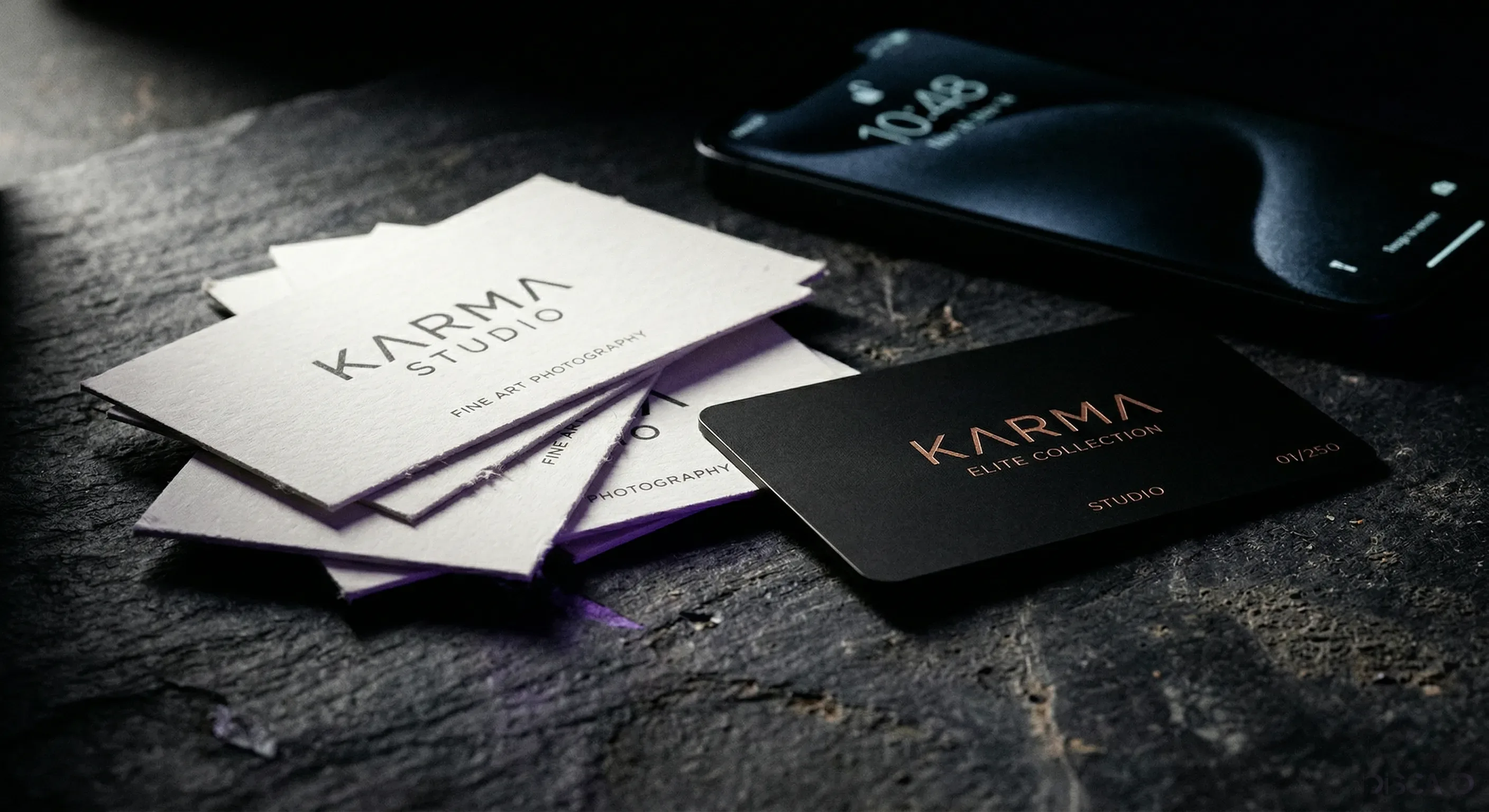
The money argument gets clearer once you look past the first invoice. A box of 250 printed cards is cheap and gets reprinted every time a number, a title or a logo changes. One engraved card is bought once and edited from a browser afterwards. Both formats are lined up in paper vs digital business cards.
What a spreadsheet misses is the object. A free QR code in an email signature is a digital business card too, and nobody has ever turned one over in their hand. Weight does work that software cannot. You can see how engraving falls on brushed steel, black metal and bamboo in the card configurator.
Digital business cards work, and they have worked reliably for about six years now. The chip is dumb, the page is an ordinary web page, and every phone in the room already knows how to read both of them. What varies is everything around that. Does the profile earn four seconds of attention? Will the company hosting your link still be there in three years? Buy the card for the handshake and the tap, and judge the provider on who owns your URL. Then do the unfashionable part, which is asking somebody to press save while they are still standing in front of you. That one sentence is most of your conversion rate, and it costs nothing.
Design an engraved metal card that opens a profile you can rewrite whenever your details change.
Design your cardDo digital business cards actually work?
Yes. Tapping an NFC card or scanning its QR code opens a web page with your contact details on essentially any phone sold since 2018, and neither person installs an app. The part that fails is human rather than technical. If the recipient never presses save contact, nothing was exchanged.
Do digital business cards work on both iPhone and Android?
Yes. iPhone XR, XS, the second generation SE and everything newer read NFC tags in the background with nothing enabled. iPhone 7 through X need the NFC Tag Reader turned on in Control Center first. Android phones have read tags since 2011, with the toggle in Settings.
Do digital business cards need an app?
No, on either side. Reading an NFC tag and scanning a QR code both use functions already built into the phone, and the profile opens in the normal browser. An app only matters if you want lead capture forms or analytics across a team.
Do digital business cards work without internet?
A hosted profile needs a connection, because the card stores a link rather than the contact data itself. Static QR codes that carry vCard data inside the code do work offline, as do wallet passes. In a packed conference hall, plan for patchy signal.
Are digital business cards secure?
The chip stores a public web address, the same one you would happily print on paper. It cannot read anything off the phone, and the working range of around two centimetres rules out remote skimming. The privacy question worth asking is what your provider logs about who taps your card.
Do people actually use digital business cards?
The tap converts better than a card sitting in a coat pocket, mainly because the details land in the phone during the conversation instead of on a Sunday evening that never arrives. Refusal is rare in practice. Curiosity about the metal itself is common.
What if the other person's phone will not read my card?
Ask them to take the phone out of its case and try again, since a wallet case with bank cards in it blocks the chip. If that fails, the QR code or the printed name and number still does the job. A well made card always keeps a fallback on the metal.
Can I change my details after the card is printed?
Yes, and it is the main reason to own one. The card points at a fixed address and you edit whatever sits at that address. A new number or job title takes a minute, and every card you have ever handed out updates at the same time.