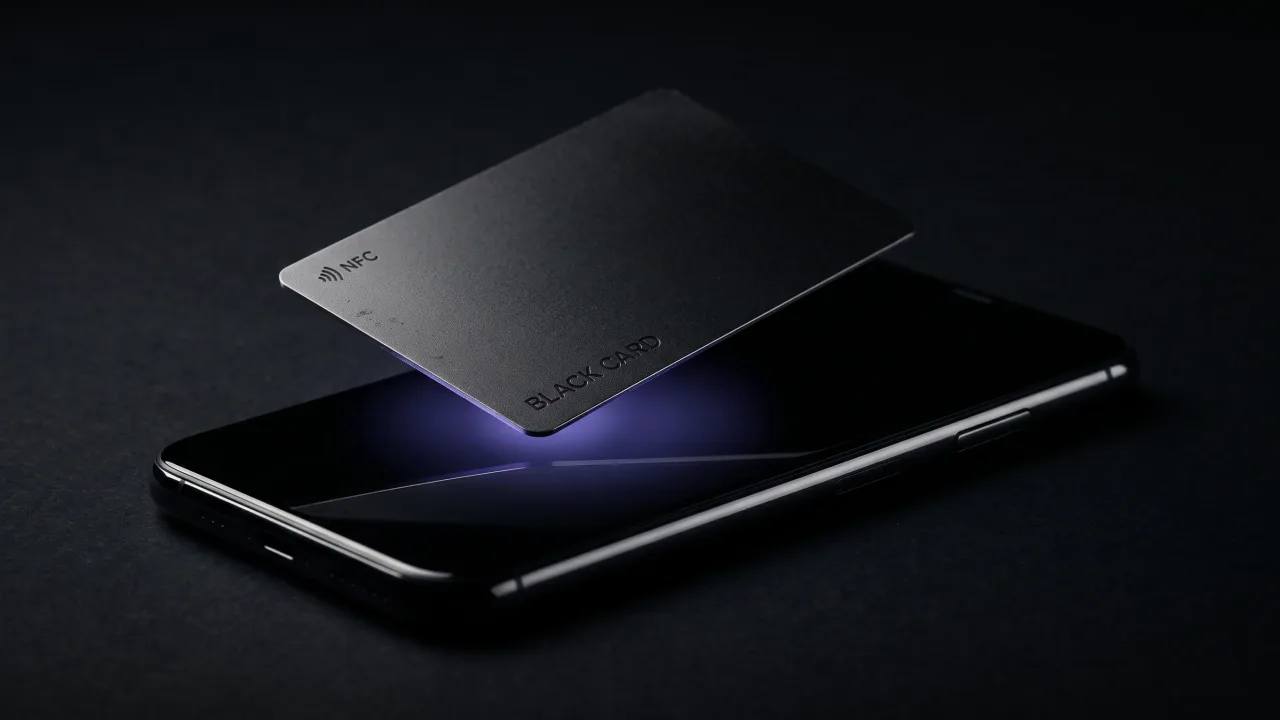
Your phone found a chip sitting within about four centimetres of its back, read what was on it, and could not decide which app should deal with it. So it asked you. That is the entire meaning of "NFC tag detected", and it is a lot less dramatic than the wording suggests.
So what does NFC tag detected mean in practice? Nothing was installed and nothing was charged to you. A tiny passive chip answered a radio question your phone asks several times a second, and the operating system is now waiting for you to say yes or no. Most of the time the chip is a bank card in your case, a transit pass, or a business card someone just held against your phone.
What "NFC tag detected" actually means
NFC stands for near-field communication. It runs at 13.56 MHz and works over a distance of about four centimetres, which is why it needs a deliberate touch rather than a passing wave. The tag has no power source of its own; it borrows energy from the phone's magnetic field for the fraction of a second it needs to answer.
A phone with NFC switched on polls for tags constantly. When one answers, the phone reads a small block of data called an NDEF message, a format the NFC Forum standardised so that any phone can understand any tag. If that block holds a web address, the phone offers to open it. If it holds something the phone has no app for, it tells you a tag is there and leaves the decision with you.
That second case is the one that produces the bare "NFC tag detected" banner. The phone is being honest: something answered, and it does not know what to do with the answer.
The three versions of the message, and what each one is telling you
The wording changes with the platform and with what the chip holds. Reading it properly saves a lot of worry.
| What you see | What it means |
|---|---|
| Website NFC Tag, Open "discard.bg" in Safari (iPhone) | The tag holds a web address. iOS read it in the background and is offering to open it. Nothing loads until you tap the banner. |
| NFC Tag Detected (iPhone, no site named) | A tag answered, but its content is not a plain web link, or the app that handles it is not installed. iOS shows the banner and does nothing further. |
| No supported app for this NFC tag (Samsung and other Android phones) | Android read the tag and found no app that claims the data. Bank cards, transit cards and blank tags all produce this. |
| urn:nfc:wkt:T or urn:nfc:wkt:U (Android tag readers) | The tag's record type. T is a text record, U is a web address. You are looking at the label a developer gave the data, not at anything wrong. |
The urn line confuses people the most, so once more in plain words: wkt is short for well-known type, the NFC Forum's name for the standard record formats. It is a filing label. A phone that shows it has read the tag correctly and is simply telling you what kind of thing it found.
Why it popped up when nothing was near your phone
Something was. It was just not something you thought of as an NFC tag.
- A contactless bank card in the same pocket or in a wallet case. Payment cards are NFC devices, and a phone lying on one will keep finding it.
- A transit card, gym pass, hotel key or office badge. Same chip family, same range.
- A sticker on a poster, a shelf label or a product box. Retailers use tags to open a page when you touch the display.
- A car mount, speaker or headphone case with a pairing tag built in. Many accessories carry one so the phone opens the right app when you set it down.
- A business card someone tapped against your phone. The banner appears the instant the card touches the right spot.
The banner never tells you which of these it was, which is why the same message reads as a curiosity on a train and as a threat at two in the morning. It is the same chip either way. Move the phone, and if the banner stops, you have found your tag.
Is an NFC tag tracking you?
No. A passive tag has no battery and no radio of its own. It cannot send anything anywhere; it can only answer a phone that is already touching it. Once your phone moves away, the tag goes back to being an inert sliver of copper and silicon.
The only data that changes hands is whatever was written on the chip, usually a short web address. Your phone does not send the tag anything about you. If you do tap through to a website, that website sees the same things any website sees when you visit, and nothing more. We went through the full threat model in are NFC business cards safe, and the honest answer is that a tag is a link on a piece of plastic, with all the risk a link carries and none extra.
The sensible habit is the one you already use for links: if a banner offers to open an address you were not expecting, from a tag you did not choose to touch, ignore it. If a business card you just accepted offers to open its owner's profile, that is the card doing its job.
What happens inside the tap
The whole exchange takes well under a second and goes like this. Your phone's NFC coil generates a small magnetic field. A tag that enters it powers up, announces itself, and the phone reads its memory. A business card chip such as the NXP NTAG215 holds 504 bytes, which is enough for a web address and not much else.
The phone then looks at the record type. Android's tag dispatch system checks whether any installed app has asked to handle that kind of data, tries a web address first, and if nothing claims the tag, does nothing at all. iPhone takes a narrower path: it handles web addresses in the background and hands anything else to an app that has explicitly asked for it. The result on both platforms is a banner. What the banner says depends entirely on what was written to the chip.
This is also why how NFC business cards work is such a short story. Somebody wrote a web address to a chip. Your phone read it and offered to open it. The part that took engineering was making sure that address still points somewhere useful in three years.
When the tag was a business card
If the banner appeared right after someone held a card against your phone, you were looking at the front door of a digital profile. Tap the banner and the browser opens a page with that person's name, phone number, email and links. There is a Save contact button, and it writes a vCard straight into your address book. You do not need an app or an account, and you type nothing.
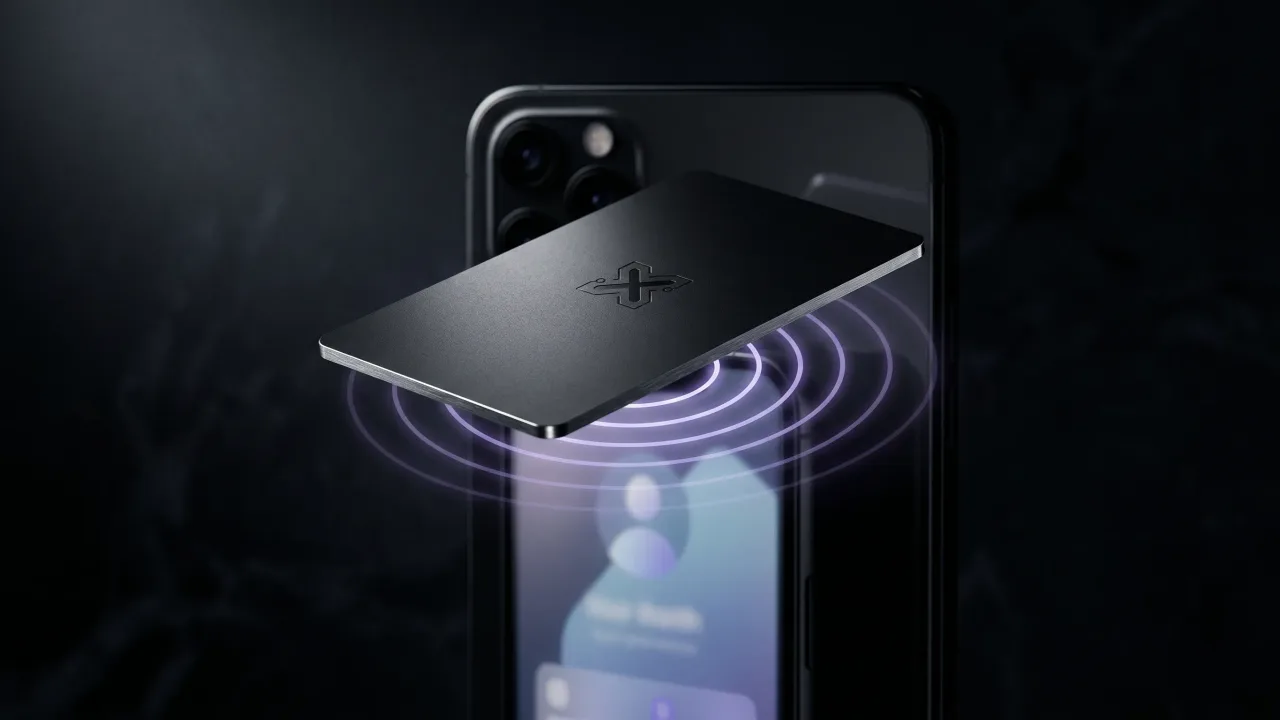
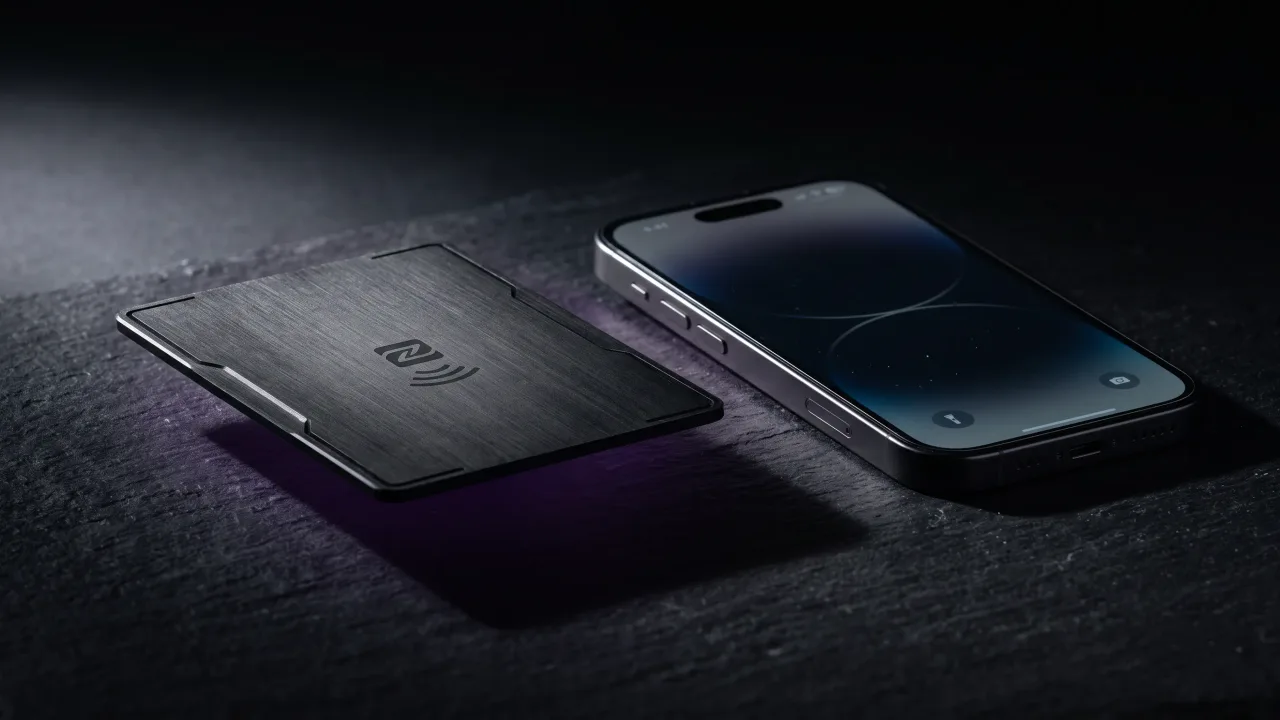
Our cards do exactly this. A Discard card carries an NTAG215 with a single web address pointing at the owner's digital profile. On an iPhone the banner reads "Website NFC Tag" with discard.bg named on it; on Android the page simply opens. The owner can rewrite that profile whenever their details change, which is the part a paper card never managed.
If nothing happened at all when the card touched your phone, the fault is usually position rather than the card. The NFC coil sits near the top of most iPhones and around the camera on most Android phones, and a thick case moves the sweet spot. NFC business card not working walks through the checks in order.
iPhone and Android read tags differently
iPhone models from the XS onward read tags in the background, which is what makes a business card work with no app open. Apple's own documentation lists the moments when background tag reading is switched off: the phone has not been unlocked since it restarted, Wallet is open, the camera is in use, Airplane mode is on, or another NFC session is already running. Older models from the iPhone 7 to the X can read tags too, but only through the NFC Tag Reader control in Control Center. We covered the model-by-model detail in do NFC business cards work with iPhone.
Android has been reading tags in the background for over a decade and is more talkative about it. Instead of a quiet banner it may open the page straight away, offer a chooser, or, on Samsung phones, show the "No supported app" message when nothing claims the tag. The upside is that almost any Android phone with NFC reads a business card first time; the mechanics are in how to read an NFC business card on Android.
How to turn the notification off
On iPhone you cannot switch NFC off. Apple ties it to Apple Pay and to the background reader and provides no toggle. What you can do is silence the alert: swipe left on the banner, open Options and choose to mute notifications from it. The tag is still read; you just stop hearing about it. The more practical fix is to find the card in your case and move it.
On Android there is a real switch. On a Samsung phone it is under Settings, Connections, "NFC and contactless payments"; other manufacturers put it under Connected devices or Connection preferences. Turning it off also stops tap-to-pay, so most people leave it on and move the wallet instead.
A card in the case is the cause in most of the complaints we read. A phone that lives on top of a contactless card will announce it every time the two shift, and no setting fixes a physical overlap.
"NFC tag detected" is your phone reporting that a passive chip within four centimetres answered a question, and that it would like instructions. It is not a breach and it is not a fault. Nine times out of ten the chip is a bank card in your case, and the fix is to move the card. The tenth time it is something worth opening: a poster, a product, or a business card someone just handed you, in which case the banner is the whole point of the object. Read the wording, decide whether you expected a tag, and tap or dismiss accordingly. The technology is doing exactly what it was built to do, which is to make a link on a piece of plastic reachable in one motion.
A metal NFC card that opens your digital profile in one tap, on iPhone and Android, with nothing to install.
Design your cardWhat does "Website NFC Tag" mean on iPhone?
It means the tag your phone just read holds a web address, and iOS is offering to open it in Safari. The banner names the domain so you can decide. Nothing loads until you tap it, and dismissing it does nothing at all.
Why does my phone keep saying NFC tag detected?
A tag is repeatedly entering the phone's read range, almost always a contactless bank or transit card in a wallet case or the same pocket. The phone re-reads it every time the two shift against each other. Move the card and the banner stops.
Can an NFC tag give my phone a virus?
Not on its own. A tag holds a few hundred bytes of data, usually a web address, and your phone only opens it after you tap the banner. Treat that address like any link: if you did not expect it and do not recognise it, dismiss it.
How do I turn off NFC tag detected on iPhone?
You cannot turn NFC off on an iPhone, but you can mute the notification. Swipe left on the banner, tap Options and choose to mute or turn off alerts from it. Finding and moving the card that triggers it works better.
What does urn:nfc:wkt:T mean?
It is the record type of the tag, shown by some Android tag readers when no app claims the data. wkt means well-known type, the NFC Forum's standard record formats; T is a text record and U is a web address. It describes the data. It is not an error.
What does NFC tag detected mean after someone taps their business card on my phone?
Their card holds a web address for their digital profile and your phone is offering to open it. Tap the banner and the profile appears in your browser with a button to save the contact. Nothing is saved or shared until you choose to.
Does an NFC tag work if my phone is locked?
On iPhone, background reading works from the lock screen as long as the phone has been unlocked once since it restarted, but not while the camera or Wallet is open. On Android, most phones read tags with the screen on and locked, and stop reading when the screen is off.