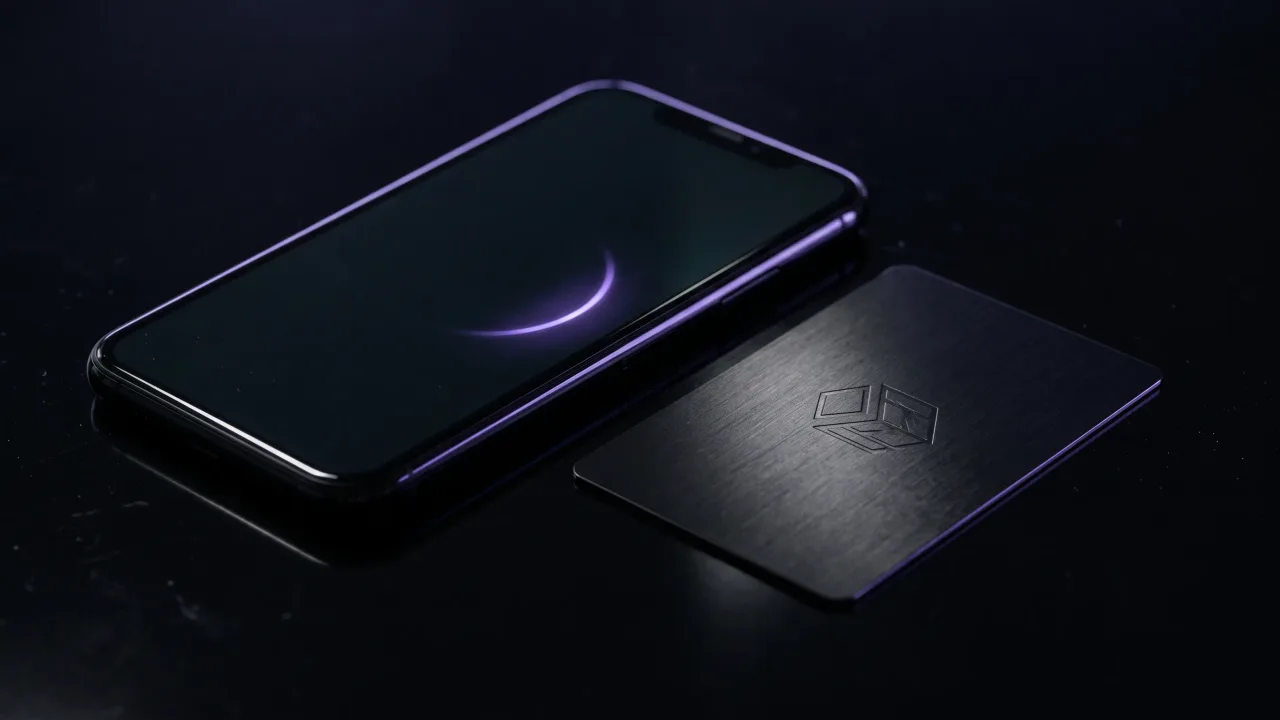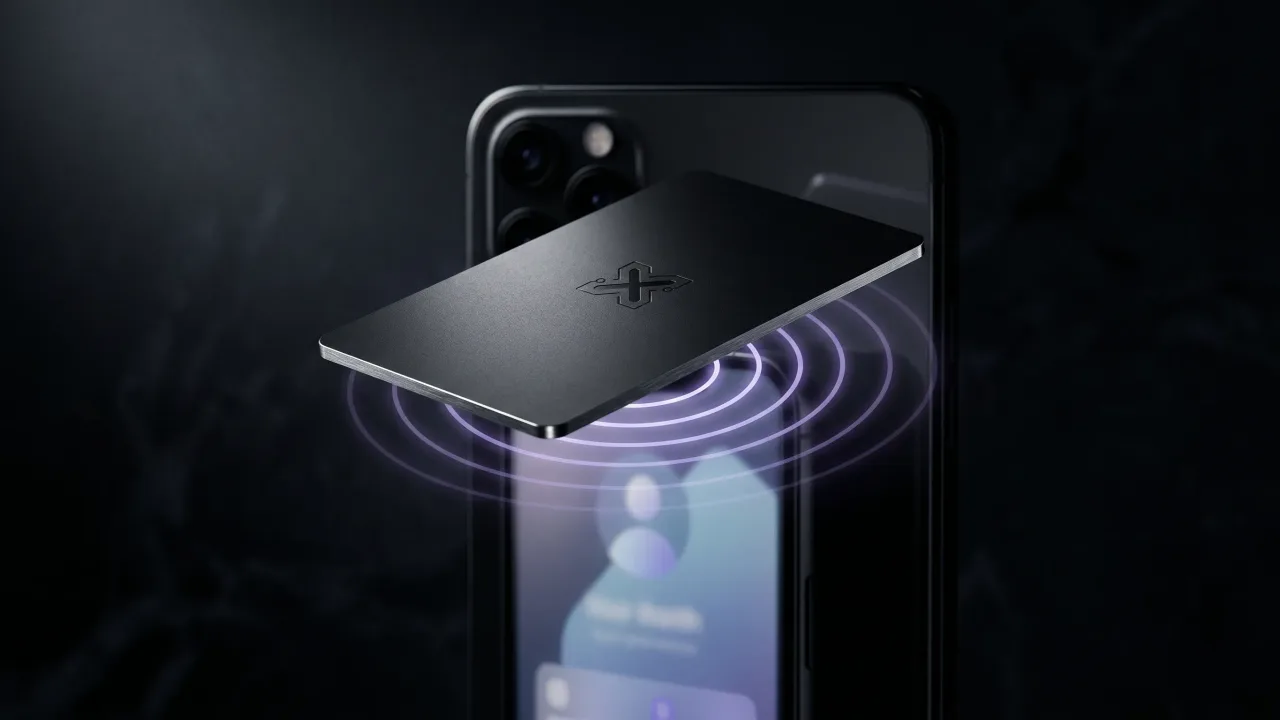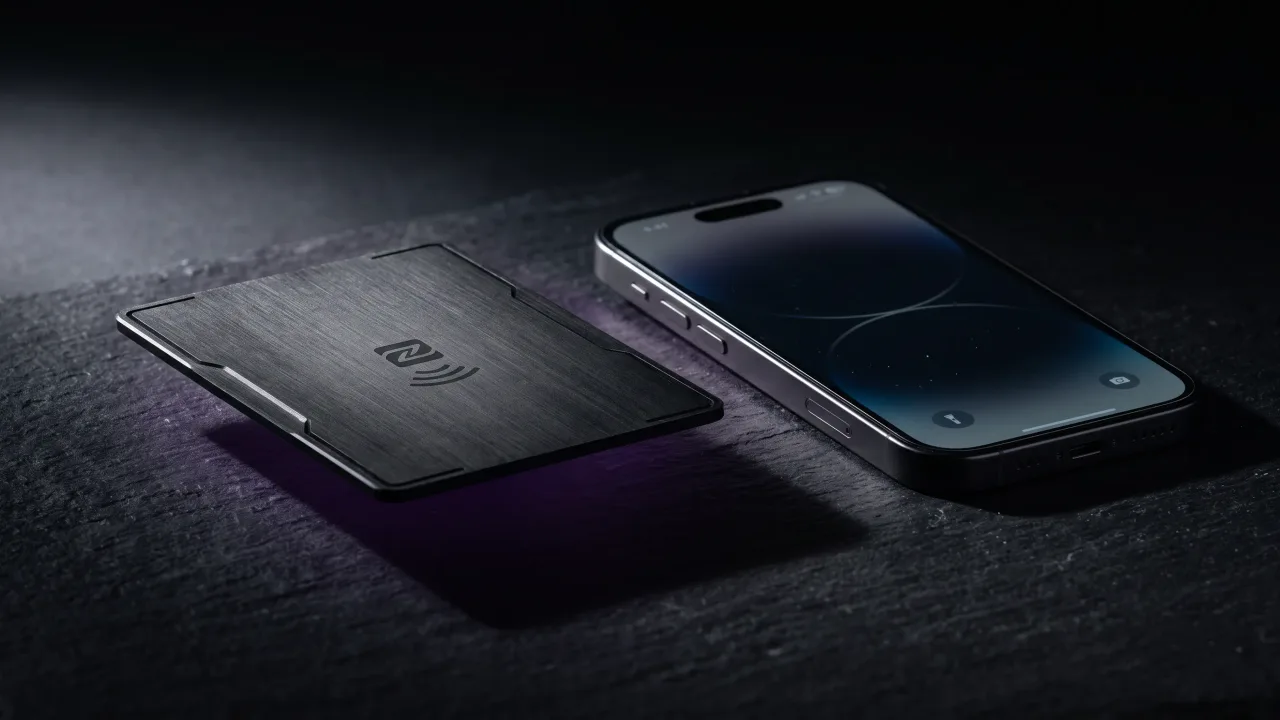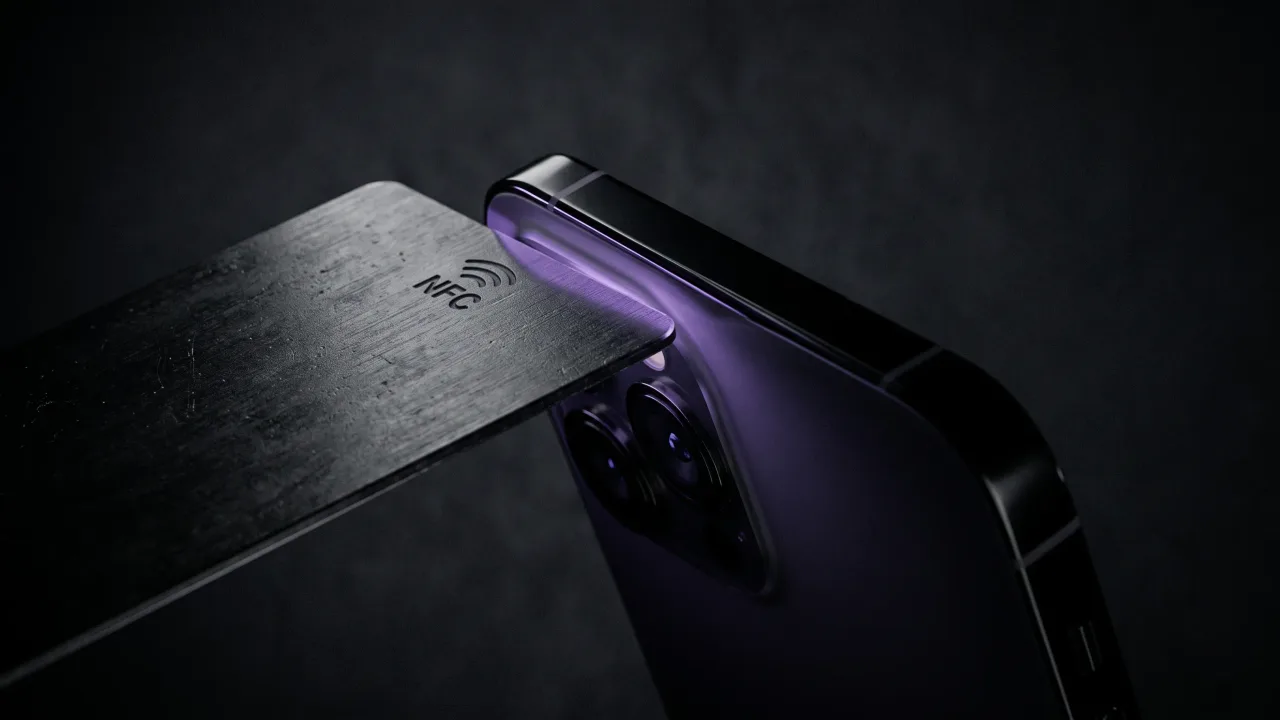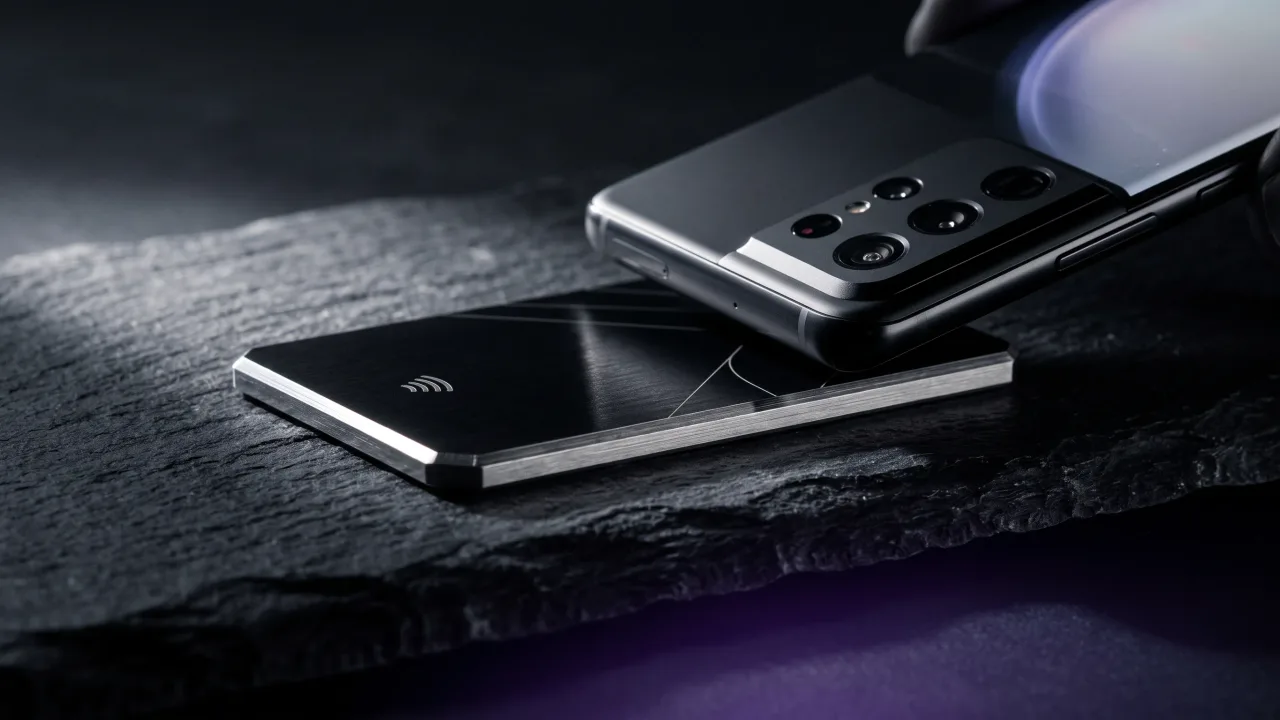
Android phones have read NFC tags since 2010, four years before Apple put an NFC chip in an iPhone at all. So when someone taps a card against an Android and nothing happens, the phone is almost never the reason. It is one toggle, or two centimetres.
To read an NFC business card on Android you need three things: NFC switched on, the screen awake and unlocked, and the card held against the right patch of the back. You install nothing and you pair nothing. The tap takes about a second once you know where the antenna hides, and the antenna is the part nobody tells you about.
How to read an NFC business card on Android
The card carries one web address and nothing else. Your phone reads that address the same way it would read a link in a message, then offers to open it.
- Unlock the phone and leave the screen on. Android will not hand a tag to an app while the screen is off or locked.
- Hold the card flat against the back of the phone, around the upper third, near the camera block.
- Wait a second. A notification or a browser prompt appears with the link on it.
- Tap the notification. The profile opens in Chrome or whichever browser you use.
- Press save contact on the profile page to drop the details into your phonebook.
Nothing installs and nothing pairs. The chip hands over a web address, your browser opens it, and the exchange is finished.
How to turn on NFC on an Android phone
Most Android phones ship with NFC already on. Battery savers, carrier software and a stray thumb in the quick settings panel all switch it off, and that is usually where a dead-seeming card actually starts.
- Open Settings and type NFC into the search bar. That is the fastest route on any brand.
- On Samsung, the toggle lives under Connections, usually labelled NFC and contactless payments.
- On a Pixel or stock Android, look under Connected devices, then Connection preferences.
- Pull down the quick settings panel and check for an NFC tile you can leave switched on.
If NFC appears nowhere in settings and the search returns nothing, the phone does not have the chip. That happens on a slice of budget models and on anything older than roughly 2013.
Where the NFC antenna sits on an Android phone
This is where most failed taps come from. Apple puts the antenna at the top edge of every iPhone and never moves it. Android makers place the coil wherever the board allows, so the sweet spot shifts from brand to brand.
| Phone | Usual antenna position |
|---|---|
| Samsung Galaxy S and Z series | Upper middle of the back, beside the camera block |
| Google Pixel | Upper third of the back, just below the camera bar |
| Xiaomi, OnePlus, Oppo, Honor | Upper middle of the back, close to the cameras |
| Older or budget Android models | Centre of the back, sometimes low near the logo |
The reliable technique is to hold the card flat against the back at the top and slide it down slowly to the middle. Somewhere along that path the two coils line up and the phone reacts. Range is short by design, about four centimetres for the near-field communication standard, so contact beats hovering.
Do you need an app to read an NFC card on Android?
No. Reading is built into Android itself. The operating system has a tag dispatch system that wakes when a chip comes into range, checks what the tag holds, and routes a web address straight to your browser. Google documents the whole flow in its NFC guide for Android developers.
Apps enter the picture only when you want to write a chip rather than read one. If a card demands that the person receiving it downloads something first, the card is badly designed. The point of a tap is that the other person does nothing.
Which Android phones can read an NFC business card?
Nearly all of them. NFC has been standard on Android flagships since about 2012 and normal on mid-range phones for years after that. The gap is at the bottom of the market, where some budget lines still leave the chip out.
A card is a single standard tag, maintained by the NFC Forum, so one card works across every brand without a separate version for Samsung or Pixel. For the phones that genuinely cannot read a tag, a printed QR code on the card does the same job with the camera. Every card we build in the configurator carries both.
Why your Android is not reading the card
Run through these in order. The fix is usually in the first three.
- NFC is switched off, or battery saver turned it off overnight.
- The screen is locked. Android needs it awake and unlocked before it will open a tag.
- You are tapping the wrong spot. Slide the card from the top of the back down to the middle.
- A thick case, a metal case or a card wallet sits between the two antennas.
- The card is lying on a metal desk, which detunes the field. Pick it up first.
- The chip was never written, or it was written and then damaged.
If the card fails on several phones rather than one, the problem is the card. Our guide to an NFC business card that is not working covers how to tell a dead chip from a bad tap.
Android and iPhone read the same card differently
One card serves both, but the handling is not identical, and knowing the difference saves an awkward pause when you hand yours over. An iPhone reads a tag with the screen locked, from the top edge of the phone. An Android wants the screen unlocked, and the antenna is usually somewhere around the middle of the back.
That single detail explains most of the confusion in a room where both phones are present. If you are on the receiving end of an iPhone tap, how NFC business cards work with iPhone has the model list and the tap position.
What happens after the tap
The browser opens a digital profile with a name, a title, contact buttons and links. One press saves a full contact card to the phone, complete with a photo and a job title, which is more than anyone types in by hand from a paper card.
Because the profile lives on the web rather than on the chip, the card never goes stale. Change your number or your role and every card already handed out points at the new details. The chip holds a link, and the link is the only thing that has to stay the same.
Reading an NFC business card on Android is a solved problem that people still get wrong for two boring reasons: the screen is locked, or the card is being held against the wrong part of the phone. Fix those and the tap works on nearly every Android sold in the last decade, with nothing installed on either side. Android is arguably the easier of the two platforms here, because the chip has been standard equipment for longer. So the thing to check is the card itself: whether the chip was written and locked properly at the factory, and whether a QR code is printed on it for the handful of phones that cannot tap.
Design a metal NFC card that taps on any Android and falls back to a QR code on the rest.
Design your cardFrequently asked questions
Do I need an app to read an NFC business card on Android?
No. Android reads NFC tags natively, so a tap opens the link in your browser with nothing installed. Apps are only needed for writing a chip, not for reading one.
Why is my Android not reading the NFC card?
Most often NFC is switched off or the screen is locked, since Android will not open a tag while the phone is locked. After that, check where you are tapping and remove any thick or metal case. Slide the card slowly from the top of the back toward the middle to find the antenna.
Does my Android phone need to be unlocked to read an NFC card?
Yes, on almost every Android. The screen has to be on and the phone unlocked before the system will hand the tag to your browser. This is the main behavioural difference from an iPhone, which reads a card from the lock screen.
Where do I tap an NFC business card on a Samsung phone?
Against the upper middle of the back, beside the camera block, where Samsung usually places the antenna. Hold the card flat rather than at an angle and give it a second. If nothing happens, slide it down toward the centre of the back.
Do all Android phones have NFC?
Not quite all, but the vast majority do. NFC has been standard on flagships since around 2012 and common on mid-range phones for years, while some budget models still skip the chip. Search for NFC in Settings to check a specific phone in a few seconds.
Can Android read an NFC business card made for iPhone?
Yes. There is no such thing as an iPhone-only or Android-only NFC card if it follows the NFC Forum standard. The chip holds one web address, and both platforms read web addresses the same way.
Can my Android phone write or program an NFC business card?
It can, using a free app such as NFC Tools, provided the chip has not been locked. With a card like Discard you never need to, because the chip is written with your profile link and locked during production so it works straight out of the box.