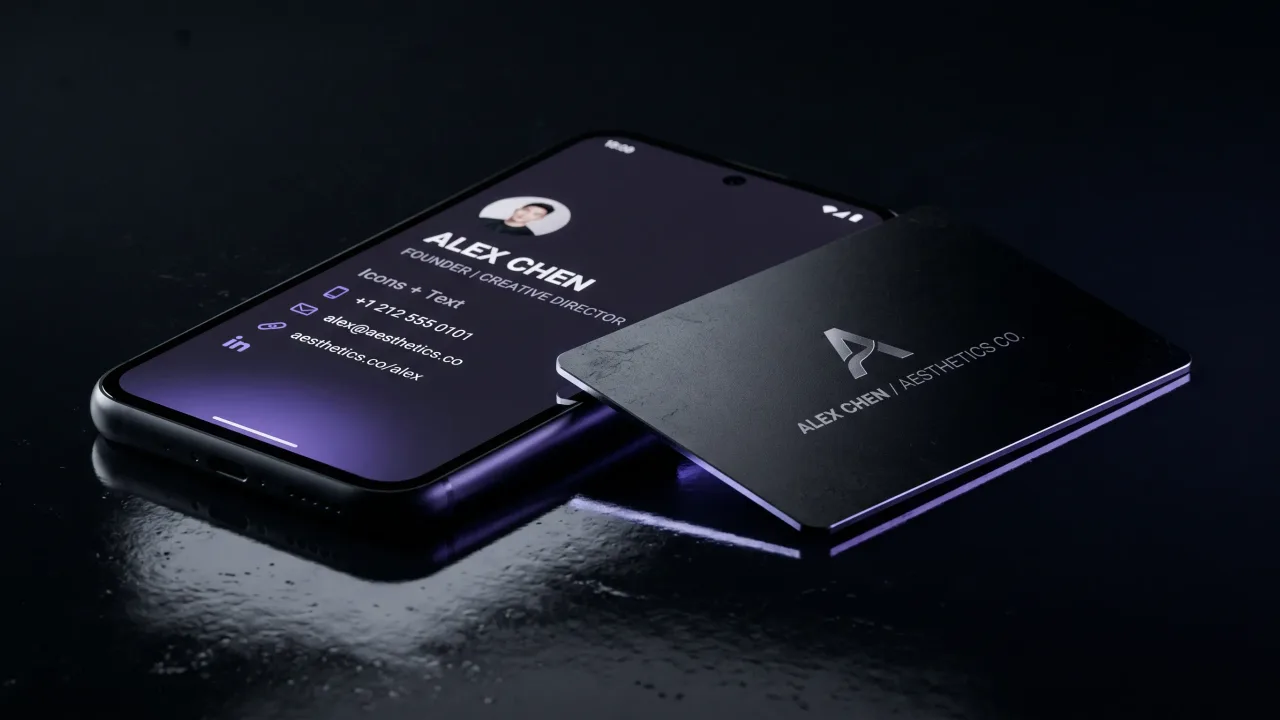
You can make a digital business card for free in about three minutes. The part no one warns you about is what happens next: the free version is easy to build and just as easy to ignore. A link lands in a text, the other person means to save it later, and the moment passes. Knowing how to make a digital business card for free is worth the few minutes anyway, whether it is your only card or the page behind a physical one.
A digital business card is a web page with your name, title, contact details and links, shared by a tap, a scan, or a plain URL. Most builders let you make a basic one at no cost, and for a student, a first job, or a side project that is the right call. The steps below get you a working card without paying, and the honest part later covers where free stops being enough.
What a free digital business card actually includes
Free tiers are more generous than they used to be. Almost every builder gives you one card with your name, a photo, contact buttons, a short set of links, and a QR code to share it. That covers everything a digital card needs to do at its core: open your details on someone else's phone in one tap.
The word doing the heavy lifting is “one”. Free usually means a single card, one design, and the builder's own logo somewhere on the page. For the fields that actually earn their place, our guide to what makes a digital profile worth saving goes deeper.
How to make a digital business card for free in five steps
The process is the same across almost every free tool. You fill one page, then get a link and a QR code out the other end.
- Pick a free builder or profile. Dedicated card apps and design tools both have a no-cost tier.
- Add the essentials first: name, title, company, phone, email, and one link people should click.
- Add a photo or logo so the page reads as yours and not a template.
- Save the page and copy its web address. That link is your card.
- Generate the QR code the builder gives you, then test the whole thing by opening it on a second phone.
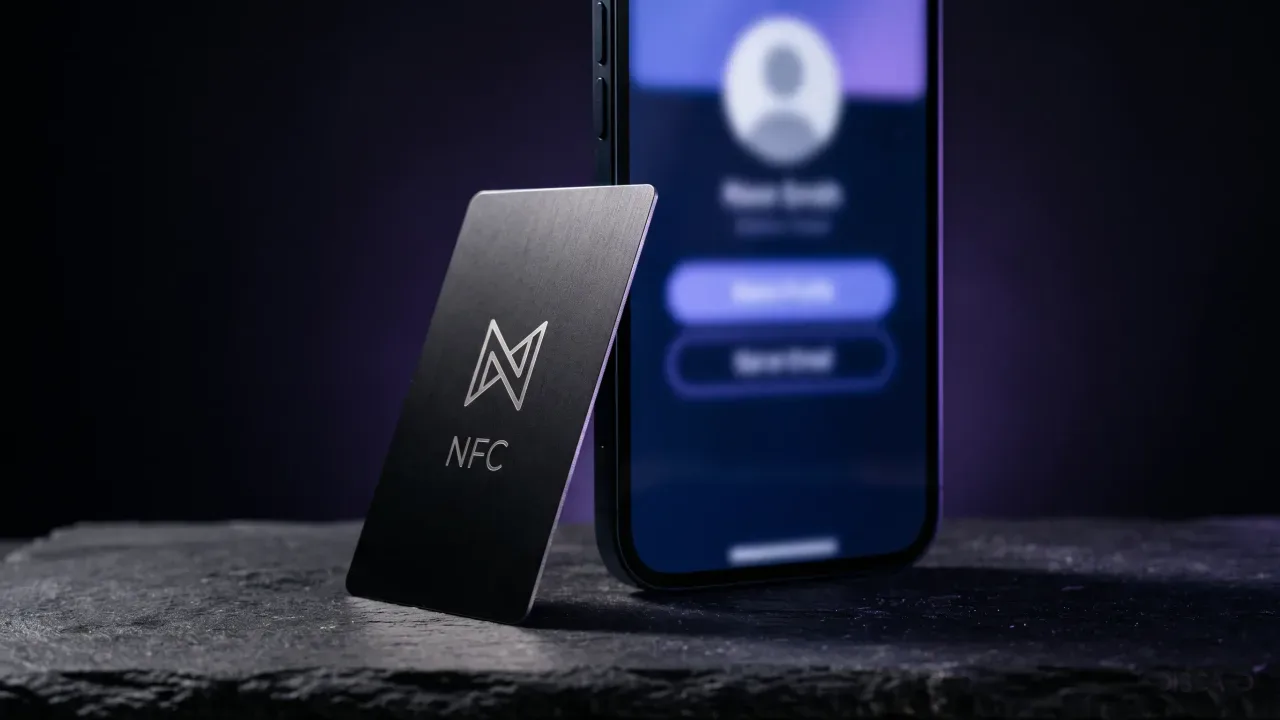
That is the entire job. Nothing installs on the other person's phone, and nothing lives on a chip yet. If you later want a physical card that opens this same page on a tap, programming an NFC card is a separate five-minute step.
The best free digital business card options
Free tools fall into two camps: design apps that hand you a graphic, and profile builders that hand you a live web page. For a card meant to be tapped and saved, the live page wins, because a static image cannot hold a working save-contact button.
| Design tools | Profile builders | |
|---|---|---|
| What you get | A graphic to send or print | A live web page with buttons |
| Save-contact button | No, it is an image | Yes, one tap to save |
| Updating details | Redesign and re-export | Edit the page, the link stays |
| Free limit | Watermark or export caps | One card, their branding |
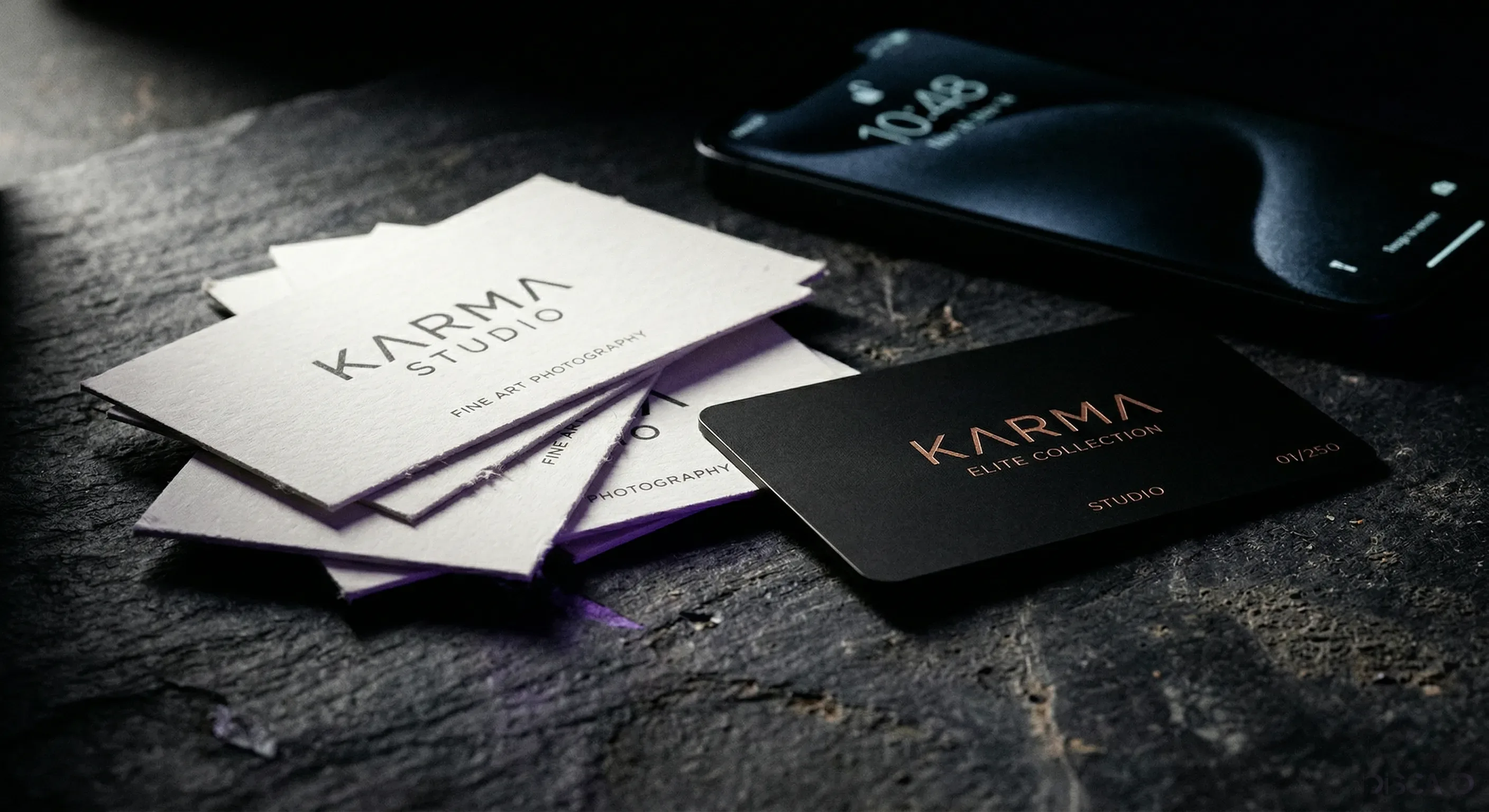
Design tools like the free tiers of the big graphic editors suit a card you want to print or drop into an email. A profile builder is the better base for a real digital card. When you are ready for one that opens on a tap and never needs re-sending, a Discard digital profile sits behind a metal card and stays editable for life.
What to put on a free digital business card
A free card fails for one reason more than any other: it holds too much. The person scanning it has your page in their hand for maybe ten seconds. Give them the few things they came for.
- Name, title, and company, in that order.
- One phone number and one email, not three of each.
- A single primary link, whether that is your site, your booking page, or your main profile.
- A save-contact button so your details land in their phone as a vCard, not just in their memory.
Everything else is optional. A photo helps them remember the face; a short line about what you do helps them remember why they should care. For the longer version, our profile tips go field by field.
How to share a free digital business card
You have three ways to hand over the same page, and most people use two of them.
- QR code: the other person points their camera and the page opens. A QR code just encodes your link as a square, so it works from a phone screen, a sticker, or the back of a printed card.
- Link: paste the URL into a text, an email signature, or a chat. This is the fastest at a distance.
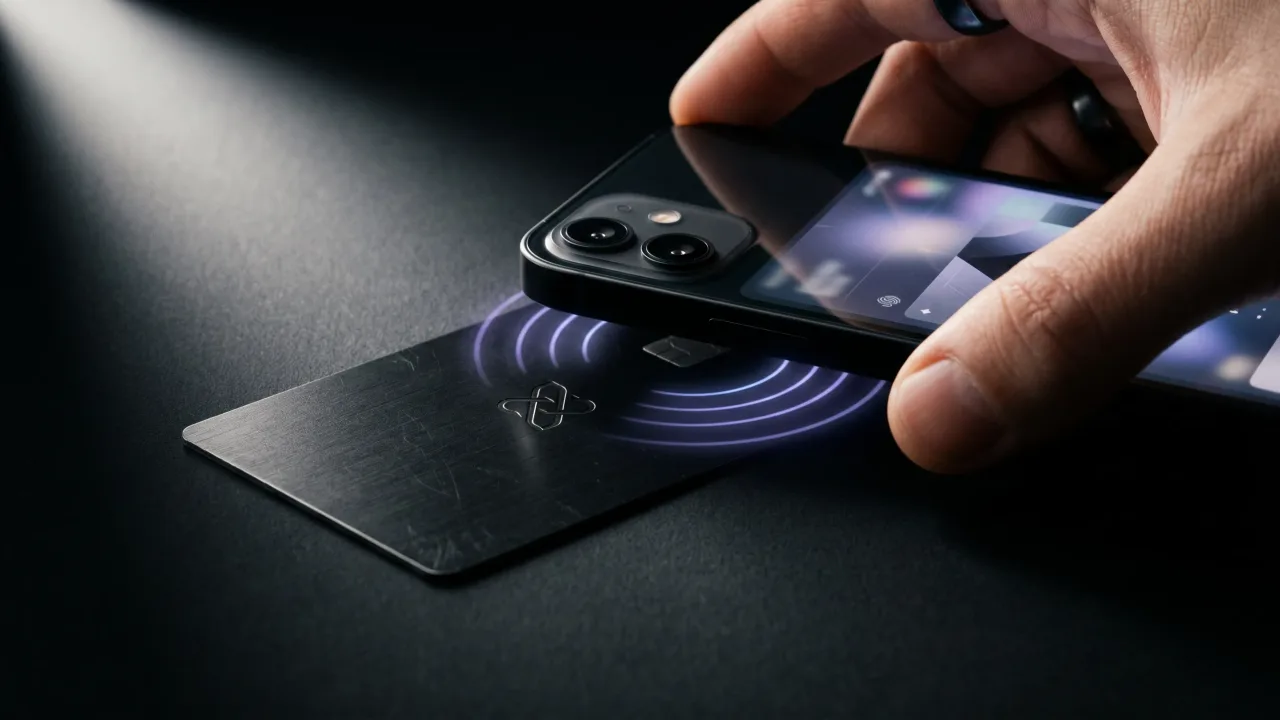
- Wallet or tap: some builders let the card live in Apple Wallet, and an NFC card opens it with a physical tap.
The QR-and-link combination is free everywhere. The tap is where a physical card earns its place, since it skips the aiming and scanning entirely. We put the two side by side in NFC versus QR code cards.
Where the free version stops working
Free is the right answer right up until it is not. The limits are predictable, and they all show up once the card starts to matter.
Most free plans cap you at one card, stamp their own brand on your page, and lock analytics or multiple links behind a subscription. The page also depends on a company you do not control keeping the free tier alive. None of that matters for a first card. It starts to matter when the card is doing real work, when you are handing it to clients, or when the person on the other side is judging you by it. That judgment is quiet and it is real, which is the whole subject of the psychology of a premium first impression.
Free profile, metal card: the honest upgrade
Here is the split most people land on. Keep the digital card free, and pay only for the object that shares it. The page stays a page; the thing you put on the table becomes worth keeping.
A Discard card is metal, engraved, and programmed to open your profile on a tap, with no app on either side. You design it in the configurator, and the profile behind it stays free to edit for life, so a new number or title is one change online and every card you have handed out updates with it. The free web page is the same idea done cheaply. The metal card is the same idea done properly.
Making a digital business card for free is genuinely easy, and for a lot of people it is all they need. Pick a profile builder, fill in your name, one number, one email and one link, add a save-contact button, and share the QR code or the plain URL. Done, at no cost. The free version has one real weakness, and it is not the price. It is that a link is easy to send and just as easy to forget. If the card is for a class project or a first job hunt, free is the right call and you should not spend a cent. If your name on the table is doing business, the page can stay free while the thing that shares it becomes something worth a second look. Build the free card first. Upgrade the object, not the idea.
Keep the profile free. Give it a metal card worth keeping, engraved and programmed to open on a tap.
Design your cardFrequently asked questions
Can I make a digital business card for free?
Yes. Most profile builders and design tools have a no-cost tier that covers one card with your details, a link and a QR code. That is everything a digital card needs to do its basic job. Paid plans mainly add extra cards, remove the builder's branding, and unlock analytics.
What is the best free digital business card app?
The best one is whichever gives you a live web page with a working save-contact button, not just a graphic. A profile builder beats a design tool for a card meant to be tapped and saved. Judge the free tier by whether it brands your page and how many links it allows.
Do I need an app to use a free digital business card?
No. The person receiving it just opens a link or scans a QR code in their normal camera, with nothing to install. You may use an app or website to build and edit your own card, but the recipient never does.
How do I share my digital business card for free?
Send the link in a text or email, or show the QR code for someone to scan. Both are free on every builder. A physical NFC card adds a tap option, which is the one feature the free web version cannot give you.
Is a free digital business card safe?
A digital card only holds what you choose to publish, usually the same details you would print on paper. Share a work email and a booking link rather than a home address. The page lives on the builder's server, so pick one you trust to stay online.
Can I turn my free digital card into an NFC card?
Yes. An NFC card simply carries the link to your existing page, so the same free profile can sit behind a physical card. You can write the link to a blank tag yourself, or buy a card that arrives already programmed and locked.