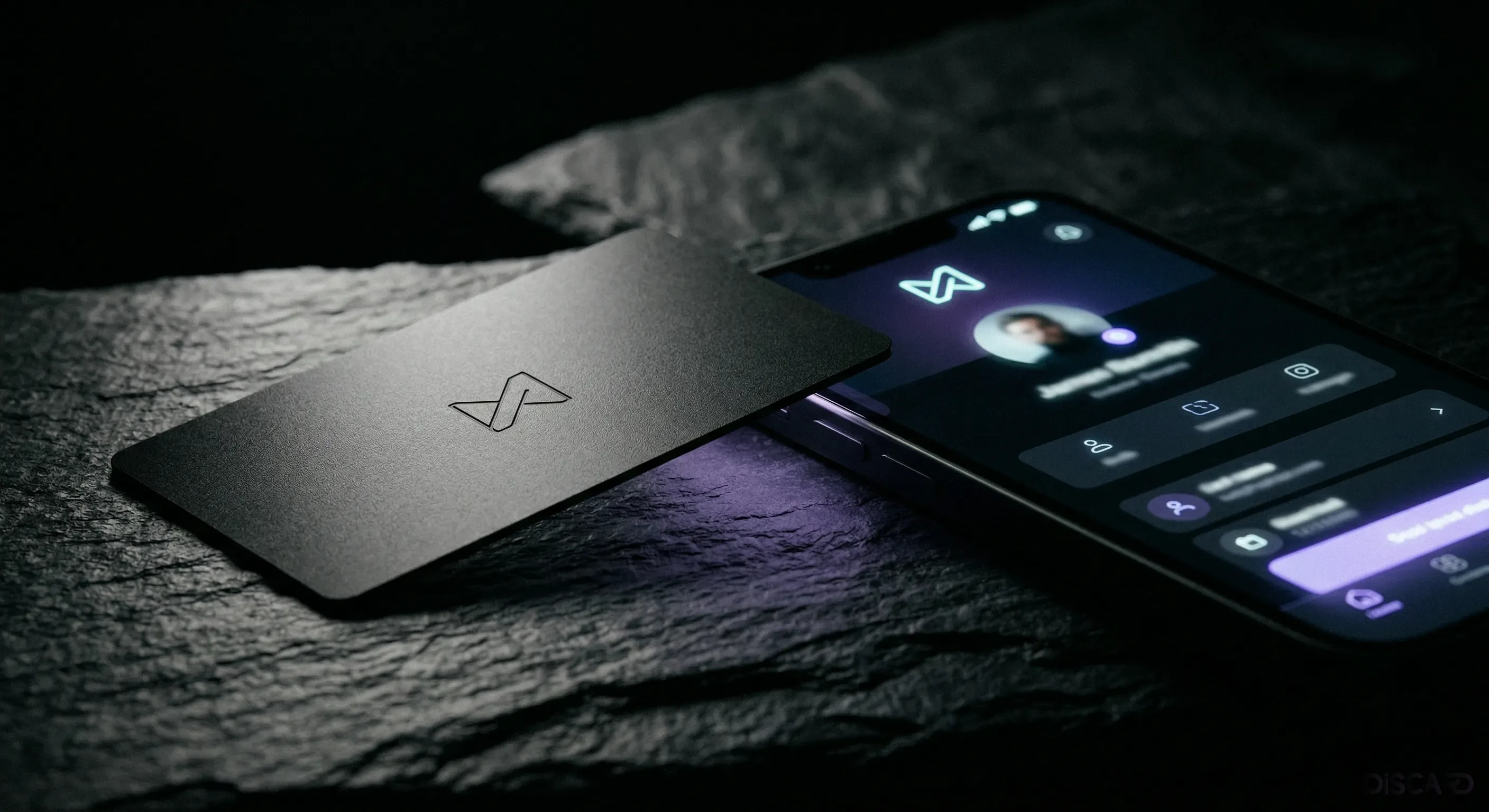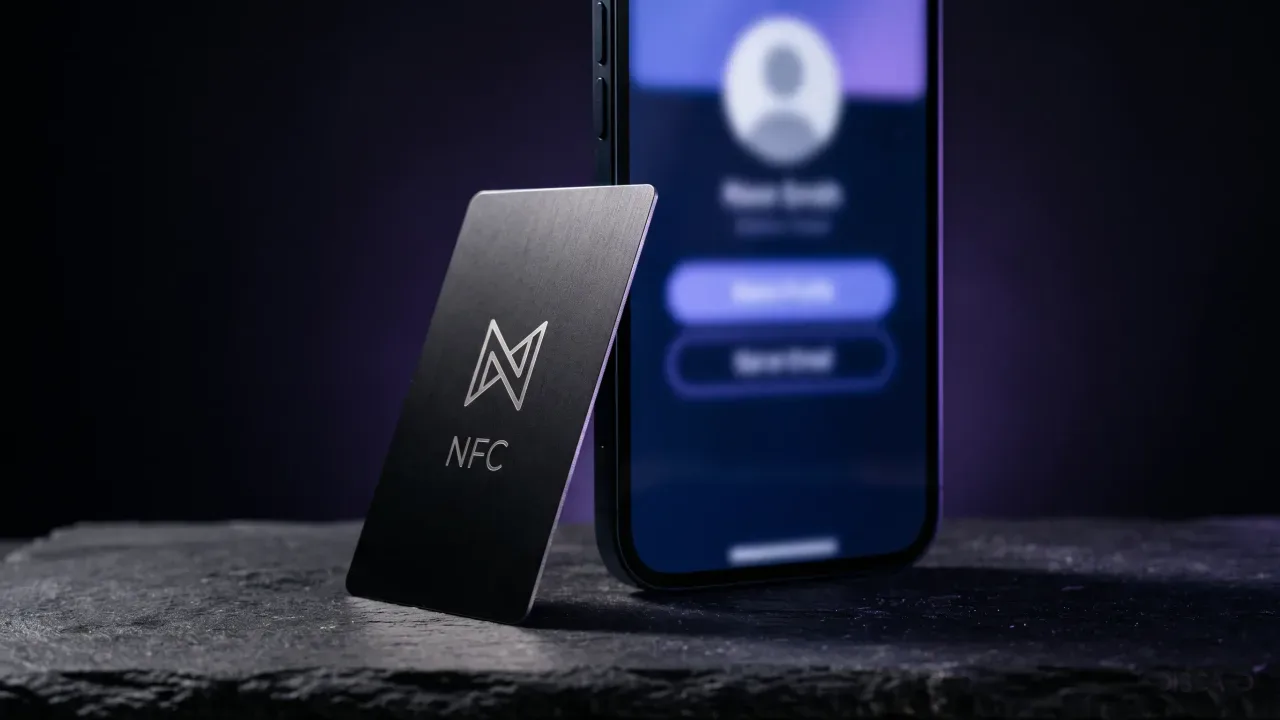
Your card got tapped. The profile opened. Then nothing happened. They didn't save your contact, they didn't click the portfolio link, they didn't book a follow-up. That gap, between the tap and the save, is what most digital business card profile tips skip past. A well-engraved metal card is the easy part. The profile takes more thought than the eight minutes most people spend on it.
This post is for anyone with an NFC card who wants the profile to do the work it was designed for. The principles below apply whether you're a freelancer with one Discard card or a sales team running fifty profiles. The fixes are small. The compounding effect on conversion is not.
Why most NFC profiles get tapped but never saved
The tap is the easy step. Modern smartphones surface the profile in under a second. After that, the profile has the same job as a landing page: communicate value, then convert. Most NFC profiles fail at the conversion step because they were filled in like a contact form, not designed like a page.
Three patterns keep showing up. The hero area is generic, so the first impression dies on arrival. The links sit in a flat list with no hierarchy, so the most valuable action gets buried under five low-value ones. And nothing on the profile asks the visitor to save the contact, so they don't.
Treat the profile as a conversion page with one job: get the visitor to save your contact and click your most valuable link. Everything else supports that.
The five elements of a profile that gets saved
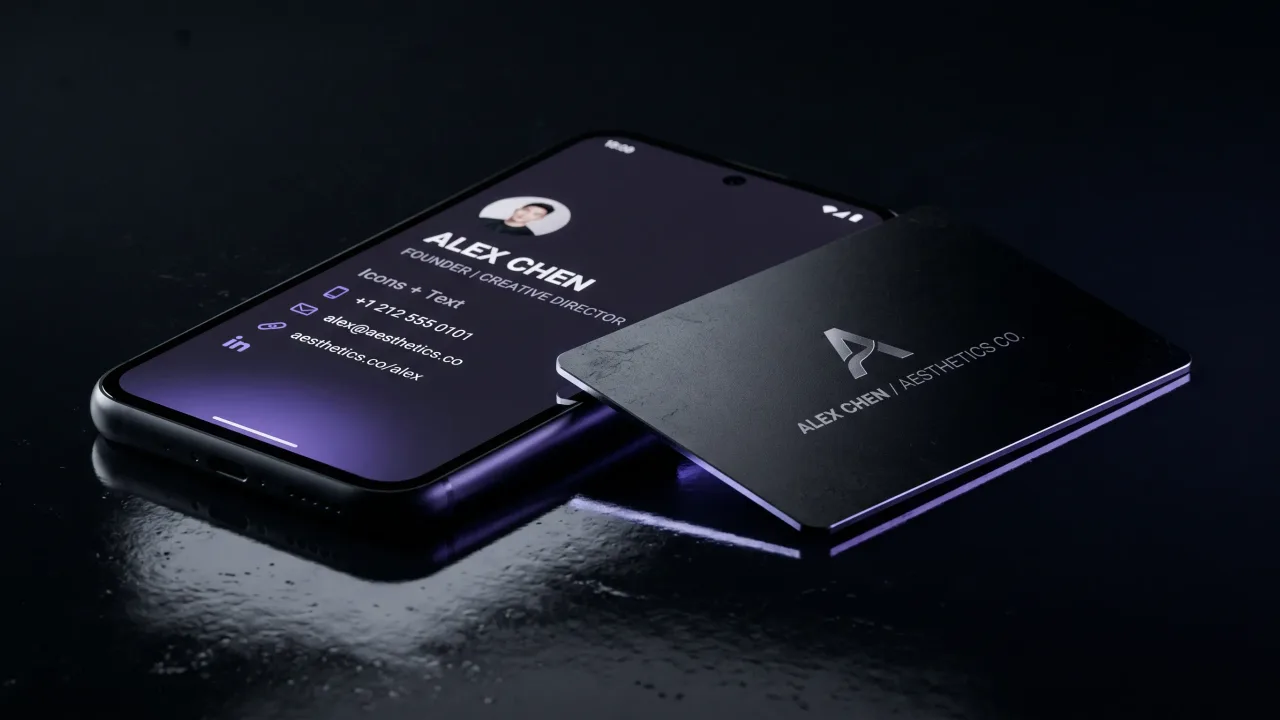
A face. Profiles with a clean headshot get saved more often than ones with a logo or initials. The brain registers a person, not a brand, and people save people. Use a recent photo with sharp eyes and even lighting.
A one-line bio that says what you actually do. "Founder, Discard" is a job title. "I help founders look serious in first meetings, with metal NFC cards from the EU," is a bio. The first answers a question nobody asked. The second answers the question every visitor has within thirty seconds of meeting you.
One primary link, made obvious. This is the page you want the visitor on if they only click once: your portfolio, your booking calendar, your latest case study, or your shop. Put it at the top of the link list and label it with the action, not the platform name.
A save-contact button. The vCard download is the most under-used feature on NFC profiles. Without it, the visitor has to retype your details. With it, they get a phone-contact entry in two taps.
Proof. One social link with a real follower count, one client logo, one short testimonial. The profile is the closest thing you have to a public credential surface. Use it.
What belongs above the fold
On a phone, the first viewport is roughly 600 pixels tall. That's everything visible before the visitor scrolls. Real estate is tight.
Three elements deserve that space: photo, name plus one-line bio, and a primary call to action. Everything else can sit below.
Resist the urge to put a full link list above the fold. A profile that opens with a stacked menu of eight links reads as a directory. A profile that opens with a person and a clear next step reads as an invitation.
How to order your links
Order links by importance, not by tradition. A sensible order: save contact, primary action (portfolio or booking), main professional channel (LinkedIn), two nice-to-haves, then website.
Every extra link costs attention. Five is a reasonable maximum on a card profile. Ten reads as indecision and trains the visitor to skim past the ones that actually matter.
Label links by the action, not the destination. "Book a 20-minute call" beats "Calendly." "See the latest case studies" beats "Notion." The label is what gets clicked.
The contact button most people miss
Discard profiles include a vCard download button that adds your full contact entry to the visitor's phone in two taps. Most owners never look at it after setup. It is the fastest way to close the loop on a networking meeting.
Configure it with the fields you actually want saved: name, job title, company, mobile, work email, website, profile photo. Skip the fields you never use. A clean vCard saves cleanly; a messy one creates a duplicate that ends up in the bin.
Tell the visitor to tap it. One short line under the button ("Save my contact") does the rest. The line you don't write is the link nobody clicks.
How often to update the profile
The trap with editable profiles is treating them as set-and-forget. A simple cadence works: a quarterly review, plus a same-day edit any time something material changes.
The quarterly review takes ten minutes. Update the bio if your focus has shifted. Swap the primary link if a newer case study has landed. Replace the photo if it's older than three years. Click every link to confirm it still opens to the right page.
New role, new company, new offering, new portfolio piece: edit the same day, while you remember. The profile is editable for a reason.
What to remove, because keeping it costs you
Long lists of social platforms with no recent activity. A linked X account that hasn't posted in two years signals more than the platform name itself. Cut it.
Generic copy that could appear on any profile. "Helping businesses grow through innovative solutions" reads as filler. Replace it with a concrete sentence about who you help and how.
A photo with sunglasses, a wedding crop, or a low-resolution avatar. The face is the conversion element on the page, not a placeholder.
The verdict
A metal NFC card is only as good as the profile it points to. Build the profile around one job, getting the visitor to save your contact and click your most valuable link, and the card pays back in every meeting it shows up to. Treat the profile as an afterthought, and the card becomes an expensive tap that goes nowhere.
Edit your Discard profile in the dashboard, or design a new card and profile from the configurator.
Open the ConfiguratorFrequently asked questions
What makes someone save a digital business card profile instead of ignoring it?
Three things: a real headshot, a one-line bio that says what you actually do, and an obvious save-contact button. Profiles with a clean photo and a vCard download convert at noticeably higher rates than profiles fronted by a logo and a long link list. The visitor has thirty seconds of attention; the profile has to use them on the right elements.
How many links should a digital business card profile have?
Five at most for a card profile. Order them by importance: save contact, primary action, main professional channel, two nice-to-haves at the bottom. Every extra link costs attention and dilutes the value of the one you actually want clicked. A profile with three sharp links converts better than one with twelve average ones.
Should I use a logo or a photo as the profile image?
Use a photo for personal cards, even if you own the company. The brain registers a person before a brand, and people save people. A logo can sit elsewhere on the profile, as a small avatar next to your job title or as a section header, but the hero image should be your face. Team profiles for a brand-first card can flip that rule.
How often should I update my digital business card profile?
A quick quarterly review is enough for most owners, plus a same-day edit any time something material changes, like a new role, new portfolio piece, or new offering. Most profile decay happens because the bio quietly stops matching what you actually do. Ten minutes every three months keeps the profile current.
Do I need a separate landing page if I already have a Discard profile?
Not for networking introductions. The profile is a landing page built for the tap-to-save flow, with the right hierarchy and the vCard download already wired in. A separate marketing page makes sense for paid ads or long-form sales arguments; for the first-impression moment, the profile is what the card was designed to point at.
Can I see which links visitors clicked on my profile?
Discard profile analytics show tap counts and profile views in the dashboard. Per-link click tracking is on the roadmap. In the meantime, label your links by the action they perform, watch which CTA pattern converts better in real conversations, and adjust order quarterly. The strongest signal is still whether the contact got saved.