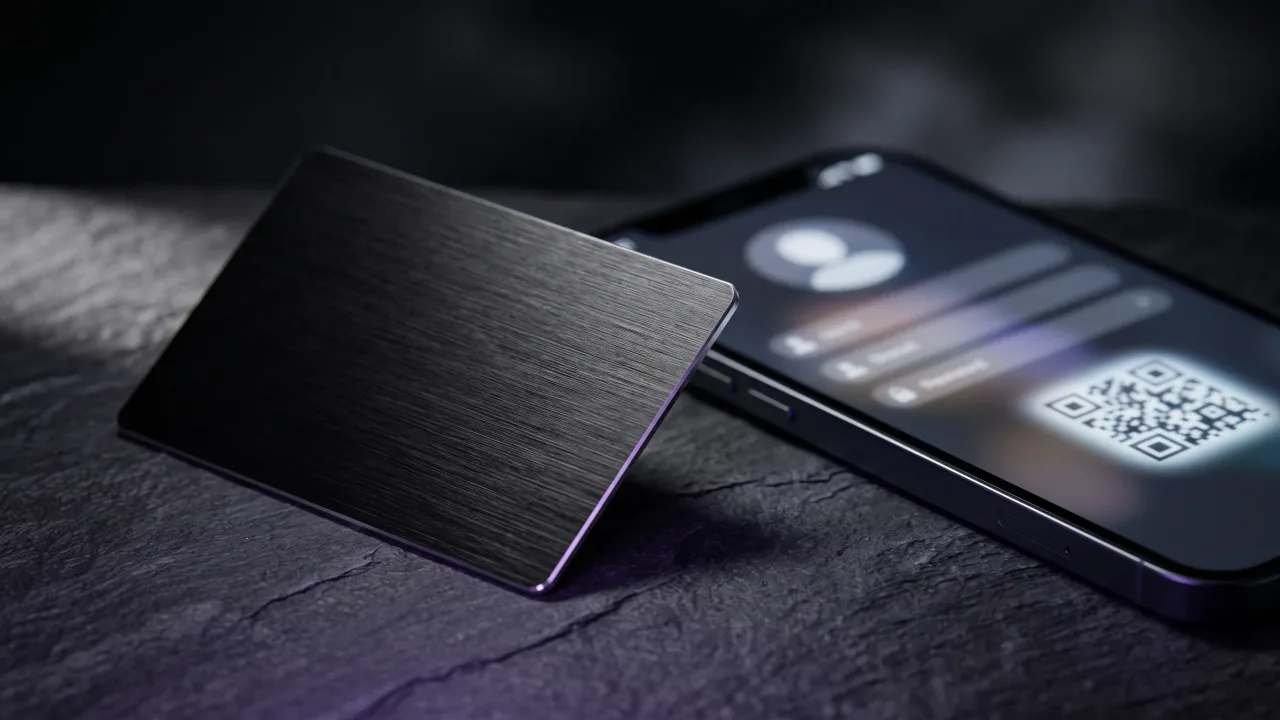
A digital business card can hold your whole professional life. That is the problem. Given a form with twenty fields, most people fill in twenty fields, and the person on the other end ends up scrolling past a wall of icons trying to find a phone number.
What to include on a digital business card comes down to a short list, and a shorter list of things to leave off. Nielsen Norman Group, working from an analysis of more than two billion page visits, found that people decide whether to stay on a page within about ten seconds. Your profile gets the same ten seconds, usually while the other person is still holding your card and half-listening to you.
The five fields that do all the work
Strip a profile back to what a stranger needs in order to contact you next week and you are left with five things.
- Your full name, spelled the way you say it out loud. If you go by Sasha, do not put Alexandra.
- Your role and your company. If you freelance, write what you do rather than inventing a title.
- One phone number you actually answer.
- One email address you actually read.
- One link that backs up the other four: a site, a portfolio, or a profile with your work on it.
Someone who has those five can save you to their phone and find you again in a year. Everything after that is persuasion rather than utility, which is fine, as long as you know which one you are doing.
Add a save to contacts button and let it write a proper vCard file into their address book. A profile nobody saves is a page they visited once.
Your photo does more for you than your logo
People remember a face from a meeting. They remember a logo from a slide deck. When someone opens your profile three weeks after a conference, the photo is what connects the page to the conversation they half-remember having.
Use a real headshot, cropped close, taken in the last two or three years. Not the wedding photo with someone's shoulder cropped out. Not a stock portrait of a person who is not you, which happens more than you would think.
The logo still belongs on the page, just lower down and smaller. The exception is a company rollout, where the brand is the point and every profile has to look like it came from the same place. That is what the Teams flow locks down: the template is fixed, the person changes.
Contact details: fewer than you think
Every channel you list is a decision you hand to the recipient. Phone, email, WhatsApp, Telegram, Viber, LinkedIn message, a contact form. Give someone seven doors and they pick none of them.
Two is usually right. A phone number and an email. Add a messaging app only if that is genuinely where you do business, which in Bulgaria and most of southern Europe it often is.
Skip the office landline unless someone answers it. Skip the full street address unless clients come to you. An architect with a studio should list the address; a consultant who works from three cities should not.
Links: three is usually the ceiling
The first link on your profile gets most of the clicks. The fourth gets almost none. So the question is not which accounts you have, it is which one you want a new contact to open first.
Only link what you maintain. A LinkedIn profile you update is worth listing. An Instagram with four posts from 2023 makes you look inactive, and a dead link makes you look careless. Both are worse than an empty slot.
Payment links are the underrated ones. A Revolut link, an IBAN, or a payment QR code on a digital profile turns an awkward follow-up email into a tap. Photographers and trainers get more out of that single field than out of every social icon combined.
One line that says what you actually do
A bio on a digital business card should run about fifteen words. Long enough to be specific, short enough that someone reads it while standing up.
"Passionate professional delivering value to clients" says nothing. "I photograph restaurants and hotels across the Balkans" says who you are, what you do, and roughly where. The second one also gives the other person something to ask about, which is the real job of a bio at a networking event.
Write it in first person if you are selling yourself, third person if you are representing a company. Pick one and keep it consistent across the profile.
Give people one thing to do next
Most profiles end with contact links and nothing else, which leaves the next move entirely to the recipient. A single call to action fixes that: book a call, request a quote, see the portfolio, join the list.
One is the number. Two competing buttons cancel each other out. Pick the action that makes you money and put it above the social icons, not below them.
A lead capture form is worth adding if you follow up properly. It flips the exchange, so instead of hoping they call you, you get their details and call them. That only works if you actually call. An inbox of unread form submissions is worse than no form.
What to leave off a digital business card
The list of things to cut is shorter than the internet suggests, but each one costs you something real.
- A QR code image of the profile, printed on the profile itself. The QR belongs on the physical card, pointing here. On the page it is a loop.
- Every social account you have ever opened. Three maintained accounts beat nine abandoned ones.
- A resume. If your bio needs a scroll bar, it is a CV, and CVs belong behind a link.
- Fax numbers, Skype handles, and personal mobile numbers you do not want ringing at 22:00.
- Pale grey text on white. The WCAG contrast minimum is 4.5:1 for normal text, and half the profiles I open on a phone in daylight do not clear it.
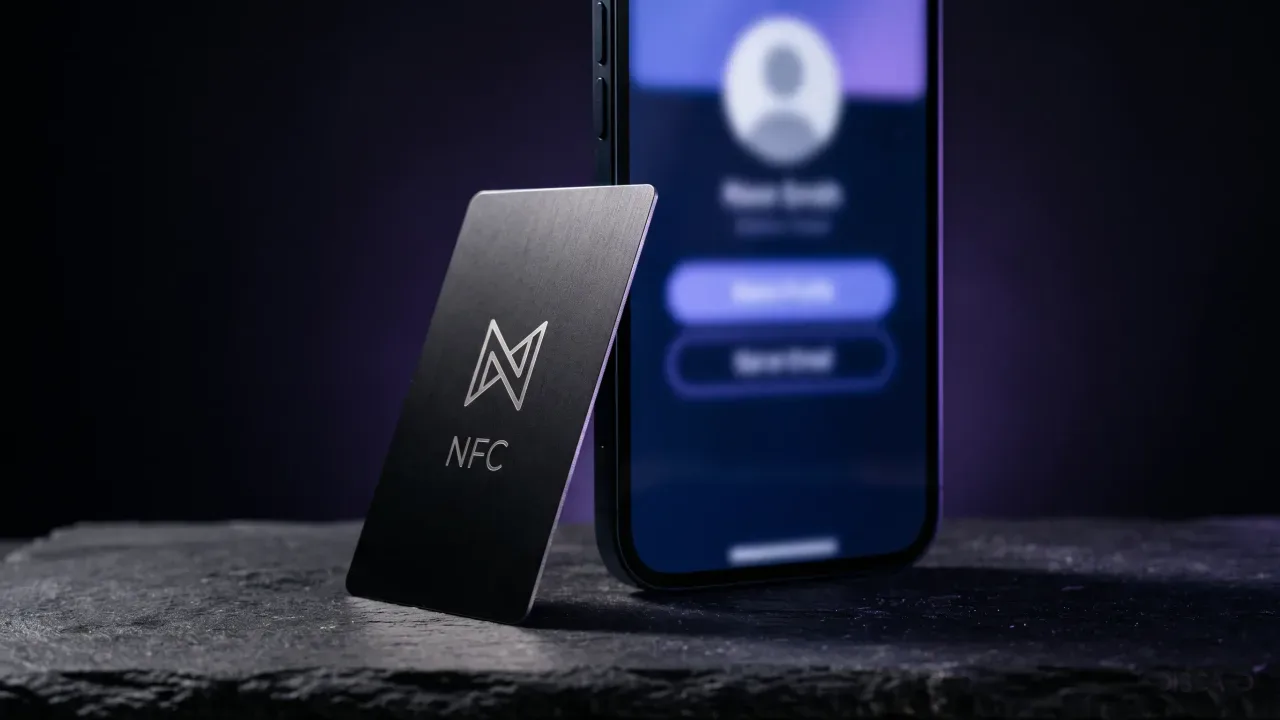
There is also a privacy line worth drawing. The profile behind an NFC card is a public web page. Anyone who taps it sees everything on it, and so does anyone they forward the link to. Home address, personal email, kids in the background of the photo: assume it all travels.
What changes when the card is physical
A metal card and a digital profile carry different jobs, and people routinely put the profile's content on the card. Engraved surfaces do not update. The page does.
| Goes on the card | Goes on the profile |
|---|---|
| Name and role | Everything in this article |
| Company or personal logo | Photo, bio, and full contact set |
| A QR code as a fallback for phones that will not tap | Live links, payment details, and the call to action |
| Nothing that changes when you switch jobs | Anything that changes, which is most of it |
That split is the reason engraving stays sparse. We cover the physical side in more depth in what to put on the back of a business card, and the fallback question in NFC versus QR code business cards.
One practical consequence: because the profile is editable and the card is not, you can afford to be wrong on the page. Test a bio, change it next month. The card you handed out in March still opens the version you fixed in April.
Name, role, one phone, one email, one link, a real photo, fifteen words about what you do, and a single button. That is a complete digital business card, and it takes about four minutes to build. The failure mode is almost never leaving something out. It is putting in nine social links and a paragraph of biography and then wondering why nobody calls. Treat the profile like a card that happens to have room, not like a website that happens to be small, and edit it once a year when your job title stops being true.
Build a metal card and the profile behind it in the configurator, with a live preview of both.
Design your cardWhat information should you put on a digital business card?
Your name, role and company, one phone number, one email address, and one link to your site or portfolio. Add a photo and a short line about what you do. Everything else is optional and most of it makes the page harder to use.
Should you put a photo on a digital business card?
Yes, and it matters more than the logo. A recent headshot is what connects your profile to the conversation someone had with you weeks earlier. Crop it close and keep it current.
How long should a digital business card bio be?
About fifteen words, or one sentence. It should name what you do and for whom, specifically enough that someone can ask a follow-up question. Anything longer is a CV and belongs behind a link.
Do you need a QR code on a digital business card?
The QR code goes on the physical card, not on the profile page. It covers the small number of phones that will not tap an NFC card. Putting a QR code on the profile that links back to the same profile does nothing.
What should you not include on a digital business card?
Abandoned social accounts, a full CV, fax numbers, and any address or personal number you would not hand to a stranger. The profile is a public page, so treat every field on it as public.
Can you change what is on a digital business card after it is printed?
You can change everything on the profile at any time, and every card already in circulation opens the updated version. The engraving on the card itself is permanent, which is why only your name, role and logo should go there.
How many links should a digital business card have?
Three at most, ordered by what you want opened first. The top link takes most of the clicks and the fourth takes almost none. Only include accounts you keep active.