Open a .vcf file in Notepad and the mystery evaporates. It is about a dozen lines of plain text, readable start to finish, with your phone number sitting there in the open. No compression, no proprietary container, nothing Apple or Microsoft invented and kept to themselves.
So what is a vCard file? It is the standard text format for one person's contact details, saved with a .vcf extension, that phones, mail clients and CRMs already know how to import. vCard is the format. VCF is the file. People use both words for the same object, which is where most of the confusion starts.
The format has been around since 1995 and has outlived nearly everything invented alongside it. That longevity is the point, and it is also where the one real limitation comes from.
What a vCard file is
A vCard packages contact information so a machine can read it without a human retyping anything. Name, phone, email, company, job title, address, sometimes a photo. You send the file, the recipient taps it, and the contact lands in their address book with every field in the right place.
The specification is public and maintained by the IETF. The current version is RFC 6350, the vCard Format Specification, and the format's history runs back to 1995 through three revisions and a pile of competing address-book products that no longer exist. An open, documented format is the reason a contact exported from a Nokia in 2004 still imports into an iPhone today.
Attach it to an email, drop it into a chat thread, hide it behind a QR code, or write it onto an NFC chip. The carrier changes. The bytes do not.
What is actually inside a .vcf file
A complete, working vCard, with nothing trimmed to make it look tidier:
- BEGIN:VCARD
- VERSION:3.0
- FN:Maria Petrova
- N:Petrova;Maria;;;
- TITLE:Creative Director
- ORG:Studio Nord
- TEL;TYPE=CELL:+359888123456
- EMAIL;TYPE=WORK,INTERNET:maria@studionord.bg
- END:VCARD
Every line is a property name, a colon, and a value. BEGIN and END bracket the record and VERSION has to come second. Everything in between is optional, which is why one vCard can carry a single phone number and another can carry forty.
FN is the formatted name, the version a human reads. N is that same name chopped into surname, first name, middle name, prefix and suffix, and it is what lets a contacts app sort by last name. The parameters after a semicolon describe the value: CELL, WORK, HOME.
Photos are where files get fat. A vCard stores an image as base64 text pasted inline, so a 300KB headshot becomes roughly 400KB of letters and digits sitting in the middle of the file. That is why some .vcf attachments are absurdly large, and why most QR generators quietly drop the picture.
One quirk to know if you ever hand-edit one. The spec asks for CRLF line endings and Apple Contacts holds you to it. A file saved with plain Unix newlines can import cleanly on Android and fail without a word on an iPhone. We hit that exact bug building our own vCard export, and it cost an afternoon to find.
How to open a vCard file on iPhone, Android and Outlook
Most of the time you never open a .vcf file. You tap it and the device does the rest.
- iPhone. Tap the attachment in Mail, Messages or WhatsApp and iOS offers Create New Contact or Add to Existing Contact. For a file already on the phone, open it from the Files app and choose Add All Contacts.
- Android. Tap the file in Downloads or your file manager and the system offers to import it. If nothing happens, open Contacts, then Manage contacts, then Import contacts, and point it at the file.
- Outlook. File, then Open and Export, then Import/Export, then Import a VCARD file (.vcf). Microsoft documents the export half of this in its own guide to sending and saving contacts as vCards.
- Google Contacts. Go to contacts.google.com, choose Import, and select the file. This is the route that handles multi-contact files most reliably.
- No mail client at all. The file is text. Notepad or TextEdit will show every field it holds.
Files holding several contacts are what trip people up. A single .vcf can stack hundreds of records back to back, each with its own BEGIN and END. iOS handles those inconsistently depending on which app you opened the file from. Google Contacts handles them fine, so migrate address books through Google Contacts and save yourself the argument.
vCard versions, and why 3.0 is still the safe choice
Three versions are still in circulation, and the newest is the wrong default.
| Version | Year | Spec | Where it stands |
|---|---|---|---|
| 2.1 | 1996 | Versit consortium | Ancient, still parsed almost everywhere, no encoding story worth trusting |
| 3.0 | 1998 | RFC 2426 | The compatibility default, and what most exporters still write |
| 4.0 | 2011 | RFC 6350 | Cleaner, UTF-8 native, better structured; support is broad but not universal |
A 2024 update, RFC 9554, adds properties for pronouns, social profiles and a few things the 2011 spec had no room for. Read it if you write code against vCards. It changes nothing about which version you should be handing to strangers.
Discard profiles generate 3.0 for one boring reason: it imports almost everywhere without complaint. Version 4.0 is the better specification and the one to build against. But a contact file has exactly one job, which is to open on somebody else's phone, and 3.0 loses fewer of those arguments. The same logic runs through the card configurator, where the constraint is always what the other person's device will do, not what ours can.
vCard files, QR codes and NFC chips
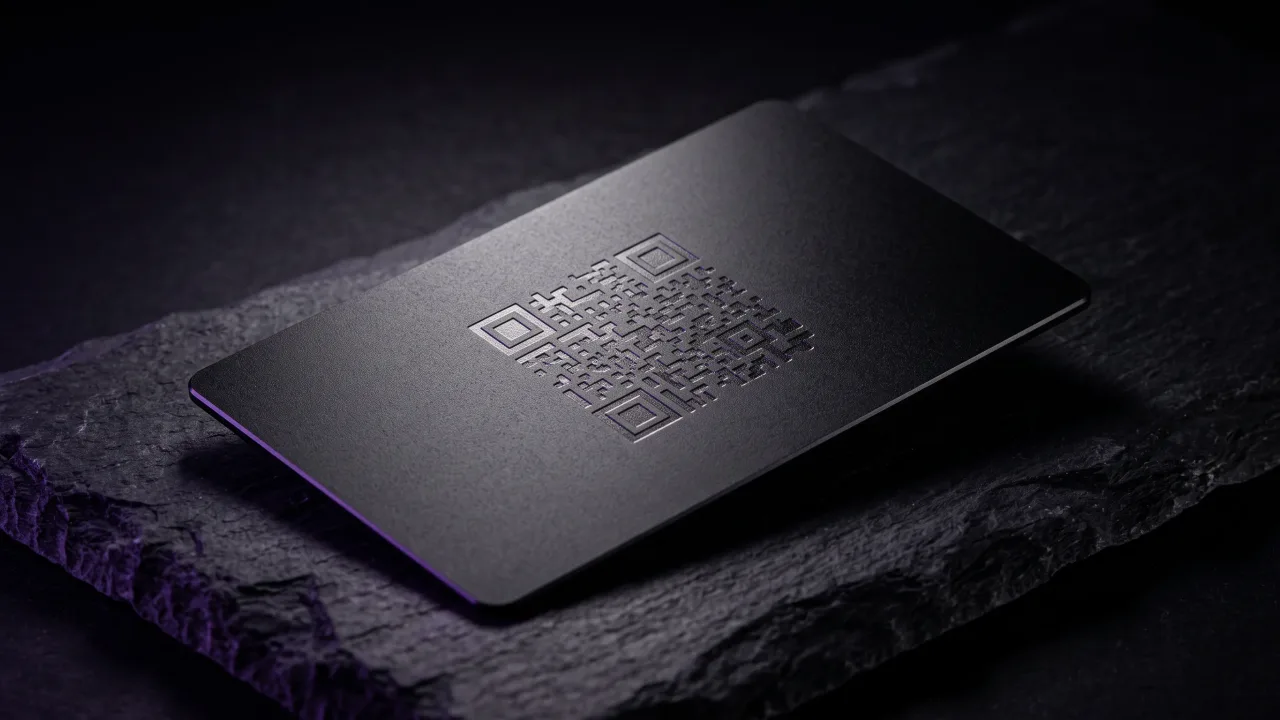
A QR code can carry an entire vCard. The camera reads the text, recognises BEGIN:VCARD, and offers to save the contact without touching the internet. That is genuinely useful. It is also where the size ceiling starts to bite.
A QR code maxes out near 3KB of text, and well before that the pattern gets too dense for a phone camera to read across a table. Name, title, phone, email and company fit comfortably. A photo does not. Neither does a bio of any length.
NFC runs into the same wall from the other side. The chip in a business card holds a few hundred bytes, so a card storing a raw vCard on the chip is storing a stripped-down one. Writing a URL instead, and letting the page hand over the contact, removes the ceiling entirely. We put the two carriers side by side in NFC vs QR code business cards.
The one thing a vCard file cannot do
A vCard is a snapshot. The moment it leaves you it is a copy, and copies do not change.
Change firms, change your number, get promoted, and every .vcf you have ever sent is now wrong, sitting in address books you have no way to reach. There is no callback and nothing in the format that points home. The spec did not overlook this. A contact file was designed to be self-contained and portable, and self-contained means frozen.
Sending a link instead of a file is the way around it. A digital profile lives at a stable address, you edit it whenever something changes, and the vCard gets built the moment somebody taps Save Contact. The file still has every limit it always had. It is just made from today's data instead of data from 2023.
How to make a vCard file yourself
- Export from your phone. On iOS, open a contact and use Share Contact. On Android, open Contacts, then Manage contacts, then Export.
- Export from Google Contacts. Select the contacts you want, choose Export, and pick vCard. This is the option that handles bulk properly.
- Export from Outlook. Open the contact, then File, then Save As, and choose .vcf.
- Write it by hand. Copy the nine lines above into a text editor, change the values, save it as yourname.vcf with CRLF endings, and it will work.
- Let a profile build it. Any decent digital card generates the vCard on demand from whatever the profile currently holds. Ours does it in the browser, so the contact never passes through a server.
Skip the free online vCard generators that ask for your details and then email you the file. You are handing a stranger a complete contact record to save yourself six lines of typing. For a considered version of what belongs in those fields, what to include on a digital business card covers it properly, and how to make a digital business card walks through the whole build.
When a plain vCard file is still the right tool
Files beat links in a handful of situations.
- Bulk migration. Moving 800 contacts between systems is a job for one .vcf, not 800 taps.
- CRM and mail client imports. Most business software takes a vCard and nothing more modern.
- No connectivity. A file opens on a plane. A link does not.
- Archival. A .vcf is plain text with no service standing behind it, so it will still open in twenty years when the app you exported it from is long gone.
For handing your details to one person you have just met, the file is the wrong shape and always was. That moment wants a tap, and a page that is still accurate next year.
A vCard file is plain text with a colon on every line, and once you have read one you stop being intimidated by them. The format solved contact exchange in 1995 and has been quietly correct ever since, which is why every phone still imports it without being asked twice. Its weakness is direction. A .vcf only travels outward, cannot tell you it has gone stale, and gives you no way to reach back and fix it. Treat it as what it is, an export format, and it is excellent: migrations, backups, CRM imports, anything that has to survive offline. For the version of your details that other people carry around in their pockets, send something you can still edit afterwards, and let the vCard be assembled at the far end at the moment they need it.
A metal card that hands over a profile you can edit, and a vCard built the second someone saves you.
Design your cardWhat is a vCard file?
A vCard is a plain-text file holding one person's contact details in a standard format, saved with a .vcf extension. Phones, mail clients and CRMs all read it, so the recipient can add the contact without retyping anything. Open one in a text editor and you can read every field it contains.
What is the difference between a vCard and a VCF file?
There is none. vCard is the name of the format and .vcf is the file extension it uses, so the two words describe the same thing. VCF stands for Virtual Contact File.
How do I open a .vcf file on my phone?
Tap it. On an iPhone, tapping the attachment brings up Create New Contact or Add to Existing Contact. On Android, tapping the file in Downloads offers to import it, and if nothing happens, open Contacts, then Manage contacts, then Import contacts, and select the file.
Can one .vcf file hold more than one contact?
Yes. A single file can stack hundreds of records, each wrapped in its own BEGIN:VCARD and END:VCARD. Google Contacts imports these reliably, while iOS is inconsistent depending on which app you opened the file from, so use Google Contacts for bulk imports.
Is it safe to open a vCard file?
Yes, in the sense that a .vcf is inert text and cannot execute anything. The risk sits in the contents rather than the file: a vCard from an unknown sender can carry a misleading name or a link in its URL field, so read it before you import it.
Which vCard version should I use?
Use 3.0 unless you have a specific reason not to. It is the version most exporters still write and the one that imports everywhere without complaint. Version 4.0 is the better specification and worth targeting if you are writing code, but compatibility is what matters when the file is going to somebody else's phone.
Can a vCard file be updated after I send it?
No. Once a .vcf leaves you it is a static copy in someone else's address book, and nothing in the format lets you reach it again. Sharing a profile link instead means the details can be corrected at any point, with the vCard generated fresh whenever someone saves you.
Why is my .vcf file so large?
Almost always a photo. vCards store images as base64 text inline, which inflates a 300KB picture into roughly 400KB of characters sitting inside the file. Delete the PHOTO line and the file drops back to about a kilobyte.