Tell someone your name at a conference and they will try to find you on LinkedIn later that evening. Then they will scroll past four people with the same name, one of whom looks a bit like you, and give up.
Learning how to share your LinkedIn profile properly fixes that. There are six ways to do it: copy your profile URL, clean it up into a custom URL, send it through LinkedIn's own share button, show your LinkedIn QR code, put the link in your email signature and CV, or tap a card against someone's phone. Each one fits a different situation, and the in-person ones are where most people lose contacts.
Find your LinkedIn profile URL first
Every method below starts with the same address. Your public profile URL begins with linkedin.com/in/ and ends with your name, often followed by a string of numbers LinkedIn added because someone else got there first.
On a computer, click the Me icon at the top of the LinkedIn homepage, then View profile. The link sits under Public profile & URL in the right-hand column. You can also copy it straight from the browser's address bar while your profile is open.
In the mobile app, tap your profile photo, tap it again to open your profile, then tap the More button next to Add section and choose Contact info. The URL is listed under Your Profile. It takes about five taps, which is the first hint that the app was not designed for sharing in a hurry.
Make a custom LinkedIn URL people can read
A link that ends in /in/maria-petrova-4b7a91203 works, but nobody can say it out loud or remember it. A custom URL like /in/mariapetrova can go on a slide or a printed CV without looking like a tracking code.
To change it, open your profile, go to Public profile & URL, and click the pencil next to your current address. LinkedIn's help page on managing your public profile URL sets the rules: 3 to 100 characters, no spaces, symbols or special characters, and not the word LinkedIn. Capital letters are ignored, so MariaPetrova and mariapetrova open the same page.
Choose carefully, because you can change it only five times in six months. When you do change it, the old address keeps pointing to you for six months unless you unlink it. After that, every CV and slide deck that carries the old link sends people to an error page.
How to share your LinkedIn profile online
Online is the easy half, because the other person is already holding a device that can open a link.
- Send it inside LinkedIn. On desktop, open your profile, click the Resources button under your headline and pick Send profile in a message. In the app, tap your photo and use Share via to pick any messaging app.
- Paste it into a chat. WhatsApp, Slack and email all turn the URL into a preview with your photo and headline, which looks better than a bare link.
- Put it in your email signature. Every email you send then carries the link, and after the first five minutes of setup it costs you nothing. We covered layout and what else belongs there in our guide to a digital business card for your email signature.
- Add it to your CV and portfolio. Recruiters look for it. Use the custom URL so it reads cleanly on paper and on screen.
All of these rely on typing or pasting, which is fine at a desk and useless in a hallway with a coffee in one hand.
How to share your LinkedIn profile with a QR code
LinkedIn has a QR code built into its mobile app for exactly the in-person problem. According to LinkedIn's help page on QR codes, you tap the QR icon in the search bar at the top of the home screen and open the My code tab. The other person taps the same icon, switches to Scan and points their camera at your screen.
It works, and it beats spelling your surname. It also asks a lot of two people who met ninety seconds ago. You have to unlock your phone, open the app, find the icon and turn the screen towards a stranger. They have to do the same, or use their camera app and hope it recognises the code off a bright screen. If either phone is on 3% battery, the exchange is over.
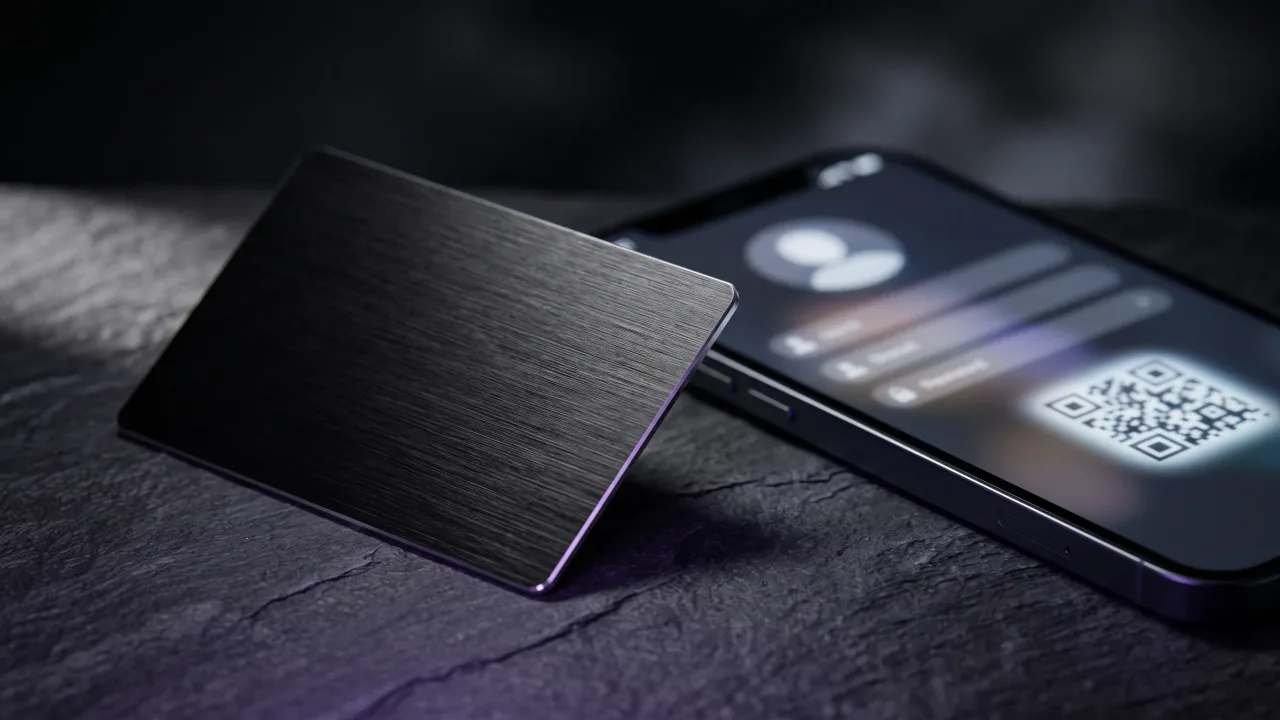
You can also save the code to your photos and print it. A LinkedIn QR code on a conference badge, a slide or the back of a paper card saves everyone the app dance. The catch is that a printed code opens only LinkedIn, and your LinkedIn profile is one of several things people might want from you.
Share your LinkedIn profile in person with one tap
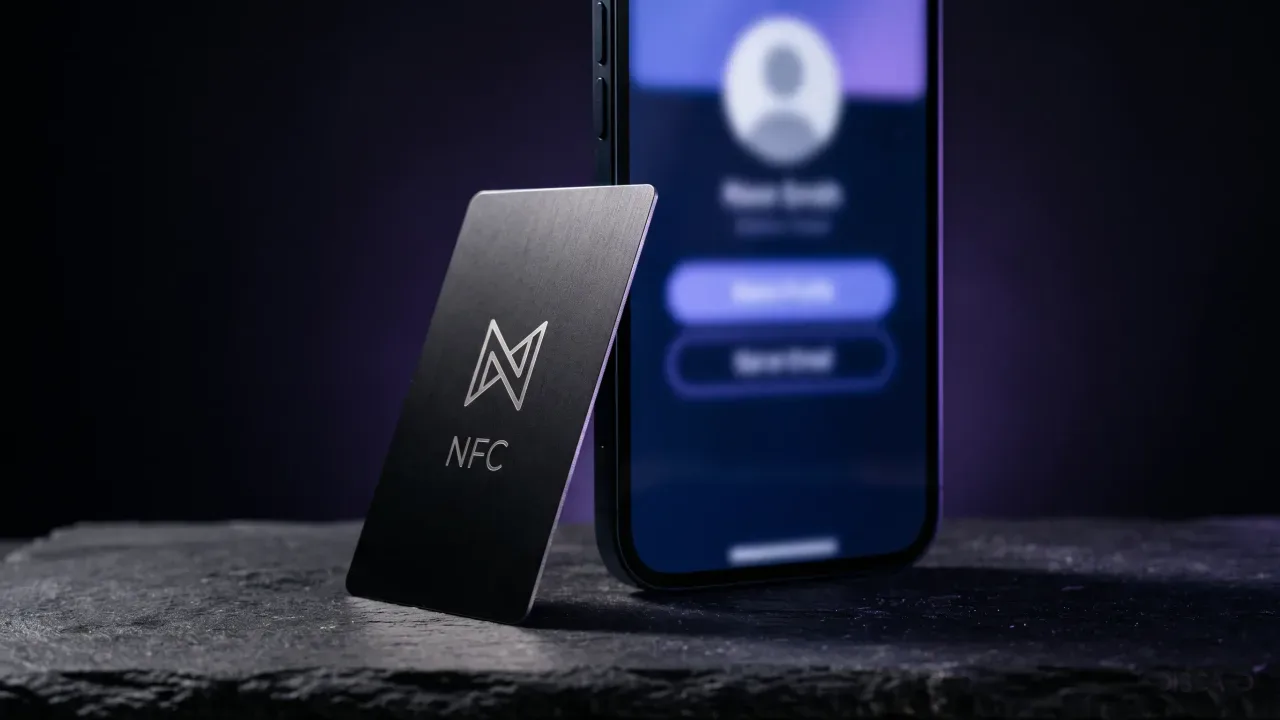
The fastest way we know is to hand over something that opens the link on its own. An NFC business card carries a small chip that phones read from a few centimetres away. Hold the card near the top edge of an iPhone or the back of most Android phones and a web page opens in the browser, with no app to install. The NFC standard is the same one that runs contactless payments, which is why most phones sold in recent years can read it.
You could program a chip to open your LinkedIn URL directly. We would not. LinkedIn tends to push visitors who are not logged in towards a sign-in wall, and a single link leaves out your phone number, your email and your company site.
What works better is pointing the card at a digital profile that holds everything, with LinkedIn as one prominent button. The other person sees your name, photo, role and contact options, saves you to their phone with one tap, and gets to LinkedIn in a second tap if they want to connect there. Our guide on what to include on a digital business card covers which links to show and in what order.
Every card we make also carries a QR code on the back, for the occasional phone that does not read NFC or has it switched off. We compared the two in detail in NFC versus QR code business cards.
Which method fits which situation
| Situation | Best method | Why |
|---|---|---|
| Job application | Custom URL on your CV | Readable on paper, clickable in a PDF |
| Everyday email | Link in your email signature | Set once, works on every message |
| Follow-up after a meeting | Share button or pasted link | They already have your chat or email |
| Talk or presentation | Printed LinkedIn QR code on the last slide | A whole room can scan at once |
| Conference or client meeting | NFC card with a digital profile | One tap, no app, and your contact gets saved |
Most people need two or three of these. Set up the custom URL first, since every other method uses it, then pick whatever covers the moments when you meet people face to face.
Before you share: make the profile worth opening
A profile that still says "Student at" and nothing else does more harm than no link at all. Fix the basics before you print the URL anywhere.
- Use a recent, well-lit photo where your face fills most of the frame.
- Write a headline that says what you do for whom, not only your job title.
- Check your public profile settings, so people who are not logged in can see at least your name, headline and photo.
- Put your current role at the top of the experience section, with a line on what you actually work on.
The same thinking applies to the profile your card opens. People decide in a few seconds whether to save you, so the first screen needs your name, role and a clear way to reach you. We collected the details that make that screen work in our digital business card profile tips.
Online, sharing a LinkedIn profile is a solved problem: get a custom URL, put it in your signature and CV, and paste it wherever the conversation is happening. The weak spot is the face-to-face moment, where most introductions happen and where spelling your name or fumbling with an in-app QR code loses people. LinkedIn's QR code is a reasonable free fix. A card that opens a full profile with one tap is the better one, because it saves your contact details as well as the link and does not depend on the other person having LinkedIn installed. We make those cards, so weigh our view accordingly, but set up the custom URL either way. It takes five minutes, and every other method depends on it.
A metal NFC card that opens your digital profile, with LinkedIn, phone and email one tap away.
Design your cardHow do I copy my LinkedIn profile link?
On desktop, open your profile and copy the address from the browser bar, or find it under Public profile & URL on the right. In the app, tap your photo, open your profile, tap More, then Contact info. The link starts with linkedin.com/in/.
Where is my LinkedIn QR code?
In the LinkedIn mobile app, tap the QR icon in the search bar at the top of the home screen, then open the My code tab. You can show it on screen or save it to your photos. The Scan tab next to it reads other people's codes.
Can I change my LinkedIn URL?
Yes. Go to Public profile & URL and click the pencil next to your current address. The custom part can be 3 to 100 characters with no spaces or symbols, and you can change it up to five times in six months.
Does my old LinkedIn link still work after I change it?
For six months, yes. LinkedIn keeps the previous URL linked to you for that period unless you unlink it yourself. Update your CV, signature and any printed material before it runs out.
Can people see my LinkedIn profile without an account?
Partly. What they see depends on your public profile settings, and LinkedIn often asks visitors who are not signed in to log in after a page or two. Check your public profile visibility before you print the link anywhere.
Can I put my LinkedIn on an NFC business card?
Yes. The chip can open your LinkedIn URL directly, but a better setup opens a digital profile with LinkedIn as one of several links, next to your phone, email and website. That way the other person can save your contact even if they never open LinkedIn.