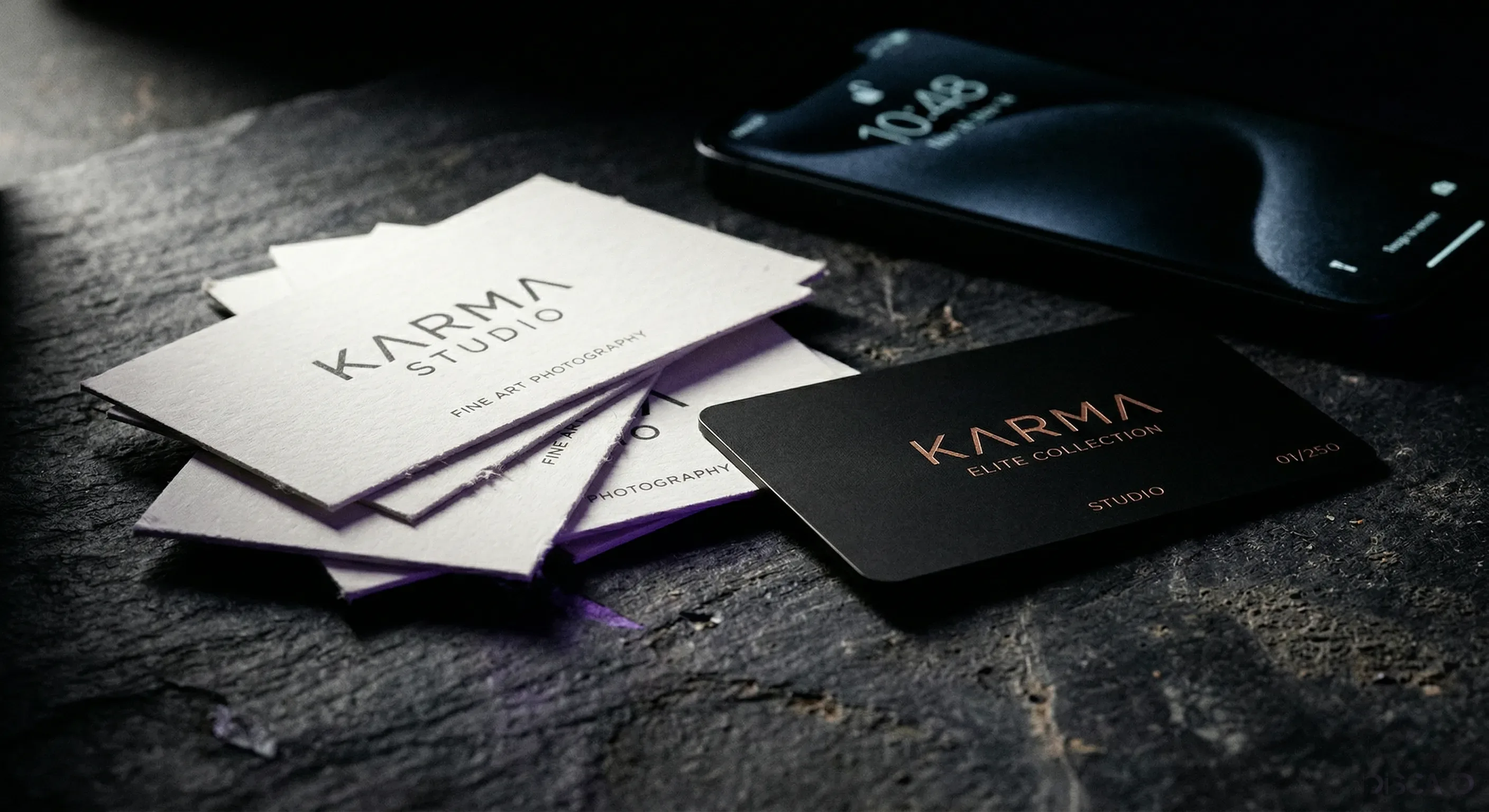
Most business cards have a lifespan you can measure in seconds. Handed over at a conference, glanced at, slipped into a jacket pocket, and gone by the time the dry cleaner finds it. That is the real reason people look for business card alternatives: not because paper is old-fashioned, but because it keeps failing the one moment it was made for.
There are more alternatives now than ever, and a few of them actually work. This is an honest run through the real options, from a digital profile you share with a tap to the email signature you already have, with a clear answer at the end about which one earns the second look. Some are free. One of them is worth paying for.
Why paper business cards stopped working
Paper does one job and does it once. It carries a name and a number until the ink smudges or the card gets lost, and it cannot be changed after it is printed. Move jobs, switch your number, rebrand, and the box of cards in your drawer is suddenly wrong.
Underneath that sits a cost problem. A working professional reprints every time a detail changes or a batch runs out, and a few hundred at a time adds up across a year. We put real numbers on it in our look at the hidden cost of paper business cards.
Then there is the waste. A card you cannot edit is a card you reprint, and most printed cards are handed over once and never looked at again. The alternatives below fix that by turning the card into a living link instead of a one-time object.
Digital business cards: the all-in-one alternative
A digital business card is a web page that holds everything paper cannot: your contact details, your links, your photo or logo, and a save-contact button, all on a page you edit from your phone. You share it with a tap, a scan or a link, and the other person opens it in their browser with no app to install.
It is the most complete answer on this list because it replaces the card and the follow-up at the same time. The person you met saves your details on the spot instead of typing them later, and every link you want them to see sits one tap away. Our guide on how to make a digital business card walks through building one, and the Discard digital profile is free to build and use.
The format borrows from the vCard standard phones already use to store contacts, so saving someone is one tap rather than a manual entry. That is the quiet advantage: the card and the contact become the same action.
QR codes and NFC: how the tap actually works
QR codes and NFC are not really alternatives to a digital card. They are the two ways you hand one over. Both open the same page; they differ in how the other phone gets there.
A QR code is a square barcode any phone camera can read. Print it on a sticker, a poster or the back of a card, and anyone scans it without special hardware. It works on every phone, which is why it makes a safe default.
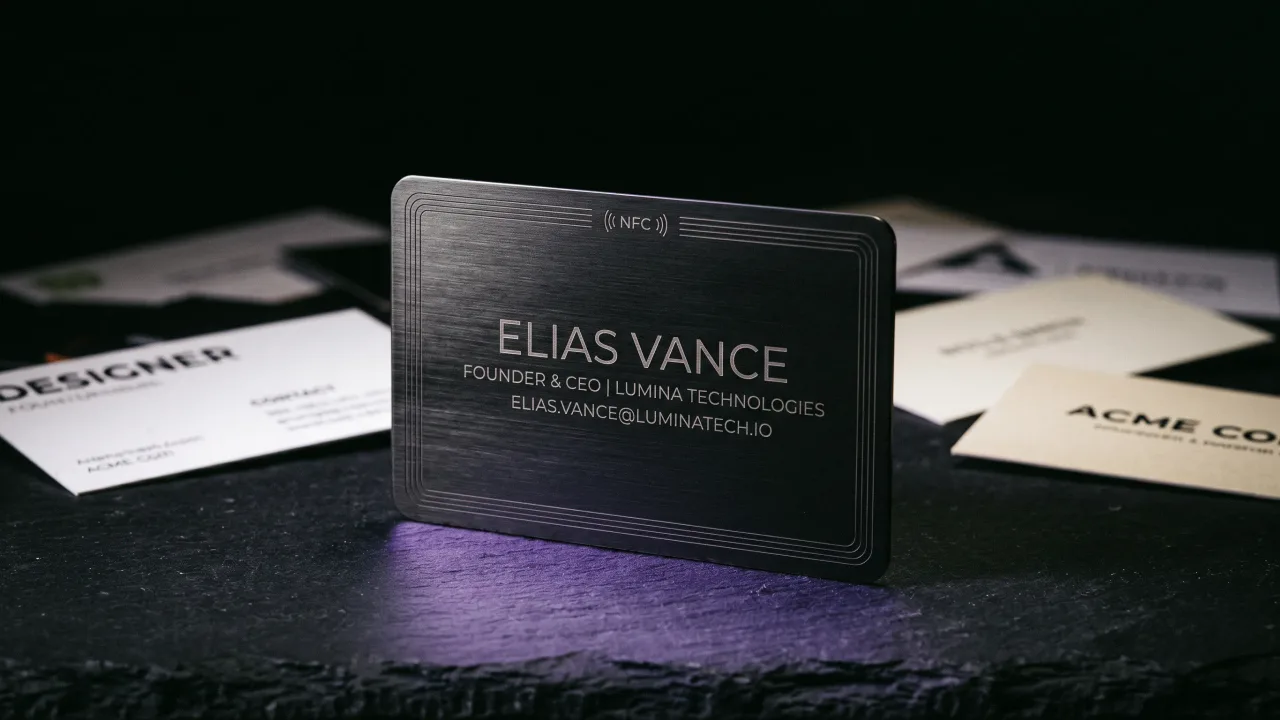
NFC goes a step further. Tap a chipped card to a phone and the page opens with nothing to scan and nothing to aim, using the same short-range standard the NFC Forum maintains. It reads as a single gesture instead of two. We weigh them up in NFC vs QR code business cards, and the short version is that you want both: the tap for the people in front of you, the QR for everyone else.
The free alternatives: email signature, LinkedIn, link-in-bio
Three alternatives cost nothing because you already own them. They are not as good as a real card, but they reach places a card cannot.
- Your email signature is a business card you send dozens of times a day and rarely bother to design. A name, role, phone and one link turns every email into a soft introduction.
- Your LinkedIn profile is where people look you up after the meeting. Keep it current and it does half the work of a follow-up for you.
- A link-in-bio page gathers your links in one place for social profiles, where you only get a single clickable URL.
None of these survive a handshake the way a tappable card does. Use them as the online half of your presence, and let a physical card carry the in-person half.
Apple Wallet and Google Wallet passes
You can save a business card as a pass in Apple Wallet or Google Wallet, the same place your boarding passes and loyalty cards live. It sits next to things people already open every day, which is the appeal.
The catch is that a wallet pass is mostly static. It is a saved copy, not a live link, so updating it is clumsier than editing a web profile, and it leans on the other person already wanting to save you. It pairs well with a digital card and does not replace one. We line the two up in NFC cards vs Apple Wallet passes.
Which business card alternative is right for you
Most people end up using two or three of these together. What matters is which one does the heavy lifting in person.
| If you... | Best alternative | Why |
|---|---|---|
| Network in person often | Metal NFC card + digital profile | One tap, no app, looks the part |
| Work mostly online | Digital card + email signature | Lives where you already talk to people |
| Want zero cost today | Free digital profile + QR code | A working card in minutes for nothing |
| Run a team | NFC cards on one branded profile | Consistent look, central control |
| Care about first impressions | Engraved metal NFC card | The object speaks before you do |
The pattern shows up the moment you lay it out. The free options cover the online half well and the in-person half badly. To win the second you meet someone, you want something physical they can tap.
Why metal NFC is the alternative that lasts
Every digital alternative solves the link. None of them solves the object you hand over, and at a first meeting the object is half the message. A QR sticker on a phone case works, but it says nothing about you before the page loads.
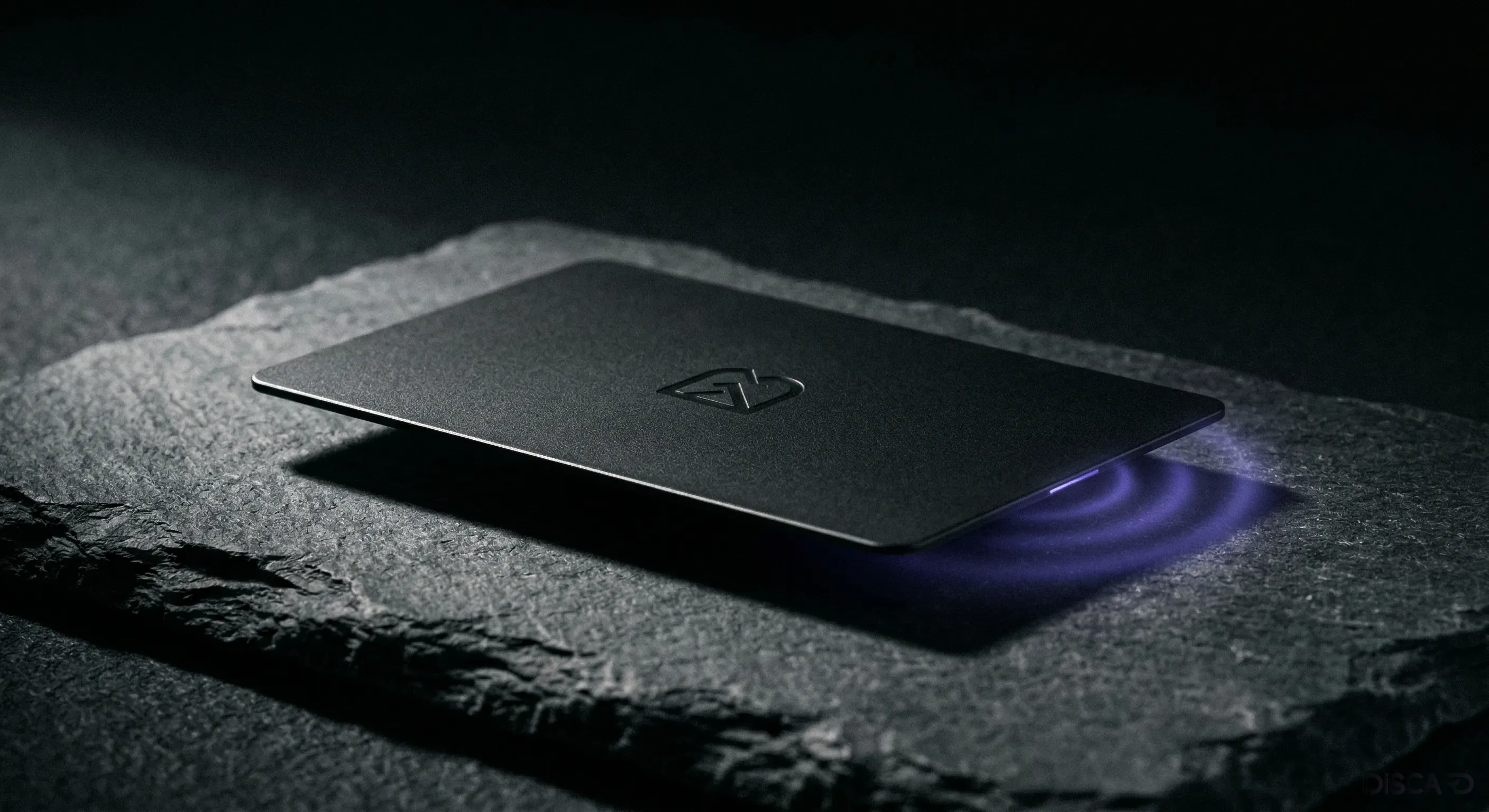
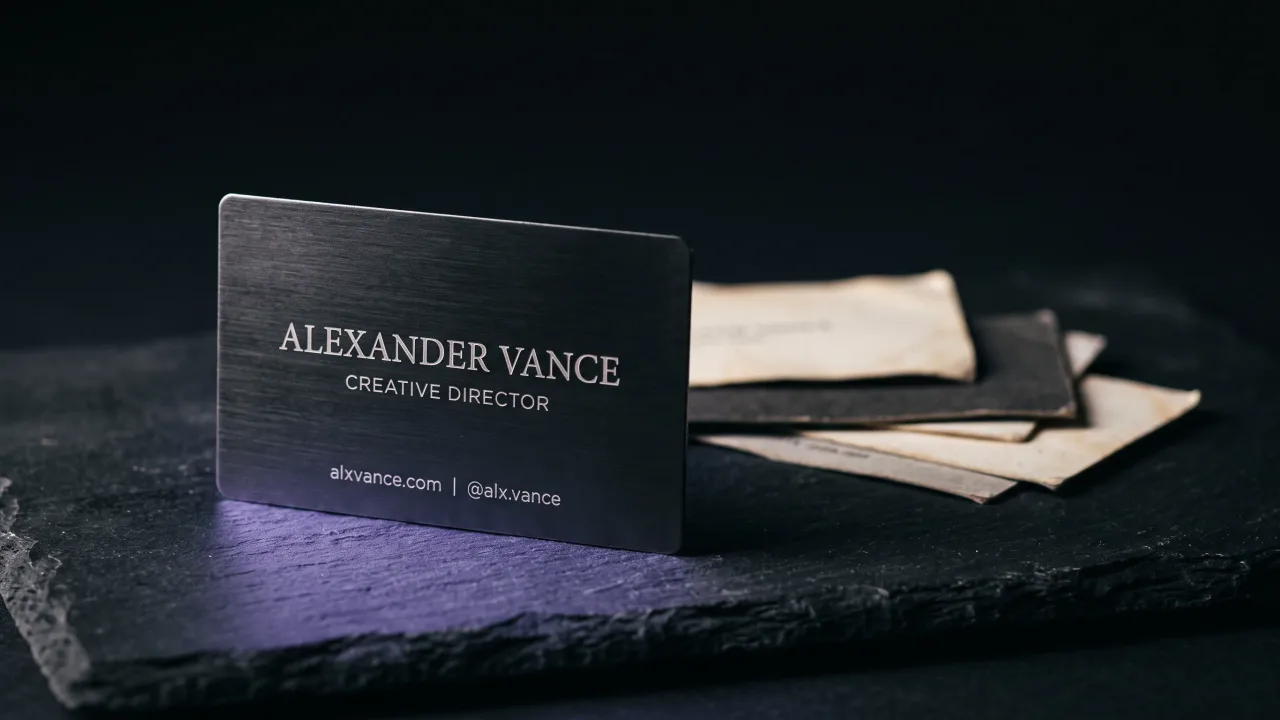
A metal NFC card carries the same digital profile and adds what software cannot: weight, finish and a tap that opens your page with no app. It is the premium answer because it does both jobs at once, the impression and the link, and you design it in the configurator. Because the chip points to a page you edit, a new number or a new role never means reprinting. The fuller case for design-led work is our guide for creative professionals.
It is also the alternative people keep. A paper card gets recycled and a screenshot gets buried, but a heavy engraved card stays in a wallet because it feels like it cost something. That is the whole point of a first impression you do not have to make twice.
The verdict: pick a pair, not a winner
There is no single best business card alternative, and anyone who tells you there is happens to sell that one thing. The honest answer is a pair: a digital profile that holds everything and updates itself, and a physical card that opens it with a tap when you meet someone in person. Start with the free digital version this week, because it costs nothing and teaches you what you actually want on it. When you are ready to be remembered rather than recycled, put it on metal. The alternatives that stay in a pocket beat the ones that stay in a browser tab.
Build your digital profile free, then design a metal NFC card that shares it with a tap, no app required.
Design your cardFrequently asked questions
What is the best alternative to a paper business card?
A digital business card shared by an NFC tap or QR code is the most complete alternative, because it carries all your details and links on a page you update anytime. For in-person networking, a metal NFC card that opens that profile gives you the object and the link in one gesture.
Are digital business card alternatives free?
Many are. A digital profile, an email signature, a LinkedIn page and a QR code all cost nothing to set up. You pay only when you want a physical card, team features or analytics on which links get tapped.
Do business card alternatives need an app?
No. A digital card opens in any phone's browser from a link, a QR scan or an NFC tap, with nothing to install on either side. The tap just opens a web page the phone already knows how to read.
What can I use instead of a business card at networking events?
A metal or NFC business card you tap to someone's phone is the fastest in-person option, since it saves your contact and opens your profile in one move. A QR code on your phone or badge works as a backup for any camera.
Are NFC business cards better than QR codes?
They do the same job in different ways. NFC opens your page with a tap and no aiming, while a QR code works on any camera without special hardware. The best setup uses both, which we cover in our NFC vs QR comparison.
Is a digital business card more environmentally friendly?
Yes. One digital card replaces every reprint, so you are not throwing out and reordering paper each time a detail changes. A single metal card you keep for years also beats handing out hundreds of paper ones.