A QR code printed on glossy metal often refuses to scan. Glare fills the camera, the contrast collapses, and the person holding your card gives up after two tries. That is the detail most listings for a metal business card with a QR code leave out, and it is the whole gap between a card that works and one that only looks the part.
A metal business card with a QR code pairs an engraved card with a code that opens your details on any phone with a camera. Done properly, it also hides an NFC chip inside, so the card taps as well as scans. The QR code is the part that reaches everywhere, on every phone, with nothing installed on the other person's side.
Does a QR code actually work on a metal business card?
Yes, but the finish decides whether it scans on the first try. A camera reads a QR code by telling dark squares from light ones, so it needs contrast and it hates glare. A mirror-polished card throws light straight back at the lens and the code washes out.
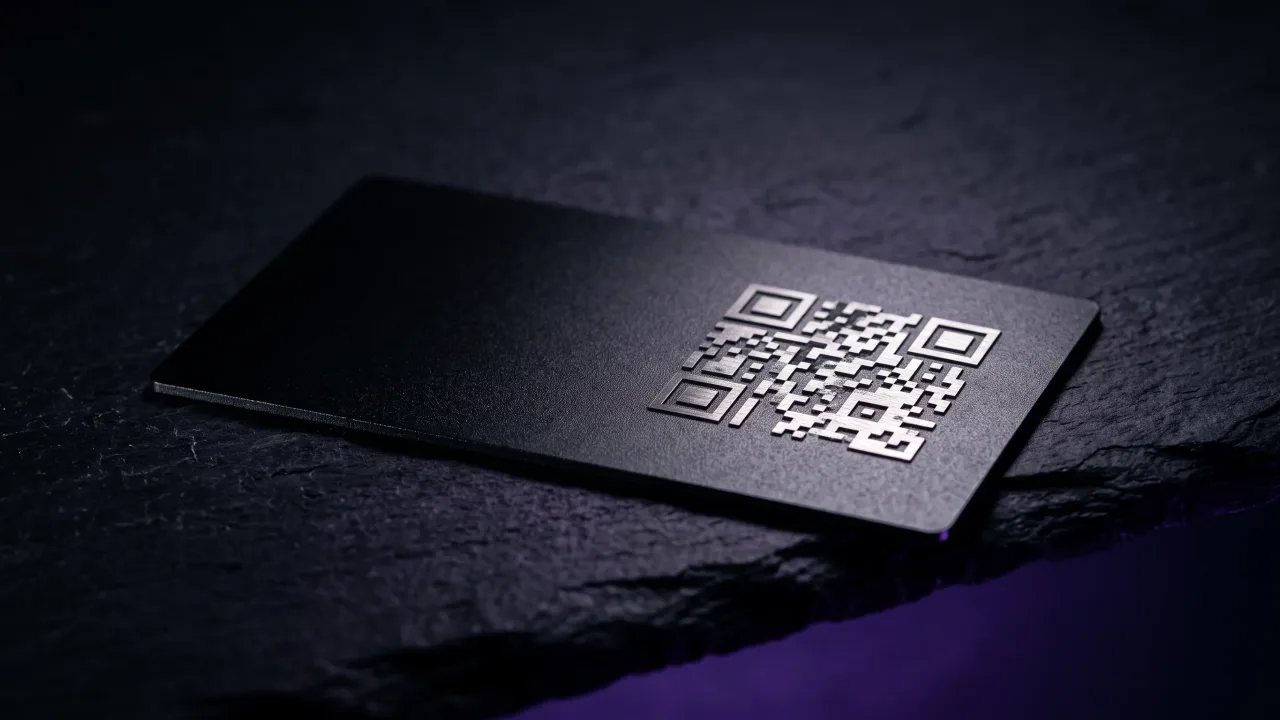
This is why the finish matters more than the metal itself. A matte or brushed surface kills the glare, and a code cut into the metal by laser reads darker than the surface around it, which is exactly the contrast a camera wants. The scan is a simple sequence: the reader finds the three corner squares, locks onto the grid, and decodes the pattern, the process the original QR code specification from Denso Wave lays out in full. Give it clean contrast and it reads in a fraction of a second.
Why the best metal cards carry both a QR code and NFC
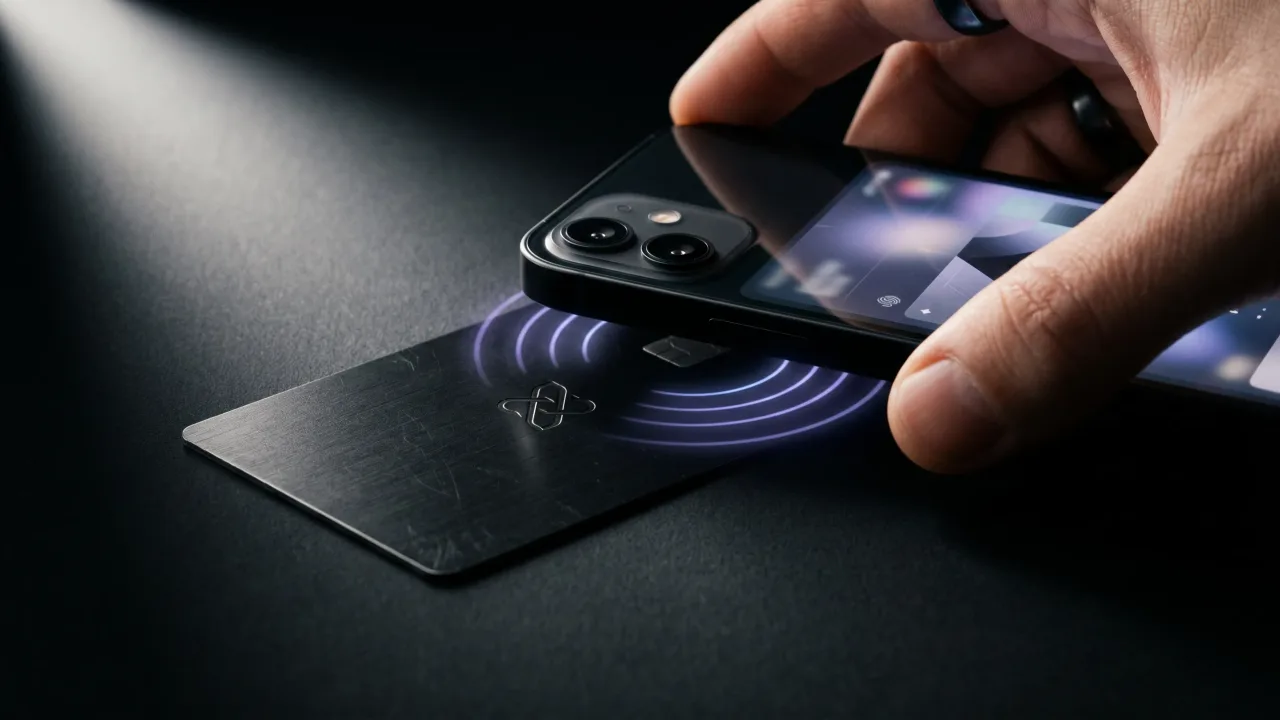
A QR code and an NFC chip do the same job by two different routes, and a good card carries both because neither method alone reaches every phone. NFC is the tap: hold the card to a phone and the profile opens on its own. The QR code is the scan: point a camera at it and the same profile opens.
The reason to have both is coverage. Almost every phone from the last several years reads NFC, but a few older models, some locked-down work phones, and the odd flat battery still leave gaps. A camera is universal. Every smartphone made in the last decade can scan a QR code, so the code catches whatever the tap misses.
- An older phone that cannot read NFC tags but still has a working camera.
- A work phone with NFC switched off by an IT policy.
- Someone who would rather scan than hold the card against the top of their phone.
- A moment where the tap does not catch and you want a second option in the same second.
We walk through the full comparison in NFC vs QR code business cards. The short version: the tap feels premium, the scan works everywhere, and a card built around a plain web link uses near-field communication and the camera to cover each other.
How the QR code gets onto the metal: engraved or printed
There are two ways to put a QR code on a metal card, and they age very differently. Laser engraving burns the code into the surface, so it becomes part of the metal and cannot rub off. UV printing lays ink on top, which allows colour but wears at the edges after years in a wallet.
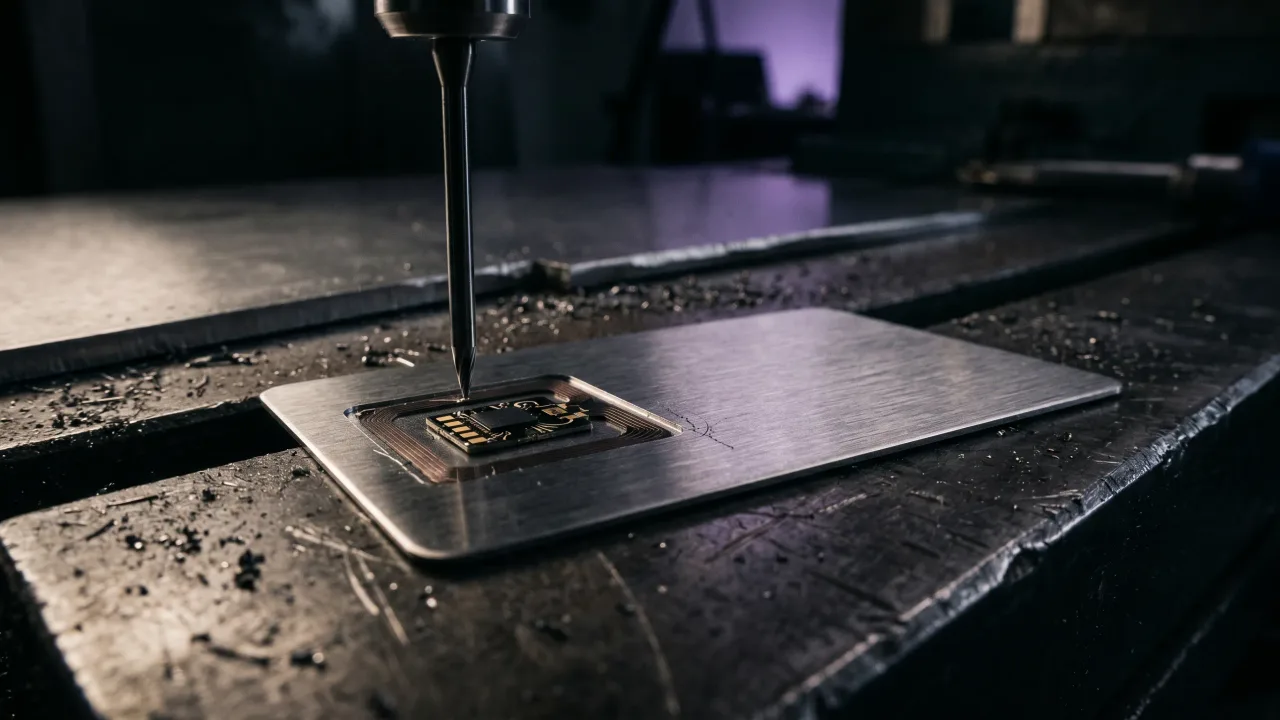
For a card meant to last, engraving wins. A laser cuts the dark squares into the metal at high contrast against a matte finish, and the result survives keys, coins and time. It is the same process that shapes the rest of the card, which we cover in how metal NFC business cards are made. A printed QR code looks sharp on day one and fades by year three.
What your QR code should point to, a vCard or a link
A QR code can carry two things: your contact details baked straight into the code as a vCard, or a single link to a profile you control. The link is the better choice for almost anyone, because it keeps the card fixed while your details stay editable.
Encode a raw vCard and every change of number or title means a new card. Encode a link to a digital profile and you edit one page in a browser while the card in a hundred wallets keeps pointing to the current version. The code stays the same; the page behind it moves with you. A QR code holds plenty of room for a short link, so there is no reason to freeze static details into it.
QR code size and contrast: the rules that decide if it scans
A QR code has a minimum size below which a camera struggles, and it is larger than most people expect. A rough rule: about 13mm square for a short link, 19mm for a longer one, and a full 25mm for anything complex. A card link should sit at the small end, which is one more reason to keep the URL short.
Contrast and clear space matter as much as size. The code needs a quiet margin around it, the light and dark areas need to stay distinct, and a busy pattern under the code will confuse the reader. On metal, a matte finish with an engraved code handles all three by default. Denso Wave, which invented the format, publishes the margin and contrast guidance that every reliable code follows.
Where to put the QR code on the card
The back of the card is the natural home for a QR code. It keeps the front clean for your name and logo, and it gives the code the quiet space it needs to scan cleanly. The chip for tapping sits inside the card, so the front stays uncluttered while both methods stay one flip apart.
This is the same thinking behind what goes on the reverse of any good card, which we cover in what to put on the back of a business card. In the configurator you can see the code placed against the finish before you order, so nothing about the scan is a surprise when the card arrives.
Metal QR card vs a paper card with a QR sticker
A QR sticker stuck on a paper card does technically work. It also curls at the corner, smudges in a wallet, and tells the person holding it exactly how much thought went in. The code and the card end up working against each other.
A metal card with an engraved QR code carries the same link with none of that. The code is part of the object, the object is worth keeping, and the two reinforce each other. Paper says temporary. Metal with a clean engraved code says this is who I am and here is where to find me, in one piece you can hand across a table.
The verdict: a metal business card with a QR code
A metal business card with a QR code earns its place when the code is done properly: engraved into a matte finish, sized for a short link, and pointed at a profile you can edit rather than a frozen vCard. Get those right and it scans on the first try on any phone with a camera, which is every phone that matters. Pair it with an NFC chip and one card covers the tappers and the scanners. The cheap version, a printed code on a shiny surface linking to static details, fails quietly at the worst moment and takes your first impression down with it. Buy the card that engraves the code, hides the chip, and lets you change your details without reprinting anything. That is the one that still works in three years.
Design a metal card with an engraved QR code and a hidden NFC chip, both pointing to a profile you can edit anytime.
Design your cardFrequently asked questions
Does a QR code work on a metal business card?
Yes, as long as the finish is matte and the code has good contrast. A mirror-polished surface reflects light into the camera and can stop the code from scanning, while a matte finish with a laser-engraved code reads reliably. Keep the linked URL short so the code stays small and clear.
Should a metal business card have a QR code or NFC?
Both, ideally. NFC lets a phone open your profile with a tap, and the QR code covers any phone that cannot tap by letting the camera scan instead. Carrying both means you never depend on the other person's phone supporting one specific method.
How is a QR code put on a metal card?
Either by laser engraving or UV printing. Engraving cuts the code into the metal so it cannot wear off and holds high contrast against a matte surface. Printing adds colour but wears at the edges over the years, so engraving is the durable choice.
What size does a QR code need to be on a business card?
About 13mm square works for a short link, with larger sizes for longer or more complex URLs. Keeping the URL short lets the code stay small while still scanning on the first try. A clear margin of quiet space around the code matters as much as its size.
Can I change where my QR code points after the card is made?
Yes, if the code links to an editable profile rather than a raw vCard. The code carries a fixed web address, and you change the details on the page behind it, so the same card can keep updating. A vCard baked into the code cannot be changed without a new card.
Where should the QR code go on a business card?
Usually on the back, which keeps the front clean for your name and logo and gives the code the quiet space it needs to scan. The NFC chip sits inside the card, so both the tap and the scan stay available without cluttering the design.