A job seeker's business card has an awkward problem built into it. The most important line on the card, your job title, is the one you are trying to change.
That is why most business cards for job seekers either say too much or too little. Some people print their old title and spend every conversation explaining that they have left. Others print a name, a phone number and nothing else, which gives the person holding it no reason to remember them. Neither card helps a recruiter at a job fair who has met forty people since lunch.
A good job search card has one purpose, which is to get you a second conversation. Everything you print on it should serve that, and most of what people print doesn't.
Do job seekers need business cards?
Yes, if you meet people in person. A resume is the wrong thing to pull out at a friend's birthday or in a conference coffee queue, and those are the places where people most often say "send me your details". A card is the polite version of that request.
University career centres hand out the same advice. Carleton University's career service calls them networking cards and says they make a good first impression and help you make connections, with one firm rule: do not try to fit an entire resume onto one. Some schools even print a batch for their students for free.
If your search runs entirely through job boards and video calls, skip the card. Spend the effort on your LinkedIn profile and how you share it instead.
What to put on a business card when you are job hunting
Start with your name as you want to be introduced, a mobile number you will answer in a professional voice, and an email address that is just your name. A shared family number or an email from 2009 costs you more than having no card.
Under the name, write what you do, not where you did it. "Financial analyst, FP&A and forecasting" works whether you are employed, between roles or freelancing. "Formerly at" lines read as a resignation letter. If you are changing careers, use the title of the job you want and back it with one line of proof, such as a certification or a project.
Add a city rather than a street address, plus "or remote" if you mean it. Then add one link that holds everything else: your LinkedIn, a portfolio or a digital profile with your CV attached. Carleton's guide suggests a URL or a QR code for the same reason. The card makes the introduction and the link makes the case. We go through the rest of the fields in what to include on a digital business card.
Leave off your date of birth, your home address, a long skills list and anything you would hesitate to defend in an interview. A photo is optional. It helps a recruiter match a face to a name after a busy fair, and it is a personal call.
Paper networking card, digital profile or metal NFC card
| Paper networking card | Digital profile only | Metal NFC card | |
|---|---|---|---|
| Typical cost | A few euros for a box, sometimes free from a career centre | Free to about €20 a year | €44.90 to €49.90 once, first year of profile included |
| Can you change the title? | No, you reprint | Yes, any time | Yes, the profile behind the card |
| Works without the other person's phone | Yes | No | Yes, the engraved name stays readable |
| Holds a CV and portfolio | Only as a printed link | Yes | Yes, one tap away |
| Remembered after the event | Rarely | Only if they saved it | More often, because it is heavy and engraved |
A student or graduate looking for a first job is fine with paper or a free profile. Money matters more than polish at that stage, and our guide on making a digital business card for free covers the zero-euro route. A metal card makes more sense for an experienced professional in an active search, someone who will attend events for months and wants the card to still be right when the job title changes at the end of it.
Where a job search card earns its keep
Career fairs are the obvious place. Recruiters sometimes cannot take paper resumes at the stand, so a card with a link to your CV is what they take away. Swap cards, write the recruiter's name down somewhere, and follow up within two days.
Informational interviews are the second. You asked for twenty minutes of someone's time, so leave them a way to pass your name on without having to search for it. The card is what they forward to the hiring manager, or photograph and send.
Interviews themselves are the third, as a leave-behind for the panel member who did not get your CV printout. Conferences, alumni evenings and industry meetups make up the rest. If you are unsure how to hand a card over without sounding like you are selling something, our piece on how to hand out business cards covers the timing.
The title problem: why your card should be editable
Job titles don't last long. In January 2026 the median worker in the US had been with their current employer for 4.1 years, and for people aged 25 to 34 the figure was 3.0 years, according to the Bureau of Labor Statistics tenure release. The same agency found that Americans born between 1980 and 1984 held an average of 9.0 jobs between the ages of 18 and 36.
A job search makes this worse, because the card has to be right for two titles: the one you are pitching now and the one you accept. With paper, the box you ordered in March is out of date the day you sign an offer. You also hand out cards during the search that will be wrong a few months later, and the people holding them won't know.
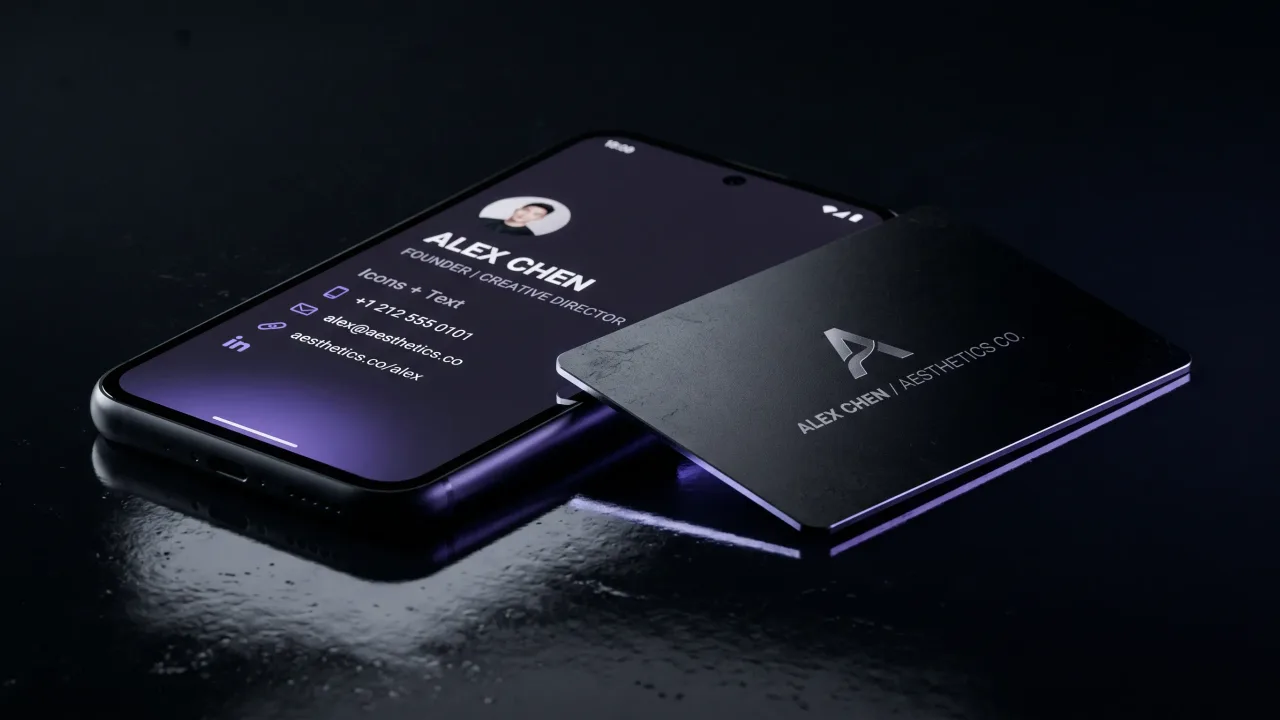
An NFC card splits the card into two parts. The engraving carries the things that don't change, your name and maybe your field. The profile behind it carries the title, the CV and the portfolio, and you edit those in a browser. The card you gave a recruiter in spring shows your new role in autumn, with nothing reprinted.
Design rules for a job search business card
Keep it plain unless your field is visual. A clean layout with one typeface and plenty of space reads as confident. Designers, photographers and architects are the exception, because for them the card is a small work sample, and our page for creative professionals shows what that can look like.
Make the text large enough to read at arm's length in a dim hall. Proofread the card twice and have someone else read it once. A typo in your own job title, repeated on 250 cards, follows you into every conversation.
Use the back. An empty back gives the recruiter room to write where they met you, which helps you more than another line of skills. If you want ideas for it, we collected some in what to put on the back of a business card.
Following up after the card changes hands
Most cards end up in a drawer. What turns one into an interview is the email you send within two days, while the person still remembers your face. Mention where you met and one thing you talked about, and attach your CV or link to it.
With an NFC card or a QR code, the other person may already have saved your contact. That saves a step, but it doesn't replace the email. Use the profile link in your email signature and on your CV, so every channel points to the same up-to-date page.
Carry a card if your search involves meeting people, and print what you do instead of where you used to work. For a first job, paper or a free profile is enough, and the money is better spent on a decent interview outfit. For an experienced professional running a long, event-heavy search, an editable card is worth it, because the title on it is about to change and a card that can follow that change keeps working long after the search ends. In both cases the card earns its place only if you follow up.
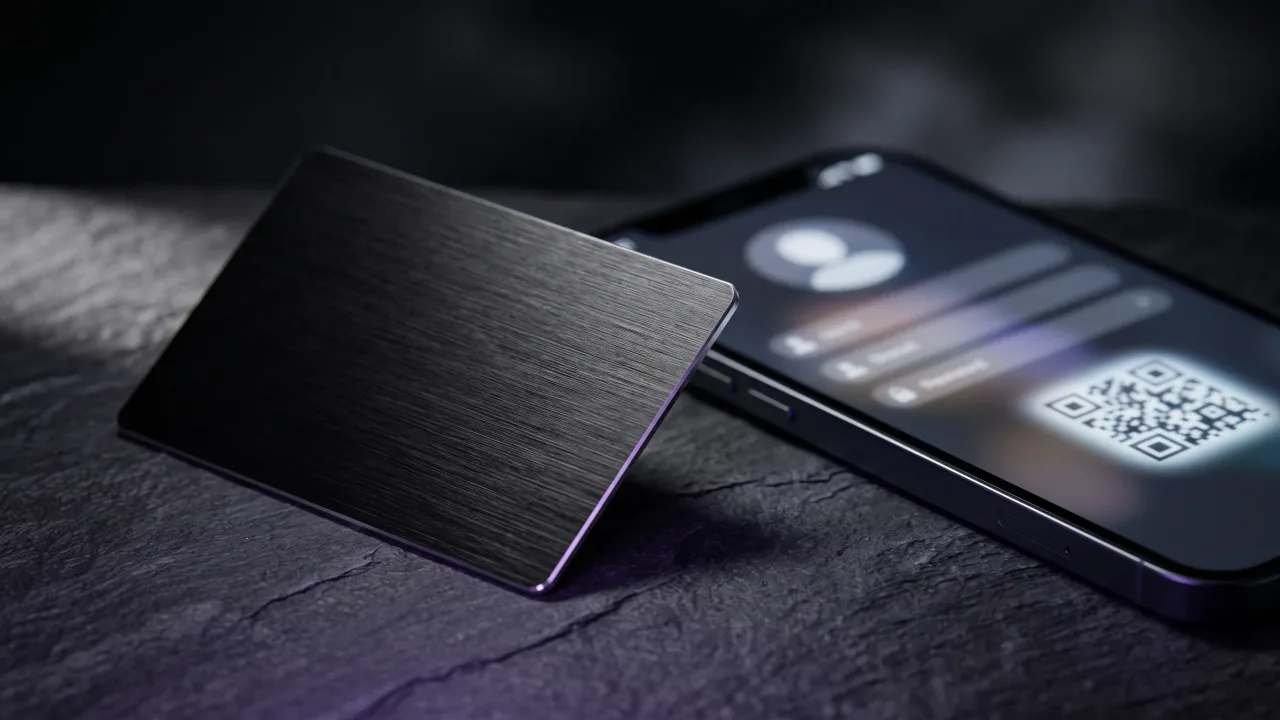
A metal NFC card with your name engraved and a digital profile you can update the day your title changes.
Design your cardShould job seekers have business cards?
Yes, if you network in person at career fairs, conferences or informational interviews. A card is easier to hand over than a resume and easier for the other person to keep. If your whole search happens online, a well-kept LinkedIn profile does the same job.
What do you put on a business card if you are unemployed?
Your name, the role or field you want, a phone number, a professional email, your city and one link to a LinkedIn profile, portfolio or CV. Describe what you do rather than where you worked. Leave out "formerly at" lines and your home address.
What is a networking card?
A networking card is a personal business card that lists your skills and contact details instead of an employer's. Career centres often call it a mini-resume. It should not try to fit your whole CV, and a link or QR code can carry the details.
Should I put a QR code on my job search business card?
Yes, if it links to something worth seeing, such as your LinkedIn, portfolio or CV. Test the code before you print. An NFC card does the same job with a tap, and it can carry a QR code on the back for phones that can't read NFC.
Should a job seeker's business card have a photo?
It is optional. A photo helps recruiters match faces to names after a busy event, and it is more common on business cards than on resumes. If you add one, use a recent, plain headshot.
Are business cards useful at career fairs?
Yes, especially where recruiters cannot accept paper resumes at the stand. Give a card with a link to your CV, ask for the recruiter's card or name in return, and follow up within two days.