The University of Maryland's business school will print its master's students 500 business cards for $40 if they order by the end of September. That is a fair price for paper. It also assumes a student will meet 500 people worth handing a card to before the programme ends, and that the details printed in September will still be true in June.
Business cards for students are worth having. The mistake is treating them like a smaller version of an executive's card. A student's details change fast: a new internship, a new email after graduation, a portfolio that doubles in a semester. The card has to cope with that, and it has to cost what a student can actually spend.
Do students need business cards?
Not every student, and not every week. A first-year who spends the term in lectures can get by with a phone and a LinkedIn profile. A student going to career fairs, conferences, internship interviews or industry evenings is in a different position: they meet people who have two minutes, a queue behind them and no reason to remember a name.
Those in-person events still matter to employers. In the 2025 NACE Internship & Co-op Report, more than two-thirds of employers rated in-person career fairs and on-campus recruiting as effective for hiring interns. Fewer than one in five said the same about virtual fairs. If recruiters are still choosing the room, it helps to have something to leave in it.
A card does one job a CV cannot. It is small enough to take without thinking, and it gives the recruiter a way back to you after the event, when they are sorting through the people they spoke to.
What to put on a student business card
Without a job title, the card has to say what you are working towards. Keep it to the details someone needs to place you and contact you:
- Your full name, spelled the way it appears on LinkedIn
- Your degree and university, for example "BSc Computer Science, Sofia University"
- Your expected graduation year, so a recruiter knows when you are available
- One line on your focus: "Data analysis and Python" beats "Motivated student"
- A personal email address you will keep after graduation, not only the university one
- A phone number, if you are happy to take calls
- A link to LinkedIn or a portfolio, or a QR code that opens it
Leave out your home address, your date of birth and anything a stranger could misuse. Leave out the university logo too, unless your school allows it. Some universities restrict their branding on personal material, and Maryland's own card rules require the school's web address and ban personal websites on its official student cards.
The email is the field students get wrong most often. A university address can be switched off a few months after you graduate, which is exactly when a recruiter who kept your card is likely to write.
Student business card ideas for different students
College and undergraduate students going to career fairs need the basics above, plus the type of role they want: "Looking for a summer 2027 marketing internship" tells a recruiter exactly which pile you belong in. Swap that line out once you have the internship.
Graduate and PhD students are networking with other researchers as much as with employers. Put the research area in plain words, your lab or supervisor if that opens doors, and a link to your publications or Google Scholar page. Conferences are where these cards change hands, so a QR code to your latest paper is worth the space.
Law students tend to follow a more formal convention: name, programme, year, clean typography and nothing playful. Firms notice a card that looks like it belongs in their reception.
Students who freelance on the side, as tutors, designers, photographers or developers, need a card that sells the service. Lead with the work, not the degree: "Wedding and event photography" and a link to the portfolio. Our post on how to share your LinkedIn profile covers the profile half of that.
Paper, digital or NFC on a student budget
The cheapest option costs nothing and is already in your pocket. The LinkedIn app generates a personal QR code for every member, which you find in the app's search bar; LinkedIn's help page on using a LinkedIn QR code to connect with members explains where it lives. You can also share your phone's own contact card. Both cost nothing, and both need the other person to get their phone out while you wait. We cover more of these in how to make a digital business card for free.
Paper is cheap per card and expensive per change. Order the smallest run your printer allows, 50 or 100 rather than 500, because the details will change before you finish the box.
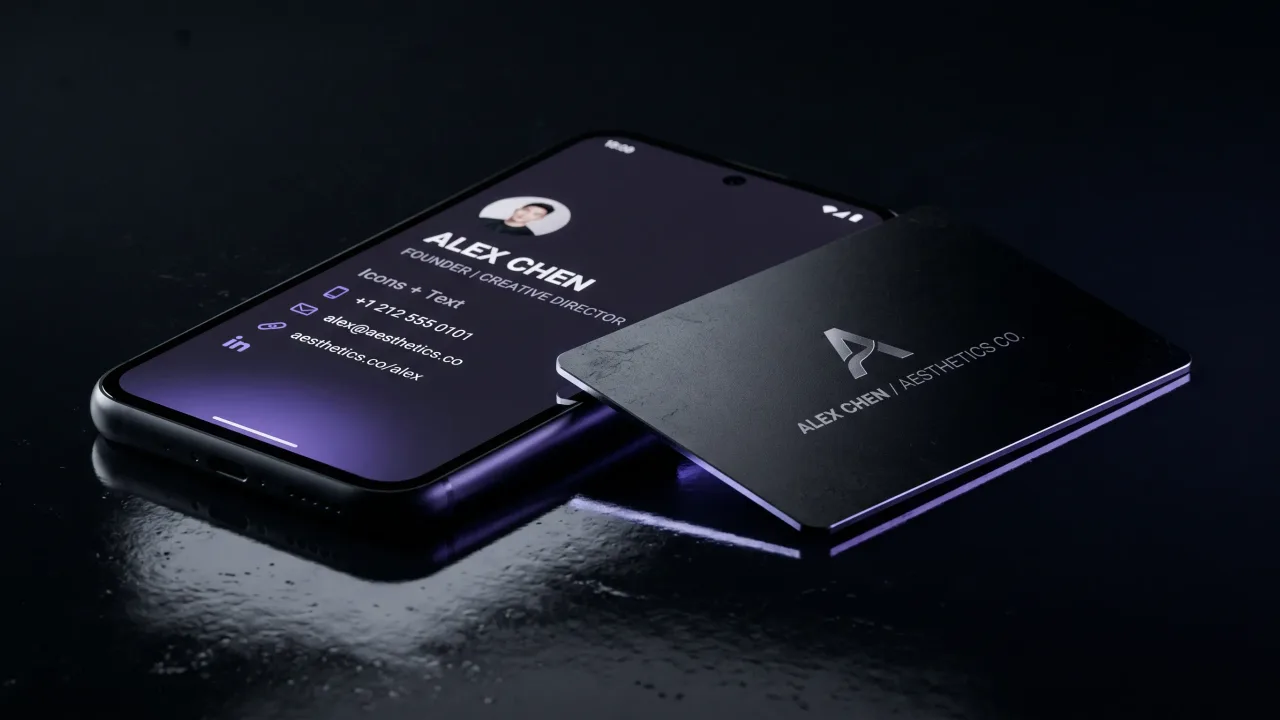
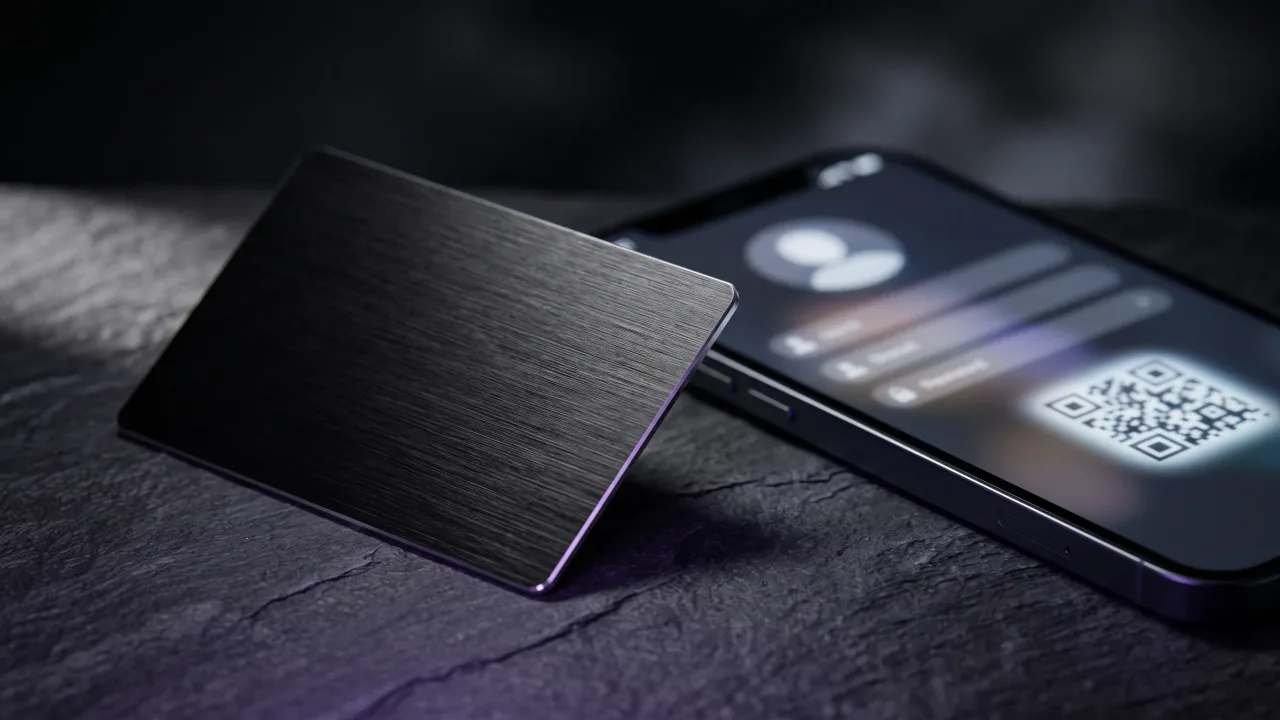
A digital profile with an NFC card sits in between. The card opens a page you can edit, so the internship line, the graduation year and the email can change without reprinting. It costs more up front than paper, and it never needs a reprint.
| Option | Cost | Good for | Weak spot |
|---|---|---|---|
| LinkedIn QR or phone contact | Free | First year, informal events | The other person has to scan it while you stand there |
| Paper cards, short run | Low per card | Career fairs, one semester | Out of date at the next internship |
| Digital profile only | €19.90 a year with Discard | Students who already share links | Nothing to hand over physically |
| NFC card with digital profile | From €39.90 with Discard, first year of the profile included | Final year, graduate school, freelancing | Costs more up front than a box of paper |
When a metal card makes sense for a student
We sell metal and wood NFC cards, so read this part knowing that. Most first-year students do not need one. A free QR code and a short paper run will carry you through the early events.
The case gets stronger in your final year, in a master's or PhD programme, or once you are freelancing. That is when you meet more people who matter, your details change most often and a card that feels deliberate says something about how you work. A digital profile lets you swap "Looking for an internship" for "Analyst at …" the day you sign, and every card you already handed out shows the new line.
Our wood cards start at €39.90 and the metal cards at €44.90. Both are one-time payments with the first year of the profile included, and the profile is €19.90 a year after that. If that is too much right now, the free options above are a perfectly good start.
How to use your card at a career fair
Hand the card over at the end of the conversation, not the start. Opening with a card turns a talk into a transaction; closing with one gives the recruiter something to attach your name to. Ask for their card or their contact in return, because the follow-up is yours to send.
Write to each person within two days. Mention one thing from the conversation so they can place you, and attach or link your CV. Our guide on how to hand out business cards goes through the timing and wording.
Bring fewer cards than you think. Twenty is plenty for a big fair. If you run out, the LinkedIn QR code on your phone is the backup.
Mistakes that make a student card look unfinished
Free templates are fine as a starting point, but the same handful of student templates turns up at every fair. Change the font and the layout enough that the card does not look like the one before it in the recruiter's pile.
- Cramming in every skill and society: pick the one line that describes your focus
- Using a nickname email address you set up at fourteen
- Printing "Student" as the title with nothing about what you study
- A QR code that opens a profile you have not updated in a year
- Text so small that a recruiter has to squint at it under fair-hall lighting
Check every link and the QR code on someone else's phone before you print or order anything.
Most students should start free: the LinkedIn QR code and a contact card on the phone cover the first year. Once you are going to career fairs regularly, a short run of paper cards with your degree, graduation year, focus and a personal email does the job, and you should never order 500. In your final year, in graduate school or once you freelance, a card that opens an editable profile is worth the money, because that is when your details change fastest and the people you meet matter most. Whatever you choose, make sure the email on it still works after you graduate.
A wood or metal NFC card that opens a profile you can update when the internship becomes a job.
Design your cardShould students have business cards?
Students who go to career fairs, conferences or networking events benefit from having one. It gives recruiters a way to reach you after the event. First-year students who rarely network can rely on a LinkedIn QR code instead.
What should a student put on a business card?
Your name, degree and university, expected graduation year, one line on your focus, a personal email and a link or QR code to LinkedIn or a portfolio. Leave out your home address and date of birth. Use an email you will keep after graduating.
How many business cards should a student order?
Order a small run, 50 to 100 cards. Your details will change with the next internship or after graduation, so a box of 500 usually ends up outdated. Twenty cards are enough for one large career fair.
What do you put as a job title on a student business card?
Use your degree and focus instead of a job title, for example "MSc Finance student, interested in risk analysis". You can also state the role you want, such as "Seeking a summer 2027 marketing internship". Avoid the word "Student" on its own.
Are digital business cards good for students?
Yes, especially because student details change often. A digital profile can be updated without reprinting, and free options like the LinkedIn QR code cost nothing. The downside is that some people still expect something they can hold.
Can I use my university logo on my business card?
Check your university's brand rules first. Some schools restrict their logo on personal material, and some only allow it on cards ordered through official print services. A clean card without the logo is always safe.