Ask a print shop what should go on a business card and you get a list of eleven items. Ask the person you handed one to last month and they remember two: your name, and whether calling you back was easy.
So what should a business card include? Your name, your role, one direct way to reach you and a route to everything else. The usual checklist has barely moved in decades. Wikipedia's entry on the business card still describes contact details that include fax numbers and street addresses, and most printer guides copy that list line by line. A card that holds all of it ends up holding nothing anyone reads.
The four things every business card needs
Strip a card down to what someone needs in order to contact you next month and four lines are left.
- Your name, spelled the way people will search for it
- Your role and company, or one plain line on what you do if you work for yourself
- One phone number or one email address, the one you actually answer
- A way to the rest: a short web address, a QR code or an NFC chip that opens your profile
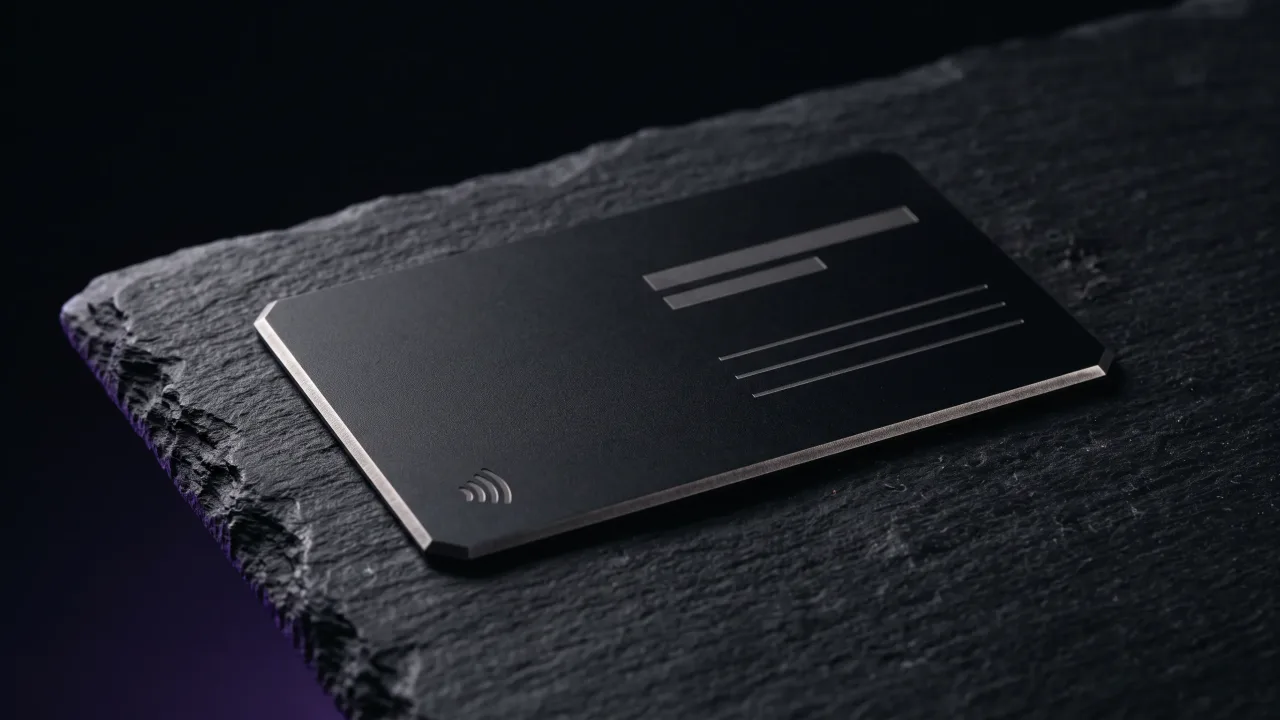
The order matters as much as the list. Name first and largest, because that is what people say when they describe you to a colleague. The role sits right under it in a smaller size. Contact details go lower and smaller again, since nobody reads them until they need them.
The fourth line used to be a website. Now it is usually a QR code or a chip, because a code holds more than a printed URL and nobody has to type it.
What goes on the front and what goes on the back
A standard European card is about 85 by 55 mm, roughly the size of a bank card (the same Wikipedia entry lists the sizes country by country). That is not much room, so split the work between the two sides.
The front is for recognition: your name, your role and a logo if you have one. Someone glancing at it on a desk should know whose card it is in a second. The back is for action: the QR code, the contact line and anything else a person uses rather than reads.
If you only have one side to work with, keep the name and role and put the code in a corner. We went through the options in what to put on the back of a business card.
What to leave off a business card
Every extra line makes the important ones smaller. These are the ones we would cut first:
- A fax number. If you still need one, the people who use it already have it.
- A second and third phone number. Pick one.
- The full street address, unless clients come to you. A shop or a clinic needs it, a consultant does not.
- A row of social icons. Choose the one account you keep up, or put them all on the profile behind the QR code.
- Prices and rates. They change, and a printed rate becomes the opening bid.
- A slogan nobody would miss if it disappeared.
Each item you remove gives your name more room, and the card stays correct for longer. A card with five lines can still be right in three years. A card with twelve rarely survives one.
What a business card should include for your line of work
The four essentials stay the same. What changes is the one extra detail that a client in your field expects to see.
- Lawyers, accountants and other regulated professions: the registration or licence number where your rules require it
- Doctors, dentists and salons: the address and a booking link, since the next step is an appointment
- Real estate agents: a photo and the agency name, because buyers remember faces
- Designers and photographers: a portfolio link, or a code that opens it
- Builders, electricians and other trades: the area you cover and a phone number set large
If you work in a visual field, your card is also a sample of your taste. Our page for designers, photographers and other creative professionals shows how they keep the card bare and let the portfolio do the talking.
Let the card point to a profile instead of carrying everything
The card only needs to start the conversation. Everything else (social accounts, a booking calendar, payment details, a second number for WhatsApp) fits better on a page the card opens.
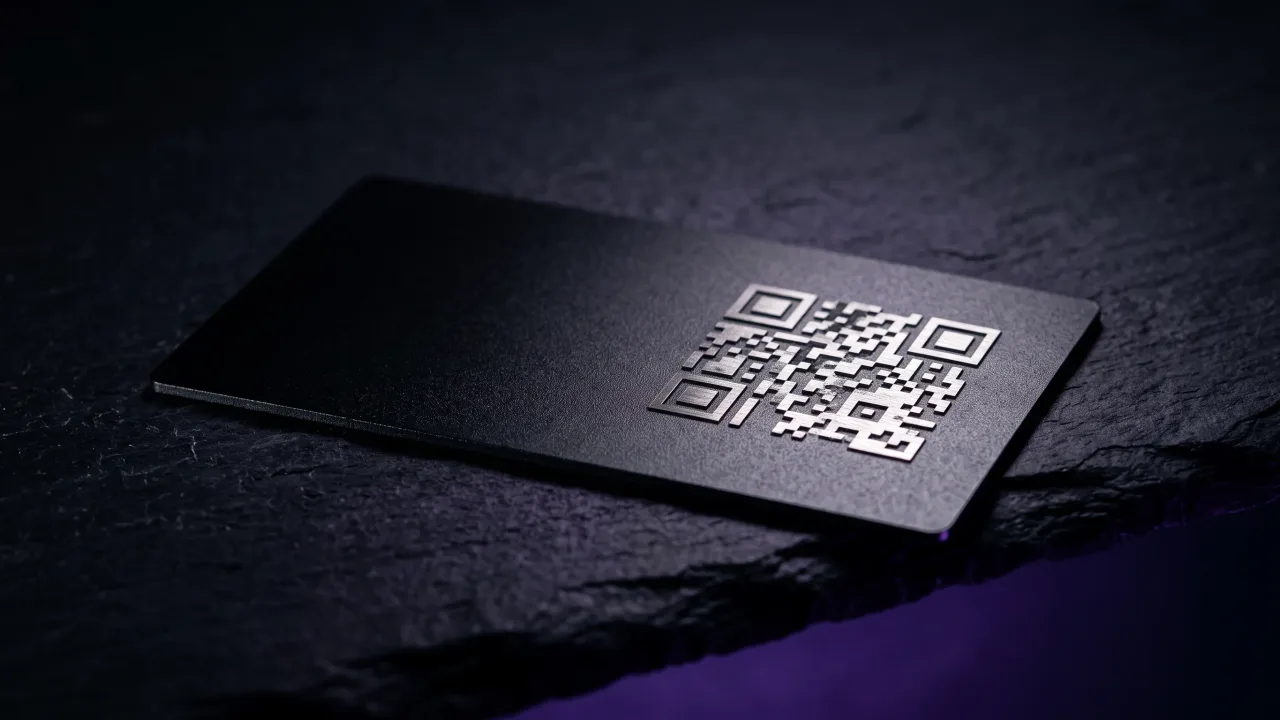
A QR code does that with any phone camera, and it tolerates wear. The QR standard has error correction that can recover up to 30% of a damaged code, so an engraved code keeps scanning after years in a wallet. An NFC chip goes one step further: the other person holds their phone to the card and the page opens, with no app.
The page can also change while the card stays the same. Change jobs or phone numbers, and you edit the digital profile and every card you ever handed out is up to date. What goes on that page is a separate question, and we answered it in what to include on a digital business card.
Legibility: font size, contrast and white space
A business card with the right details still fails if nobody can read them. Our rule of thumb for print is nothing smaller than 8 points, and the name at least twice that.
Engraving has its own limits. Hairline fonts and very thin serifs break up on metal, so pick a medium weight and give each line room. Contrast does the rest: silver engraving on black metal reads well, a light engraving on pale wood often does not.
Leave some margin. Three lines with room around them look deliberate, and the same three lines pushed against the edges look like an accident. The configurator shows each layout with your own text, in the material and font you pick, so you can see the moment it starts to feel crowded.
A business card should include your name, your role, one direct contact and a way to reach everything else. Anything beyond that goes on the back or on a profile you can edit. Most cards fail by carrying too much rather than too little, and they go out of date the first time a detail changes. If a detail is likely to change in the next couple of years, put it on the profile.
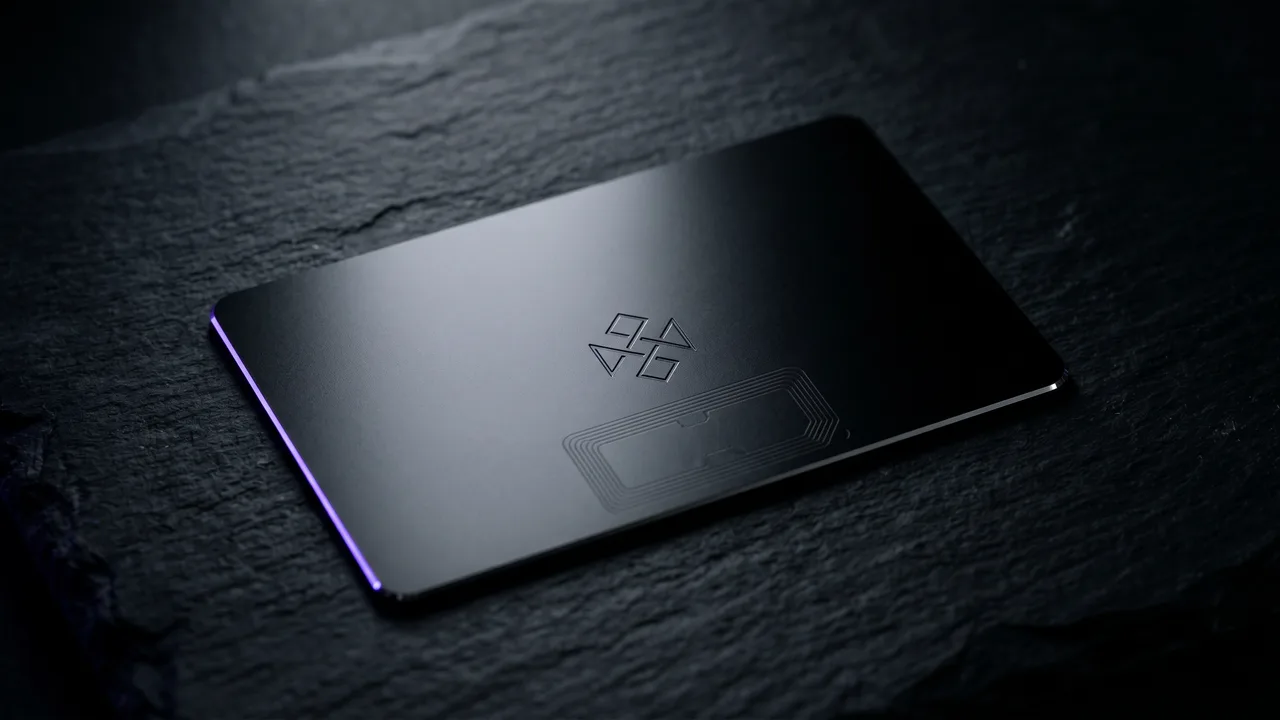
A metal or wood NFC card with your name on it, opening a profile that holds the rest.
Design your cardWhat information should be on a business card?
Your name, your role and company, one phone number or email address and a way to find the rest, such as a QR code. Add an address only if clients visit you. Leave out fax numbers, extra phones and long lists of social accounts.
Should I put my photo on my business card?
Only if people buy from you personally, as in real estate, coaching or beauty services. A photo helps someone match the card to the conversation weeks later. For most other jobs it works better on your digital profile.
Do I need a job title on my business card?
Yes, or a short line on what you do. People sort contacts by what someone can help with, and a card without a role is hard to place later. Freelancers often do better with a plain description than an invented title.
Should I put social media on my business card?
Only the one account you keep up and that matters to clients. A row of icons takes space from your name and goes stale. Put the rest on a profile behind a QR code or NFC chip.
What should be on the back of a business card?
The things people use rather than read: a QR code, your contact line or a booking link. The front keeps your name, role and logo. A blank back is fine on a clean design.
Is a QR code on a business card a good idea?
Yes, if it leads somewhere useful, such as a profile with a save contact button. It keeps the card short while the details stay current. Test it with two or three phones before you order.