Writing a Google review takes about a minute. Finding the page to write it on takes longer, and that is where most reviews are lost: the customer means to do it, gets home, searches for the business, lands on the wrong listing and gives up.
An NFC business card for Google reviews removes that search. The customer taps their phone on a card and the review form opens. That's the whole trick, and it works. What most small businesses have to decide is whether they need a separate review card for it, or whether the business card they already hand out can carry the review link too.
What an NFC Google review card is
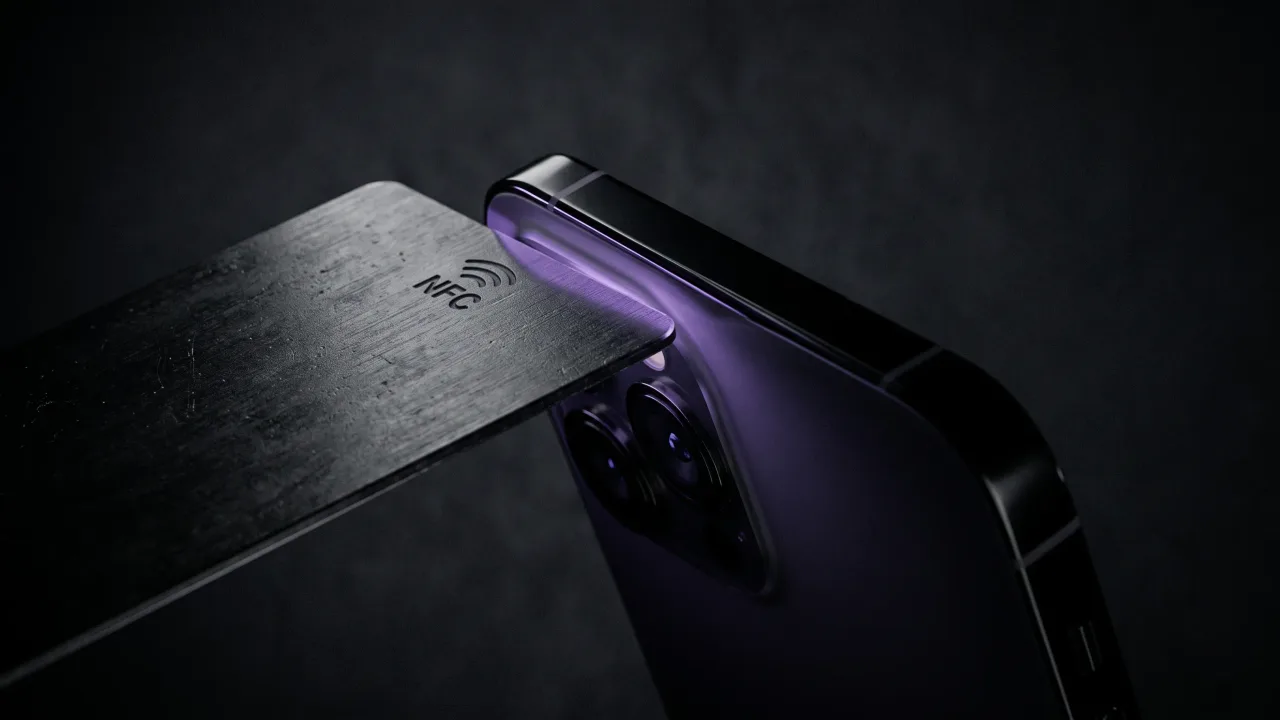
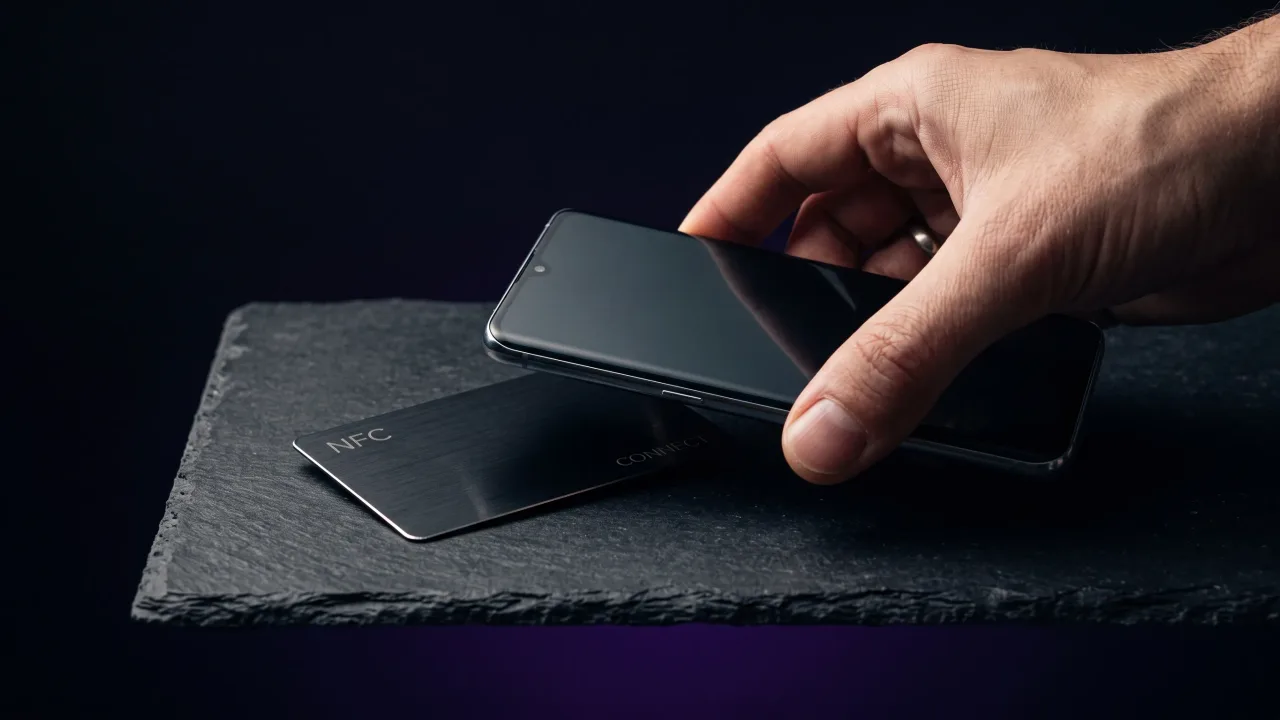
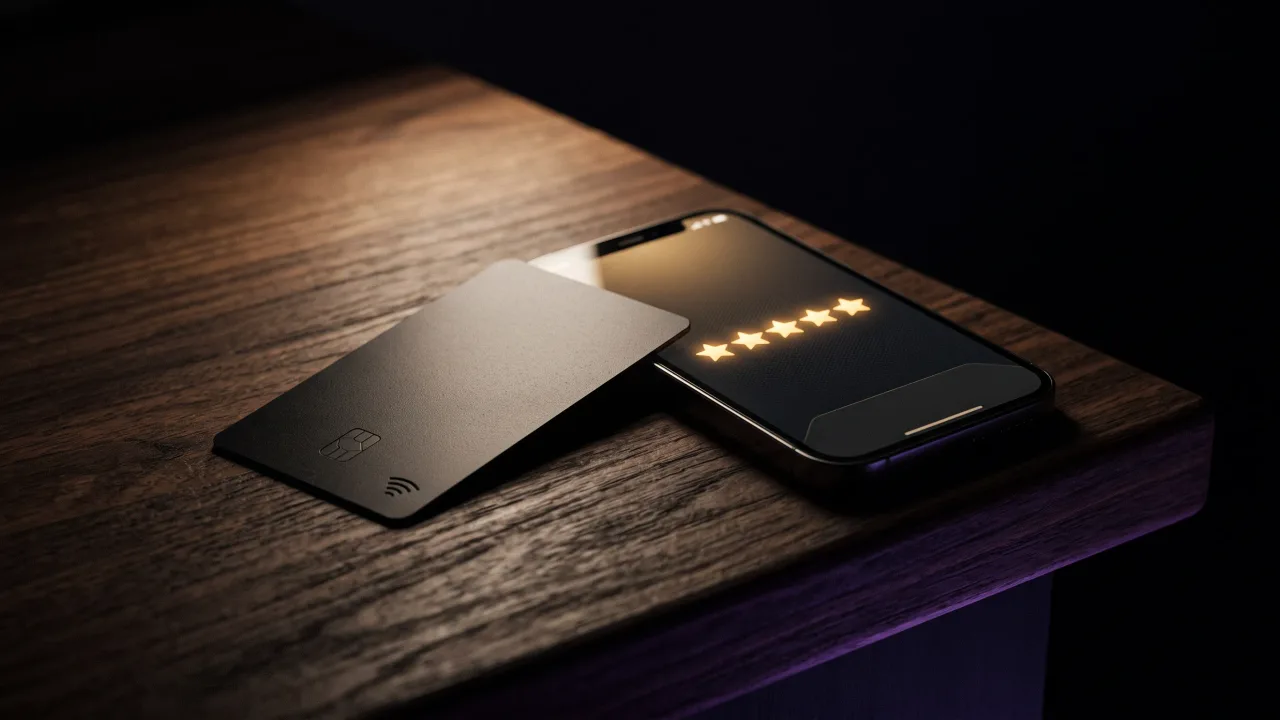
A Google review card is a plastic or metal card, or a small stand for a counter, with an NFC chip inside and usually a QR code printed on it. The chip stores one web address, your Google review link. When a phone touches the card, the phone reads that address and opens it in the browser, the same way it would open any link.
There is no magic on the chip. Near-field communication works only over a few centimetres, so the phone has to touch or nearly touch the card. The chip has no battery and sends nothing on its own. It holds a link and hands it over when asked.
That makes a review card very good at one job. It sits next to the till, on a reception desk or on a restaurant table, and every customer who stands in front of it is one tap away from the form.
Review tap cards and NFC business cards use the same chip
An NFC review card and an NFC business card are the same technology pointed at different pages. The review card opens your Google review form. A business card opens a profile about you: your phone number, email, website and a button that saves your contact to the other person's phone.
The difference is who keeps the card. A review card stays at your business and waits for customers to come to it. A business card travels with you, comes out at the end of a job or a meeting, and goes back into your pocket after the tap.
For a lot of small businesses the person and the business are the same thing. A plumber, a photographer, a personal trainer or a hairdresser who works at clients' homes has no counter to put a stand on. The moment a review would be easiest to ask for is the moment they are standing in front of a happy customer, holding their business card.
How to get your Google review link
Whatever card you use, it needs the right link. Google gives every business a direct review link that opens the write-a-review form, so the customer doesn't have to find the listing first.
- Sign in with the Google account that manages your Business Profile
- Search for your business name on Google or open it in Google Maps, and your profile controls appear above the results
- Choose the option to ask for reviews (Google labels it "Ask for reviews" or "Get more reviews", depending on the version you see)
- Copy the link Google shows you, or download the QR code it offers alongside it
- Open the link on your own phone, signed out, and check that it lands on your business and opens the review form
Google's own help page on getting more reviews for your Business Profile confirms the approach: you can ask customers to visit a Google link or scan a QR code. The menu names move around every year or so, so if the steps above look different on your screen, start from that page.
Test the link before it goes on anything. A link copied from the browser address bar while you were looking at your own listing often points at the listing, not the review form, and that puts back exactly the step you were trying to remove.
What Google allows when you ask for reviews
Asking for reviews is fine. Google encourages it. Two things will get reviews removed, and in bad cases get the profile flagged.
The first is paying for them in any form. Google's Maps user-generated content policy bans offering payment, discounts, free goods or services in exchange for a review. A card that says "Leave us a review and get 10% off your next visit" breaks that rule in one sentence.
The second is filtering. The same policy says merchants must not "discourage or prohibit negative reviews, or selectively solicit positive reviews from customers". Some review cards open a page that asks for a star rating first, sends four and five stars to Google and sends everyone else to a private feedback form. That is review gating, and it is the behaviour the policy describes.
So the card should open Google's form directly and be offered to every customer, not only the ones who smiled. If you want unhappy customers to have a quieter way to complain, give them your phone number or email as well. That is a service channel, and Google has no problem with it. Sending them there instead of to Google is what breaks the rule.
Where a review card works and where your business card works better
Neither one replaces the other in every business. The deciding question is where your customer is standing when they are happiest with you.
| Situation | Better tool | Why |
|---|---|---|
| Café, shop, salon with a counter | Review stand or card at the till | Every customer passes it, and you don't have to remember to ask |
| Restaurant tables | Review card on the table | The guest taps while waiting for the bill |
| Trades and home services | Your NFC business card | There is no counter, the review moment is at the door when the job is done |
| Consultants, coaches, photographers | Your NFC business card | The client wants your contact anyway, and the review link sits on the same profile |
| Clinic or office with reception | Both | A stand at reception, and a card for staff who meet clients elsewhere |
A dedicated review card opens the form in one tap. A business card opens your profile first, and the review button is a second tap. One extra step costs some reviews, so if you have a counter and reviews are the only thing you want, buy a cheap review stand and put it there.
Where the business card wins is everywhere else. It is already in your hand at the right moment, the customer gets your number saved in the same visit, and you don't need a second object for every staff member who works away from the shop.
NFC or QR code for Google reviews?
Put both on the card. NFC is faster for people who know to tap, and a QR code helps everyone who doesn't. We compared the two in detail in NFC vs QR code business cards, and the short version applies to reviews too.
Most phones in use today read NFC tags without an app. iPhones from the XS onward read them in the background whenever the screen is on, and most Android phones do the same as long as NFC is switched on in settings. Our guide on whether NFC business cards need an app covers the exceptions.
The iPhone reads from the top edge on the back, and Android phones usually read somewhere in the middle. Customers who have never tapped a card before will hold it against the screen. Show them once, phone back to card, near the top, and the second customer in line has already watched how it works.
How to set up your NFC business card to collect Google reviews
On a Discard card the chip opens your digital profile, and the profile carries custom link buttons alongside your contact details. The review link goes into one of those buttons.
- Copy your Google review link and test it, as described above
- Add it as a custom link on your profile, either in the configurator when you order or later from your dashboard
- Give the button a plain label that tells people what happens: "Leave a Google review" works better than "Feedback"
- Put it near the top of your links, where it is visible without scrolling
- Tap your own card and follow the button through to the review form
Because the link lives on the profile and not on the chip, you can move it, relabel it or swap it for a different page without touching the card. If you open a second location or move to a new Business Profile, you change one field. The profile also counts taps, profile opens and saved contacts, so you can see whether the card comes out of your pocket as often as you think it does.
When you ask, keep it short and specific: "If you were happy with today, a Google review helps us a lot. Tap here, the button at the top opens the form." Then hand the card over and stop talking. People write reviews while they still remember the visit, so the end of the job is when to ask.
Do NFC review cards actually get you more reviews?
They make asking easier, and asking is what does the work. BrightLocal's 2026 Local Consumer Review Survey of US consumers found that 97% read reviews for local businesses and 78% had been asked by a business to leave one in the past year. Being asked is normal, and the same survey found that most people who were asked went on to leave a review.
What we couldn't find is independent data on how much an NFC card adds on top of simply asking. The big claims you will see, double or triple the reviews in a month, come from companies selling the cards. Treat them as marketing.
Our own view: the card is a reminder for you as much as a shortcut for the customer. A business owner who has the review link in their pocket asks more often, and asking more often is where the new reviews come from. Speed helps at the margin, because every step between "sure, I'll leave one" and the open form loses a few people.
If you are deciding between a review card and a proper business card, our post on NFC business card benefits covers what else the card does once it is in your hand.
If you run a counter business and want reviews and nothing else, a cheap review stand next to the till is the right buy, and you don't need us for it. If you meet customers at their door, in their office or on a shoot, your business card is already in your hand at the review moment. Put your Google review link on its profile, label the button clearly and ask every customer, not only the happy ones. One card then saves your contact and opens the review form, and you never have to dig through your phone for the link while the client waits.
A metal or wood NFC business card with a profile that carries your Google review link.
Design your cardHow do NFC Google review cards work?
The card holds an NFC chip that stores your Google review link. When a customer touches their phone to the card, the phone opens that link in the browser and the review form appears. No app is needed on most phones made in the last several years.
Can I use my NFC business card for Google reviews?
Yes. Add your Google review link as a button on the profile the card opens, and customers tap the card and then the button. It is one step longer than a dedicated review card, but you don't need a separate object for it.
Where do I find my Google review link?
Open your Business Profile while signed in, either by searching your business name on Google or in Google Maps, and choose the option to ask for reviews. Google shows a short link and a QR code. Test the link signed out to make sure it opens the review form.
Do Google review cards work with iPhone?
Yes. iPhones from the XS onward read NFC tags without an app, as long as the screen is on. The reader is at the top edge on the back of the phone, so that is the part to hold against the card. A QR code on the card covers older models.
Is it against Google's rules to use a review card?
No. Google explicitly allows asking for reviews with a link or QR code. What breaks the rules is offering a discount or gift in exchange for a review, or showing the Google link only to customers who rated you highly.
How much does an NFC Google review card cost?
Plain plastic review cards and counter stands are cheap, usually a few euros to around twenty. A Discard metal business card starts at €44.90 and wood at €39.90, but it also works as your contact card, with the first year of the profile included.