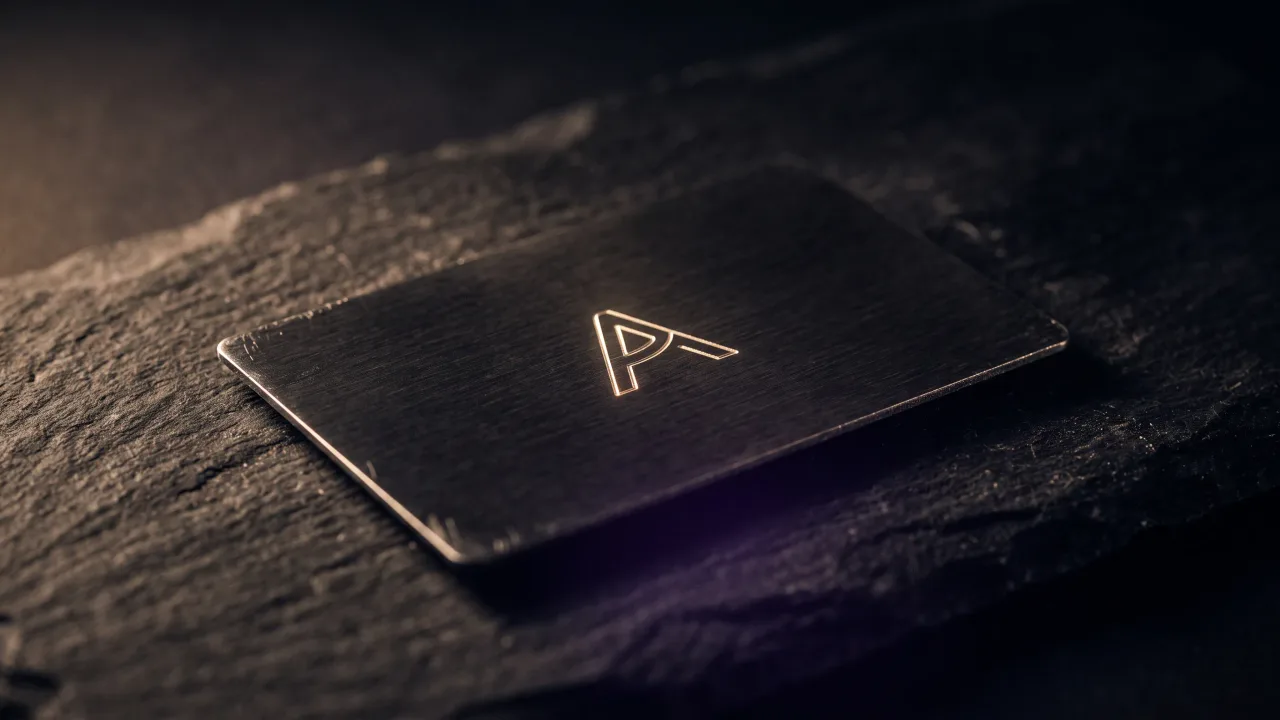
Most engraved business card ideas start in the wrong place. They start with the laser, which can cut almost anything into steel, and end with a card that tries to prove it. The best engraving does less. A single mark, cut clean and deep, beats a front crowded with everything the machine is capable of.
Engraved business card ideas are really decisions about what to leave out. The metal is fixed the moment it is cut, so every line has to earn its place. This is a run through the engraving ideas that hold up in a hand and a wallet, the ones built for a screenshot and nothing else, and how each one works on a card that also carries a hidden NFC chip.
What actually engraves well on metal
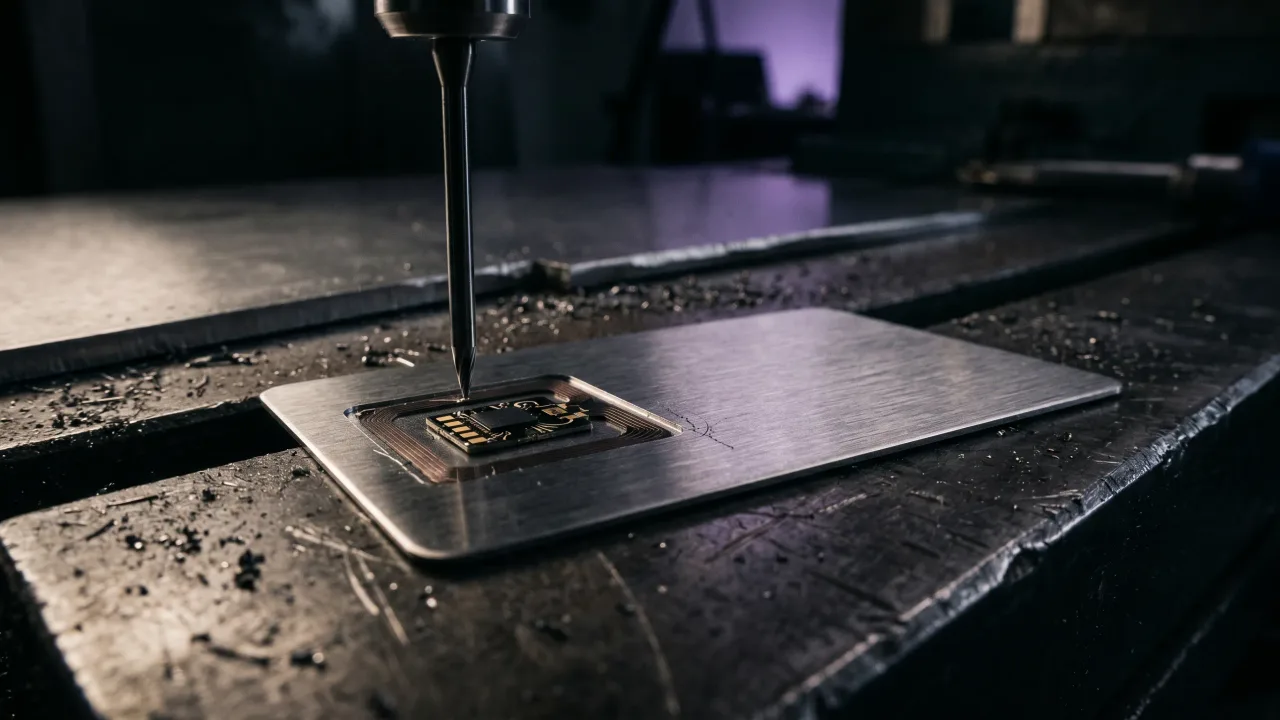
Before any idea is worth chasing, one fact decides its fate. A laser burns lines into the surface, it does not paint them. Laser engraving cuts a permanent groove into the metal, so the design becomes part of the card and survives keys, coins and years in a pocket. That permanence is the appeal and the constraint at once.
High-contrast linework and clean type engrave beautifully. A photograph, a gradient or a full-colour logo does not, because a laser works in one tone against the finish, not in shades. The test for any engraving idea is simple. Reduce it to solid lines and flat shapes. If it still reads at arm's length, it will engrave. If it needs colour or soft shadow to make sense, it belongs on a screen. We walk through the full process in how metal NFC business cards are made.
Start with one mark, not a full logo
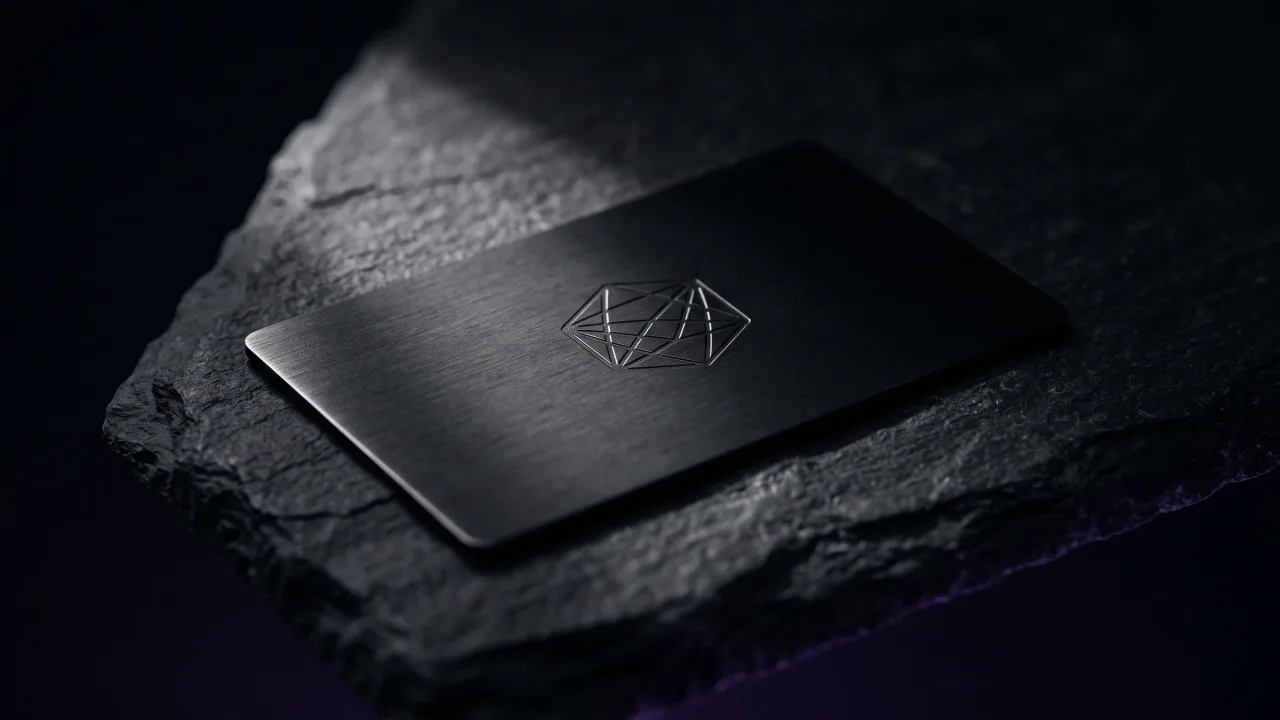
The strongest engraved business card idea is also the oldest: a single mark. A set of initials or one clean icon carries more presence on metal than a detailed logo ever will, because the surface has room for one strong shape and punishes the rest.
A monogram works because it turns two or three letters into a graphic, not a label. Cut large and centred, it reads as a seal rather than a signature. If you already have a logo, engrave the mark from it, not the full lockup with the wordmark and tagline attached. A few directions that consistently land:
- Your initials set large and centred as a monogram, nothing else on the front.
- The icon from your logo, stripped of the wordmark, cut deep on a matte finish.
- A single line-art symbol that stands for the work: a key, a lens, a leaf.
- A handwritten signature, engraved thin and set off to one side.
Let the engraving say less than the profile
A metal card does not need your address, two numbers, an email and five social handles cut into it. That was the paper compromise, where everything had to fit on the card because the card was all you had.
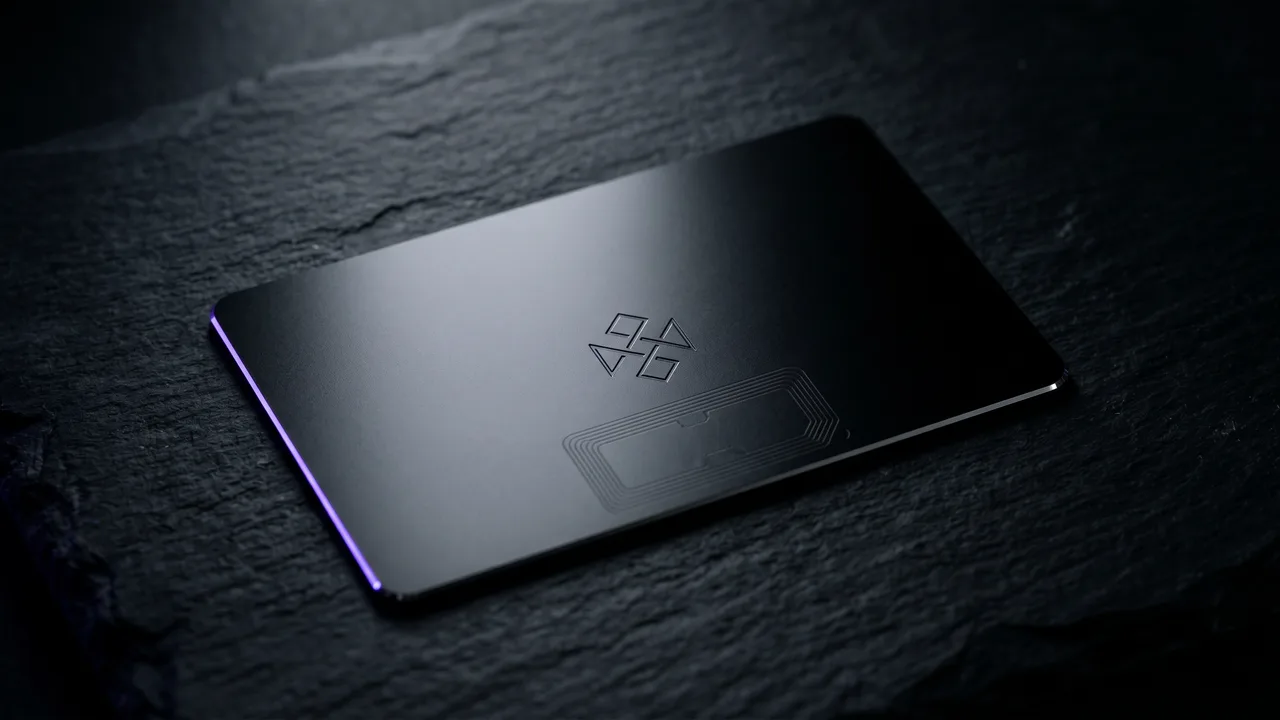
An engraved Discard card taps to open a digital profile that holds every link, so the engraving only has to carry a name and a way in. The idea here is subtraction. Engrave the name, the role and one mark, and let the profile hold the rest. A card with four words on it and space around them looks more expensive than one packed edge to edge, and it stays true when your number or title changes.
Custom shapes and die-cut engraving ideas
Engraving does not stop at the surface. The same laser that cuts the design can cut the card, which opens a set of ideas paper never allowed.
A photographer can carry a card cut into the outline of a camera, with the aperture engraved on the body. We get into that vertical in NFC business cards for photographers. A sommelier, a bottle. A dentist, a clean tooth silhouette with the practice name inside it. The shape is the whole idea, so keep the engraving on it minimal. These work best as a second card, a conversation piece next to a straight rectangle, rather than the everyday one.
A QR code engraves cleanly too, and it belongs on the back, where it backs up the tap for any phone that cannot use NFC. Cut into the metal instead of printed, it never wears off. The front stays clean for the name and mark while the back does the technical work, a split we cover in what to put on the back of a business card.
Texture, pattern and negative-space engraving
Two techniques add depth without adding clutter. Both use the engraving itself as the design rather than as a way to place text.
The first is negative-space engraving, where the field around the name is cut away and the letters are left standing in the original finish. On black metal the letters stay black while the area around them lifts to a lighter tone, which flips the usual contrast and reads as deliberate. The second is pattern. A fine repeating texture, a subtle guilloché engraved into one corner or edge, gives the eye something to find up close without competing with the name at a glance.
Both reward restraint. A texture across the whole card is noise. The same texture in a single band is a detail.
Engraved business card ideas by profession
The right engraving idea fits the person holding it out. A few that hold up across a table:
- Consultants and finance: initials as a monogram on black metal, one accent line, nothing else. Authority reads as restraint.
- Architects and studios: a thin geometric mark and wide engraved margins. The card should feel like the work.
- Photographers and creatives: a single line-art symbol or a die-cut shape, name set small underneath.
- Beauty and wellness: a soft engraved monogram on rose gold, one serif line beneath it.
- Founders and executives: one strong mark, cut deep and centred, and the name. Scarcity as a language.
The pattern under all of them is the same. One idea per card, cut with intent, and space left around it. We go deeper on how a premium card reads before a word is spoken in the psychology of a premium first impression.
Engraving ideas that look great on screen and fail on metal
Some ideas only work in a mockup. They fall apart the moment a laser meets steel.
- A full-colour or photographic logo. The laser has no colour, so it flattens to a muddy single tone. Simplify it to a mark first.
- Fine engraving on a mirror-polished finish. The glare eats the detail. A matte or brushed surface holds it.
- Tiny type at the size you would print it. Engraving needs a little more weight to stay readable, so size up and cut fewer words.
- A gradient or a soft drop shadow. Metal engraving is one depth and one tone, and shading has nowhere to go.
- Filling every inch because the metal feels expensive. The empty space is the part that looks expensive.
Most failed engraving ideas share one root: they treat the card like paper and try to fit a whole brochure onto it. The finishes and layouts that carry these ideas well are their own subject, which we lay out in metal business card designs.
The verdict on engraved business card ideas
The best engraved business card ideas survive being reduced to a single line drawing. A monogram or one clean mark, a name, and the space around them will outlast a card that tries to engrave a full logo, five contact details and a background texture at once. Engraving is permanent, so treat every line as a decision you cannot take back, because you cannot. Cut deep, cut clean, and let the digital profile carry everything the metal should not. The ideas that win are rarely the clever ones. They are the ones confident enough to leave most of the card empty.
See any engraving idea cut into real metal, against your own name and mark, before you order a single card.
Design your cardFrequently asked questions
What should I engrave on a business card?
Engrave a name, a role and one strong mark, such as a monogram or the icon from your logo. Keep the address, numbers and links in the digital profile the card opens instead of cutting them into the metal. A metal card reads as premium when it carries less, not more.
What designs engrave well on metal?
High-contrast linework, clean type and simple marks engrave beautifully, because a laser works in one tone against the finish. Photographs, gradients and full-colour logos do not, since the laser cannot reproduce shades or colour. Reduce any idea to flat lines and shapes first to see whether it will hold.
Can you engrave a logo on a metal business card?
Yes, if the logo is a clean mark rather than a photographic or full-colour design. Engrave the icon on its own, without the wordmark and tagline, so it reads as a single shape. Complex logos should be simplified before they meet the laser.
Is engraving better than printing on a business card?
For a card meant to last, engraving wins because it cuts into the metal and cannot rub off, while printed ink wears at the edges over years. Engraving also holds far higher contrast on a matte finish. Printing only makes sense when you need a full colour the laser cannot produce.
Can you engrave a QR code on a business card?
Yes, and it works well on the back of the card as a backup to the NFC tap. An engraved QR code never wears off the way a printed one can. Both the code and the tap open the same editable profile.
How many words should an engraved business card have?
As few as the profile allows, often just a name and a role. The card taps to a digital profile that holds every other detail, so engraving more than a name and one mark usually makes it look busier and cheaper. Space is the design.