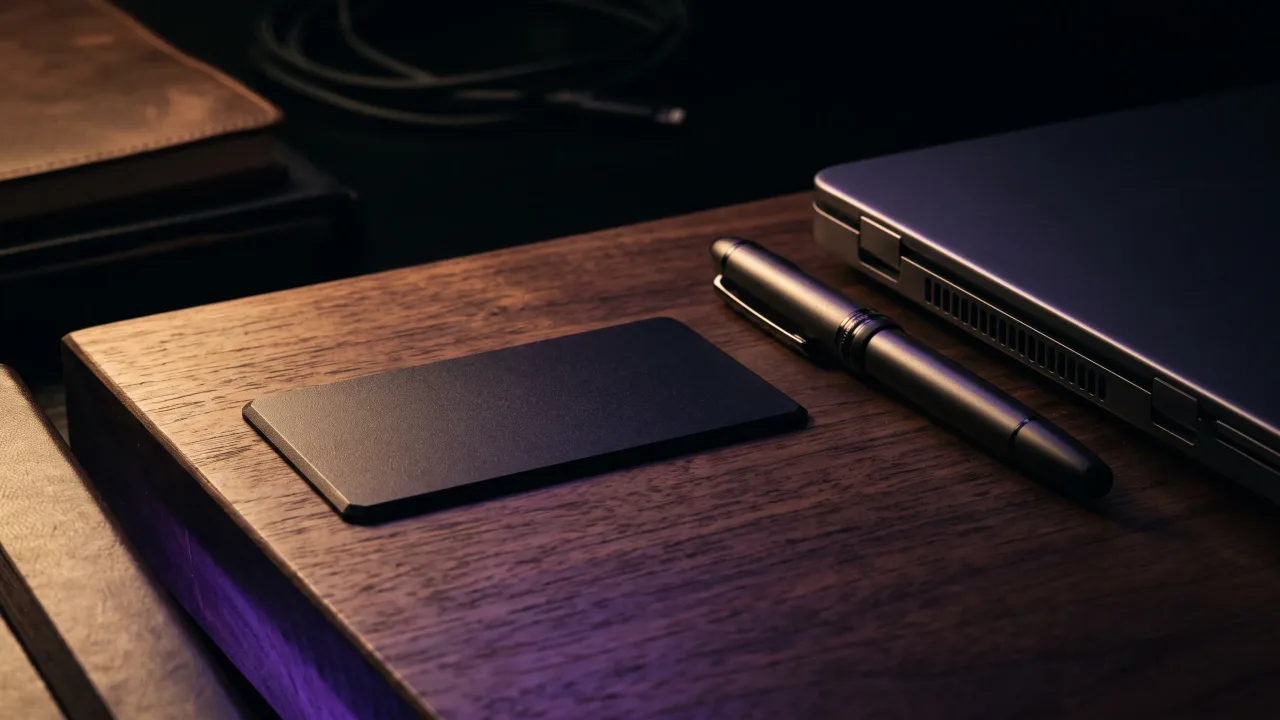
Most freelance business cards are wrong about something. The title says "Graphic Designer" when half the income now comes from copywriting, or the portfolio link goes to a site you shut down last spring and forgot about.
Business cards for freelancers have a harder brief than an employee's card. There is no company name to lean on and no colleague to vouch for you, and the work you sell changes from one year to the next. The card has to introduce you and still be correct after your next change of direction.
Why freelancers still need a business card
There are a lot of you. Upwork's Freelance Forward study found that 64 million Americans did freelance work in 2023, 38% of the US workforce. On this side of the Atlantic, Eurostat counted 32.6 million self-employed people in the EU in 2018, 14% of total employment. In a crowd that size, the freelancer a client can find again after a coffee has an easy edge over the one they would have to search for.
LinkedIn and a portfolio site do most of the work online. The card covers the moments offline, like the client's colleague who walks in at the end of a meeting and asks what you do. If your answer is "just search my name", you have handed that lead to whoever ranks first for it.
What to put on a freelancer business card
Less than on a company card, and in a different order. Clients hire the person, so your name comes first.
- Your name, set larger than any business name or logo
- One line on what you do, written as an outcome ("Brand identities for small food businesses") rather than a job title
- One email address and one phone number, the ones you actually answer
- A link to your portfolio, or to a profile page that carries it
- Your city, or "remote, clients across the EU", so people know whether you fit how they work
Leave off your day rate and the row of social icons. Rates change every year or so, and a card with six icons on it reads like a sticker sheet. One link that leads to everything beats five links that each lead somewhere partial.
One card when you do more than one kind of work
Most self-employed people sell more than one thing. The photographer who also edits video, the developer who consults on the side. The usual answer is two sets of cards, and sooner or later you hand the wrong one to the wrong person.
A better answer is to keep the printed side broad and let the link do the sorting. Put your name and one umbrella line on the card ("Photography and video for brands"), then give each service its own button or section on the page behind it. The client opens the part that matches what they need, and the rest stays out of the way.
This is also where the portfolio link earns its place. A line of text on a card is a claim. Three recent projects on a phone screen are evidence. If you work in a visual field, our page for designers, photographers and other creative professionals shows how they set this up.
Paper, QR code or NFC for a freelancer
Paper is cheap, and every detail on it is permanent. That suits a salaried job title that won't change for years. A freelancer changes rates, niches, email domains and sometimes cities, so permanence is the problem: the box of 250 cards becomes scrap the first time you rebrand.
A QR code or an NFC card points to a page instead of printing the details, so you update the page and the card stays right. With NFC, the other person holds their phone to the card and the page opens without any app. Near-field communication only works over a few centimetres, so nothing opens unless someone means it to. The QR code covers the occasional phone with NFC switched off, and it still works from a photo of the card. Our comparison of NFC and QR code business cards goes deeper. For freelancers, the practical answer is to have both on one card.
On a Discard card, the chip and the QR code open your digital profile: your photo and contact details, a button that saves you to their contacts, and link buttons for your portfolio, booking page or anything else you sell. Change your rates page or your niche and you edit the profile. The card in the client's wallet stays correct.
Where freelancers actually hand out cards
Conferences and meetups, of course, but the better moments are smaller. In a coworking space, the person at the next desk sometimes turns out to need exactly what you do. If you teach a workshop, everyone in the room wants your details at the same time, and a card saves you spelling your email twenty times.
Existing clients are the other channel, and freelancers forget it. Hand a card over at the wrap-up meeting, or put one in with a delivered project. A happy client is the person most likely to recommend you, so give them something they can pass on without having to remember how your name is spelled.
Business card design ideas for freelancers
Your card is a sample of your taste, more so if you sell anything visual. A designer with a cluttered card starts the conversation one step behind. The safe direction is one typeface, plenty of empty space and your name doing most of the work.
Directions that suit self-employed people:
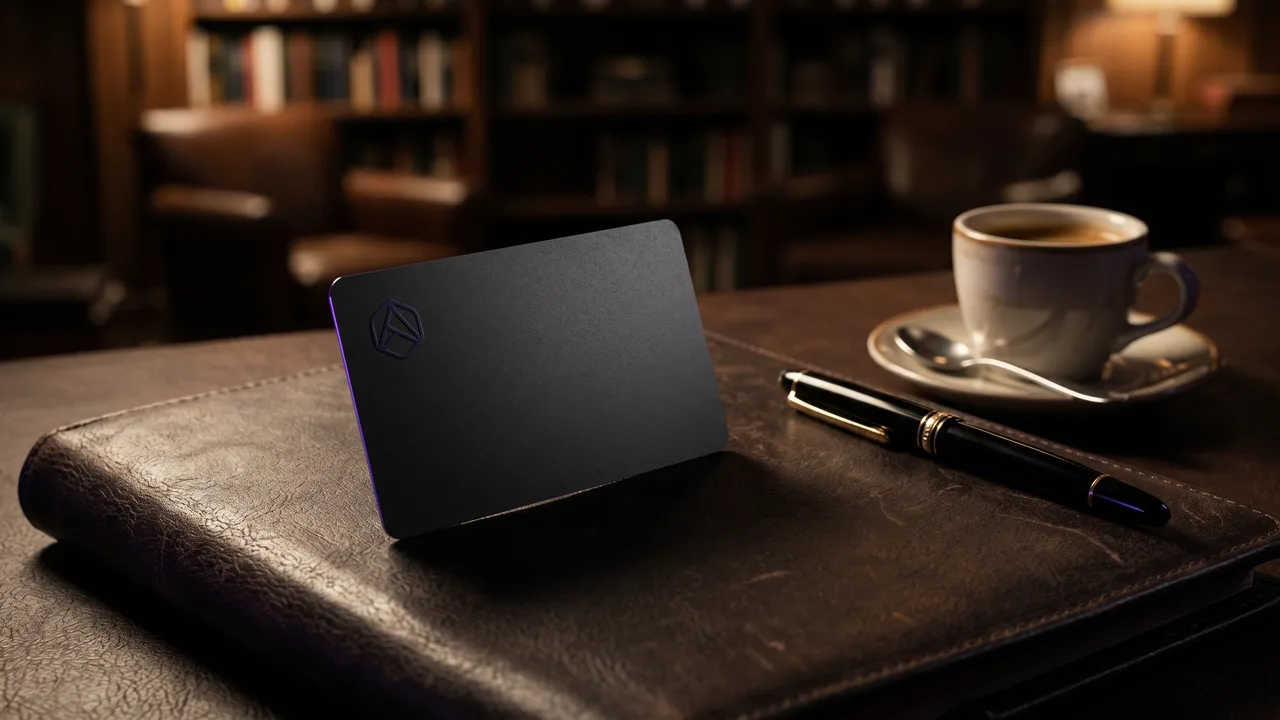
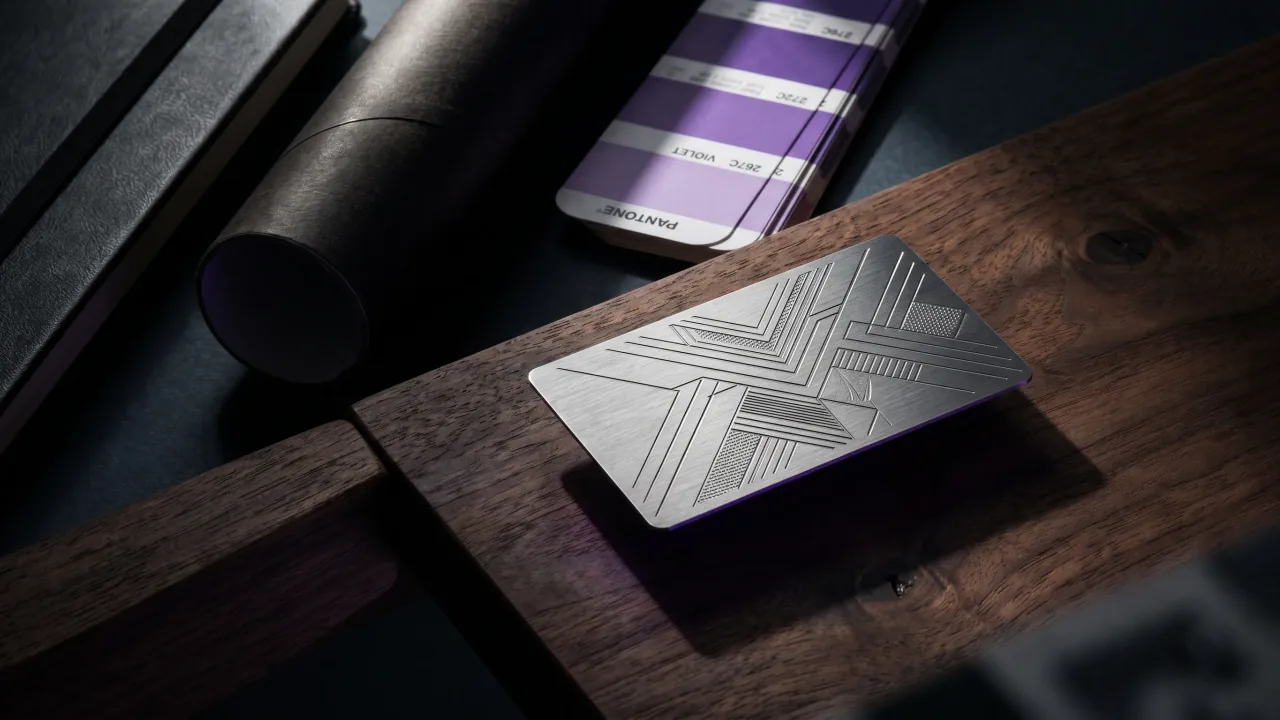
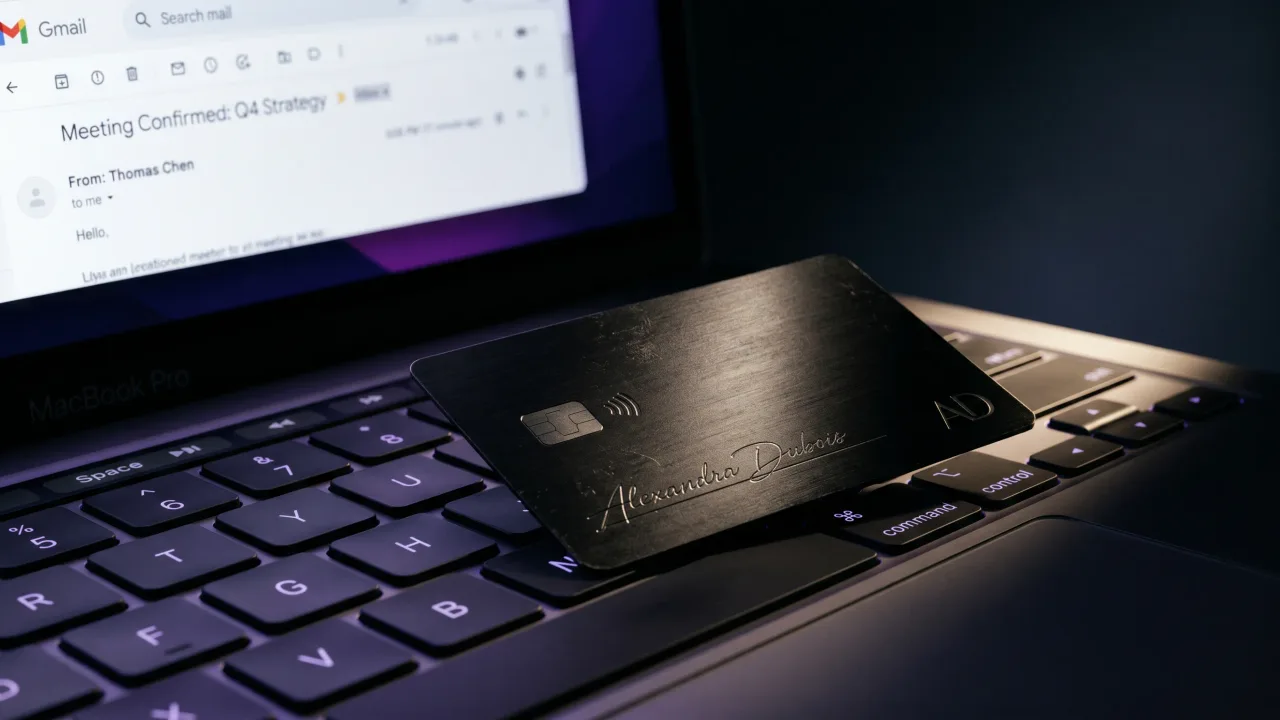
- A black or silver metal card with only your name engraved on the front
- Your personal logo or monogram on one side, your name and one line on the other
- A wood card if your work is about craft, food, interiors or the outdoors
- One colour taken from your portfolio site, so the card and the screen feel like the same brand
People notice the material before they read your name. A metal card tells a client you invest in your own business, which counts when they are deciding whether to trust you with theirs. If you'd rather react to a layout than face a blank page, the card configurator shows each material and finish with your own text in place.
What a freelancer card costs over a few years
Paper is the cheapest option at the counter, and a box of a few hundred costs very little. The bill arrives later, because every new niche, rate or email address means a reprint, and freelance details rarely stay the same for long.
A Discard card is a one-time payment: €39.90 for wood and €44.90 to €49.90 for metal, engraved and programmed before it ships. The first year of the profile is included, and after that it renews at €19.90 a year with every feature switched on. You don't give that card to every contact. You keep it, people tap it, and your details land on their phone.
If you also want something to leave behind, a short paper run with a QR code to the same profile does that job. We did the arithmetic on quantities in how many business cards to order.
A freelancer's card has to stay correct while the business behind it keeps changing, and paper can't do that. Keep the printed side to your name and one line, and put everything that changes, like services and rates, on a page you control. If you meet clients in person even a few times a month, a metal or wood card that points to that page is worth the money. If you never leave your desk, skip the card and spend the effort on the portfolio.
A metal or wood NFC card that opens a profile you update every time your work changes.
Design your cardDo freelancers need business cards?
Yes, if you meet clients or collaborators in person. A card turns a conversation into a contact they can find later, which a name they have to search for often doesn't. Fully remote freelancers who never meet anyone can do without one.
What should a freelancer put on a business card?
Your name, one line on what you do, one email address, one phone number and a link to your portfolio. Add your city or the regions you work with. Leave rates and long tool lists off, because they go out of date.
Should freelancers put their rates on a business card?
No. Rates change, and a printed rate becomes the starting point for haggling. Put pricing on your profile or in your proposal, where you can change it whenever you need to.
Can I use one business card for several services?
Yes. Keep the card general, with your name and one umbrella line, and link it to a profile with a button or section for each service. The client picks what they need, and you stop guessing which card to hand over.
Are digital business cards good for freelancers?
They suit freelancers better than most people, because freelance details change often. A digital card, or an NFC card that opens a profile, can be updated without reprinting. A practical setup is one NFC card plus a few paper cards with a QR code to the same profile.
Do NFC business cards need an app?
No. Recent iPhones and most Android phones open the link as soon as the phone touches the card. If a phone has NFC switched off, the QR code on the card opens the same page through the camera.